Se

Configurez votre serveur VDS à la carte

Vous choisissez la RAM et l'espace disque, nous livrons un serveur virtuel dédié prêt à l'emploi avec accès root complet.

Özel Yapılandırma

RAM et disque au choix.

Options de facturation

₺1.229,00 / 12 mois
₺129,00 / 1 mois
₺5,00 / 1 jour

Options de configuration

Cœurs CPU
1 vCPU 2 vCPU 3 vCPU 4 vCPU 5 vCPU 6 vCPU 7 vCPU 8 vCPU 9 vCPU 10 vCPU 11 vCPU 12 vCPU 13 vCPU 14 vCPU 15 vCPU 16 vCPU
Mémoire (RAM)
1 GB RAM 2 GB RAM 4 GB RAM 6 GB RAM 8 GB RAM 12 GB RAM 16 GB RAM 32 GB RAM
Taille du disque
20 GB 40 GB 80 GB 160 GB 320 GB 640 GB
Emplacement
Allemagne · Économie — AMD Ryzen 5 3600X Allemagne · Premium — Intel i9-12900K
IP supplémentaires
Aucune IP supplémentaire +1 IP +2 IP +3 IP
Plan de sauvegarde
Sans sauvegarde Sauvegarde standard Sauvegarde fréquente

Vous pourrez personnaliser ces options lors de la commande.

₺1.229,00 / 12 mois

Paiement en plusieurs fois par carte

  • Infrastructure Configuration personnalisée
  • Sans frais d’installation
  • Stock illimité
  • 6 options configurables

Prêt pour la production

Prêt à commencer ?

Déployez votre premier serveur en moins de 60 secondes. Sans frais d’installation, sans engagement, remboursement sans condition sous 7 jours.

55 sn
installation moyenne
Chaque offre
filtrage DDoS inclus
7 jours
remboursement sans condition

DÉCOUVREZ LE PANNEAU AVANT L’ACHAT

Özel Yapılandırma, dans votre panneau.

Découvrez vos écrans de gestion. Ces images proviennent des modèles de notre panneau client actuel.

All panel screens 19
uLCloud / Aperçu du panneau01 / 19
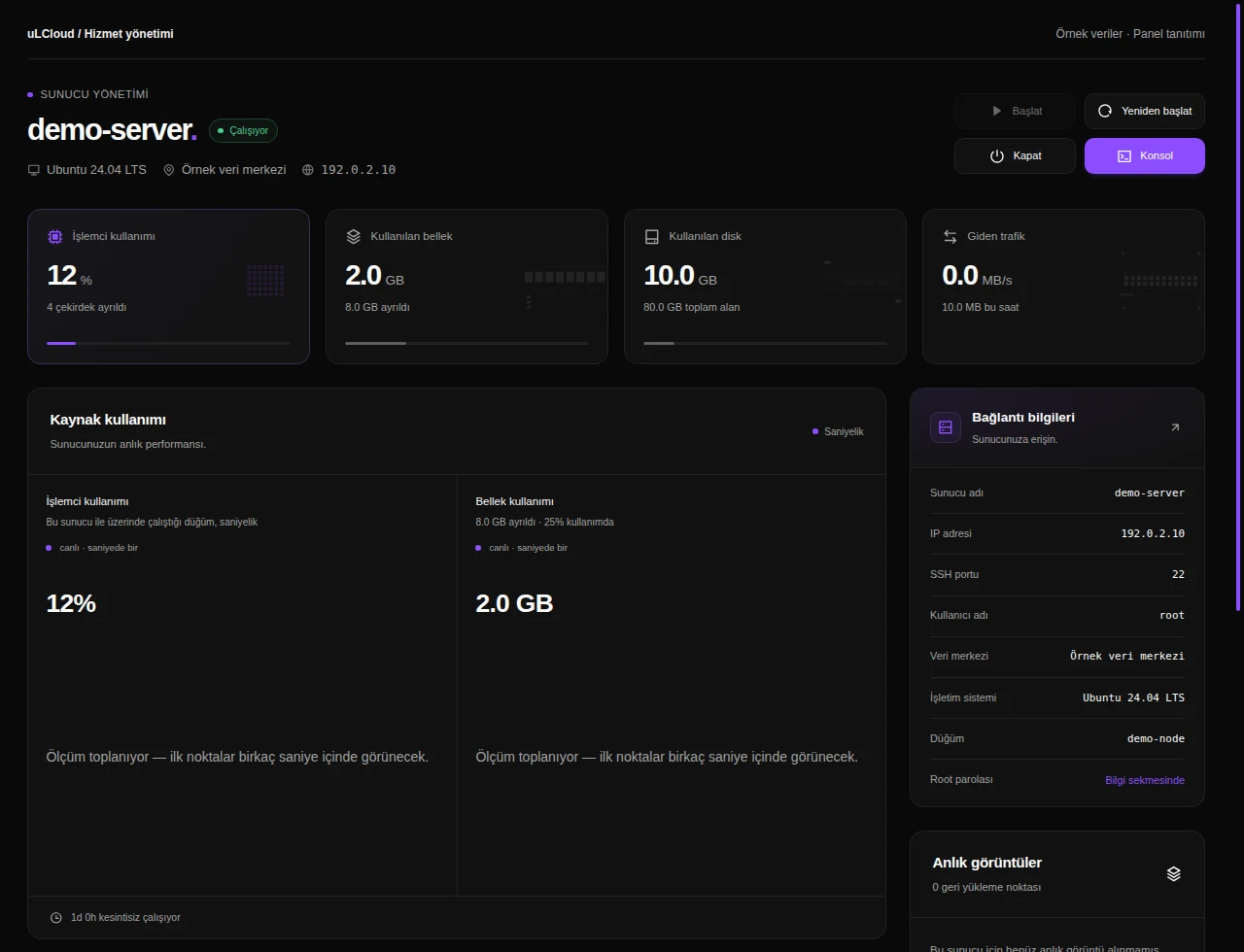
Özel Yapılandırma — Overview. Interface réelle · Données fictives · Fonctionnalités selon votre offre.
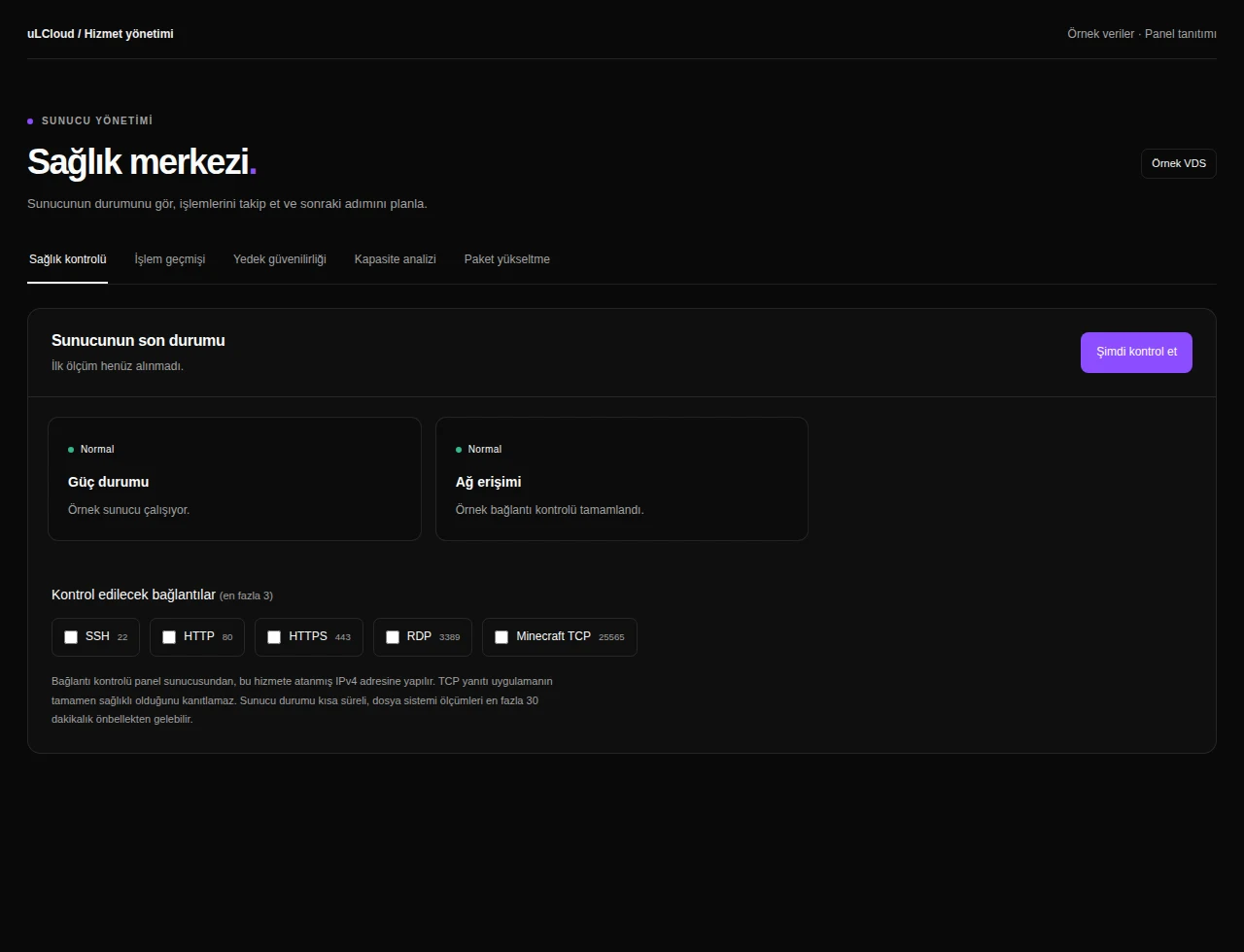
Özel Yapılandırma — Health checks. Interface réelle · Données fictives · Fonctionnalités selon votre offre.
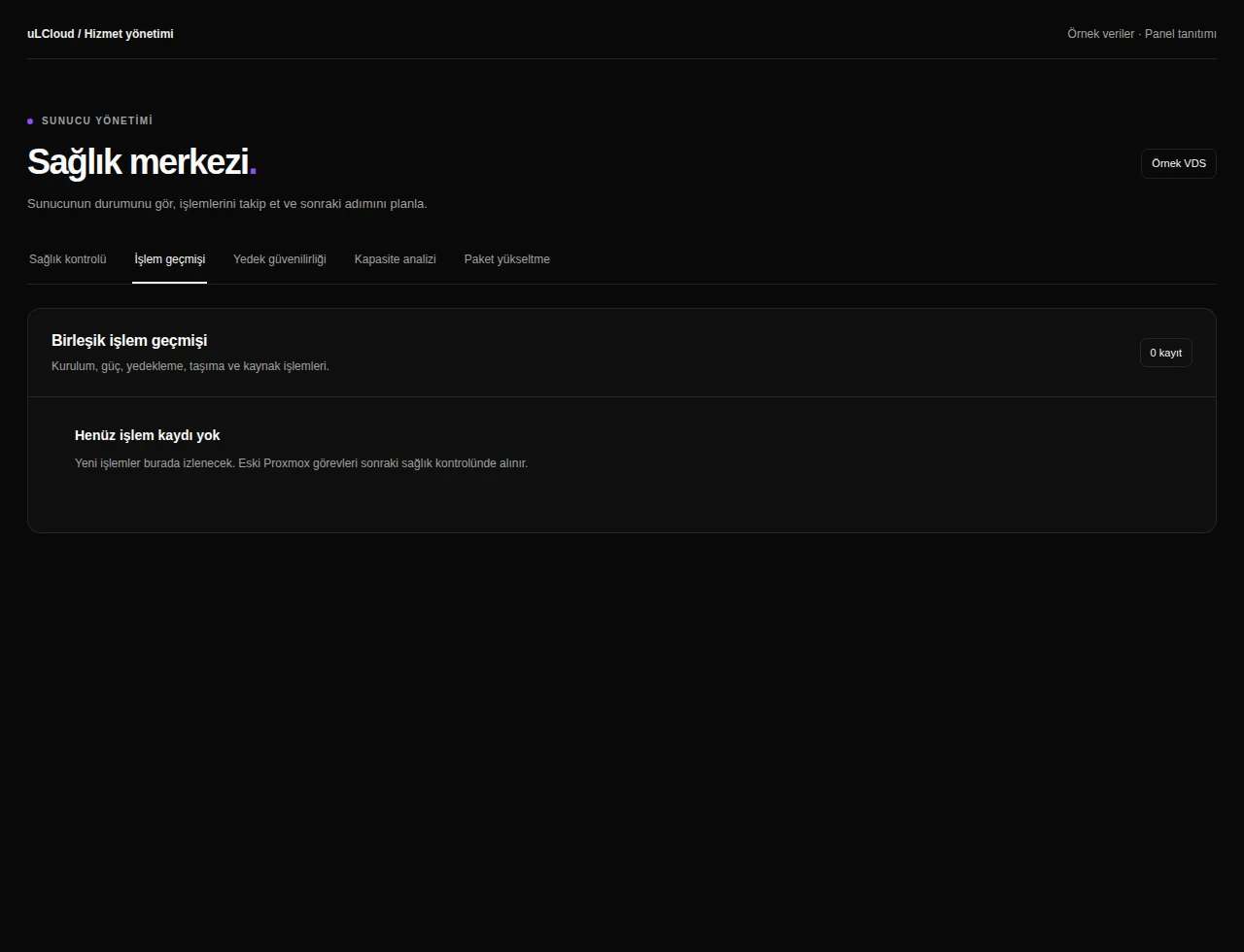
Özel Yapılandırma — Activity history. Interface réelle · Données fictives · Fonctionnalités selon votre offre.
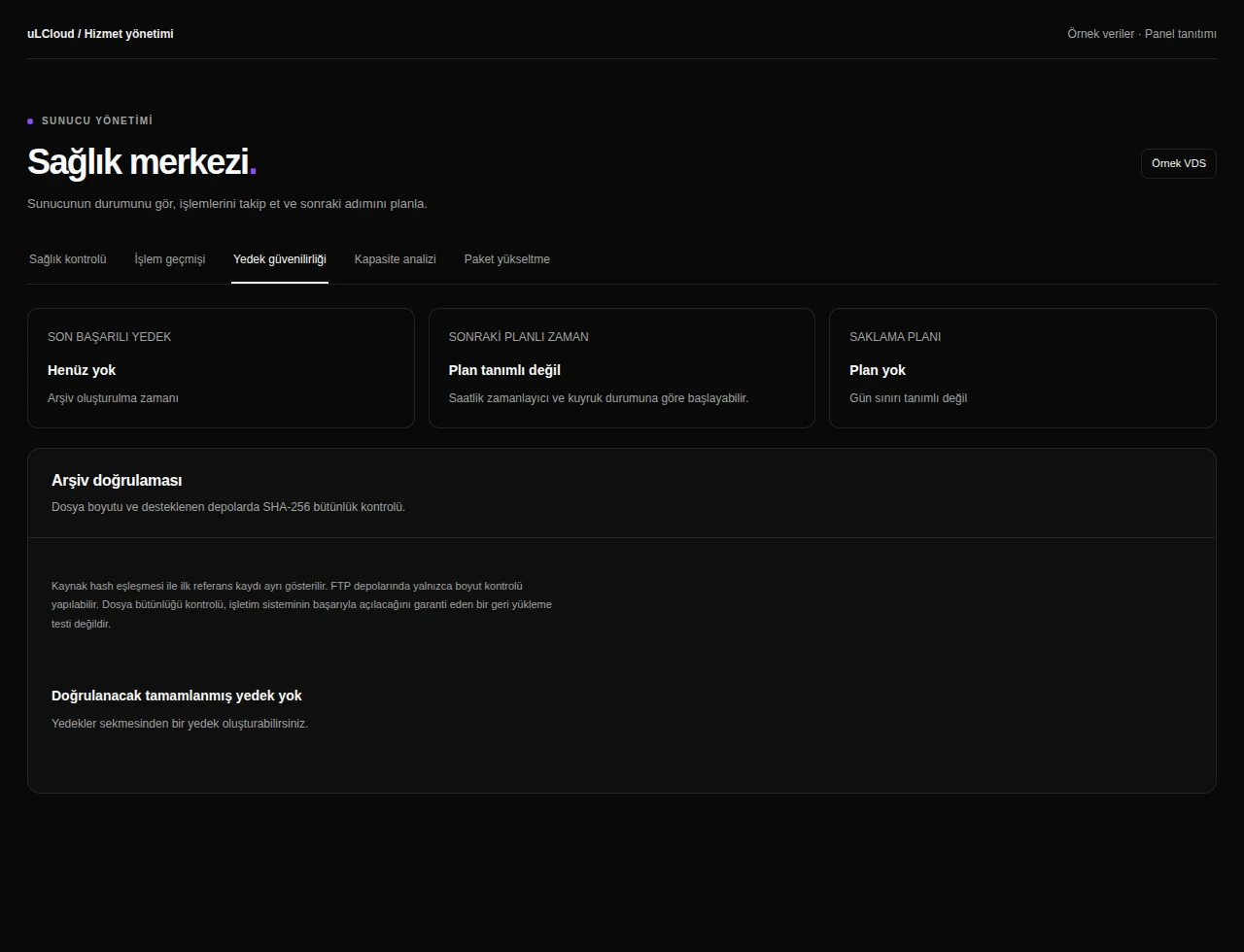
Özel Yapılandırma — Backup integrity. Interface réelle · Données fictives · Fonctionnalités selon votre offre.
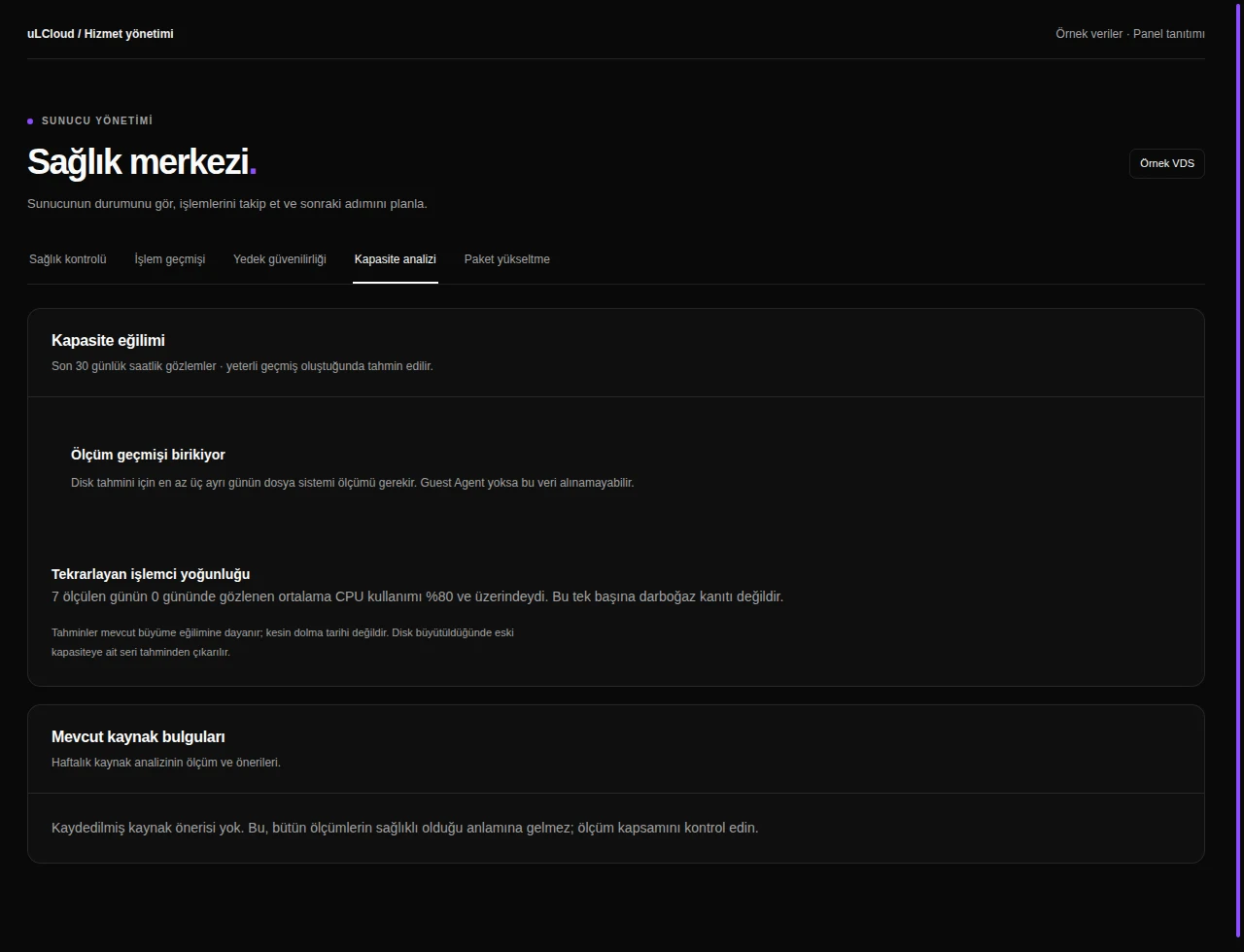
Özel Yapılandırma — Capacity analysis. Interface réelle · Données fictives · Fonctionnalités selon votre offre.
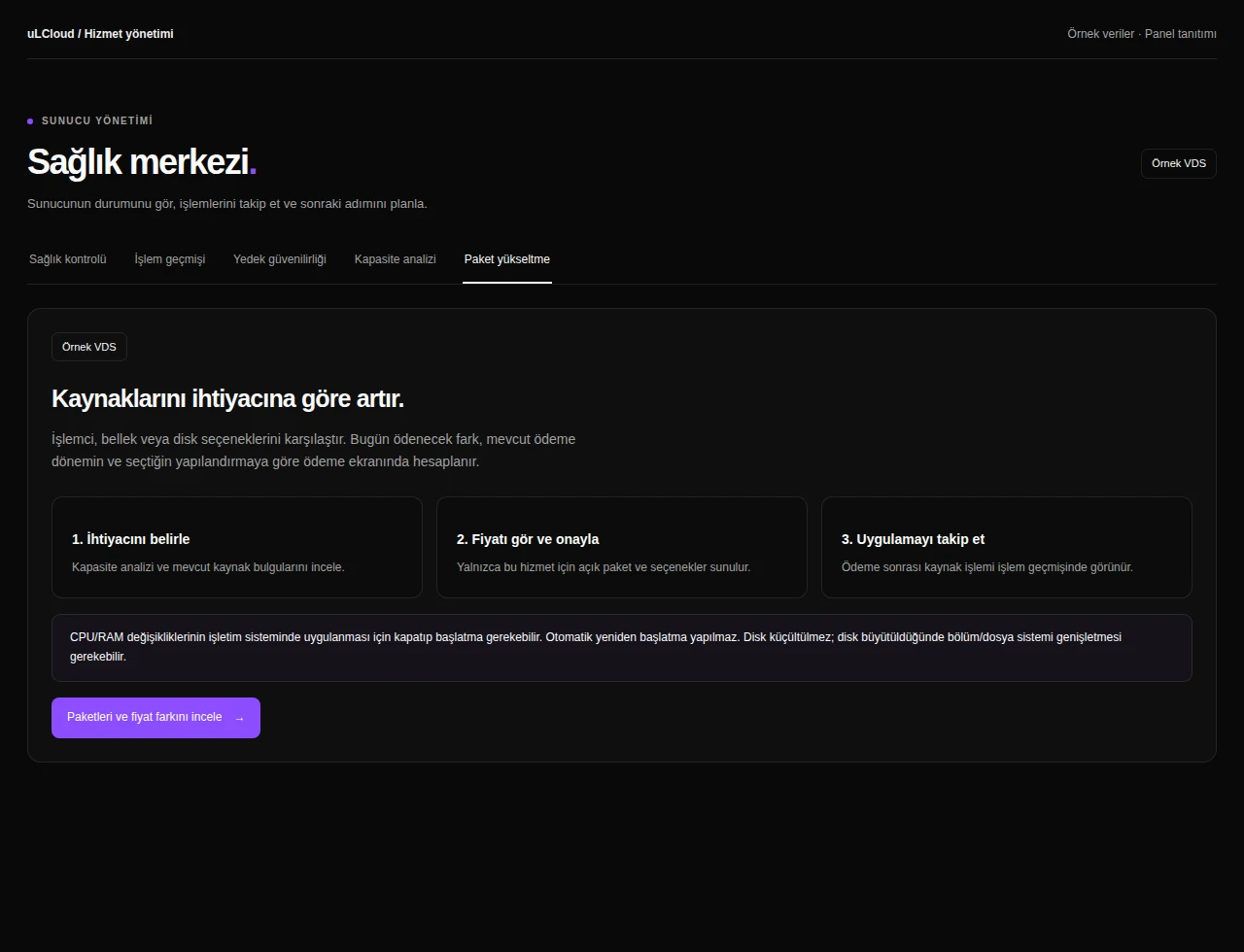
Özel Yapılandırma — Plan upgrade. Interface réelle · Données fictives · Fonctionnalités selon votre offre.
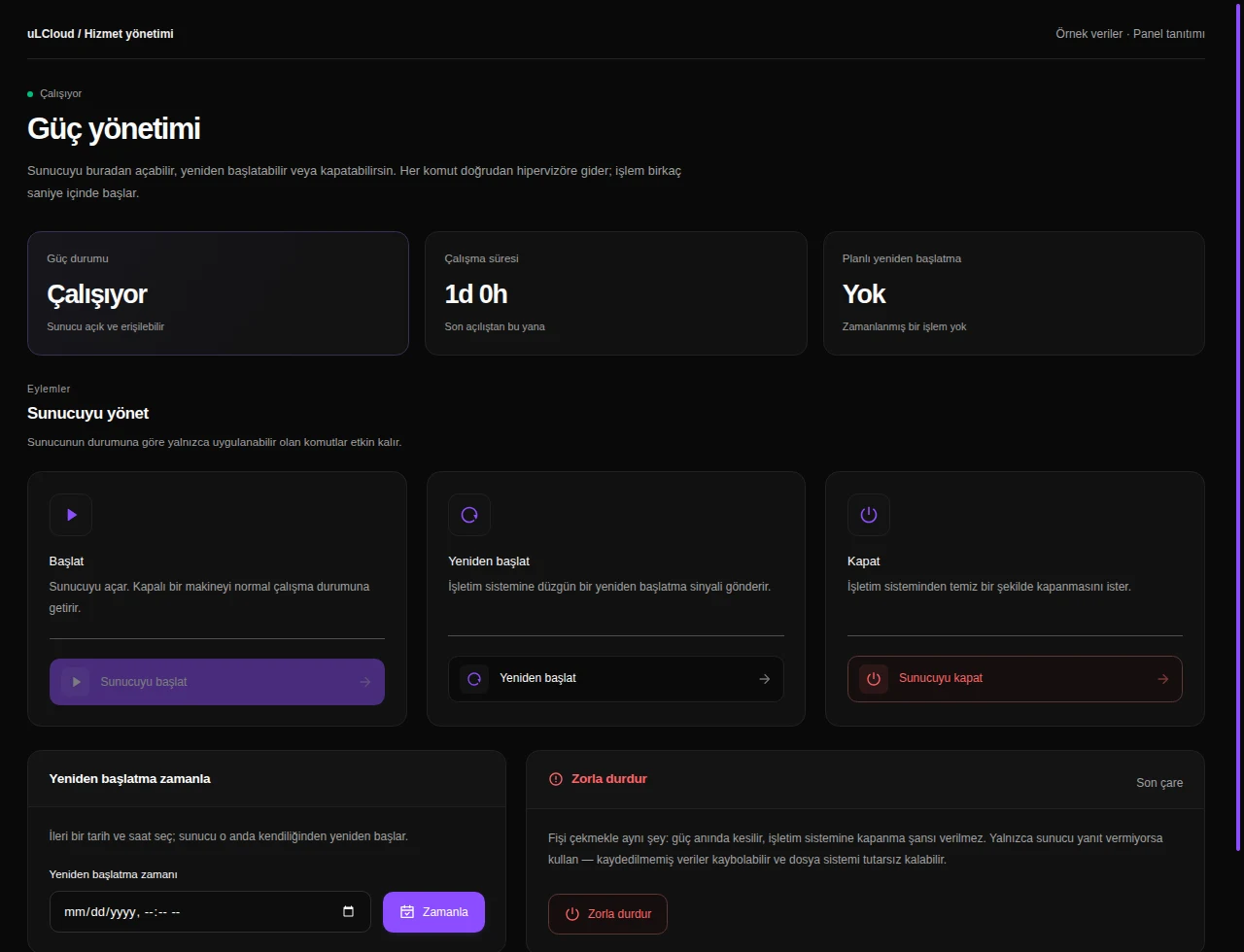
Özel Yapılandırma — Alimentation. Interface réelle · Données fictives · Fonctionnalités selon votre offre.
Özel Yapılandırma — Browser console. Interface réelle · Données fictives · Fonctionnalités selon votre offre.
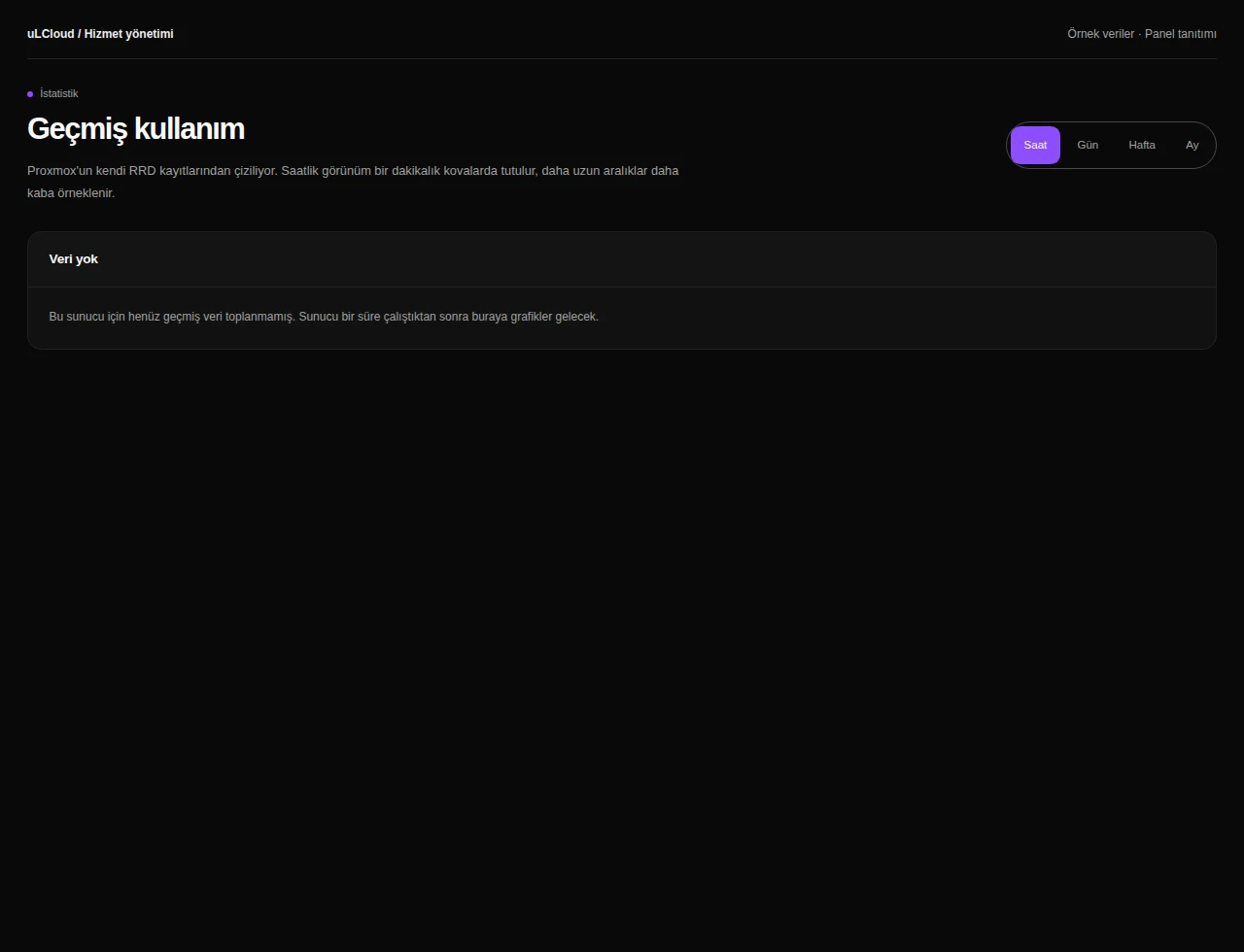
Özel Yapılandırma — Statistics. Interface réelle · Données fictives · Fonctionnalités selon votre offre.
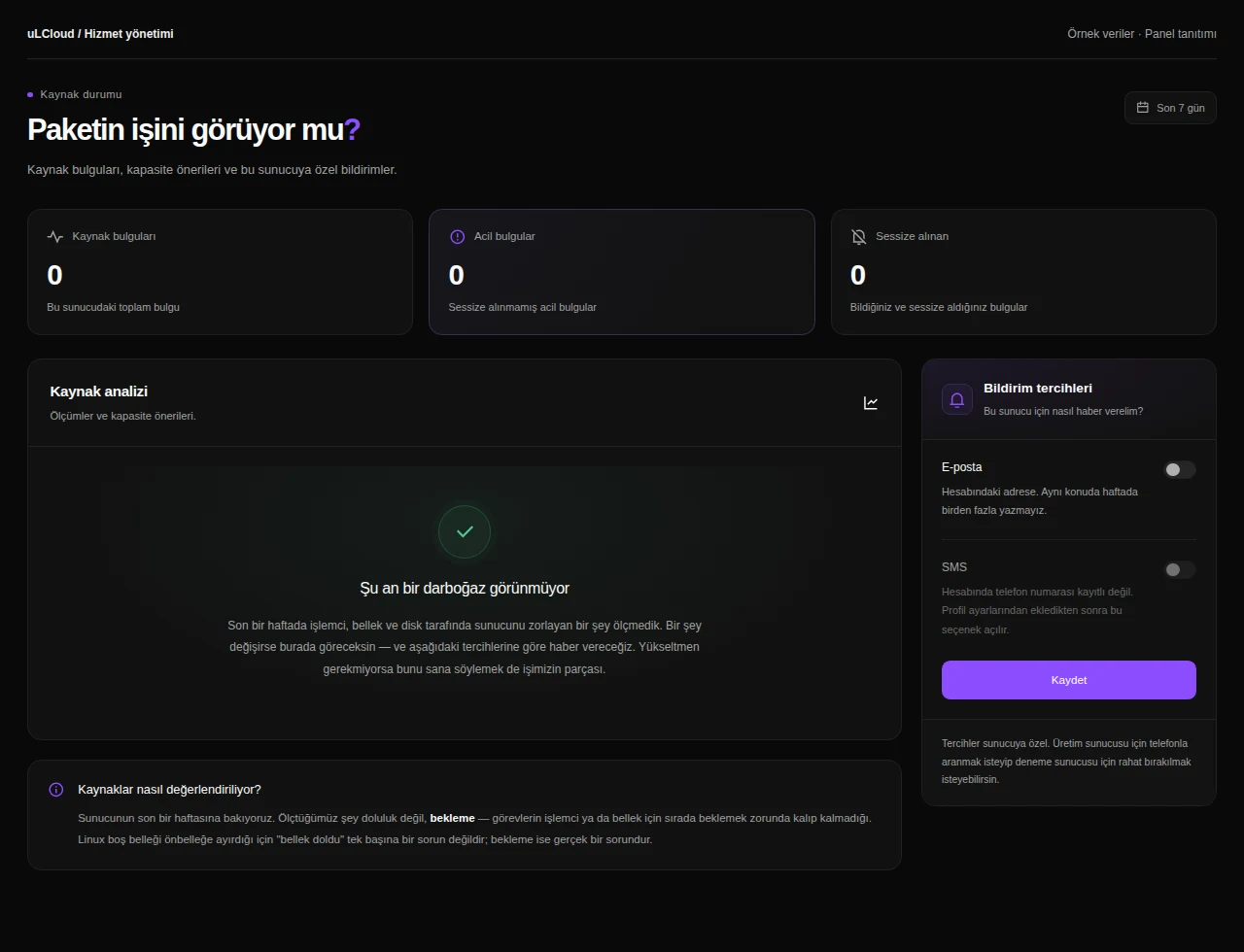
Özel Yapılandırma — État des ressources. Interface réelle · Données fictives · Fonctionnalités selon votre offre.
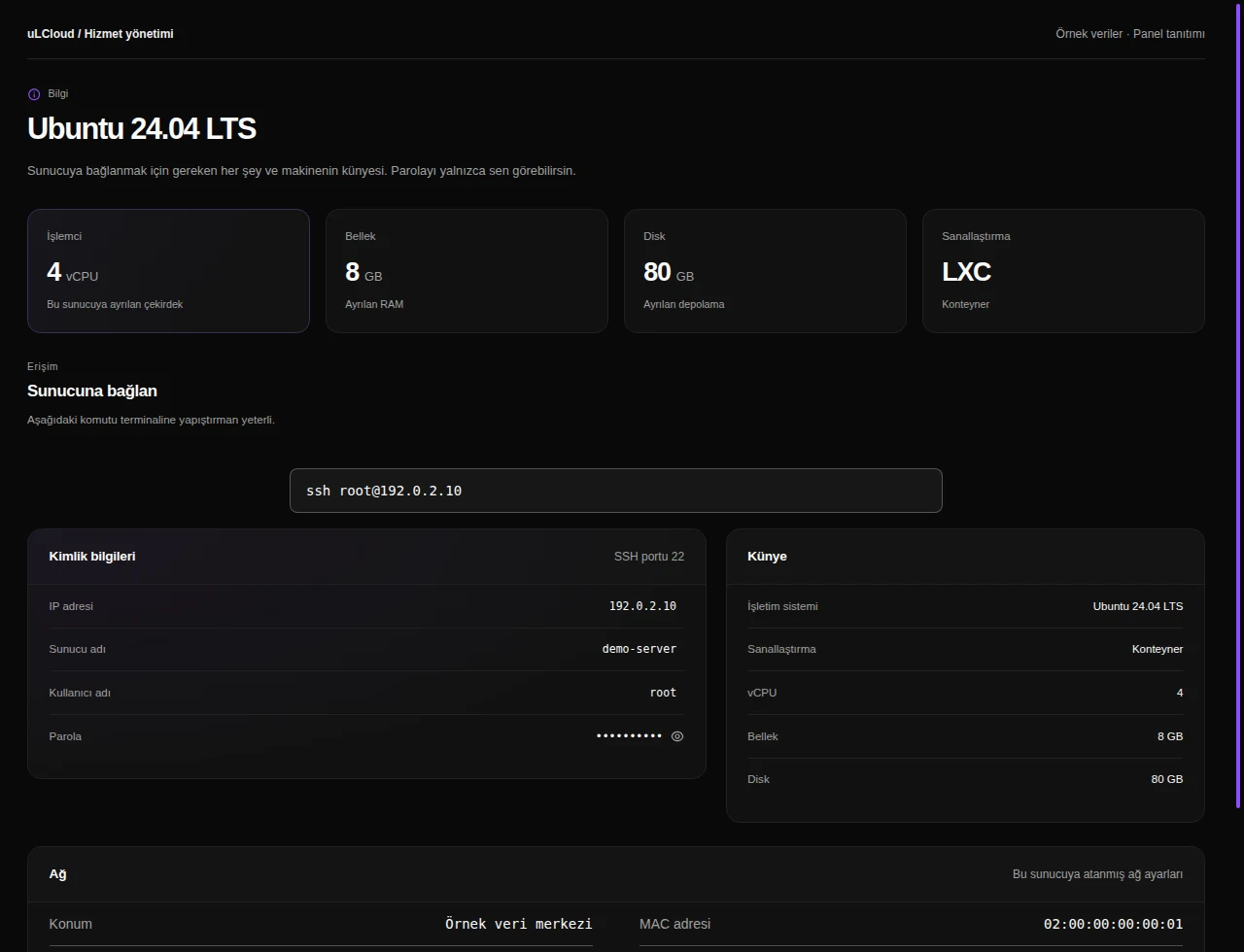
Özel Yapılandırma — Server information. Interface réelle · Données fictives · Fonctionnalités selon votre offre.
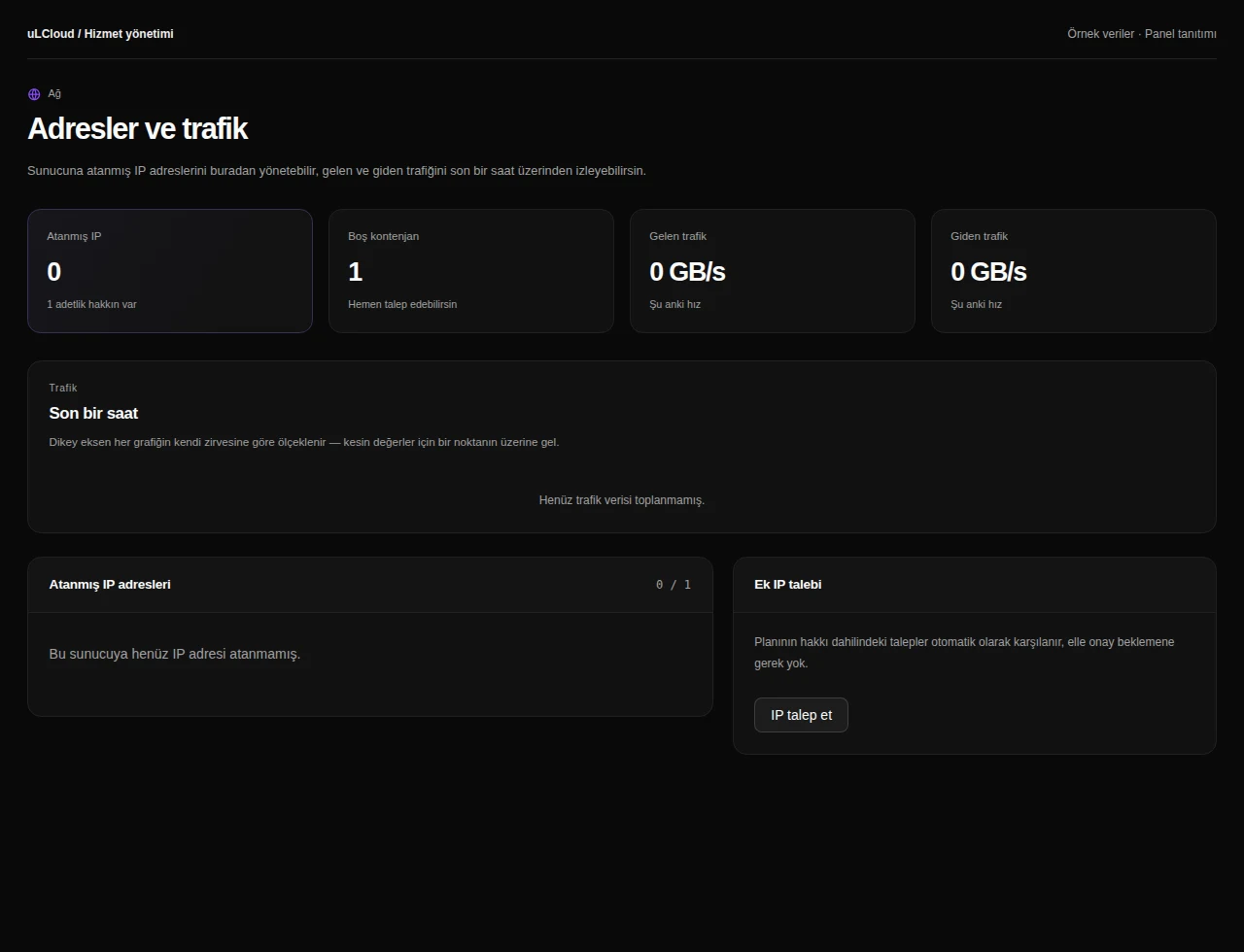
Özel Yapılandırma — Networking. Interface réelle · Données fictives · Fonctionnalités selon votre offre.
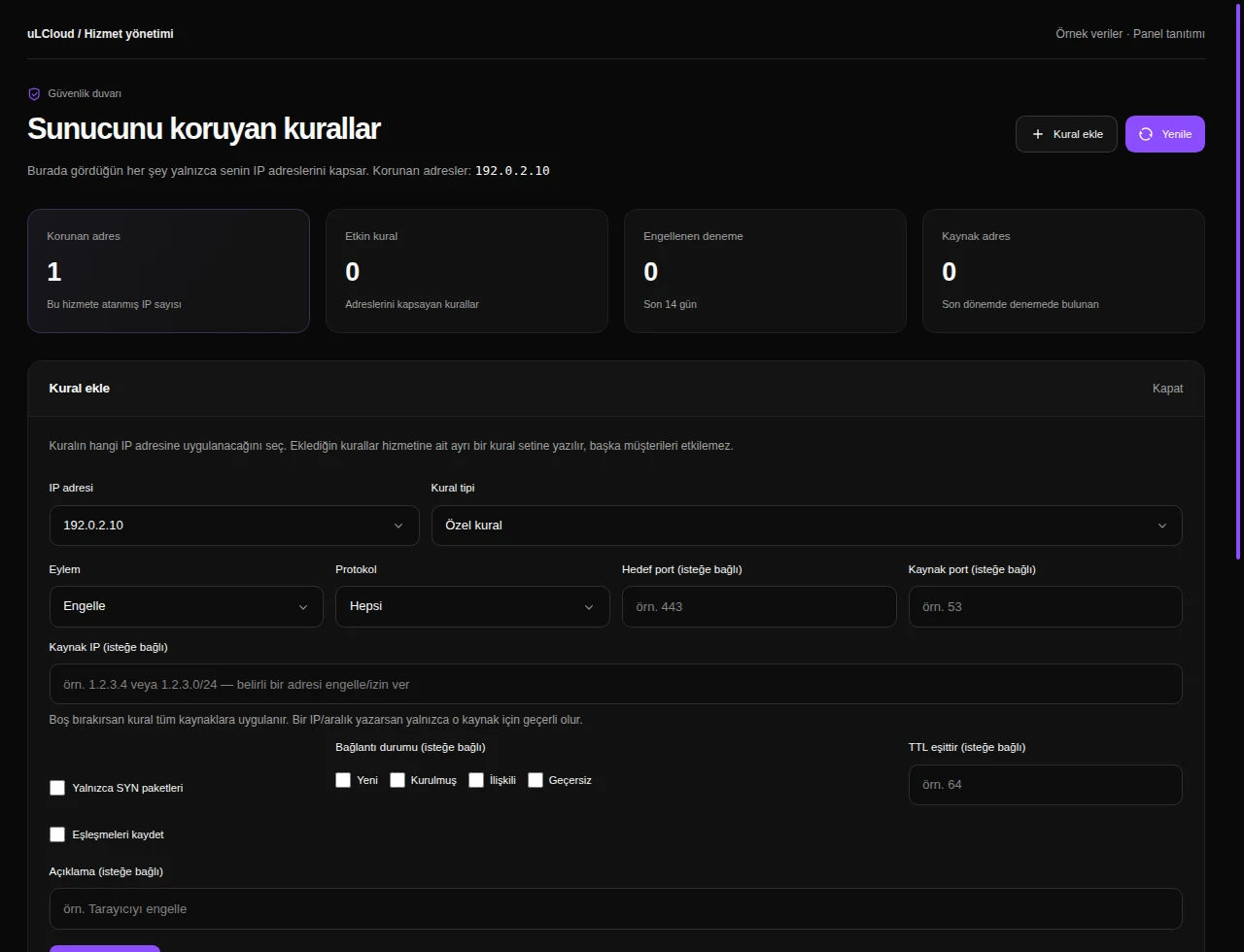
Özel Yapılandırma — Firewall. Interface réelle · Données fictives · Fonctionnalités selon votre offre.
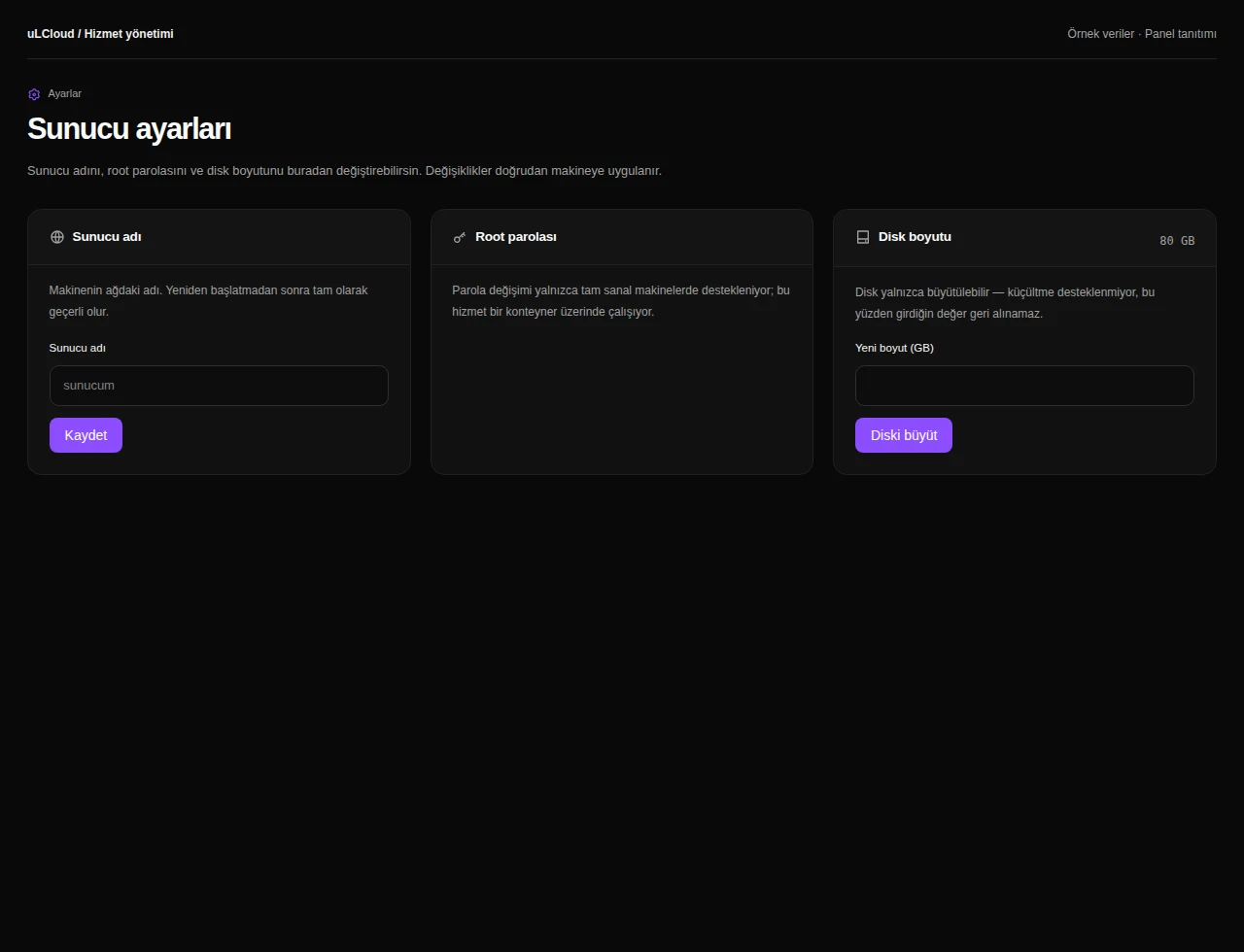
Özel Yapılandırma — Server settings. Interface réelle · Données fictives · Fonctionnalités selon votre offre.
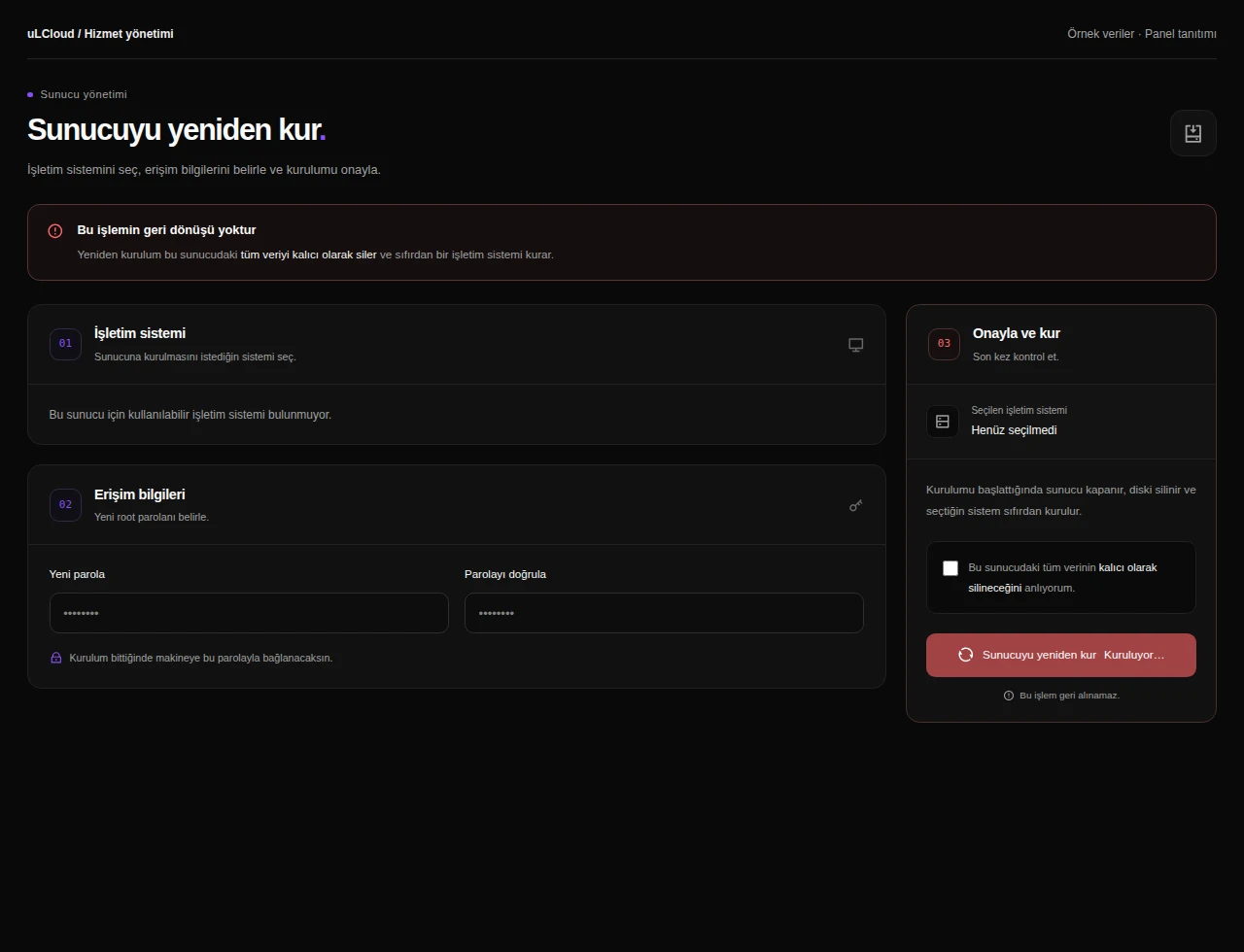
Özel Yapılandırma — Reinstallation. Interface réelle · Données fictives · Fonctionnalités selon votre offre.
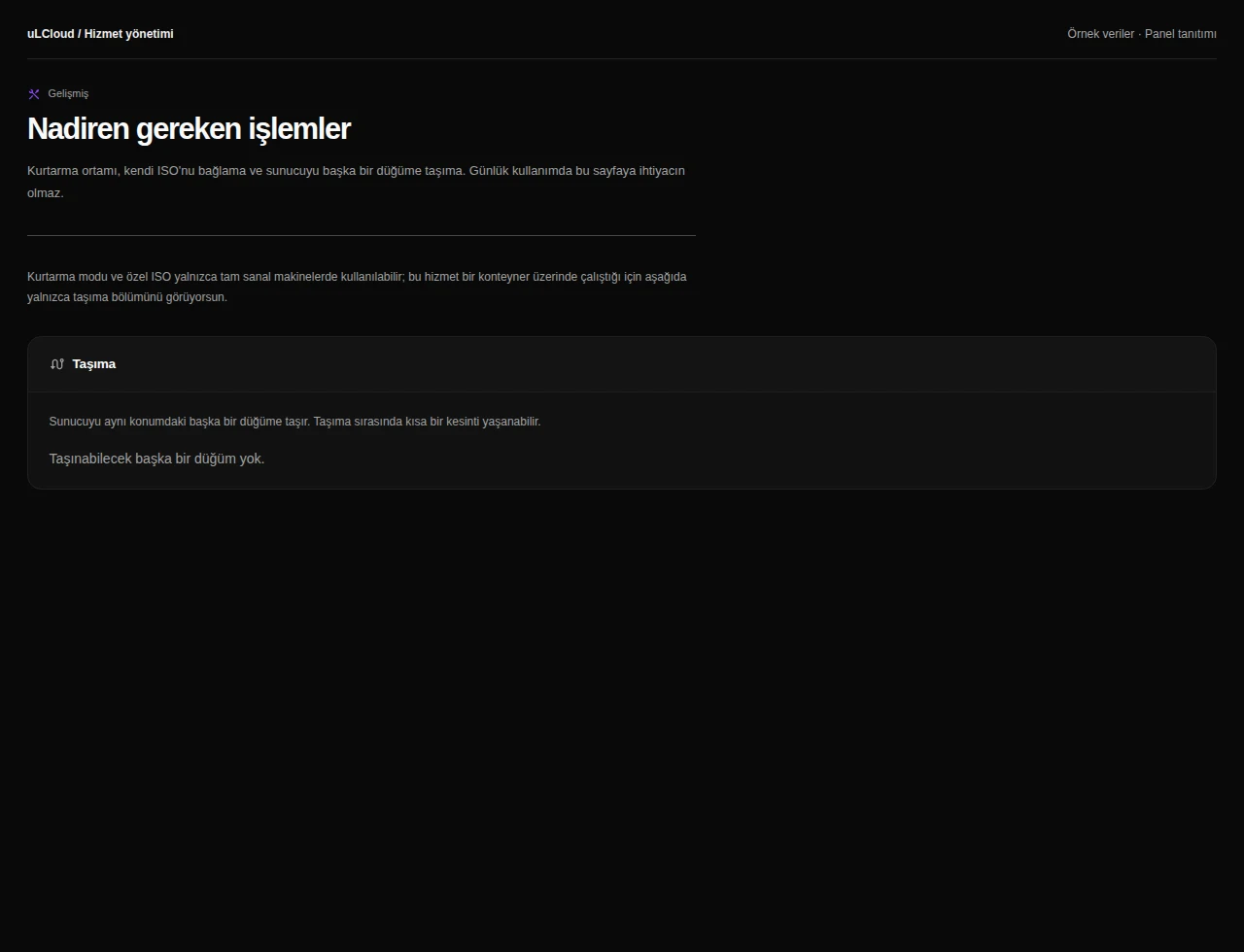
Özel Yapılandırma — Advanced tools. Interface réelle · Données fictives · Fonctionnalités selon votre offre.
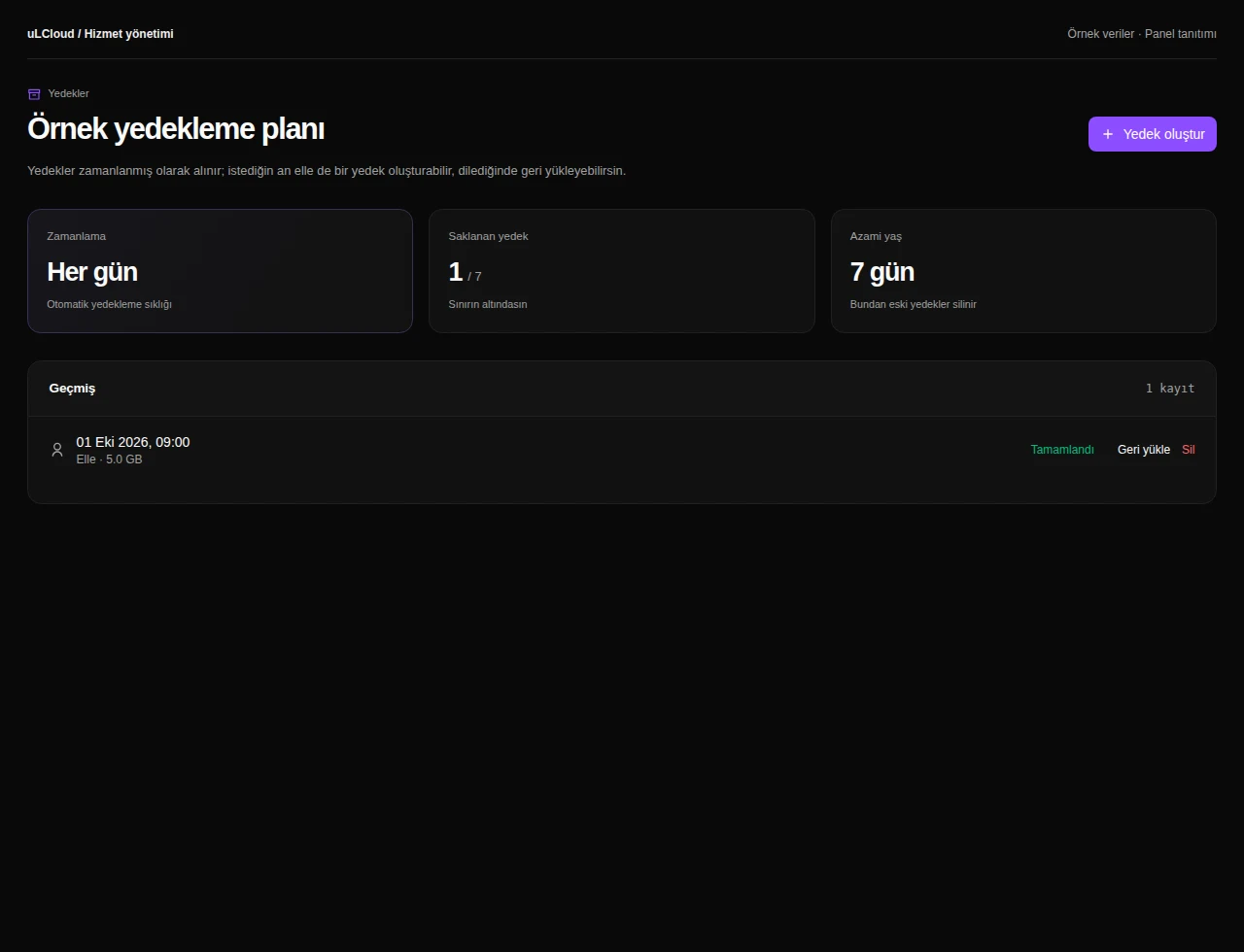
Özel Yapılandırma — Sauvegardes. Interface réelle · Données fictives · Fonctionnalités selon votre offre.
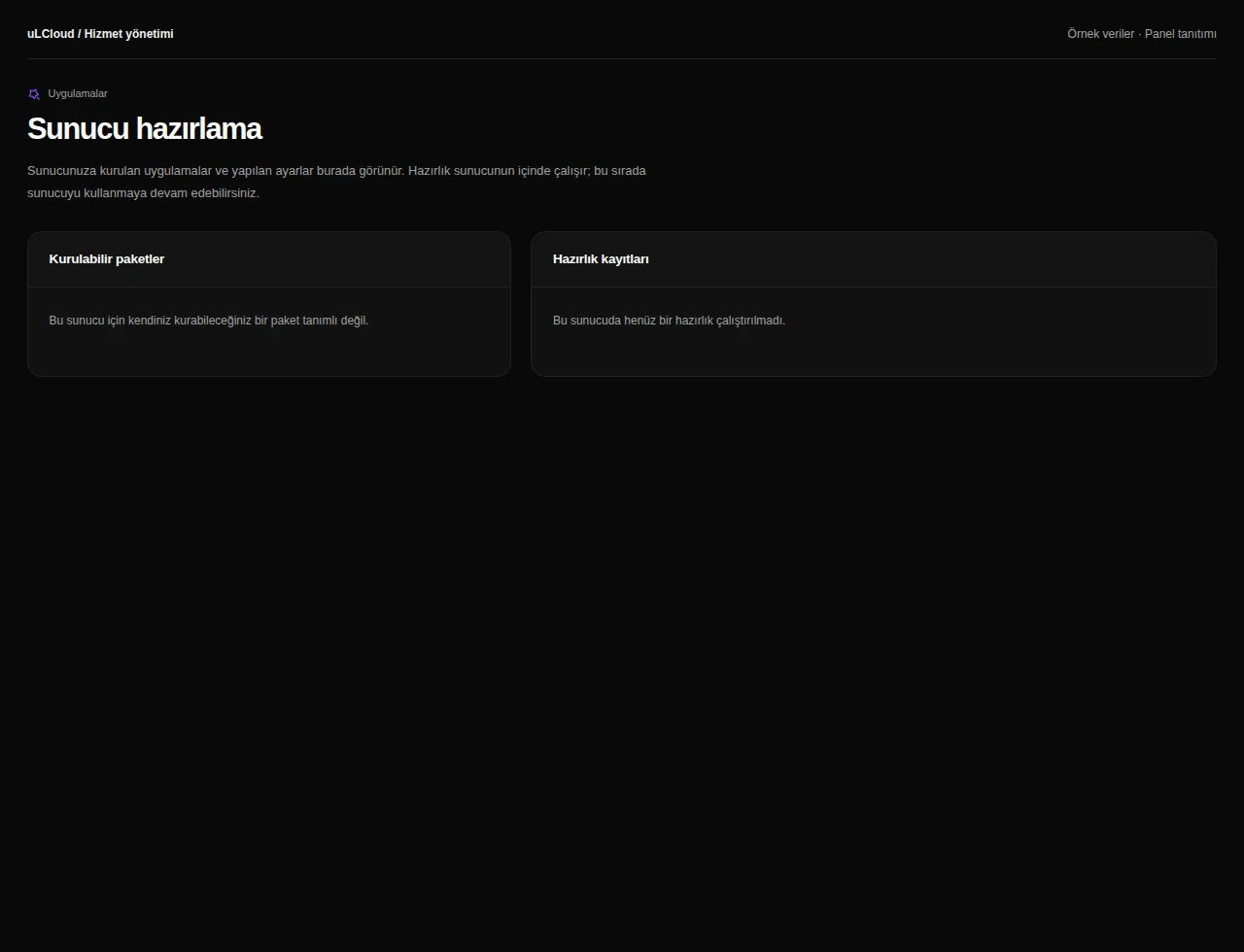
Özel Yapılandırma — Application packages. Interface réelle · Données fictives · Fonctionnalités selon votre offre.
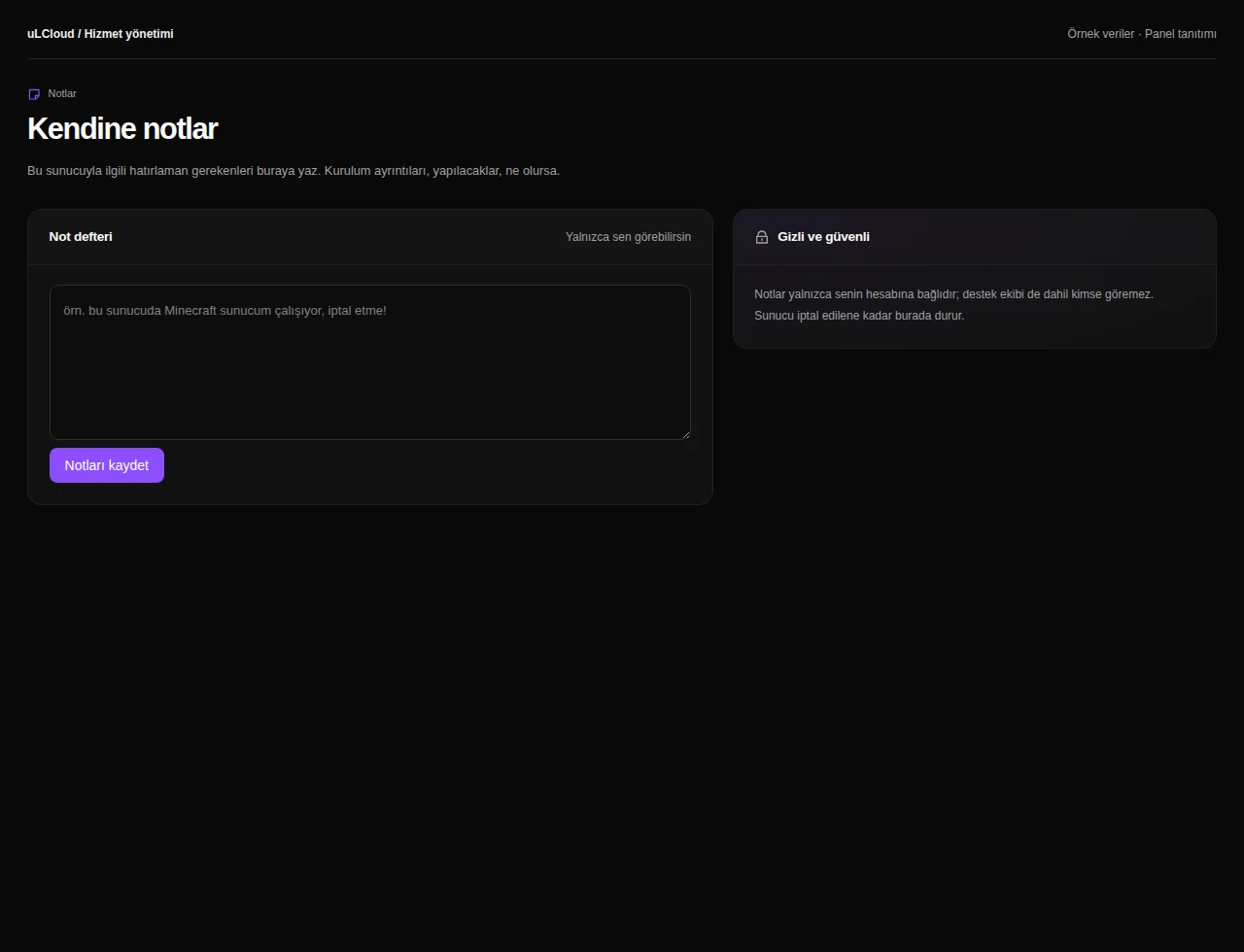
Özel Yapılandırma — Server notes. Interface réelle · Données fictives · Fonctionnalités selon votre offre.

What can you do on this screen?

Overview

Review server status, resource measurements, hardware, connection details and recent operations together.

Health checks

Request health checks, review connectivity and inspect the time and scope of the latest measurements.

Activity history

Follow installation, power, backup, migration and resource operations in a shared timeline with progress and results.

Backup integrity

Review backup schedules and retention, and request archive integrity checks on supported storage. Integrity checks do not replace restore tests.

Capacity analysis

Review disk growth and recurring CPU load, with forecasts and recommendations when sufficient measurement history is available.

Plan upgrade

Review capacity needs and available upgrades. The billing-period price difference is shown before approval, and changes can be followed in the activity history.

Alimentation

Review server power status and uptime. Access start, shutdown, restart and scheduled restart controls in the same screen.

Browser console

Use the graphical console or terminal on supported servers, including when guest networking or SSH needs attention.

Statistics

Compare CPU, memory and network history across hourly, daily, weekly and monthly views, including average and peak values.

État des ressources

Inspect resource findings and capacity recommendations. Assess CPU, memory and storage needs and configure the available notification preferences.

Server information

Find hostname, addresses, OS, allocated resources and network settings, with protected controls for access information.

Networking

Review assigned addresses, IP entitlement and traffic. Private networking controls depend on service support.

Firewall

Manage protocol, port and protection rules, and inspect blocked attempts scoped to your service addresses.

Server settings

Review available system and resource settings, with explanations of any required restart or operating-system steps.

Reinstallation

Choose an available operating system and installation settings. Data-affecting reinstallation requires the panel’s confirmation steps.

Advanced tools

Review recovery, ISO and node options where supported by the server type and infrastructure.

Sauvegardes

Review the backup plan, retention limits and saved backups available for your service. Where supported, create a backup, track progress or select a restore point.

Application packages

Explore available application packages and follow provisioning through installation records.

Server notes

Keep maintenance reminders and configuration notes alongside your service without executing server commands.

WhatsApp
Sorularınızmı var ? Bizim ile iletişime geçin.