What can you do on this screen?
Overview
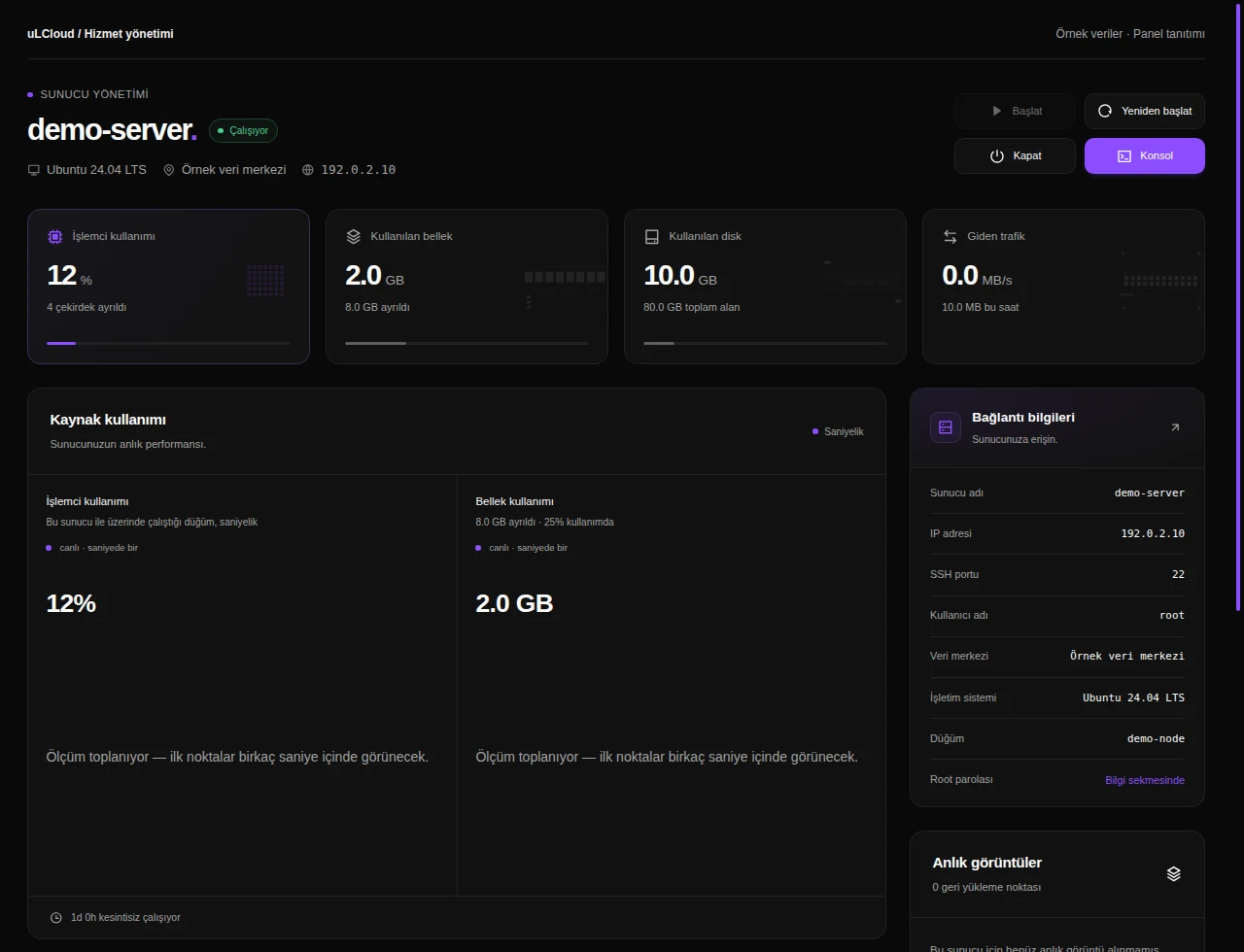
Review server status, resource measurements, hardware, connection details and recent operations together.
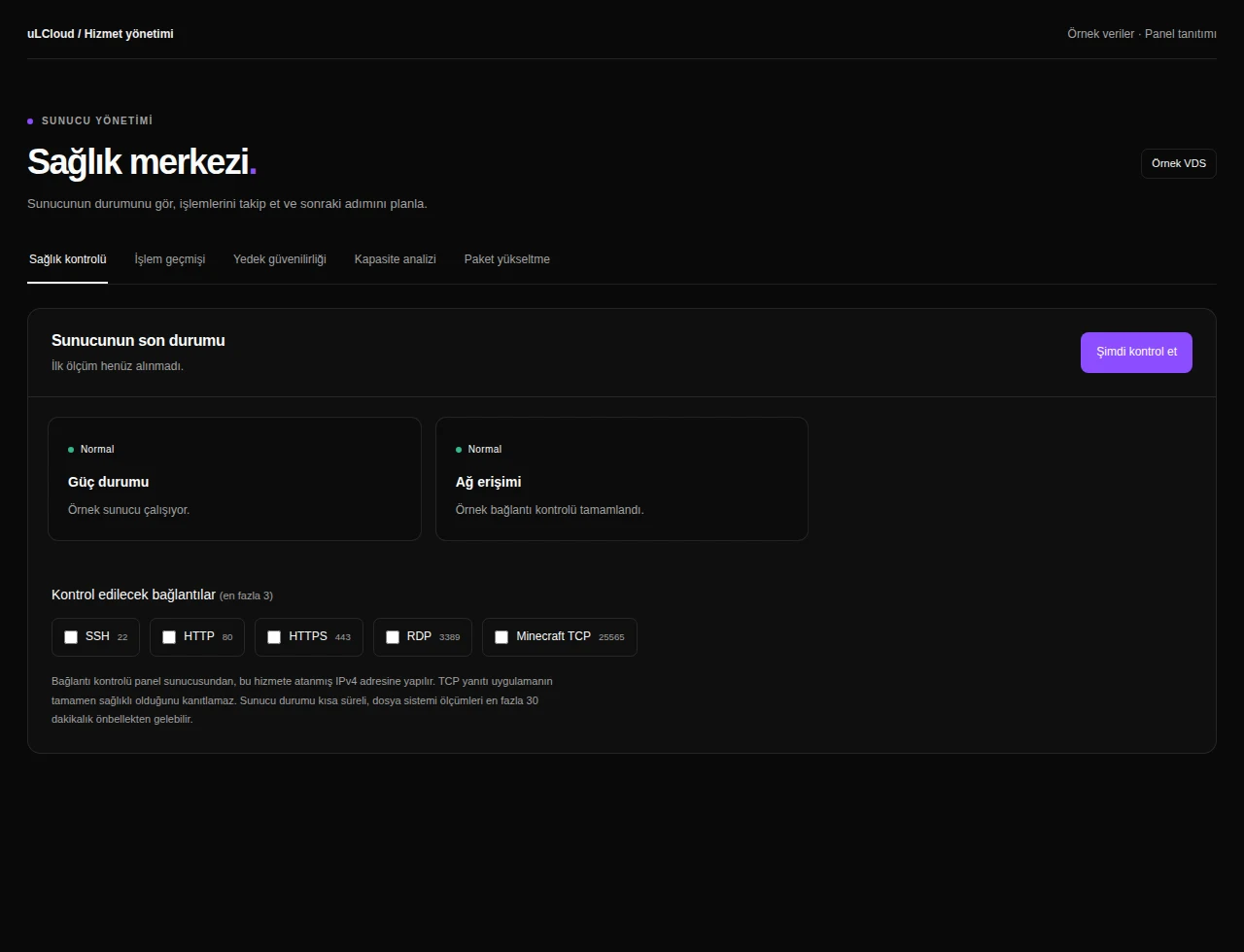
Health checks
Request health checks, review connectivity and inspect the time and scope of the latest measurements.
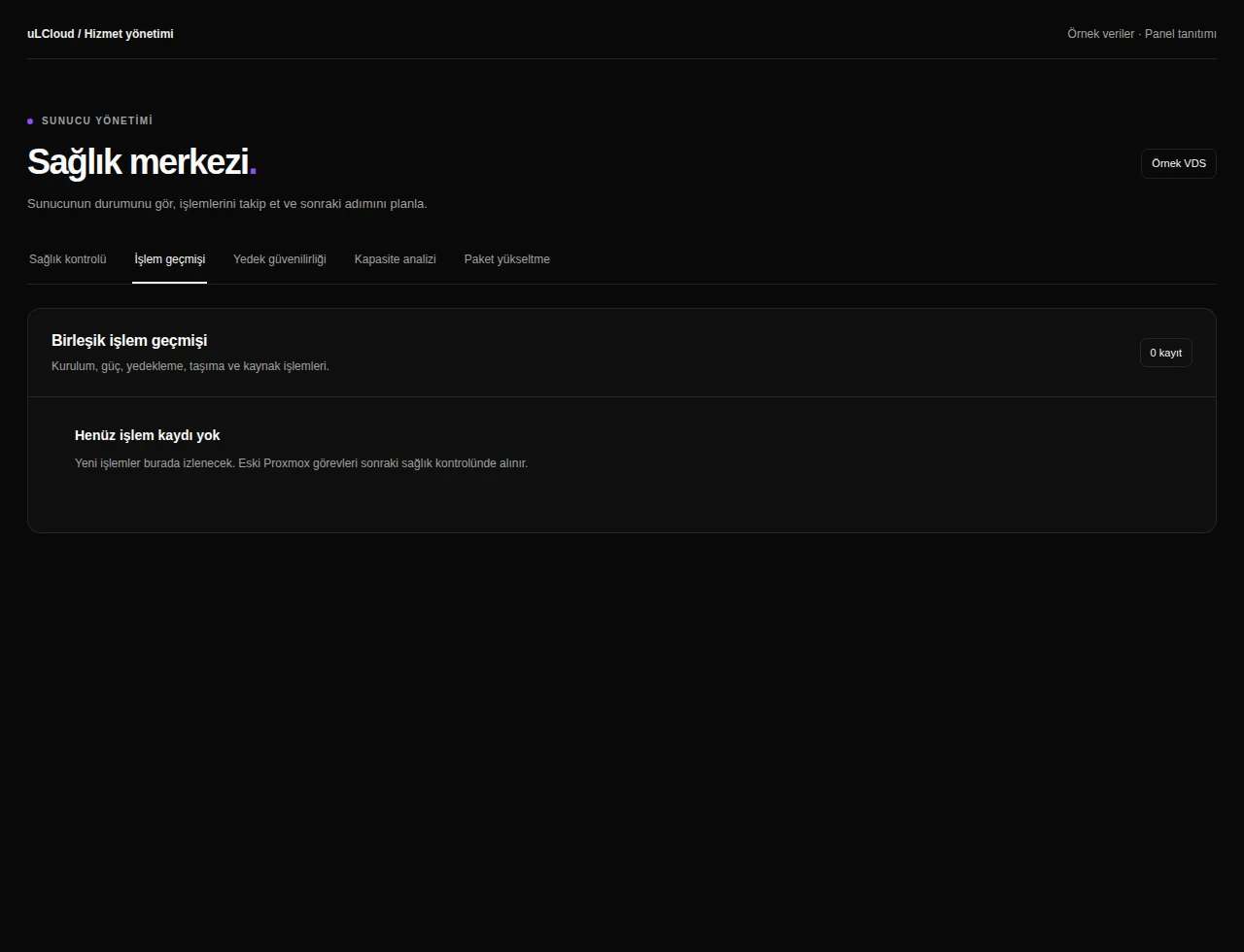
Activity history
Follow installation, power, backup, migration and resource operations in a shared timeline with progress and results.
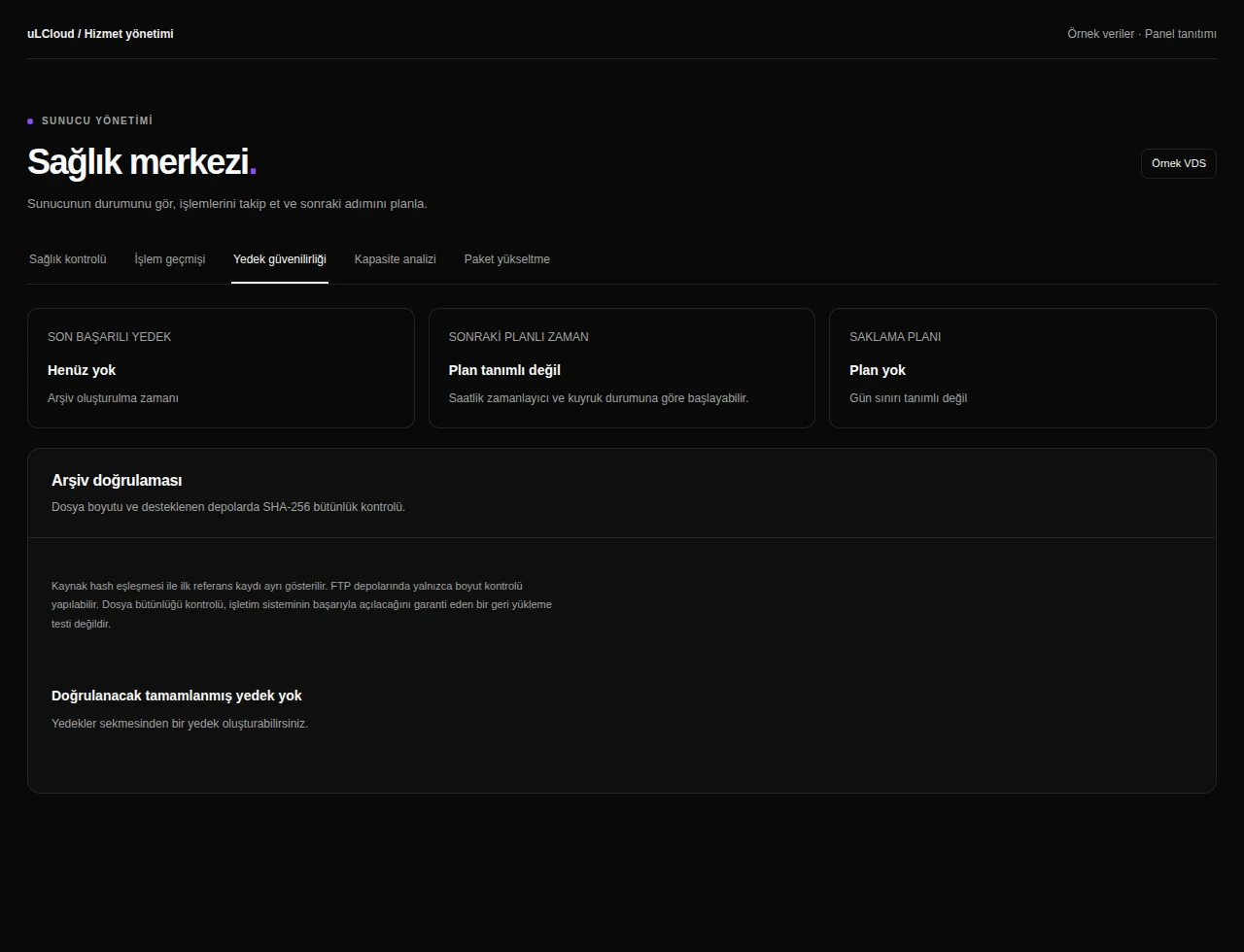
Backup integrity
Review backup schedules and retention, and request archive integrity checks on supported storage. Integrity checks do not replace restore tests.
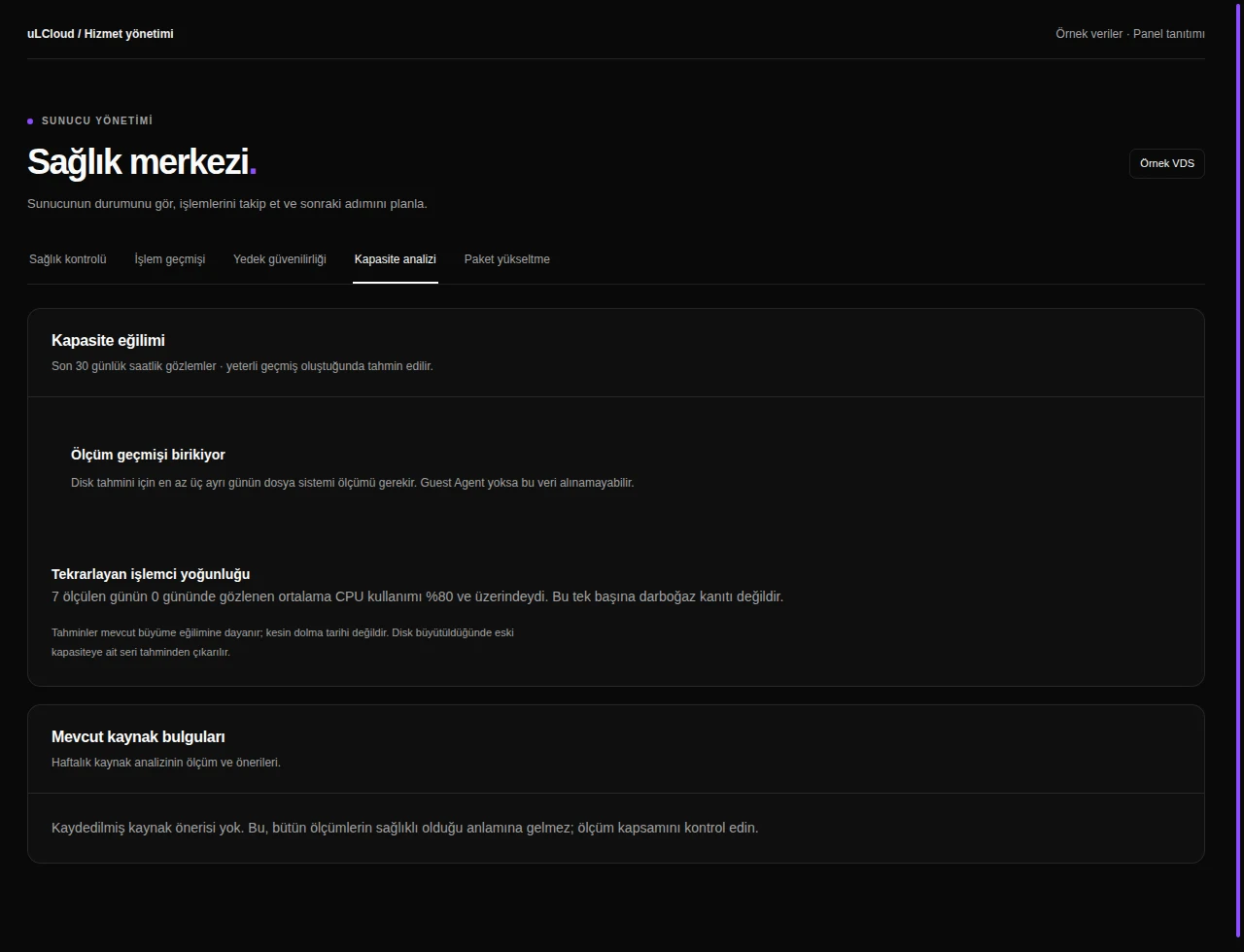
Capacity analysis
Review disk growth and recurring CPU load, with forecasts and recommendations when sufficient measurement history is available.
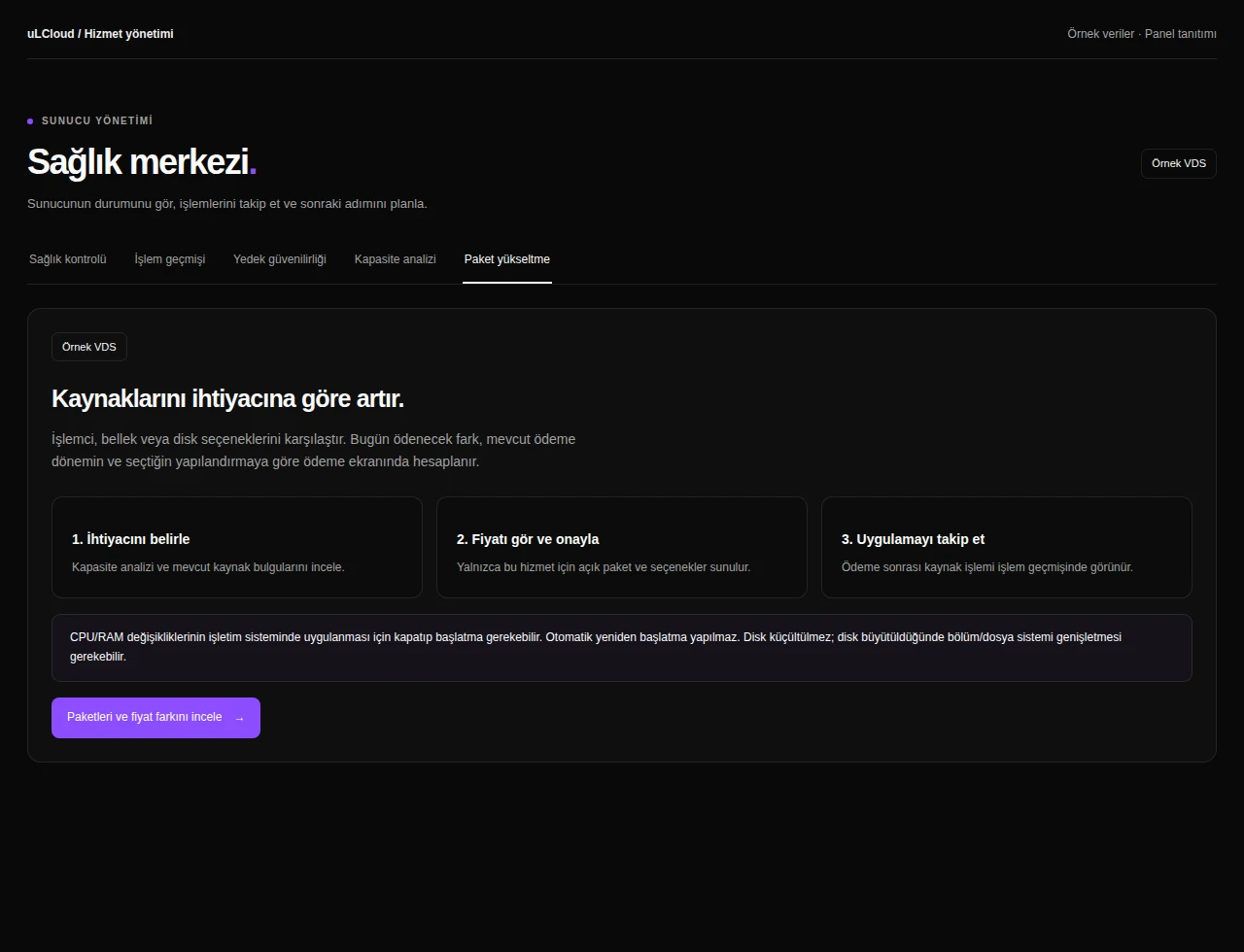
Plan upgrade
Review capacity needs and available upgrades. The billing-period price difference is shown before approval, and changes can be followed in the activity history.
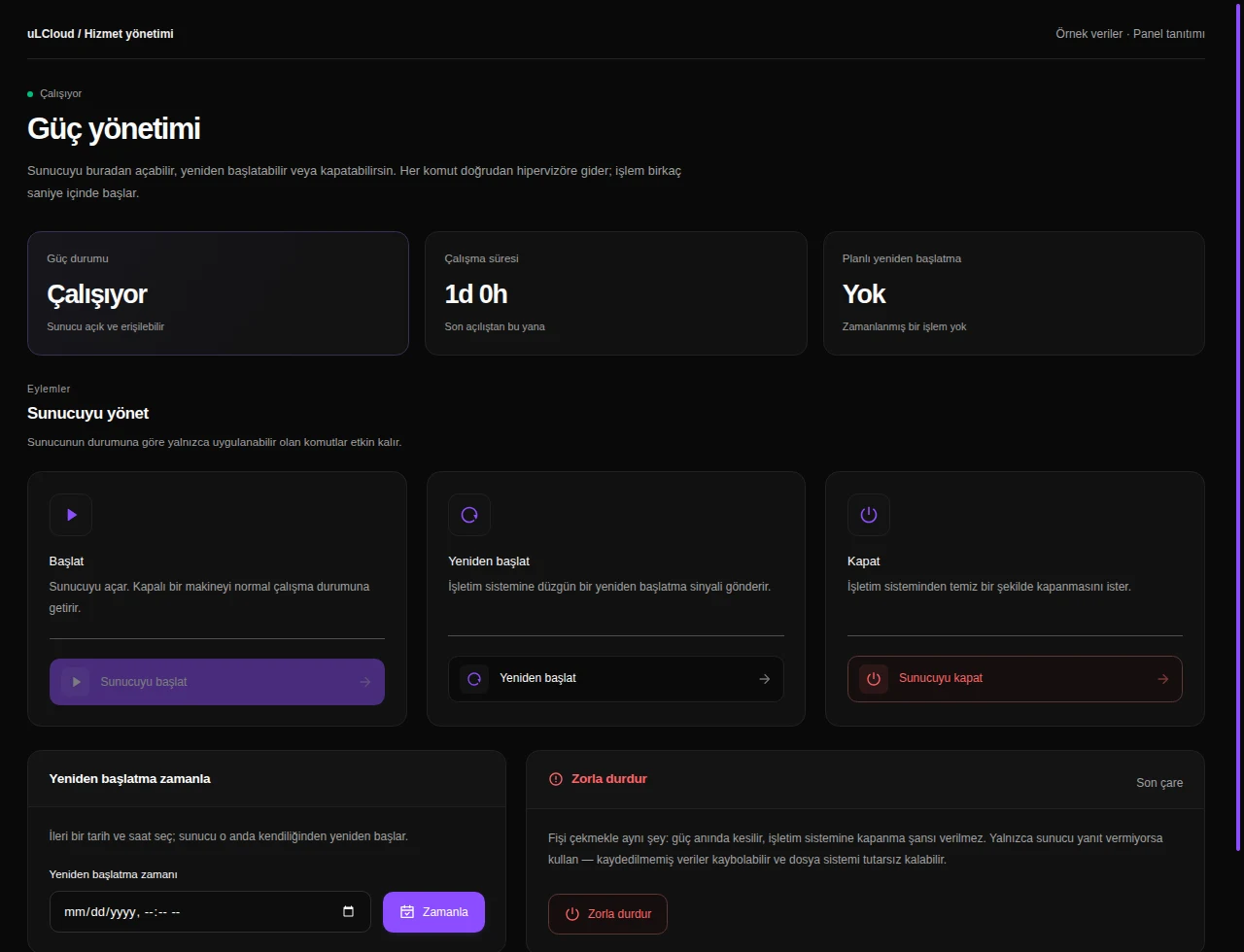
Alimentation
Review server power status and uptime. Access start, shutdown, restart and scheduled restart controls in the same screen.
Browser console
Use the graphical console or terminal on supported servers, including when guest networking or SSH needs attention.
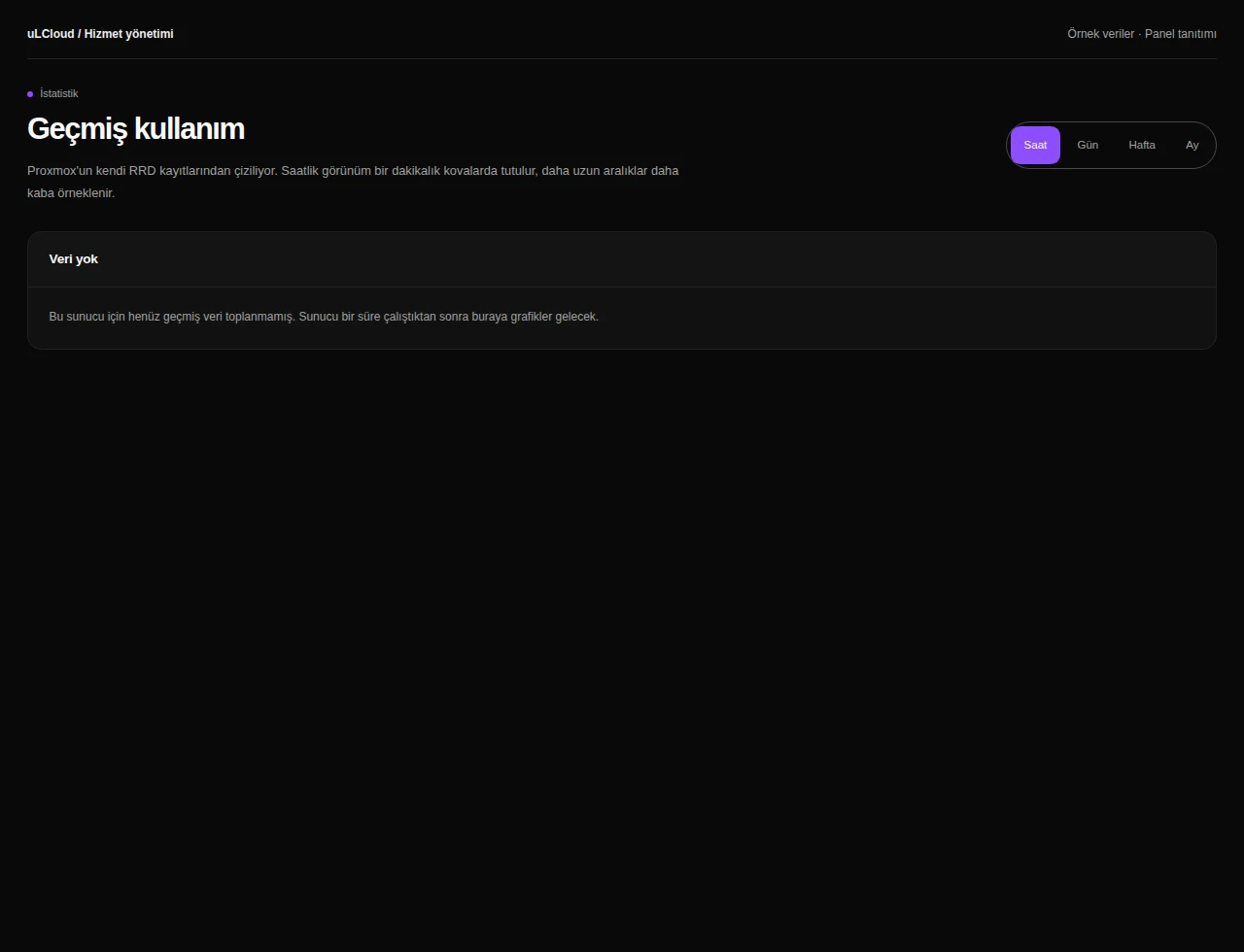
Statistics
Compare CPU, memory and network history across hourly, daily, weekly and monthly views, including average and peak values.
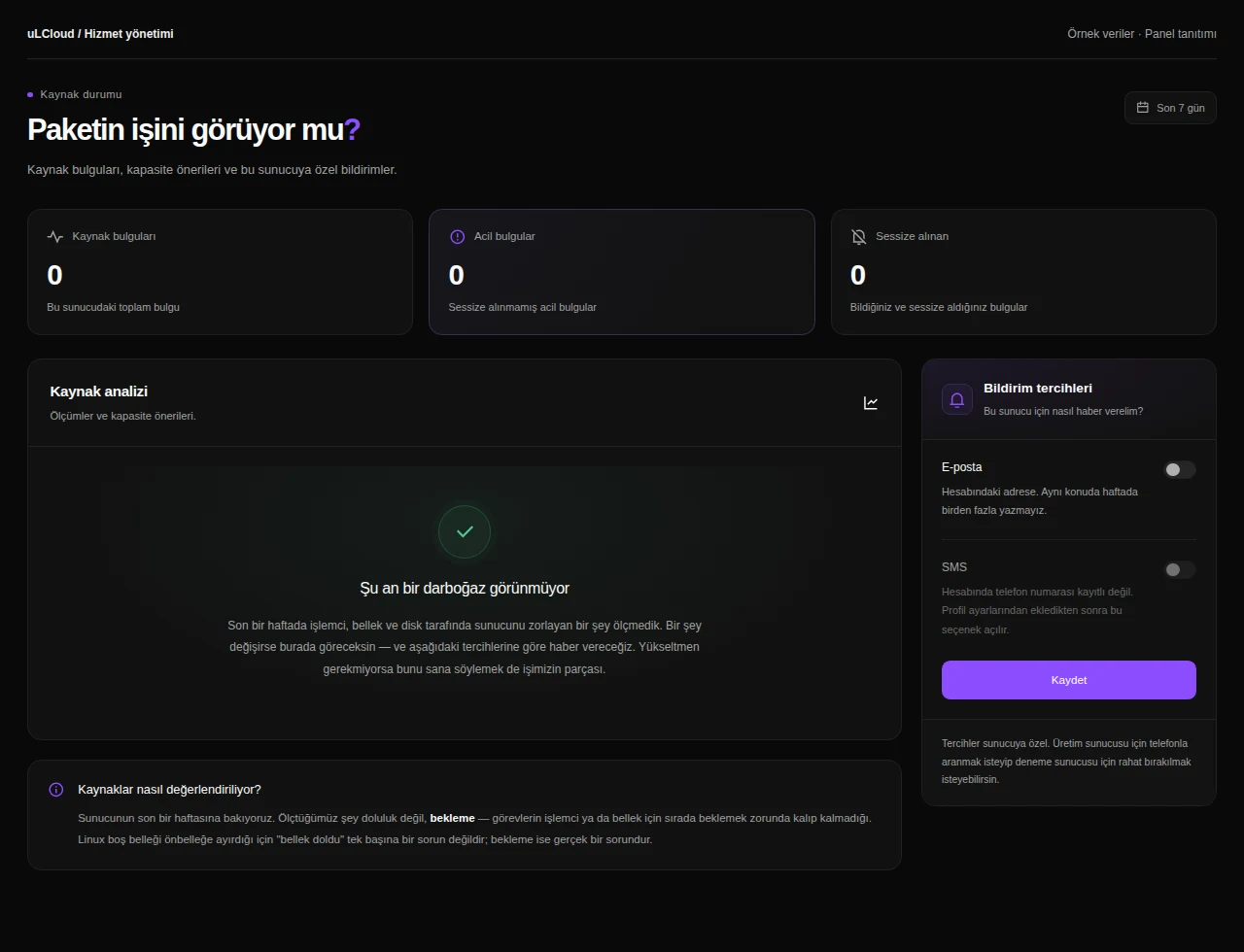
État des ressources
Inspect resource findings and capacity recommendations. Assess CPU, memory and storage needs and configure the available notification preferences.
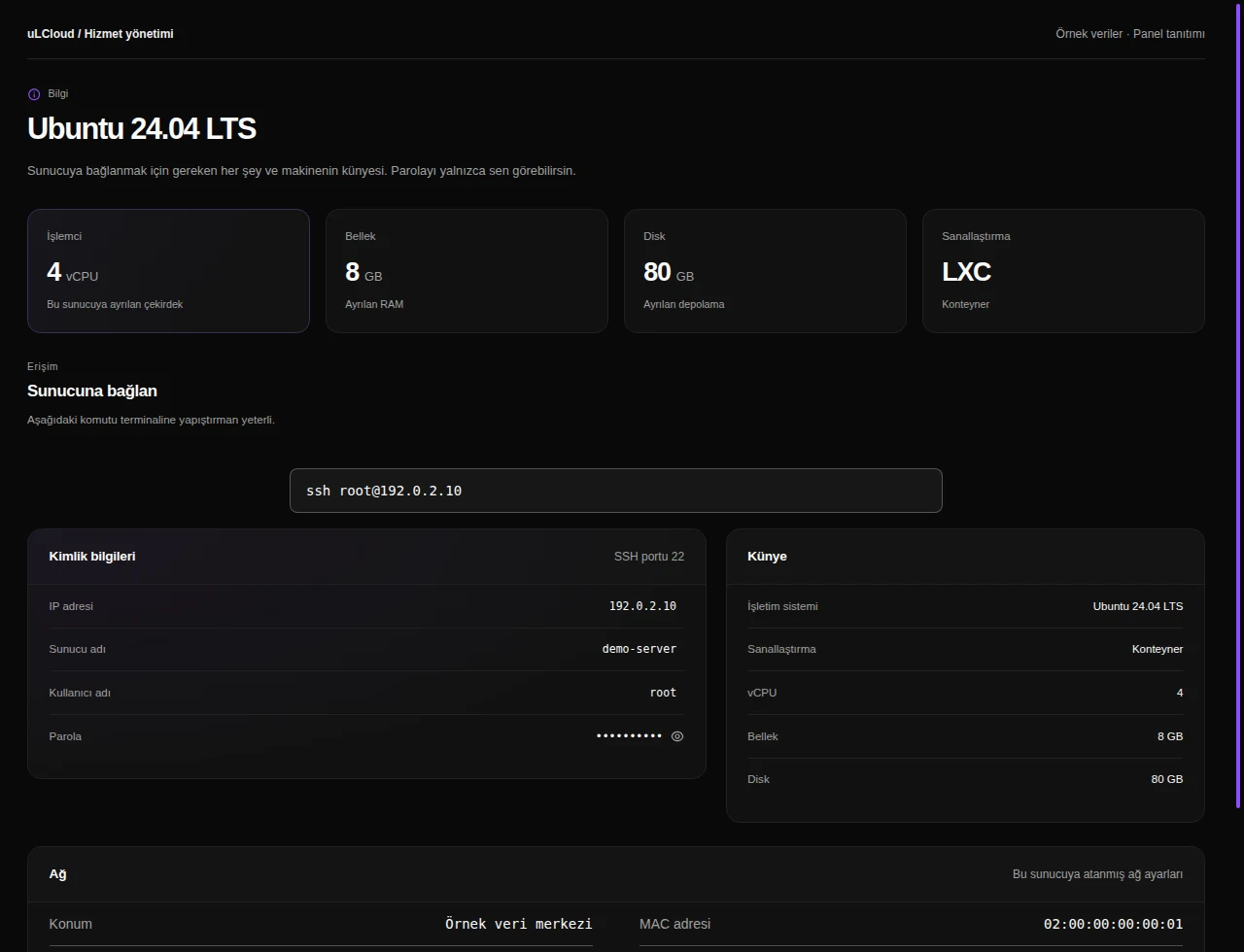
Server information
Find hostname, addresses, OS, allocated resources and network settings, with protected controls for access information.
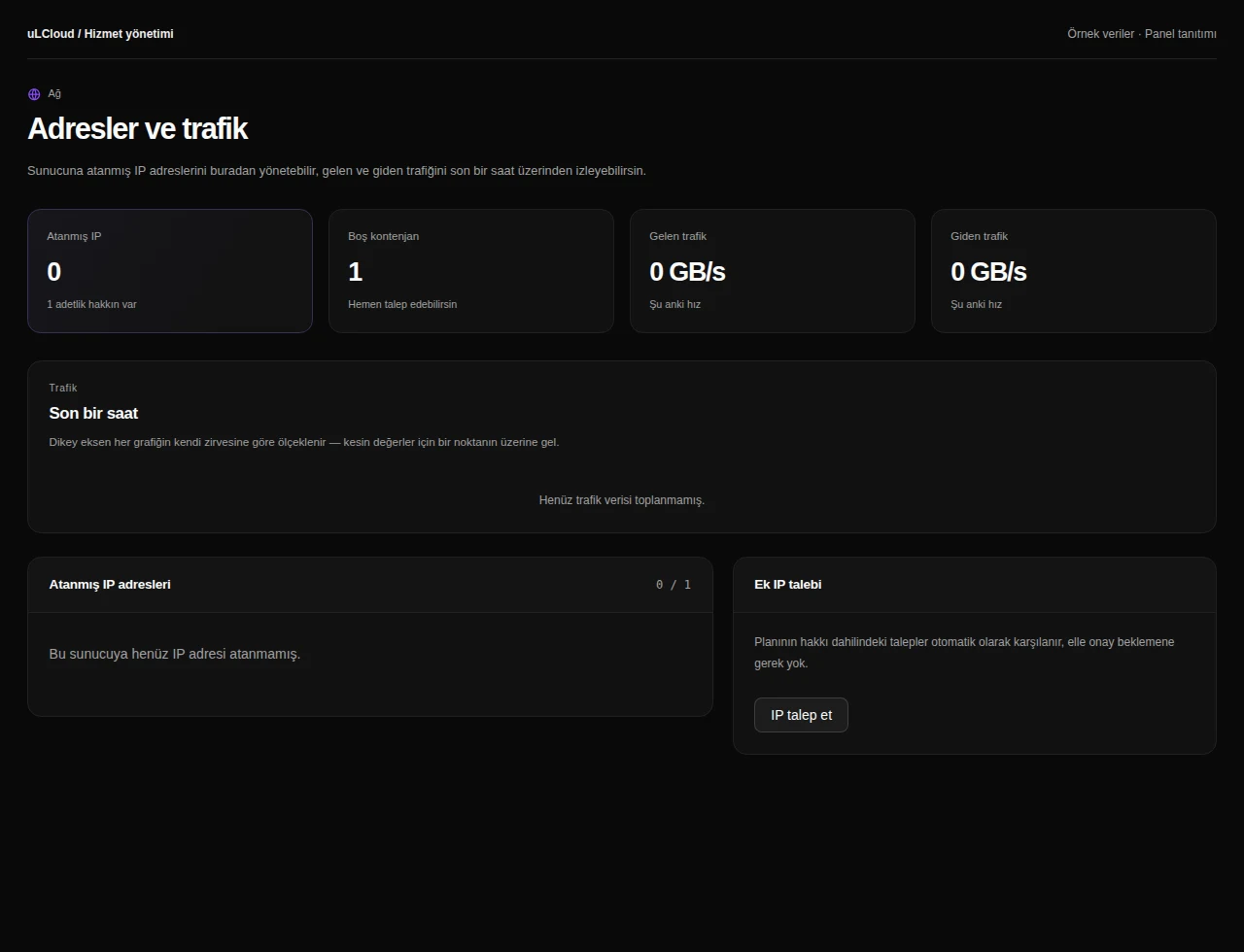
Networking
Review assigned addresses, IP entitlement and traffic. Private networking controls depend on service support.
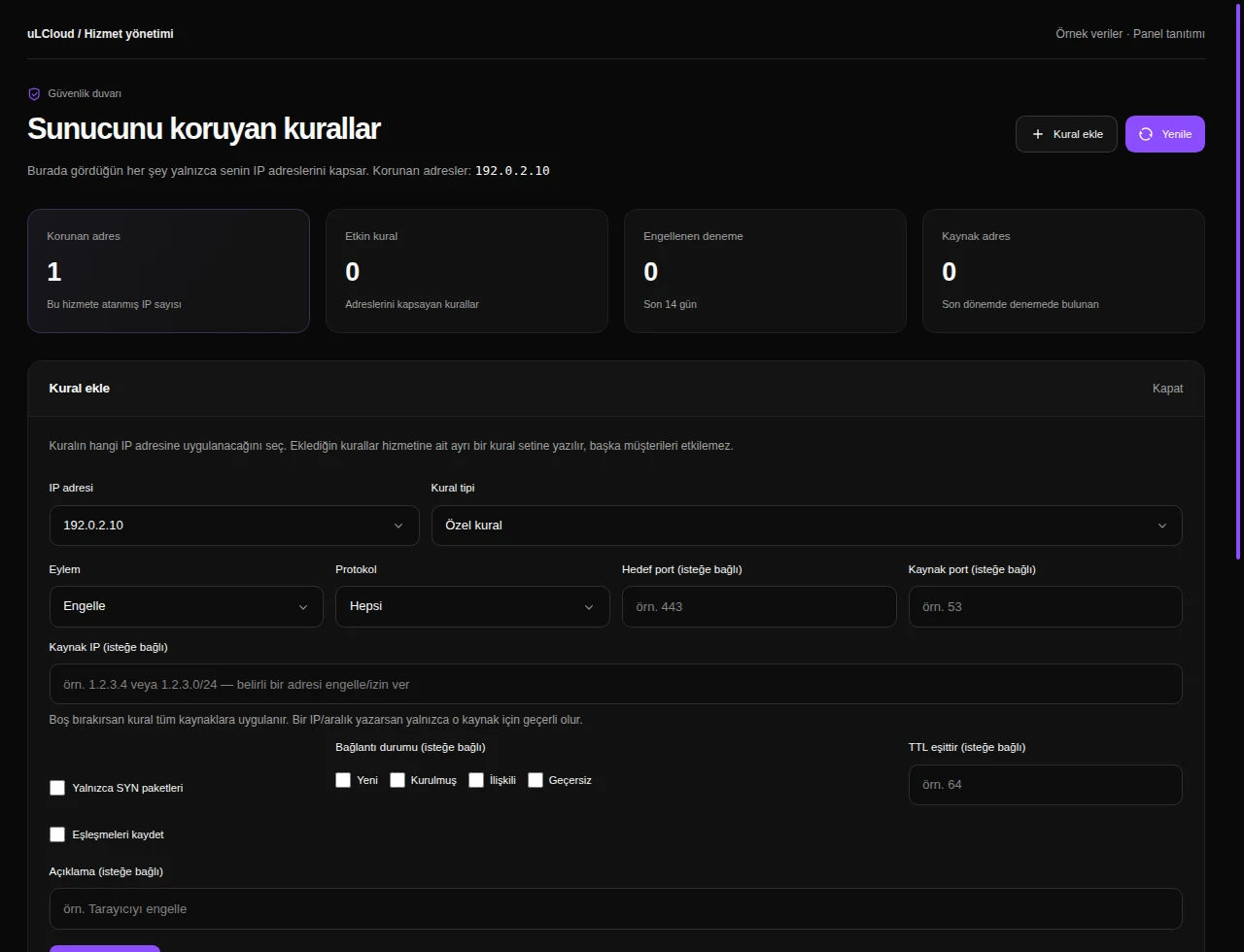
Firewall
Manage protocol, port and protection rules, and inspect blocked attempts scoped to your service addresses.
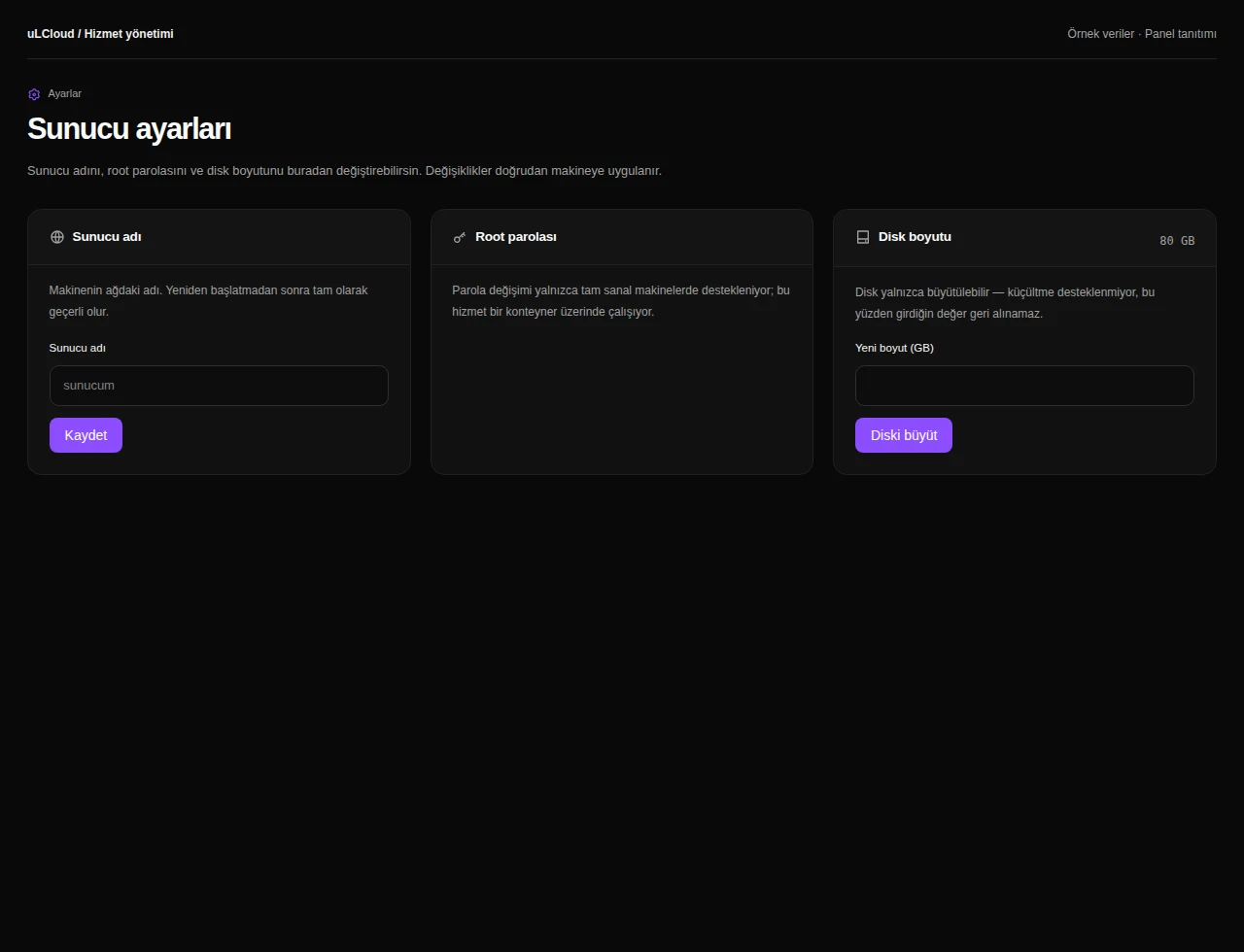
Server settings
Review available system and resource settings, with explanations of any required restart or operating-system steps.
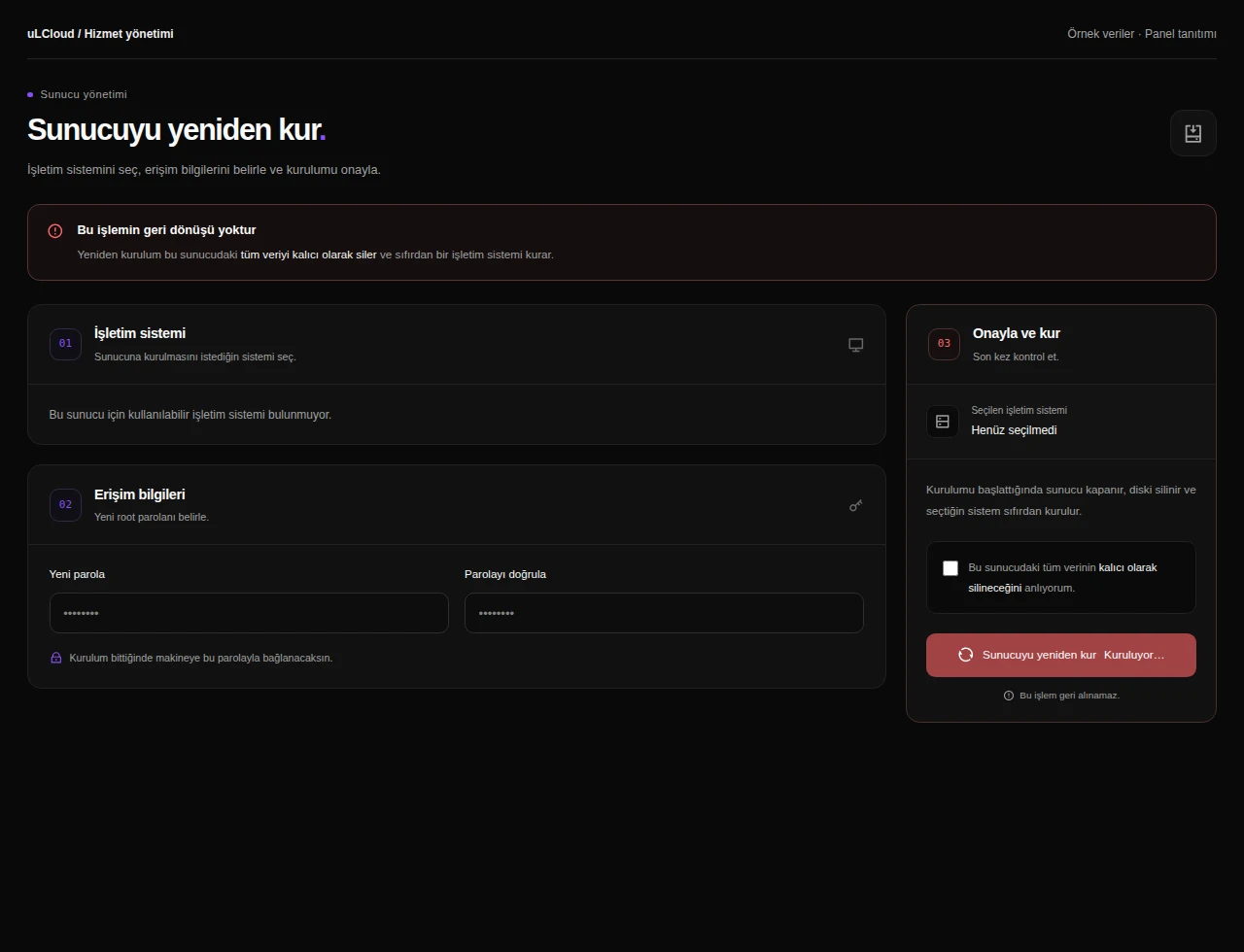
Reinstallation
Choose an available operating system and installation settings. Data-affecting reinstallation requires the panel’s confirmation steps.
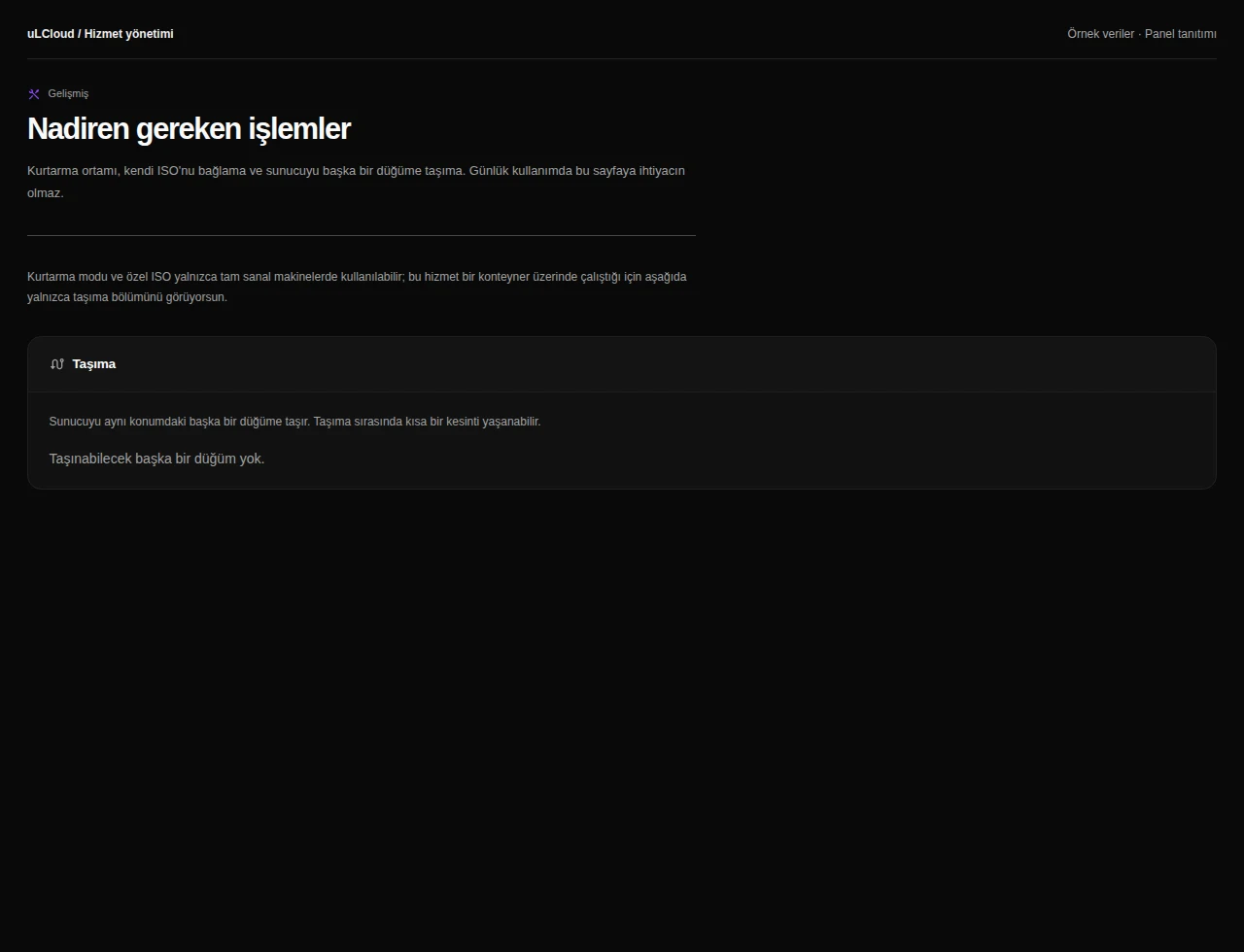
Advanced tools
Review recovery, ISO and node options where supported by the server type and infrastructure.
Sauvegardes
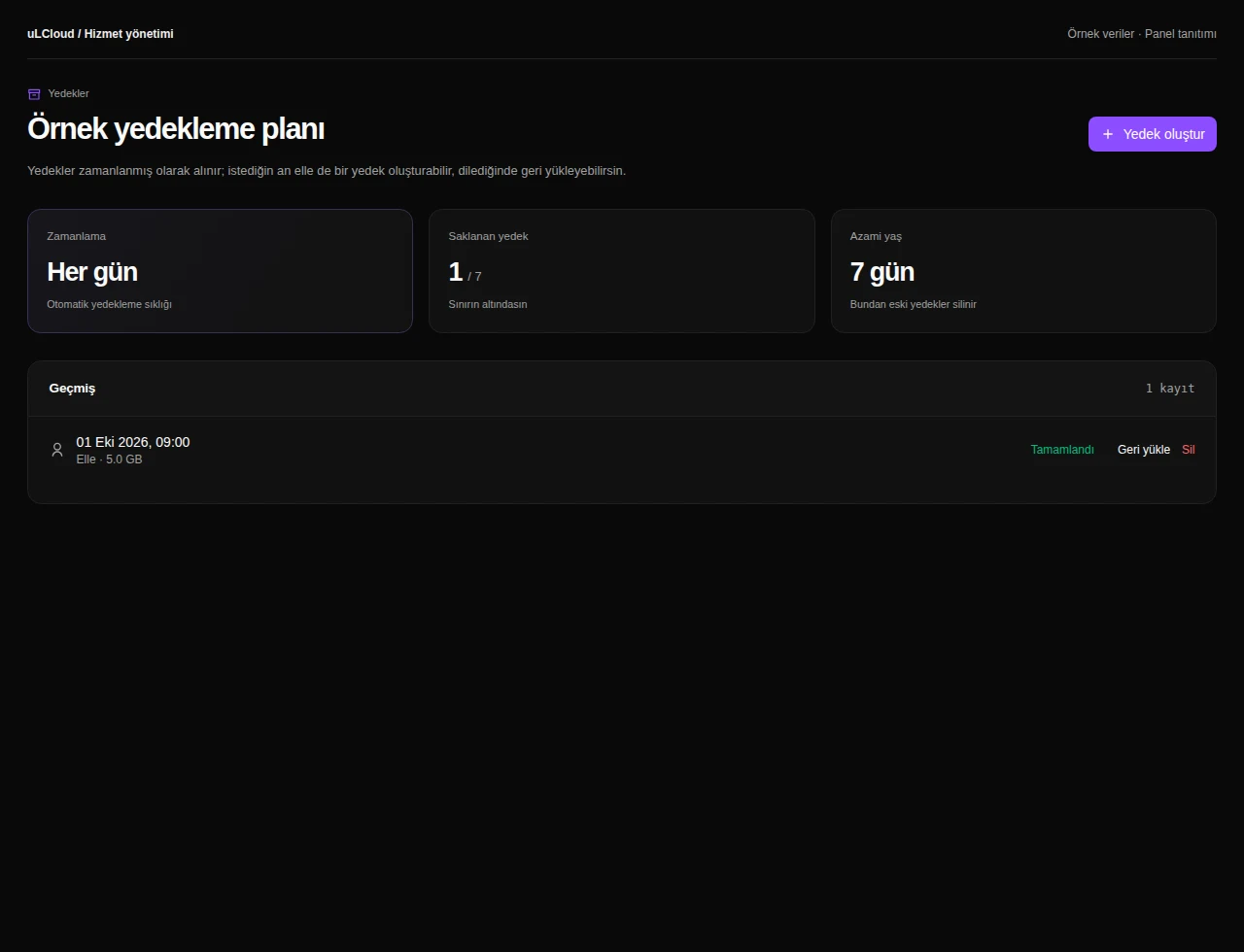
Review the backup plan, retention limits and saved backups available for your service. Where supported, create a backup, track progress or select a restore point.
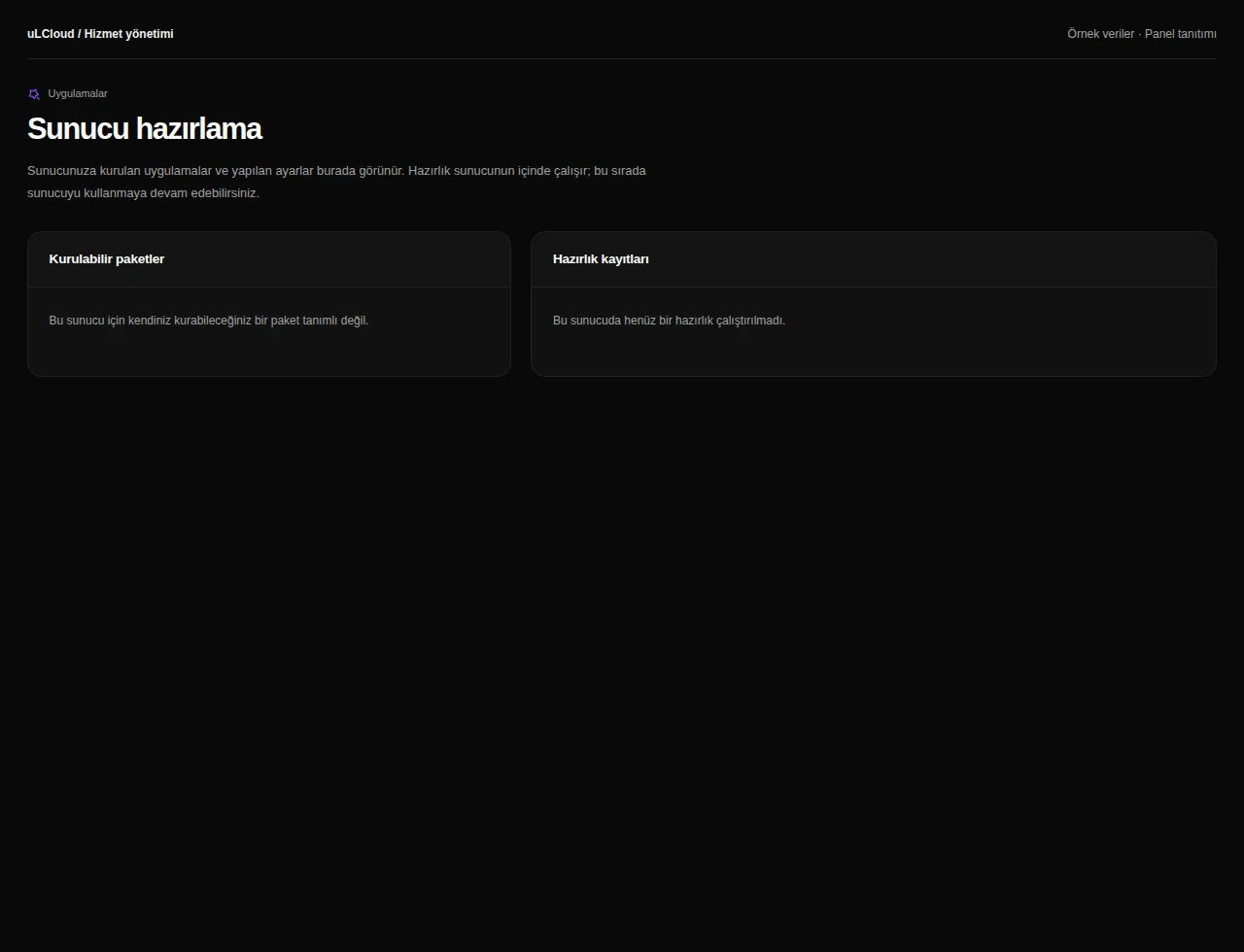
Application packages
Explore available application packages and follow provisioning through installation records.
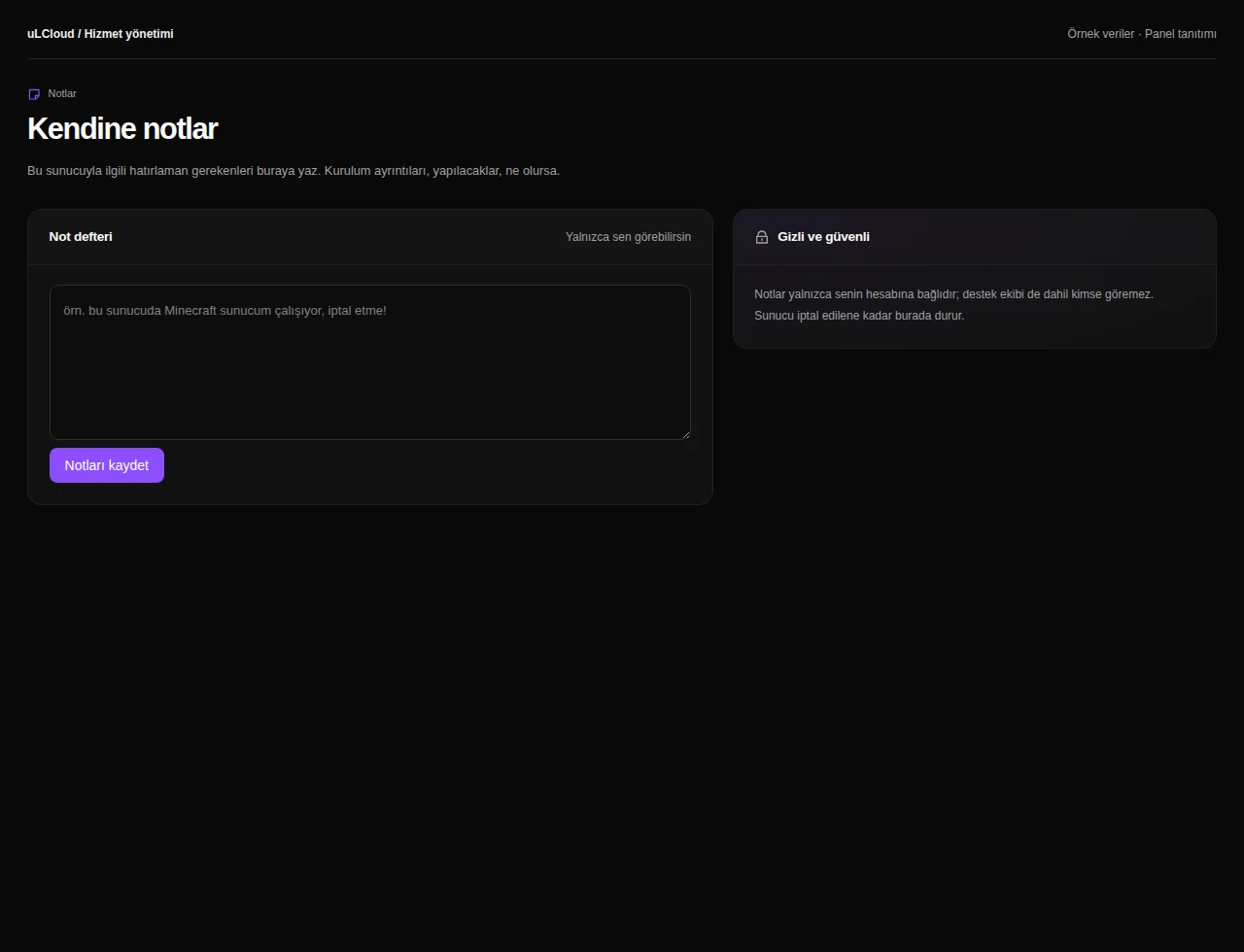
Server notes
Keep maintenance reminders and configuration notes alongside your service without executing server commands.