World rules
Define the experience you want through maps, mods and settings.
PROJECT ZOMBOID
Dedicated Project Zomboid servers from 4 to 32 GB of memory, on NVMe storage with full panel access. Steam Workshop mods, admin account and auto-updates are yours to configure.
Starting at₺269,00 / Aylık
PROJECT ZOMBOID
Plan world settings, mods and resource needs before you head out.
Define the experience you want through maps, mods and settings.
Consider memory and CPU resources together.
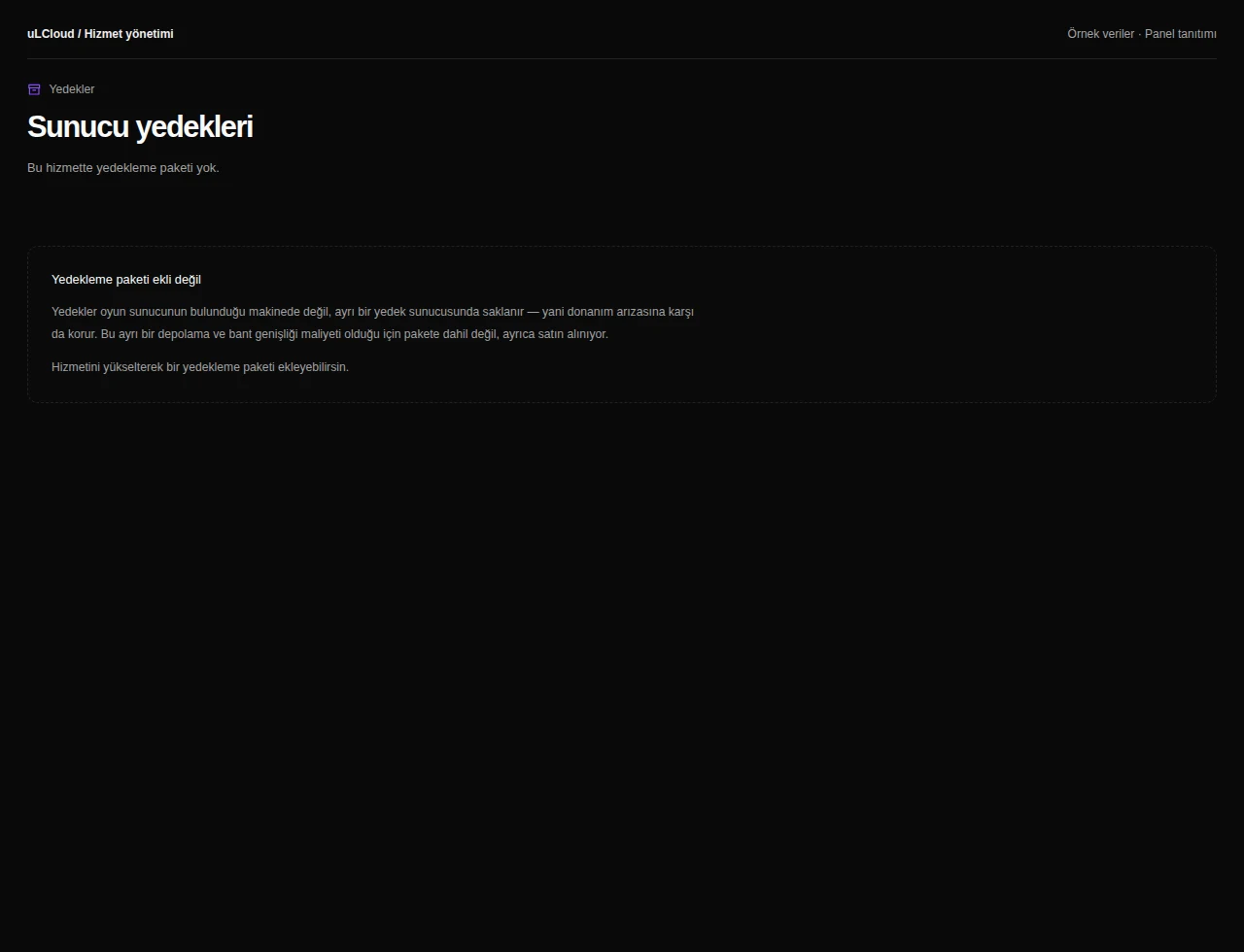
Review storage and offered backup options for your persistent world.
PROJECT ZOMBOID
Compare the resources and prices of the available plans.
4 GB memory, 2 vCore CPU and 25 GB NVMe disk. Console, file manager and all game settings from your panel.
6 GB memory, 3 vCore CPU and 35 GB NVMe disk. Console, file manager and all game settings from your panel.
8 GB memory, 4 vCore CPU and 50 GB NVMe disk. Console, file manager and all game settings from your panel.
12 GB memory, 6 vCore CPU and 75 GB NVMe disk. Console, file manager and all game settings from your panel.
16 GB memory, 8 vCore CPU and 100 GB NVMe disk. Console, file manager and all game settings from your panel.
24 GB memory, 10 vCore CPU and 150 GB NVMe disk. Console, file manager and all game settings from your panel.
32 GB memory, 12 vCore CPU and 200 GB NVMe disk. Console, file manager and all game settings from your panel.
Plan features
| Plan features | Project Zomboid 4 GB | Project Zomboid 6 GB | Project Zomboid 8 GB | Project Zomboid 12 GB | Project Zomboid 16 GB | Project Zomboid 24 GB | Project Zomboid 32 GB |
|---|---|---|---|---|---|---|---|
| Processor | 2 vCore | 3 vCore | 4 vCore | 6 vCore | 8 vCore | 10 vCore | 12 vCore |
| Memory | 4 GB memory | 6 GB memory | 8 GB memory | 12 GB memory | 16 GB memory | 24 GB memory | 32 GB memory |
| Disk | 25 GB NVMe | 35 GB NVMe | 50 GB NVMe | 75 GB NVMe | 100 GB NVMe | 150 GB NVMe | 200 GB NVMe |
EXPLORE YOUR PANEL BEFORE BUYING
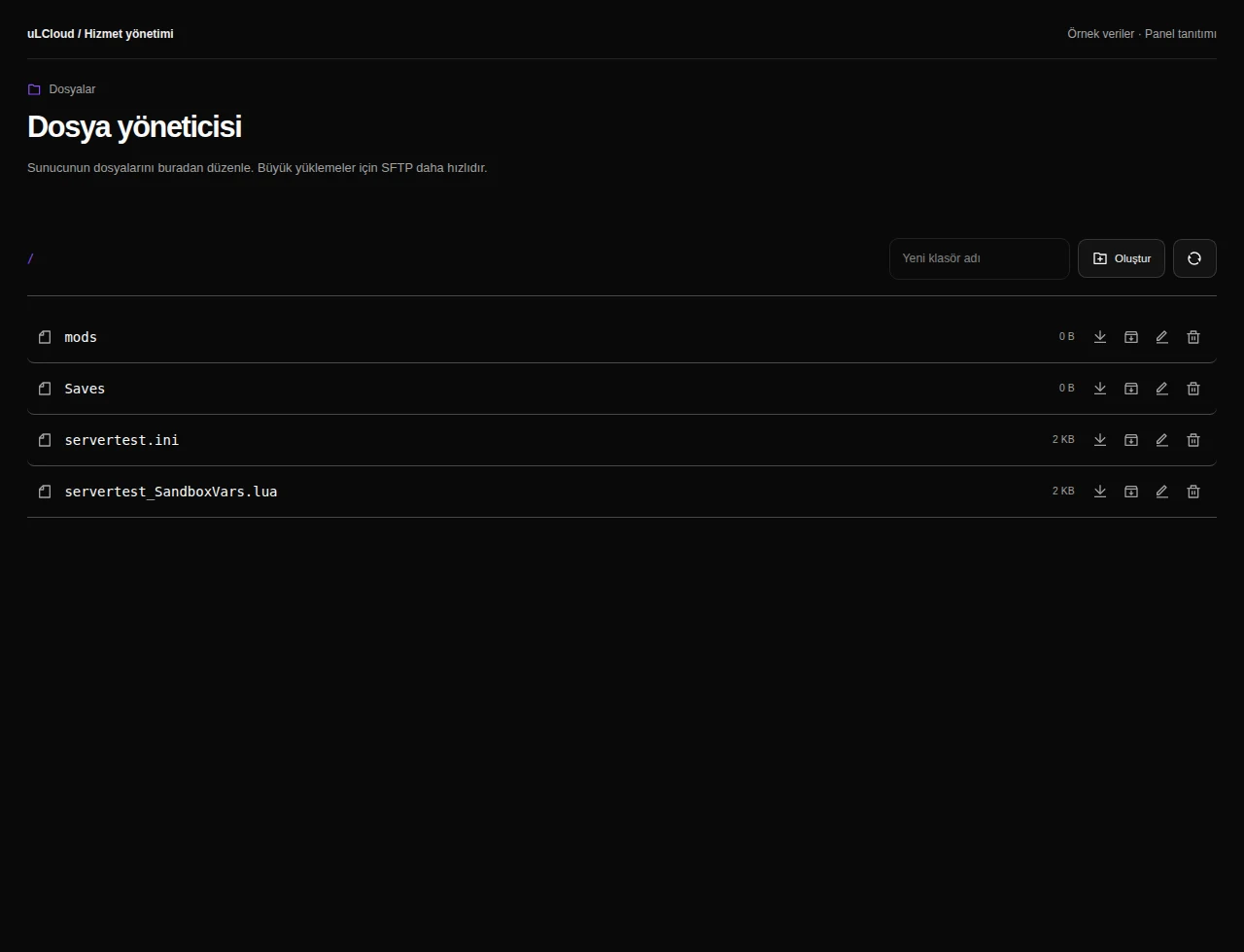
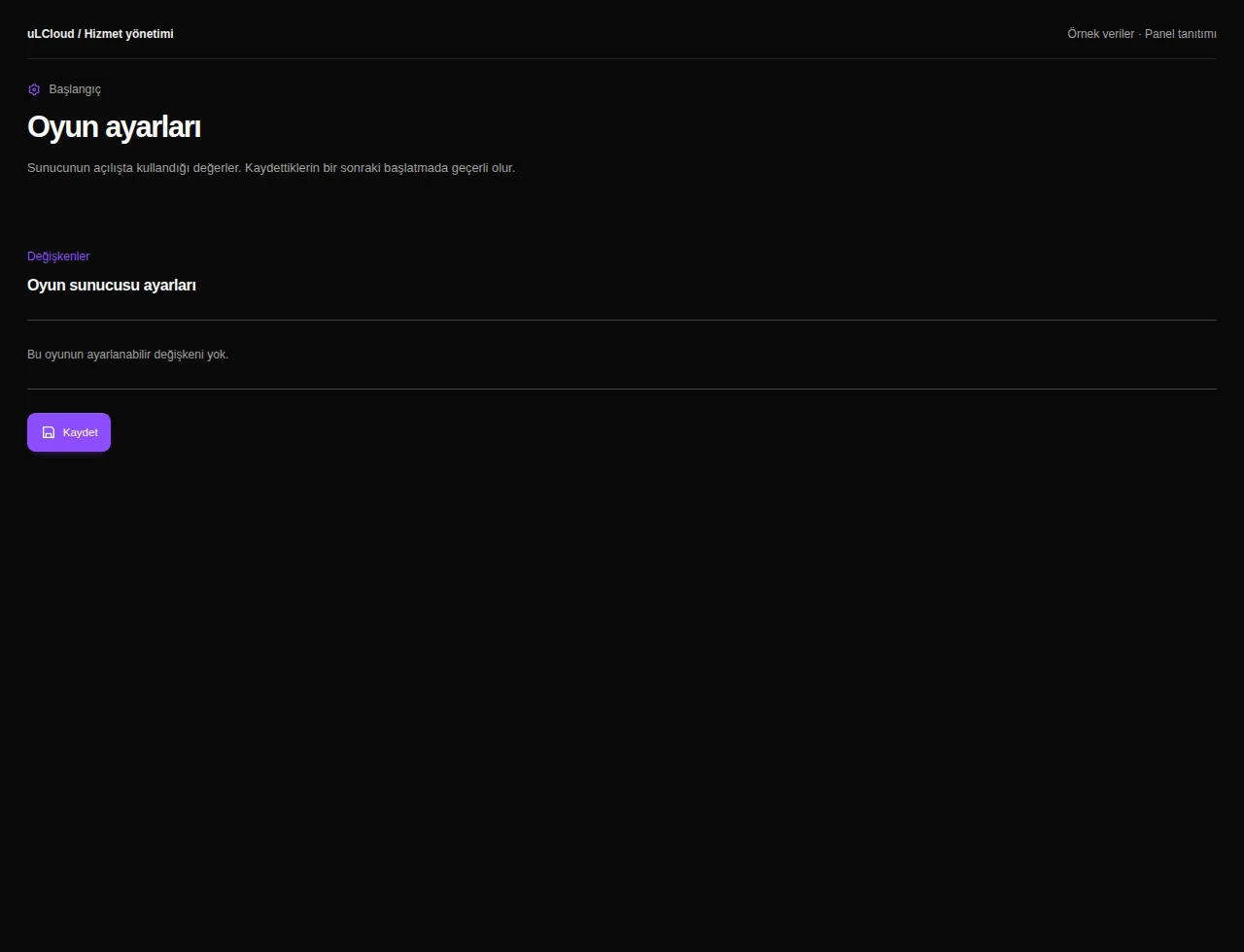
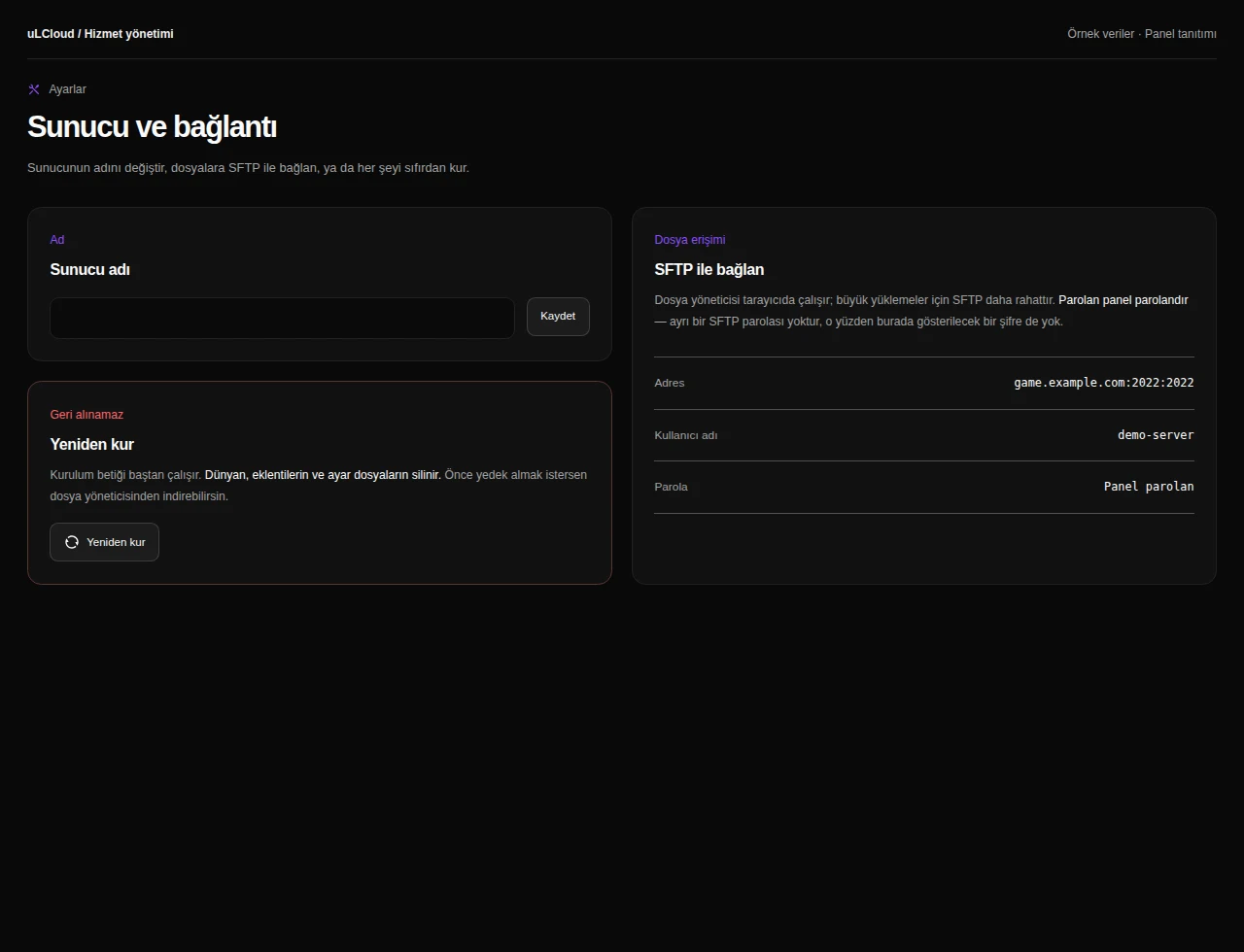
Take a closer look at the management screens you will use. These images were rendered from our existing customer panel templates.
All panel screens 10
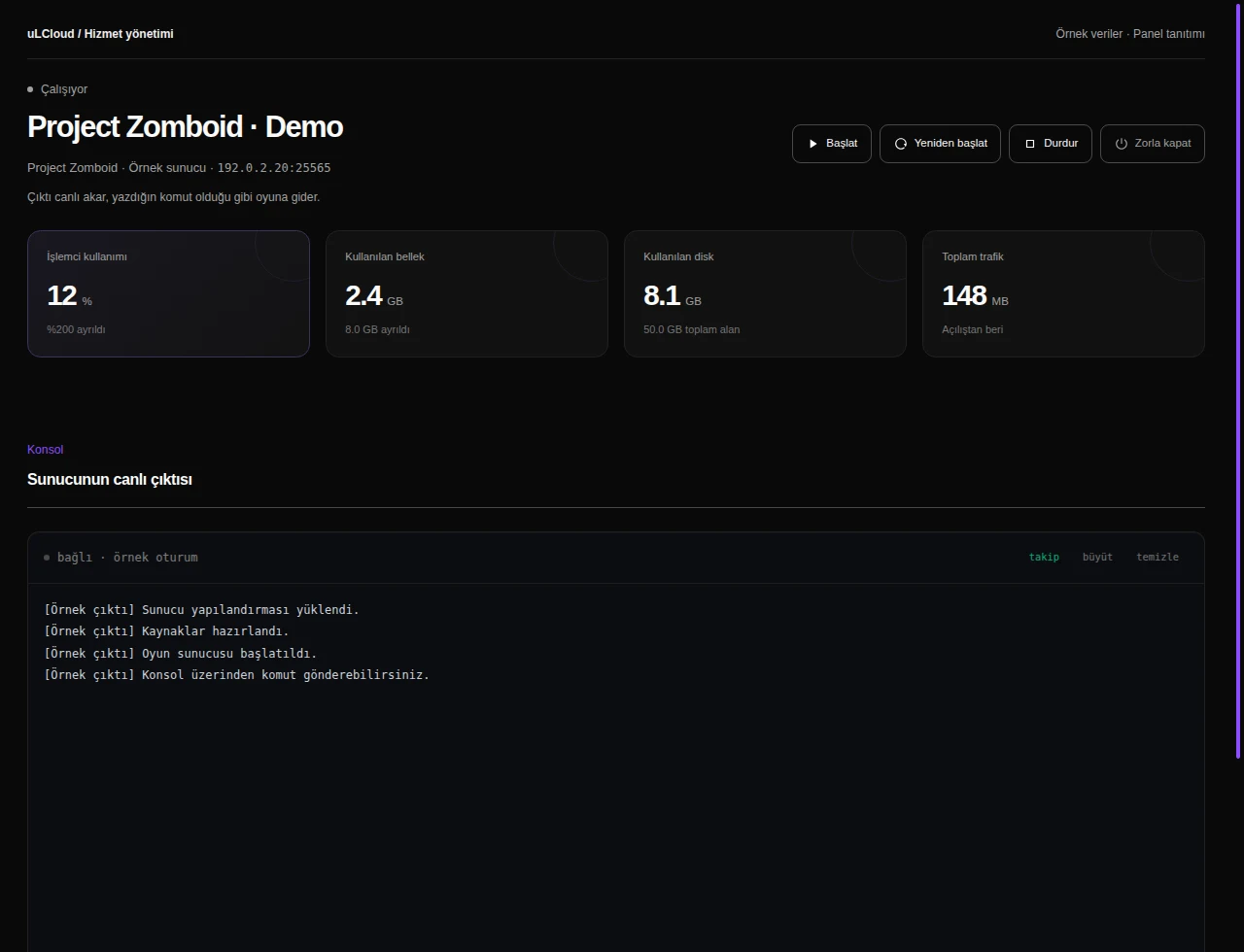
What can you do on this screen?
Read live output, send supported commands and access start, stop and restart controls alongside CPU, memory and disk measurements.
Actual panel design · Sample data · Available features depend on your plan.
Project Zomboid keeps the loaded part of Knox County in memory, and that grows with every player who wanders off in a different direction. A small, regular group of friends is comfortable on the 4 GB or 6 GB plan; a public server with a large mod list and players spread across the map is better served by 12 GB and up.
Each plan pairs memory with matching CPU and disk — from 2 vCore and 25 GB NVMe to 12 vCore and 200 GB — so you are not choosing those separately.
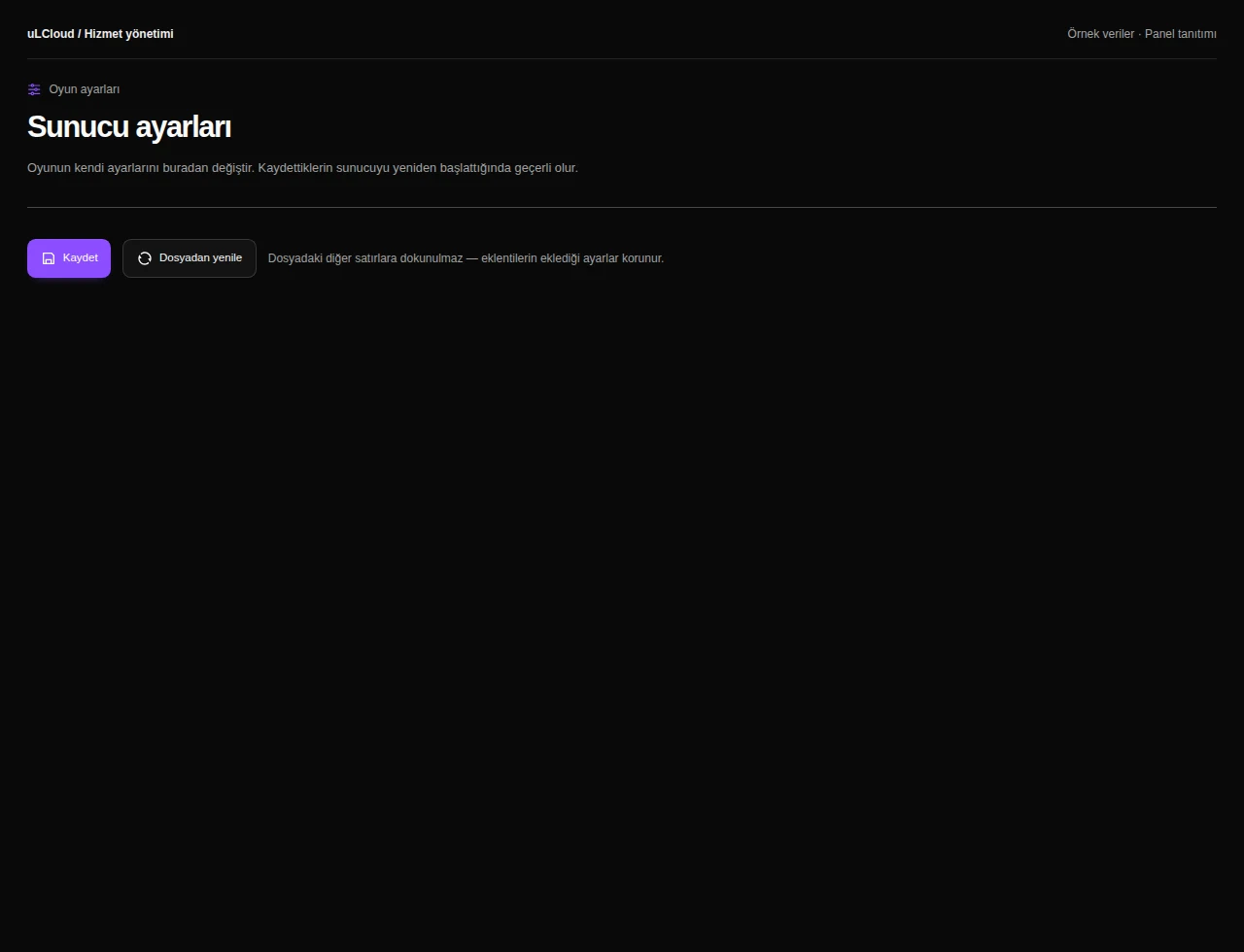
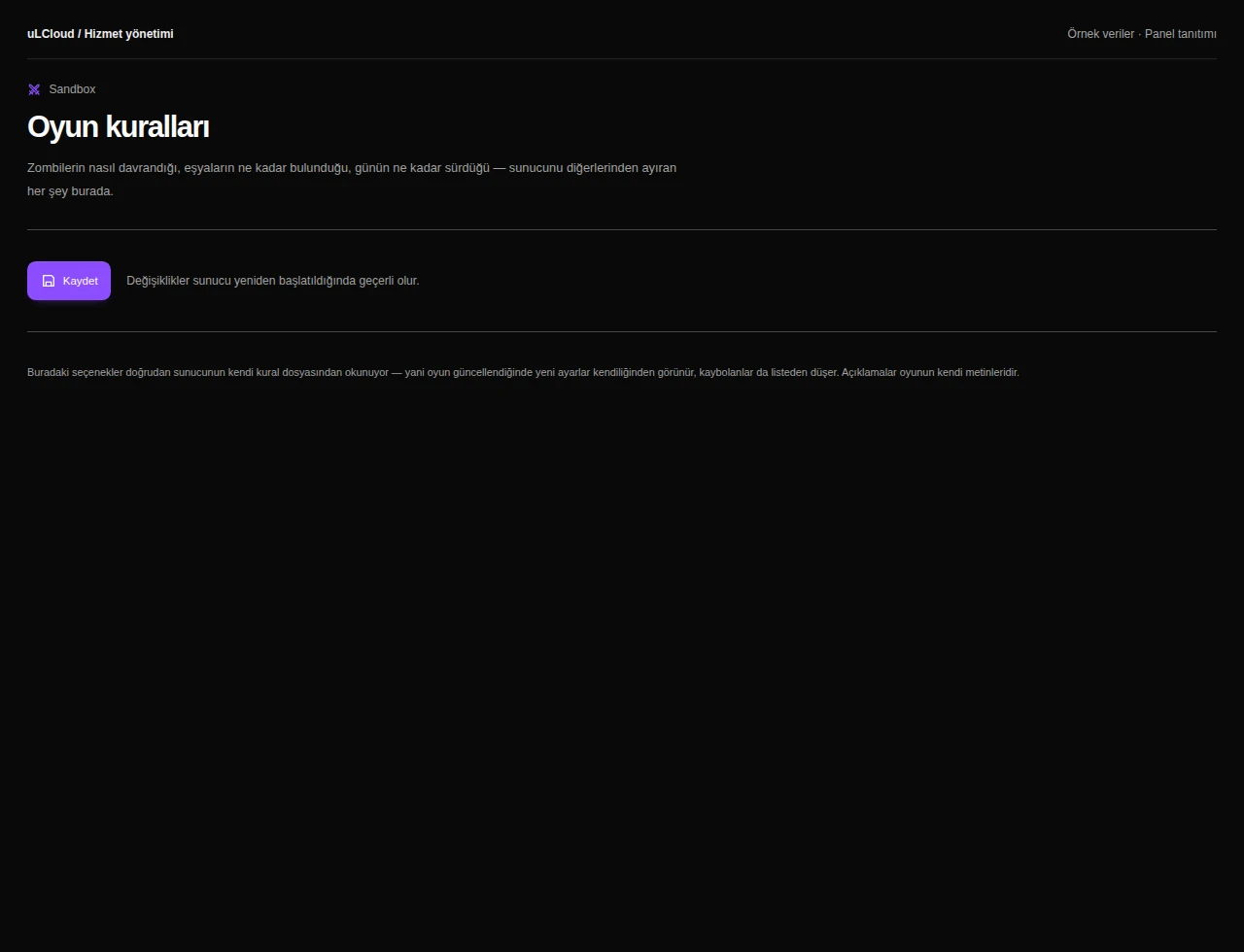
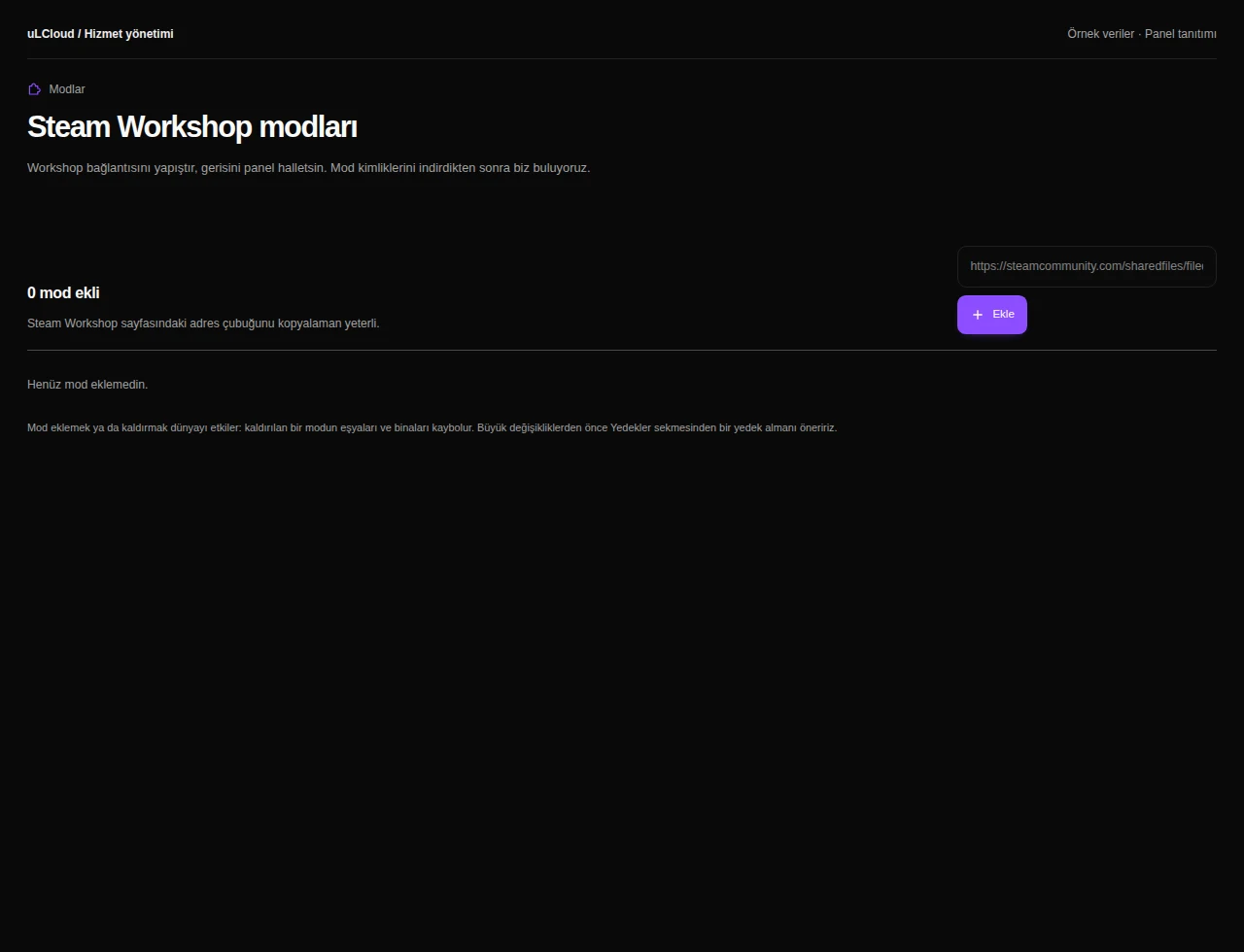
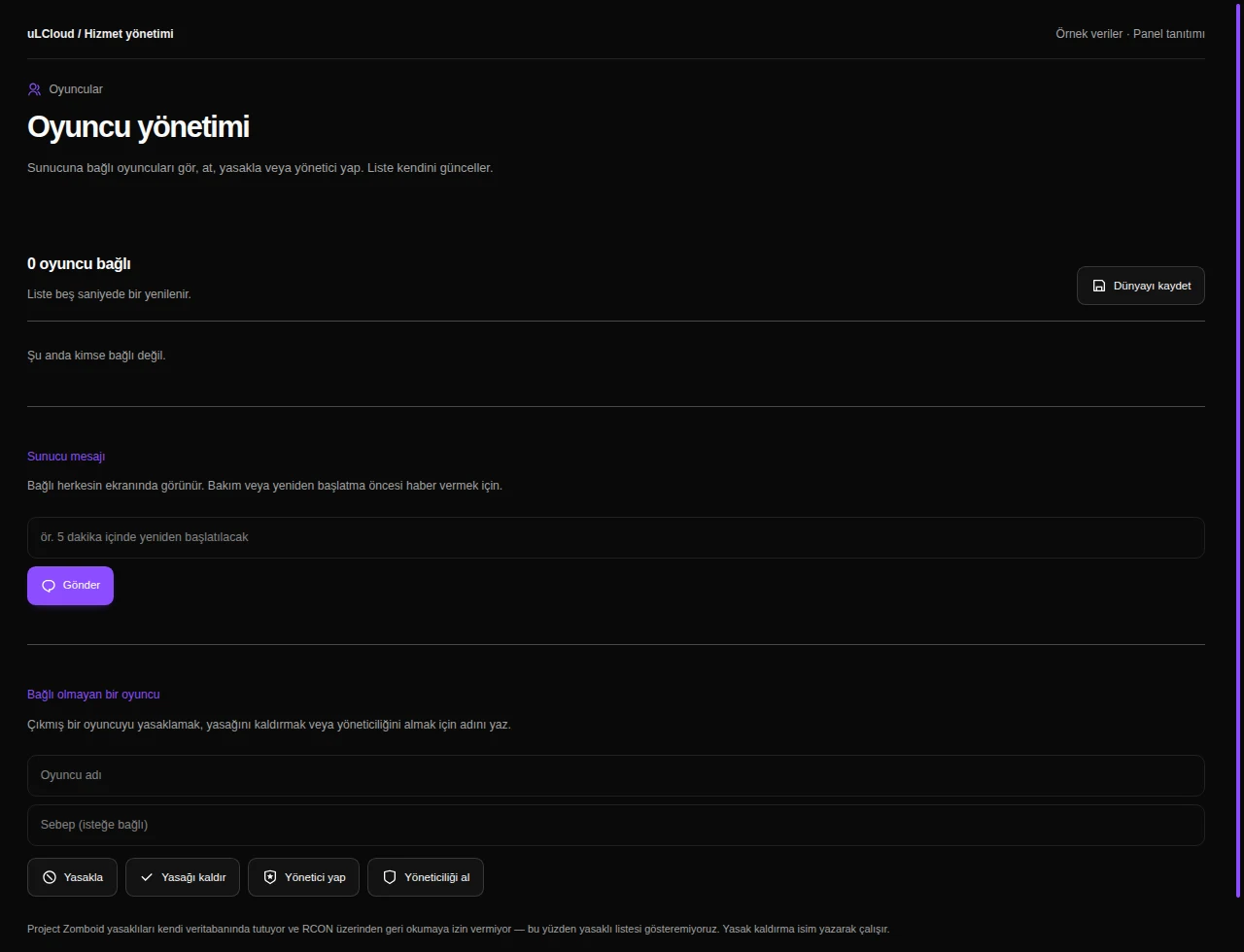
Steam Workshop mods, your admin account and automatic updates are all set from the panel rather than through support tickets. You also get a live console, a file manager for servertest.ini and sandbox_vars, and every game setting in one place.
If SSH access is ever lost, the browser console still reaches the machine.
Every plan is carved out of Intel Core i9-12900K nodes with 128 GB of memory and Gen4 NVMe in RAID. There is no network storage — the disk sits in the server itself — and the uplink is 1 Gbps.
Always-on DDoS filtering is always on at no surcharge, and provisioning starts automatically the moment payment clears.
It depends on your player count and mod list. A handful of friends usually runs well on 4 to 6 GB, while a busy modded server with players scattered across the map is safer on 12 GB or more.
Yes. Workshop mod IDs and automatic updates are configured from the panel, and the file manager gives you direct access to the server configuration files if you prefer editing them by hand.
Provisioning is automatic and normally completes in under a minute after payment clears. The IP, root password and console link appear in your panel with no queue or manual setup.
Yes. Always-on DDoS filtering is included on every plan at no extra cost, with no mode to switch on when an attack starts.
Review the available plans, compare their features and continue with your preferred configuration.
Explore plans