GAME SERVERS

Project Zomboid 6 GB

Choose a game and compare the plans available for your community.

₺379,00 / Aylık

Card instalments available

Illustrative interface
Processor
3 vCore
Memory
6 GB memory
Disk
35 GB NVMe

Project Zomboid

Plan features

6 GB memory, 3 vCore CPU and 35 GB NVMe disk. Console, file manager and all game settings from your panel.

Project Zomboid

Other plans in Project Zomboid

Project Zomboid 4 GB

₺269,00 / Aylık
Processor
2 vCore
Memory
4 GB memory
Disk
25 GB NVMe
View plan

Project Zomboid 8 GB

₺489,00 / Aylık
Processor
4 vCore
Memory
8 GB memory
Disk
50 GB NVMe
View plan

Project Zomboid 12 GB

₺699,00 / Aylık
Processor
6 vCore
Memory
12 GB memory
Disk
75 GB NVMe
View plan

EXPLORE YOUR PANEL BEFORE BUYING

Project Zomboid, in your own panel.

Take a closer look at the management screens you will use. These images were rendered from our existing customer panel templates.

All panel screens 10
uLCloud / Panel preview01 / 10
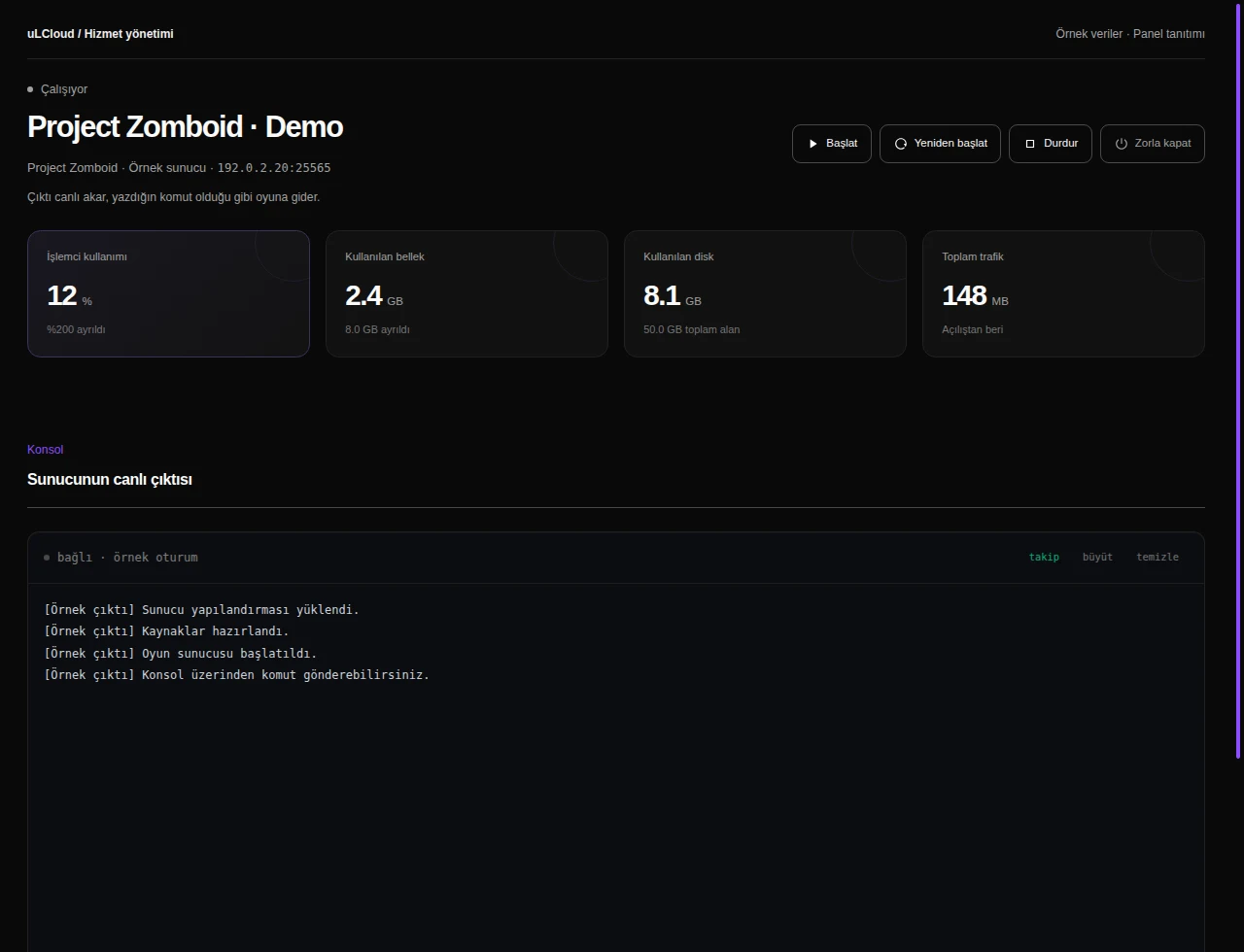
Project Zomboid — Console and power. Actual panel design · Sample data · Available features depend on your plan.
Project Zomboid — Game configuration. Actual panel design · Sample data · Available features depend on your plan.
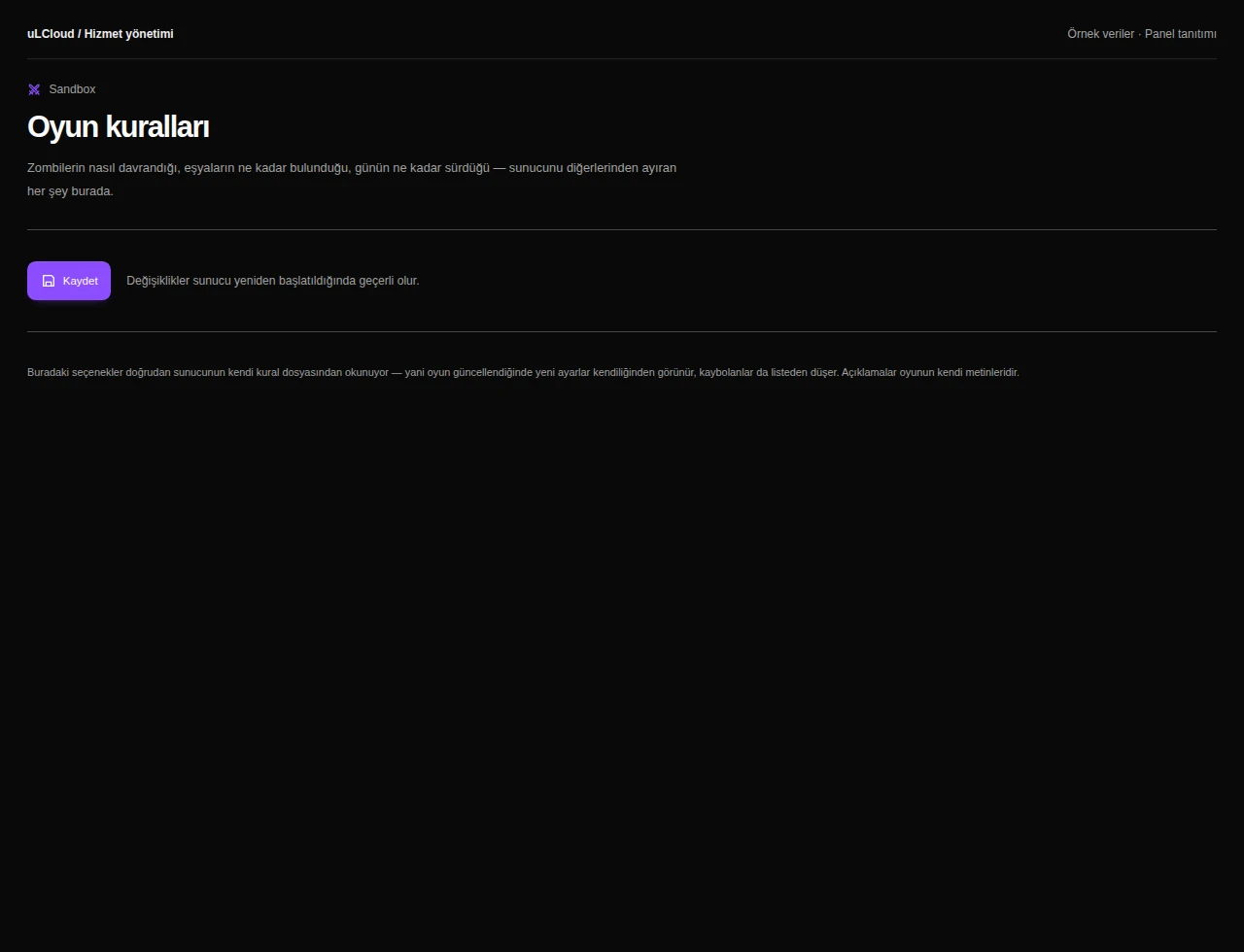
Project Zomboid — Sandbox rules. Actual panel design · Sample data · Available features depend on your plan.
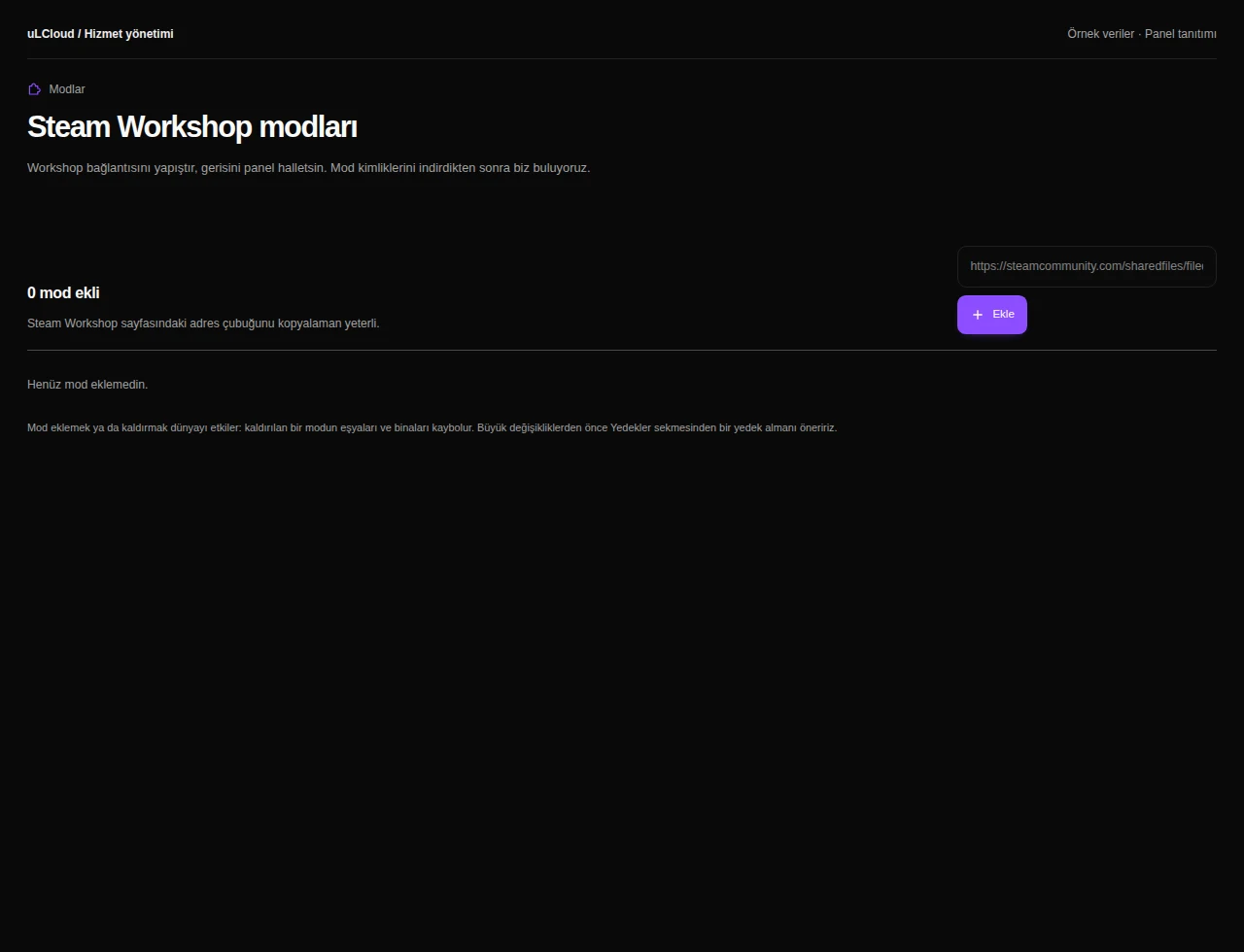
Project Zomboid — Zomboid mods. Actual panel design · Sample data · Available features depend on your plan.
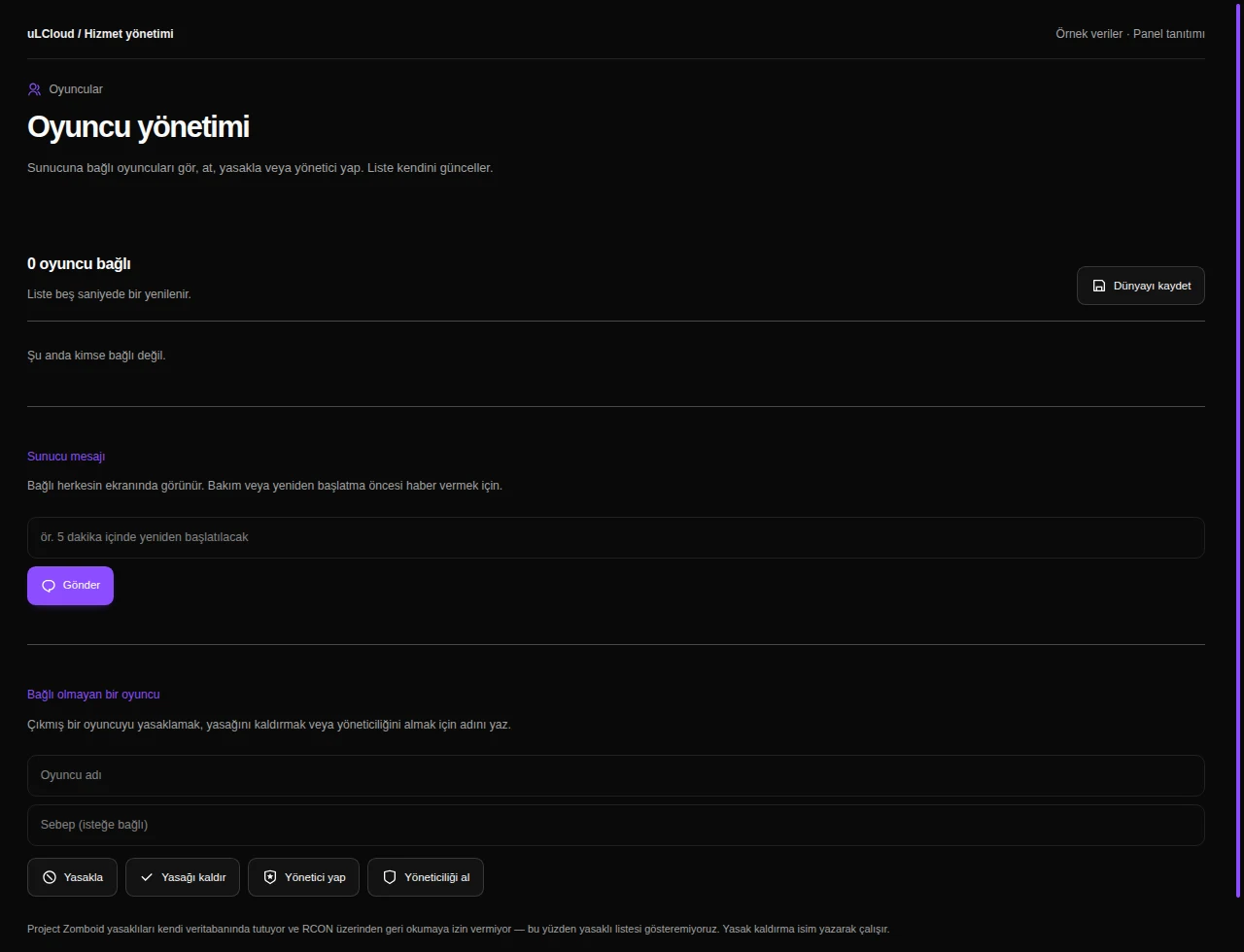
Project Zomboid — Zomboid players. Actual panel design · Sample data · Available features depend on your plan.
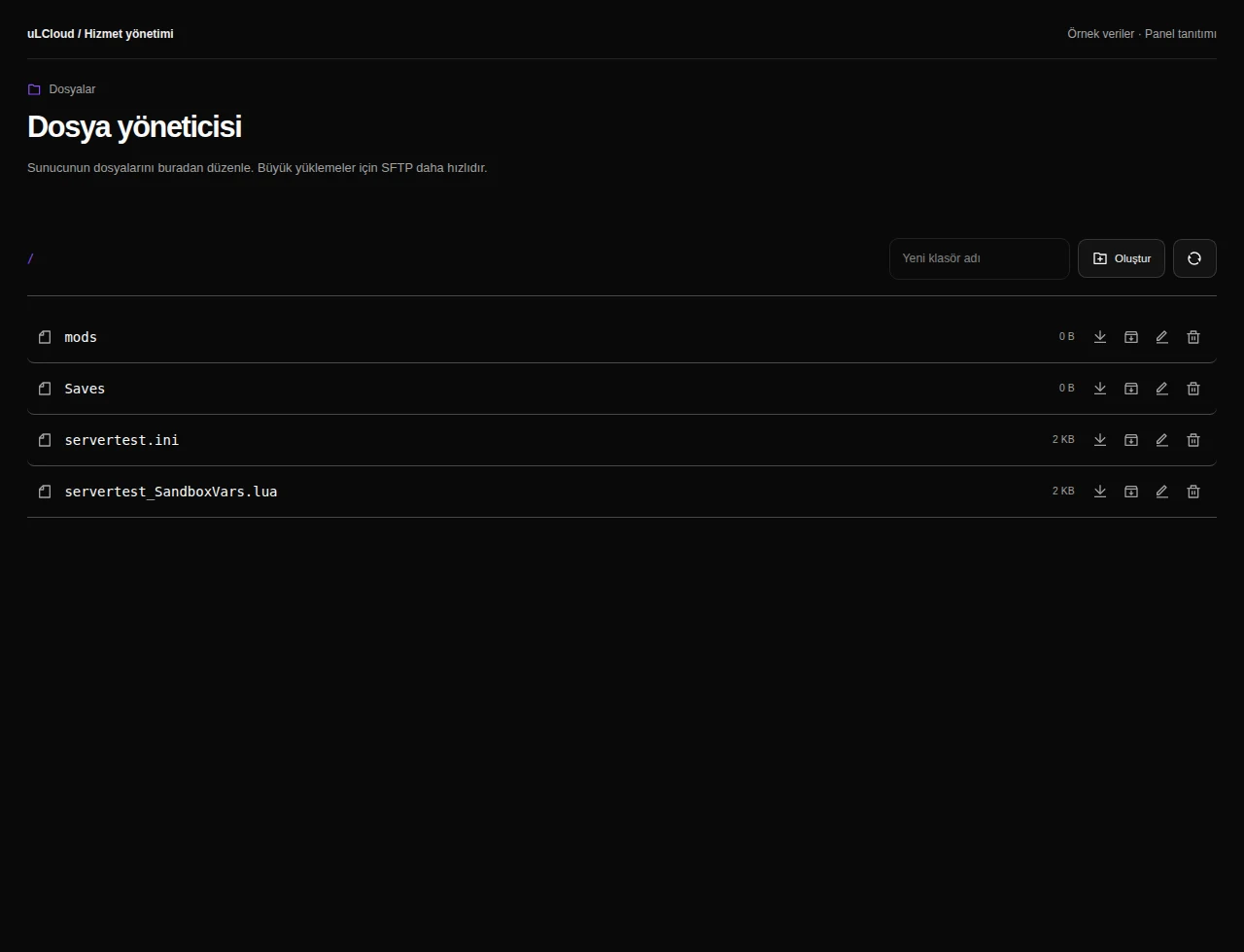
Project Zomboid — File manager. Actual panel design · Sample data · Available features depend on your plan.
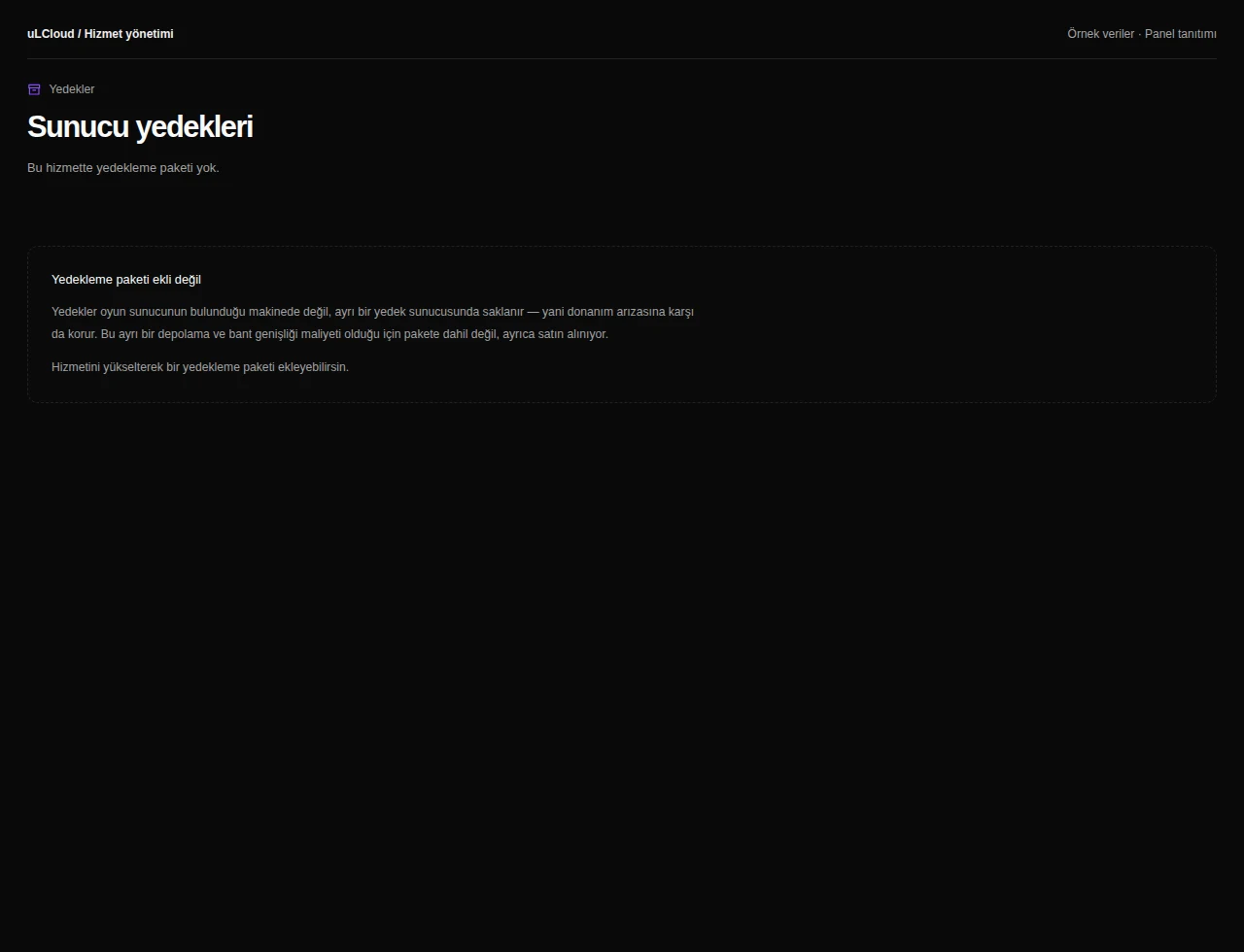
Project Zomboid — Game backups. Actual panel design · Sample data · Available features depend on your plan.
Project Zomboid — Startup settings. Actual panel design · Sample data · Available features depend on your plan.
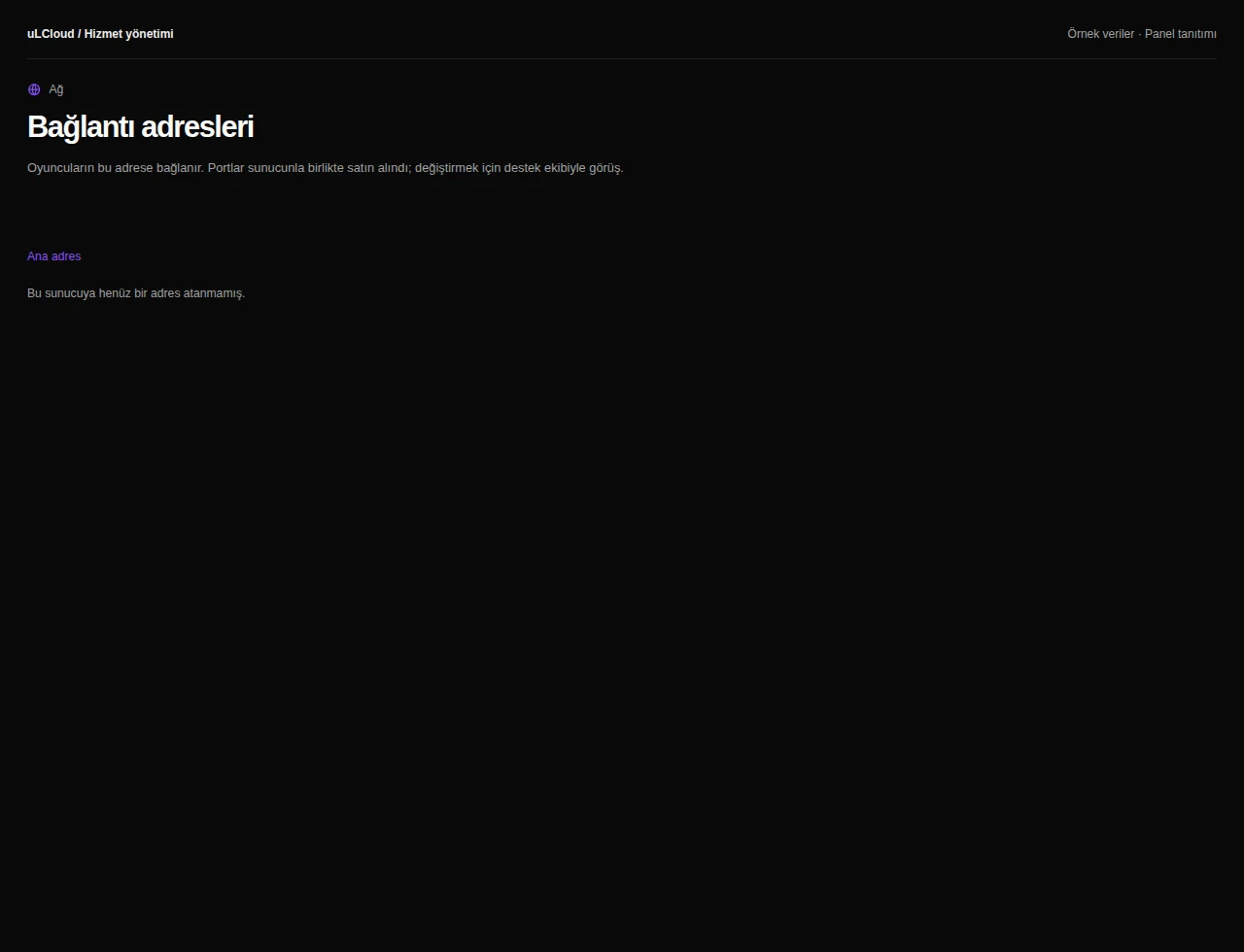
Project Zomboid — Ports and networking. Actual panel design · Sample data · Available features depend on your plan.
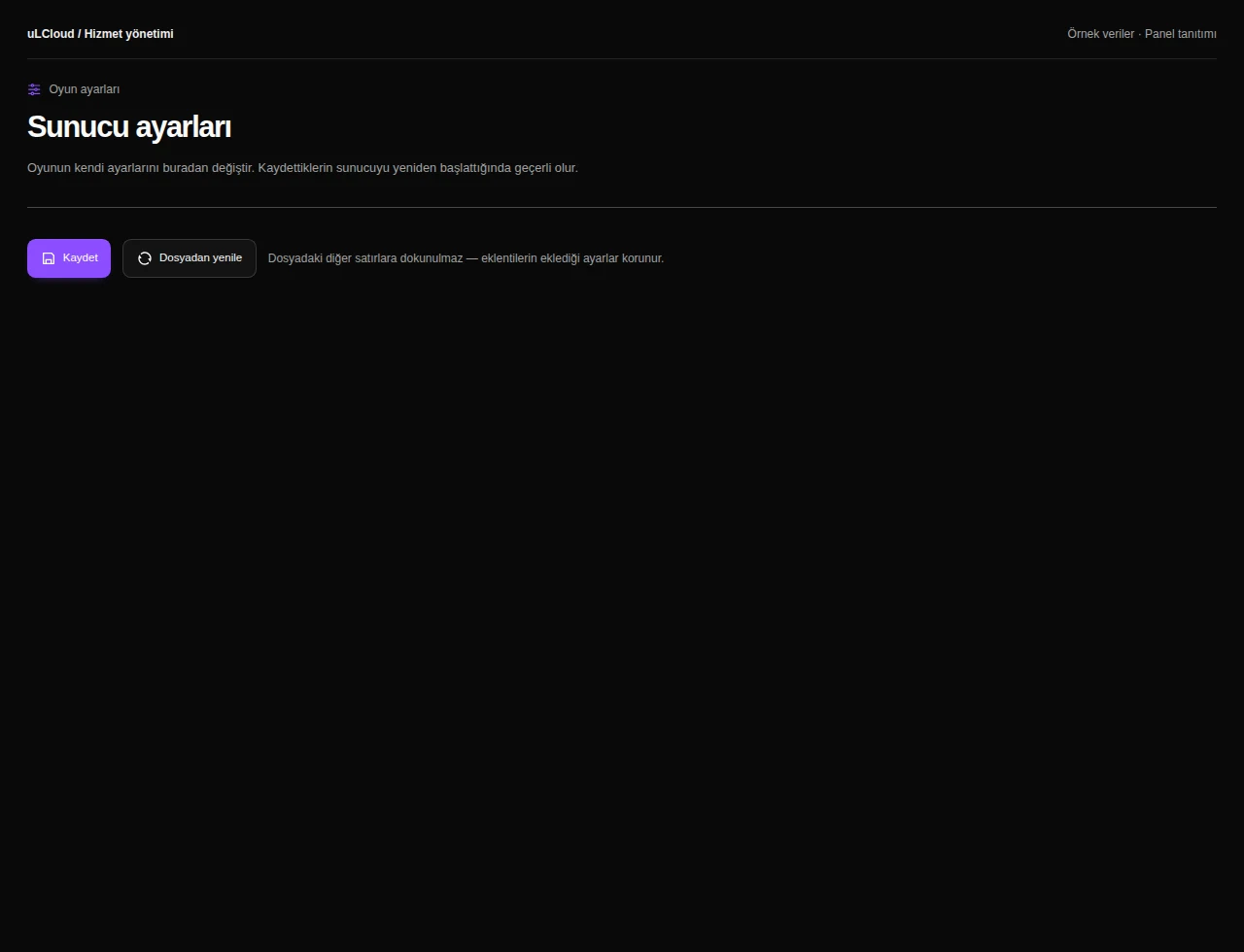
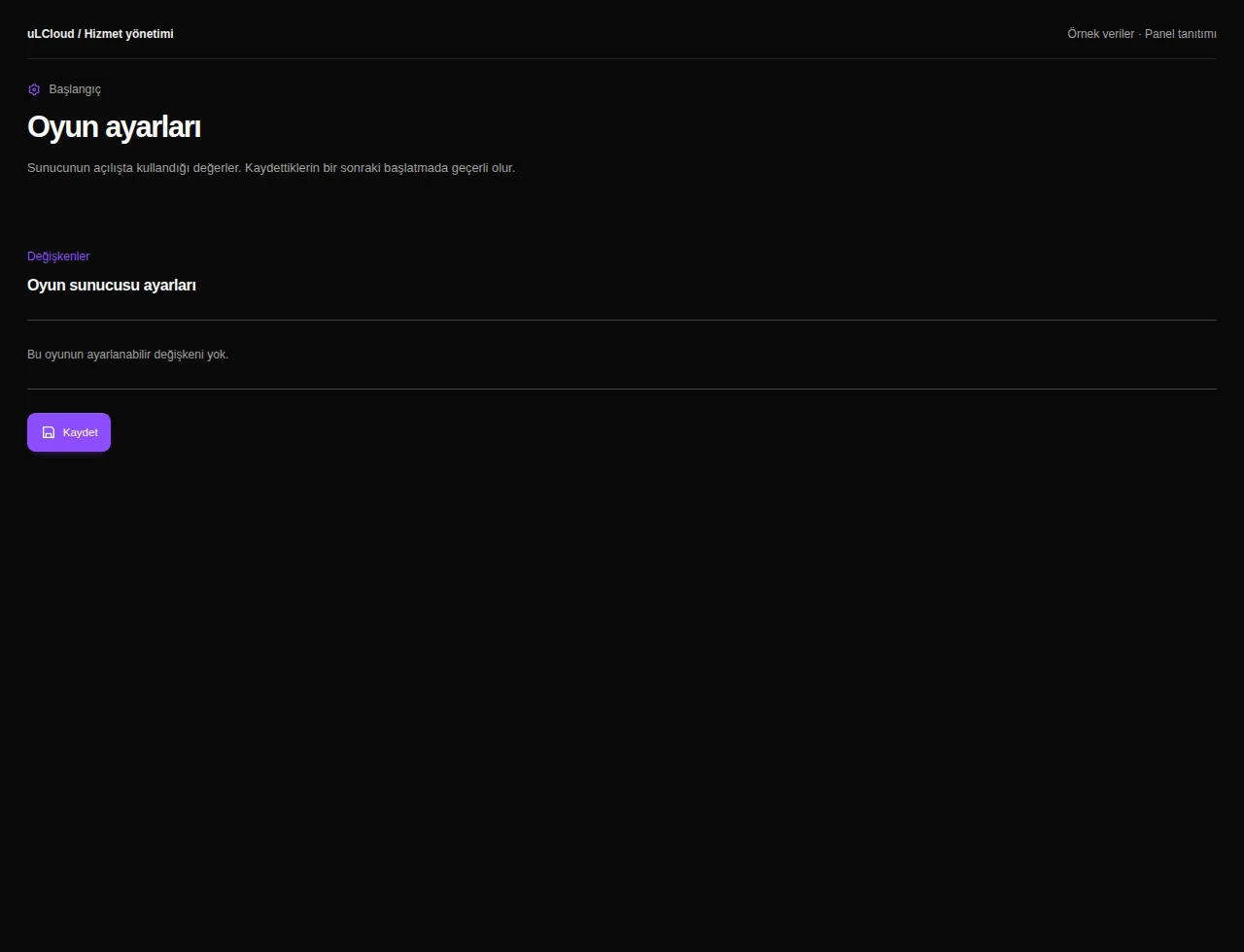
Project Zomboid — Game server settings. Actual panel design · Sample data · Available features depend on your plan.

What can you do on this screen?

Console and power

Read live output, send supported commands and access start, stop and restart controls alongside CPU, memory and disk measurements.

Game configuration

Edit supported game properties, review EULA and managed-variable guidance, and restart when required by the game.

Sandbox rules

Edit grouped sandbox settings and consider their effects on new or existing game worlds.

Zomboid mods

Review Workshop mods, pending changes and unmatched entries, checking compatibility with your world and other mods.

Zomboid players

Review online players and management actions, with RCON readiness information when the connection needs setup.

File manager

Browse game folders, edit configuration files and organize server content. Upload, download and manage files using the controls available in your panel.

Game backups

Inspect backups, limits and completion status, and review active game data before creating or restoring archives.

Startup settings

Review startup commands, available images and editable variables according to your game’s requirements.

Ports and networking

Review allocations, primary connection and game port variables within infrastructure and plan limits.

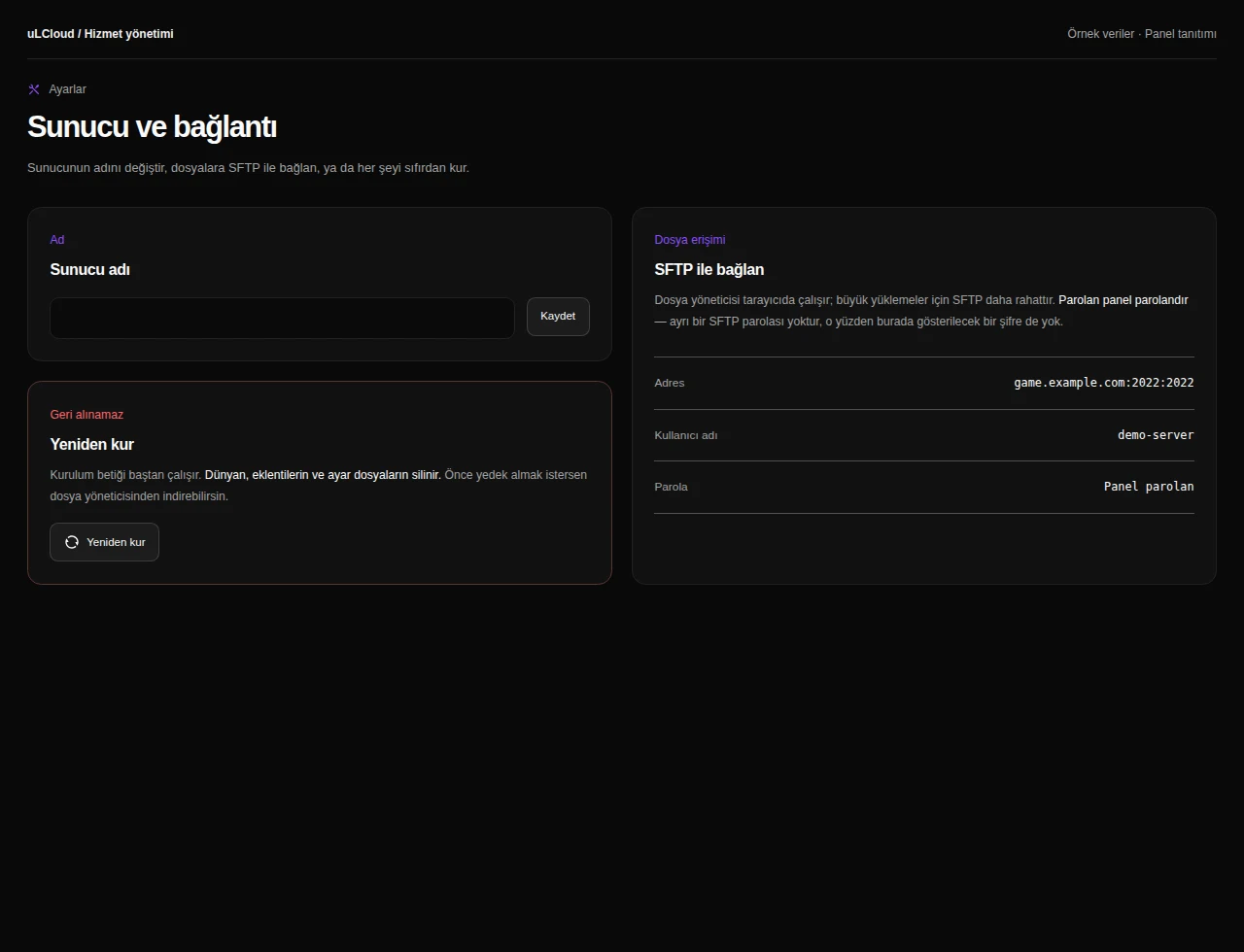
Game server settings

Review server identity and file-transfer details, with separate confirmations for data-affecting actions such as reinstallation.

Sorularınızmı var ? Bizim ile iletişime geçin.