VIRTUAL SERVERS

VDS-M: room for an application and its database

VDS-M is the mid-size VDS from uLCloud: enough dedicated memory to run an application and its database on one machine under real load.

₺799,00 / Aylık

Card instalments available

Drag to exploreIllustrative connection map
Processor
4 vCPU
Memory
8 GB RAM
Disk
160 GB NVMe
Location
Choose at checkout

VDS Plans

Plan features

For production workloads with database and app on the same machine.

Processor

4 vCPU

Memory

8 GB RAM

Disk

160 GB NVMe

Location

Germany · Economy — AMD Ryzen 5 3600X Germany · Premium — Intel i9-12900K

You can customise these options during checkout.

Who VDS-M is for

VDS-M is the right size once an application is serving real users: a shop, a CMS with steady traffic, an API with its own database, or a handful of small services run by one team.

The deciding factor is that the database and the application both want memory at the same time. That is where VDS-S starts to feel tight, and it is exactly what this size is built for.

What dedicated resources mean in practice

CPU and RAM are reserved for you rather than shared with other customers on the same host. Response times stay predictable at peak, which is the practical difference from an oversubscribed VPS.

You get full root access: your own distribution, your own packages, your own firewall rules. No control panel is imposed on you.

What to weigh before ordering

RAM and disk are chosen at checkout. Leave headroom on memory for database caching — that is the first place a tight spec shows up as slow queries.

If you run several services side by side or expect sustained heavy traffic, VDS-L is the better fit. Moving up later does not mean rebuilding the project from scratch.

On a VDS the CPU and RAM are reserved for you and are not oversold. On a typical VPS those resources are shared between customers, so performance can vary when the host is busy.

Yes. You choose the operating system, install any software you need, and configure the firewall yourself. There is no mandatory control panel.

Deployment takes under 60 seconds after ordering. There is no setup fee and no minimum contract term.

Yes. You can move up to VDS-L, or pick a custom configuration where you choose the RAM and disk yourself.

uLCloud offers an unconditional refund within 7 days. If the only issue is capacity, switching plans is usually the faster fix.

VDS Plans

Other plans in VDS Plans

VDS-S

₺399,00 / Aylık
Processor
2 vCPU
Memory
4 GB RAM
Disk
80 GB NVMe
Location
Choose at checkout
View plan

Bot ve Backend VDS

₺399,00 / Aylık
Processor
2 vCPU
Memory
4 GB RAM
Disk
80 GB NVMe
Location
Choose at checkout
View plan

VDS-L

₺1.599,00 / Aylık
Processor
8 vCPU
Memory
16 GB RAM
Disk
320 GB NVMe
Location
Choose at checkout
View plan

EXPLORE YOUR PANEL BEFORE BUYING

VDS Plans, in your own panel.

Take a closer look at the management screens you will use. These images were rendered from our existing customer panel templates.

All panel screens 19
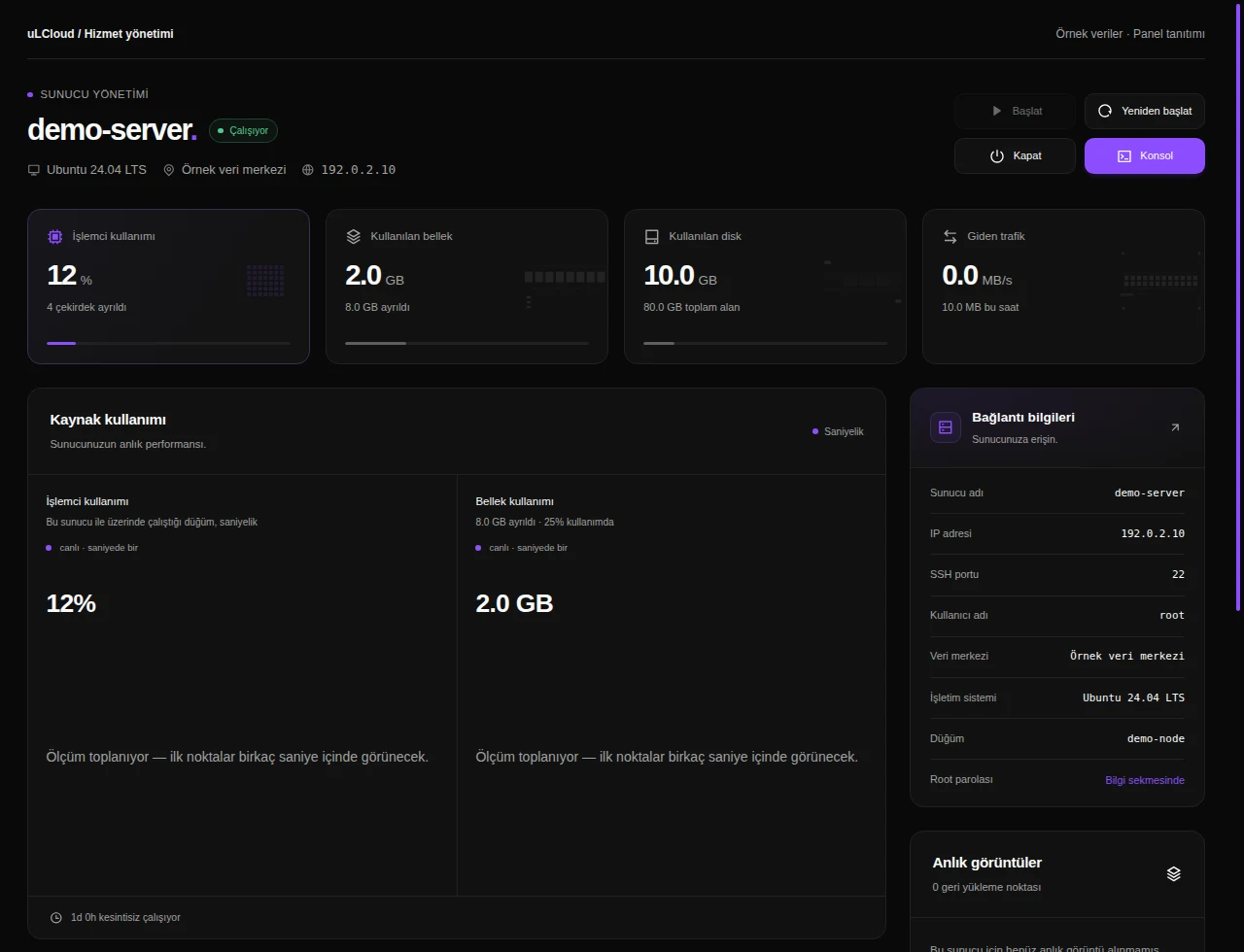
uLCloud / Panel preview01 / 19
VDS Plans — Overview. Actual panel design · Sample data · Available features depend on your plan.
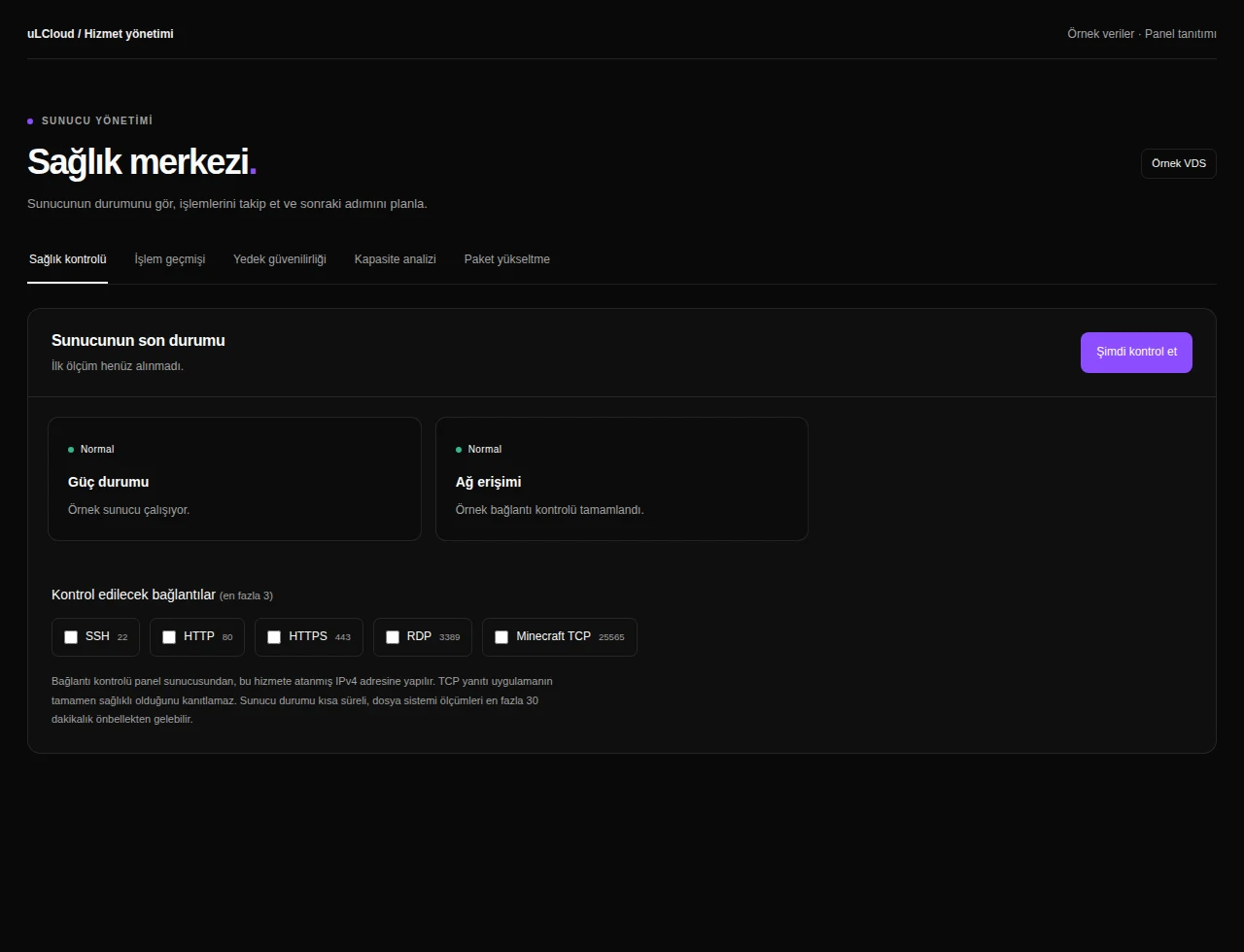
VDS Plans — Health checks. Actual panel design · Sample data · Available features depend on your plan.
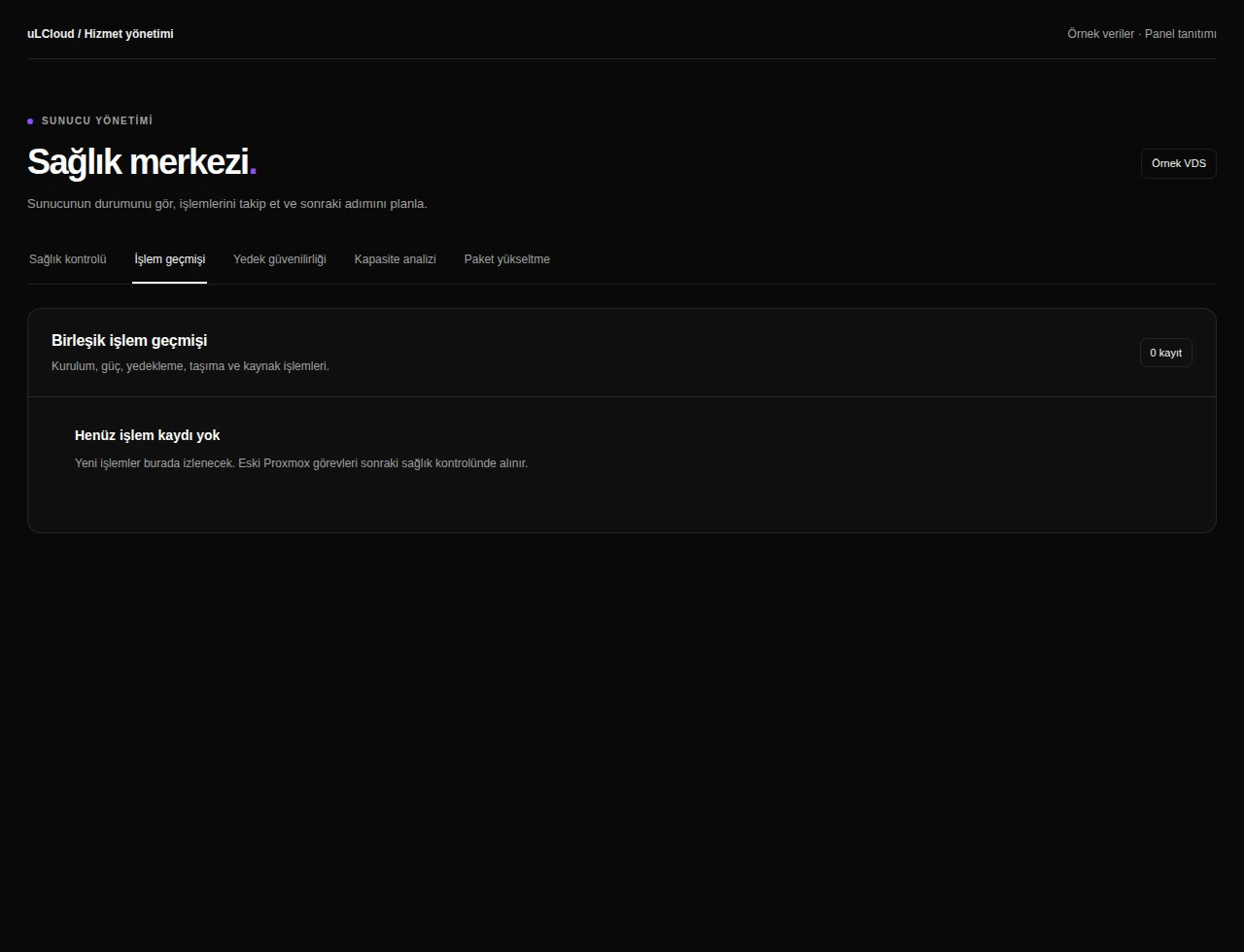
VDS Plans — Activity history. Actual panel design · Sample data · Available features depend on your plan.
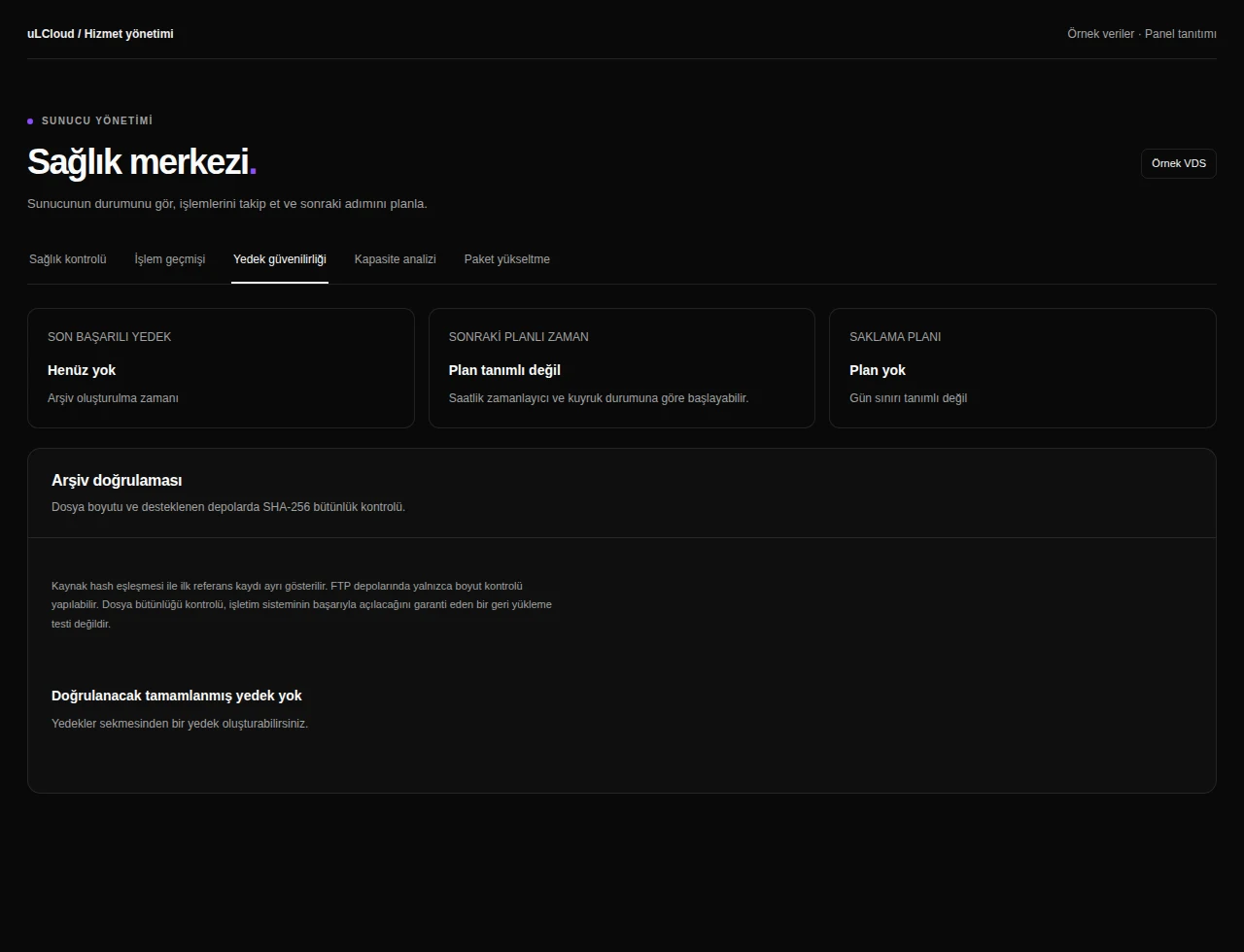
VDS Plans — Backup integrity. Actual panel design · Sample data · Available features depend on your plan.
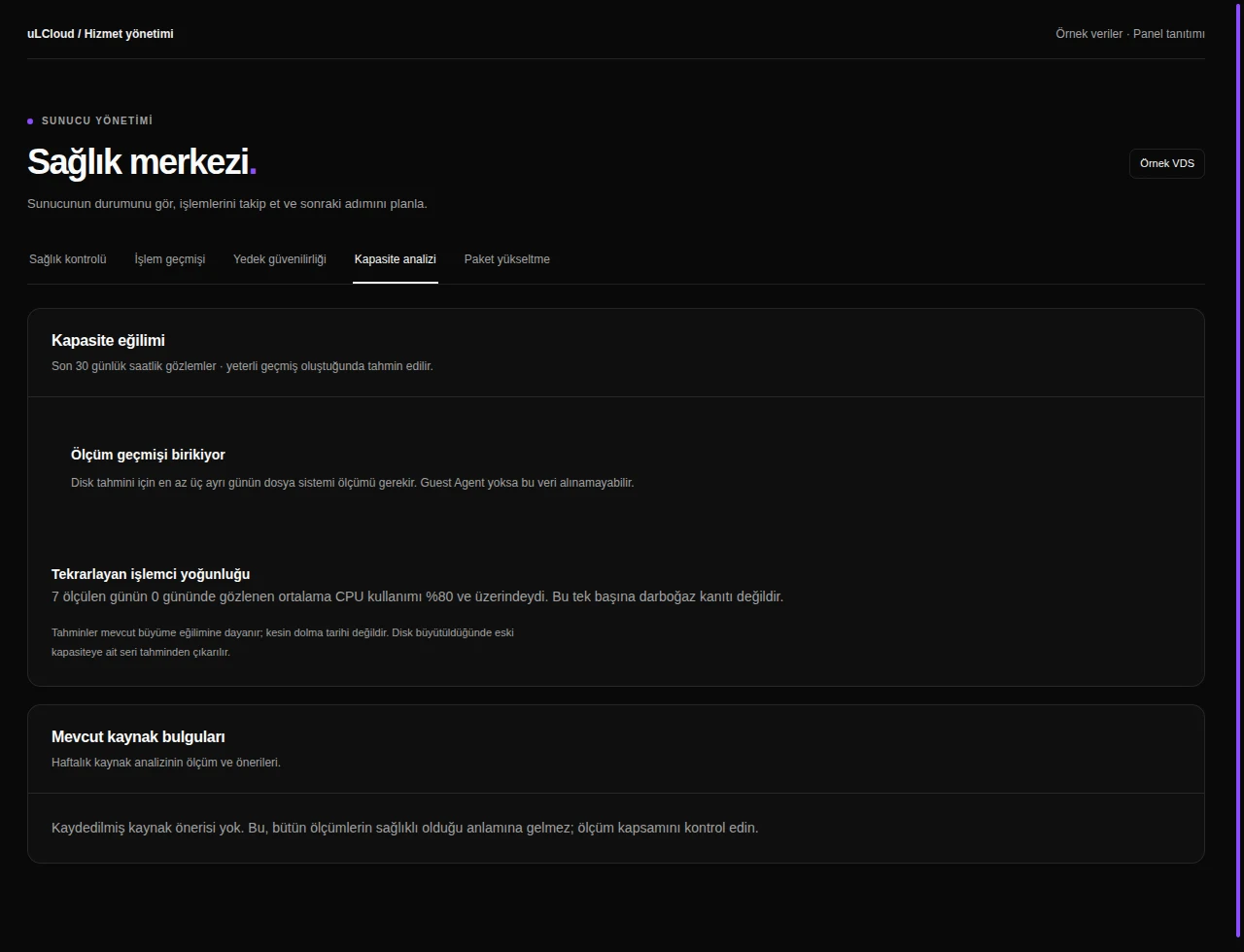
VDS Plans — Capacity analysis. Actual panel design · Sample data · Available features depend on your plan.
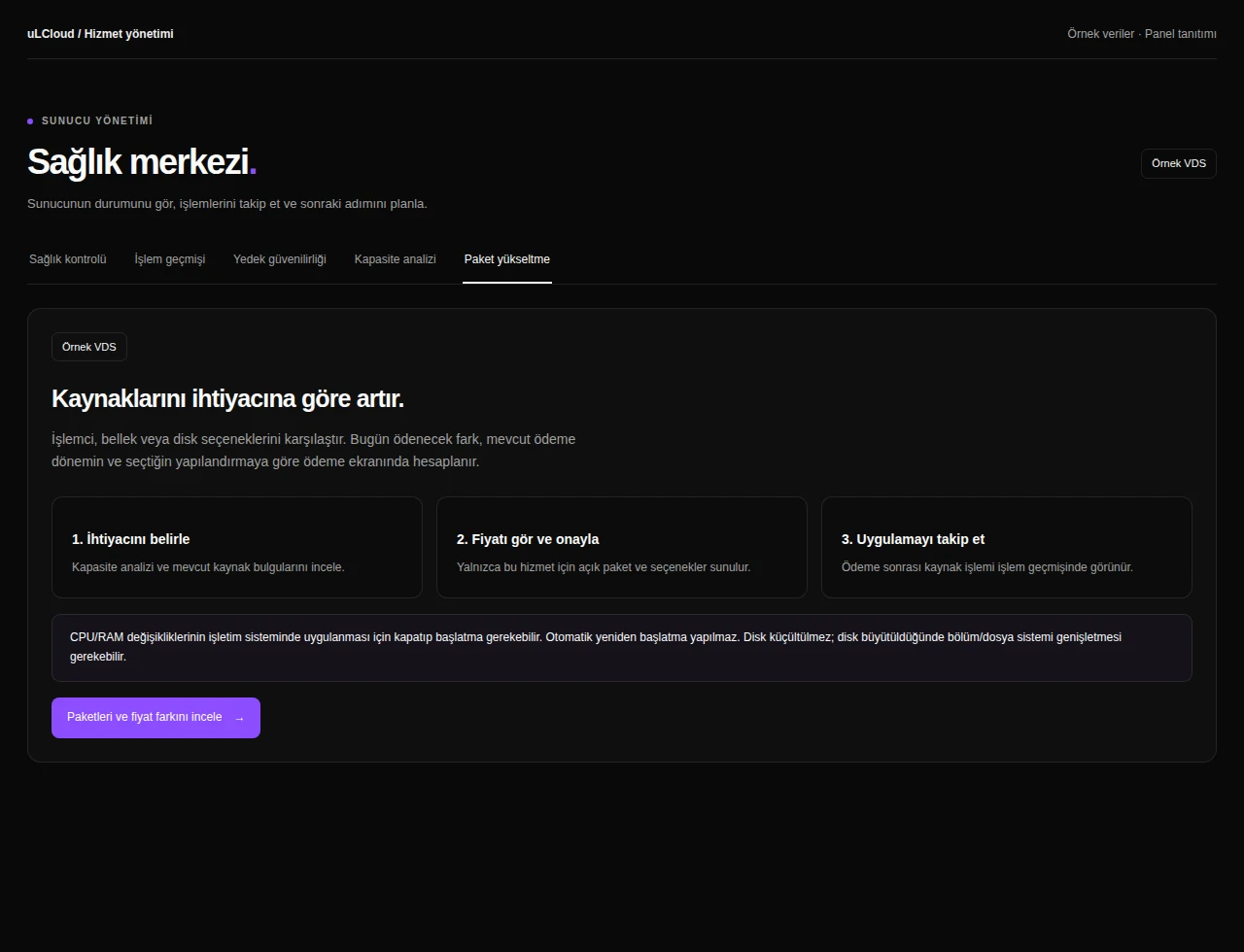
VDS Plans — Plan upgrade. Actual panel design · Sample data · Available features depend on your plan.
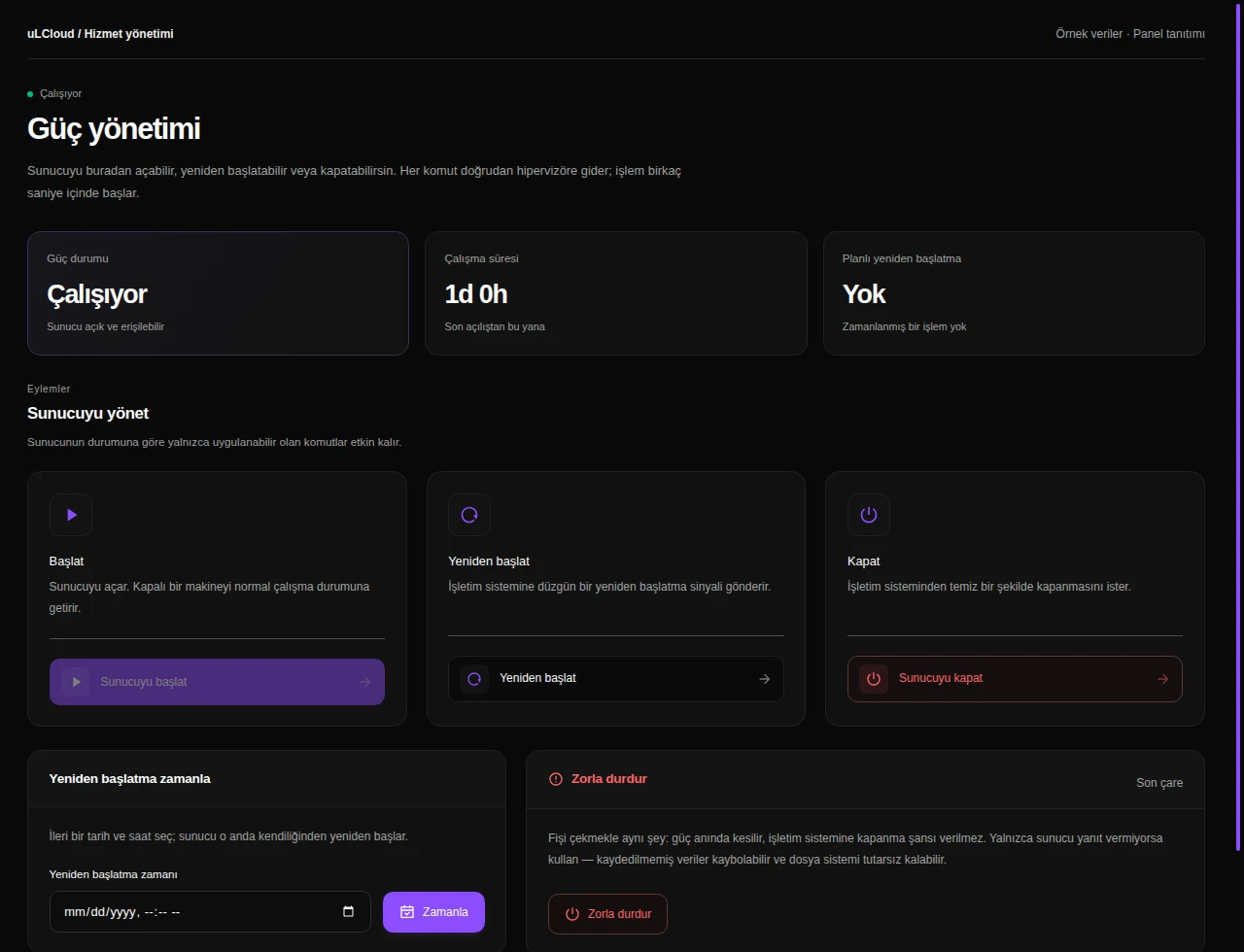
VDS Plans — Power management. Actual panel design · Sample data · Available features depend on your plan.
VDS Plans — Browser console. Actual panel design · Sample data · Available features depend on your plan.
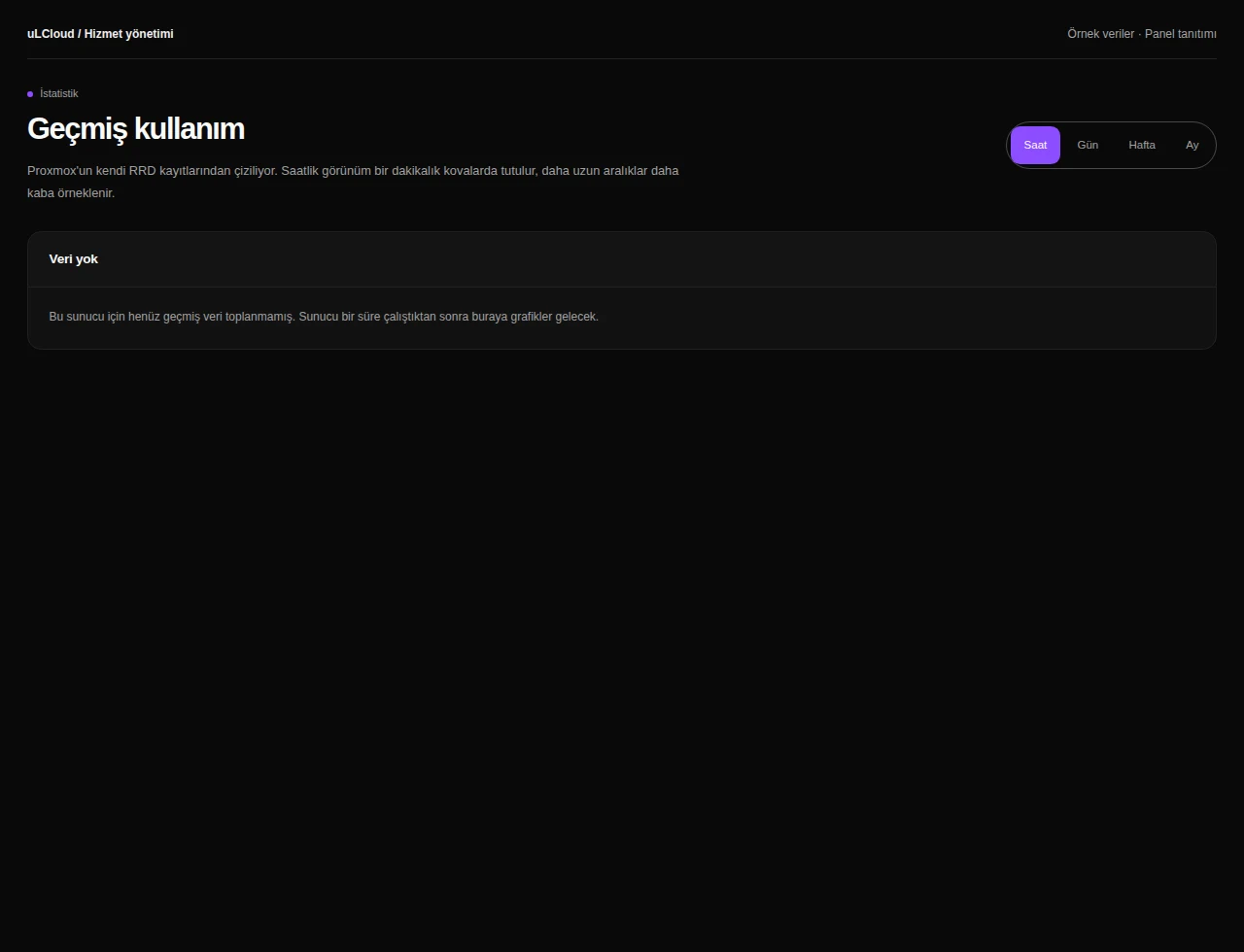
VDS Plans — Statistics. Actual panel design · Sample data · Available features depend on your plan.
VDS Plans — Resource health. Actual panel design · Sample data · Available features depend on your plan.
VDS Plans — Server information. Actual panel design · Sample data · Available features depend on your plan.
VDS Plans — Networking. Actual panel design · Sample data · Available features depend on your plan.
VDS Plans — Firewall. Actual panel design · Sample data · Available features depend on your plan.
VDS Plans — Server settings. Actual panel design · Sample data · Available features depend on your plan.
VDS Plans — Reinstallation. Actual panel design · Sample data · Available features depend on your plan.
VDS Plans — Advanced tools. Actual panel design · Sample data · Available features depend on your plan.
VDS Plans — Backup management. Actual panel design · Sample data · Available features depend on your plan.
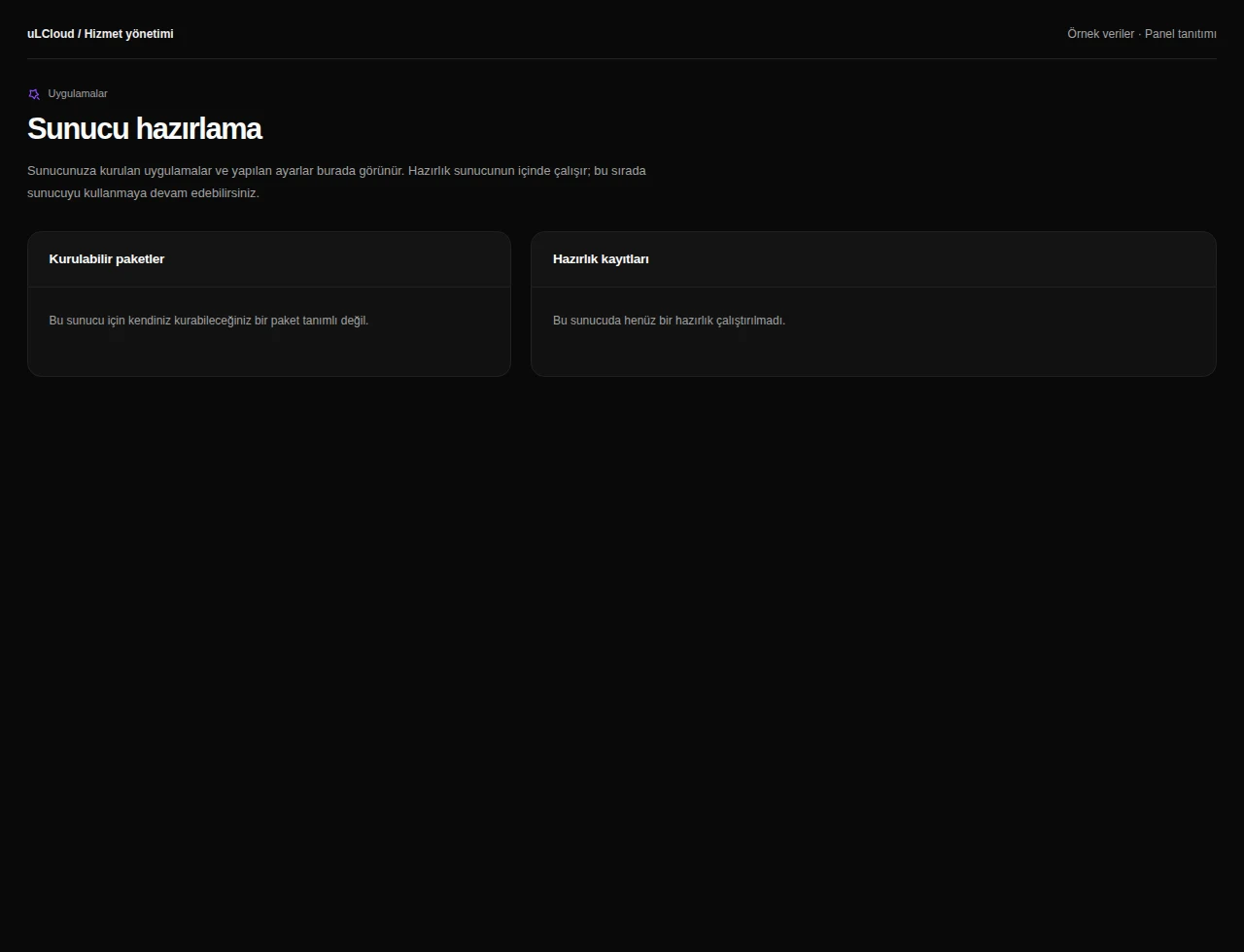
VDS Plans — Application packages. Actual panel design · Sample data · Available features depend on your plan.
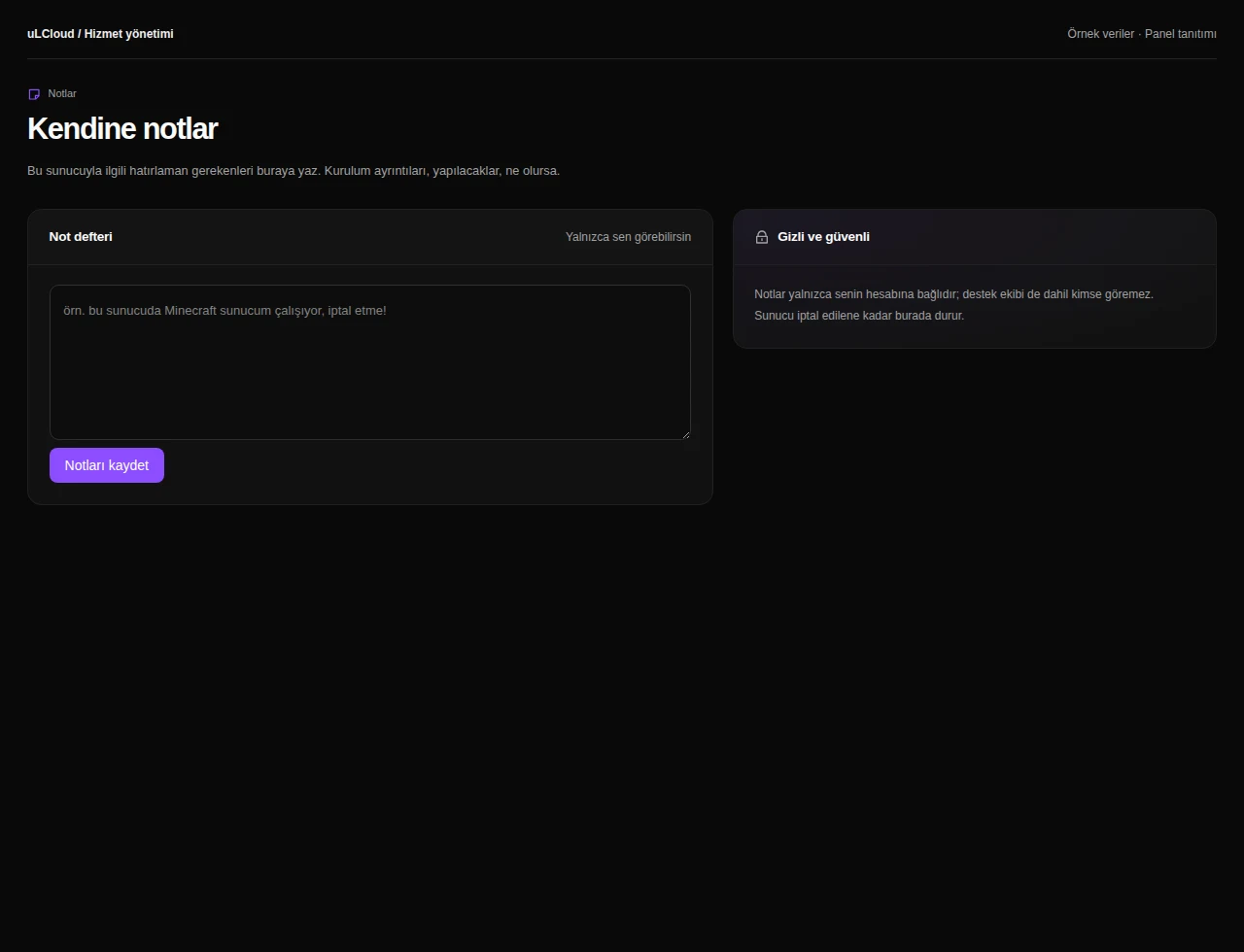
VDS Plans — Server notes. Actual panel design · Sample data · Available features depend on your plan.

What can you do on this screen?

Overview

Review server status, resource measurements, hardware, connection details and recent operations together.

Health checks

Request health checks, review connectivity and inspect the time and scope of the latest measurements.

Activity history

Follow installation, power, backup, migration and resource operations in a shared timeline with progress and results.

Backup integrity

Review backup schedules and retention, and request archive integrity checks on supported storage. Integrity checks do not replace restore tests.

Capacity analysis

Review disk growth and recurring CPU load, with forecasts and recommendations when sufficient measurement history is available.

Plan upgrade

Review capacity needs and available upgrades. The billing-period price difference is shown before approval, and changes can be followed in the activity history.

Power management

Review server power status and uptime. Access start, shutdown, restart and scheduled restart controls in the same screen.

Browser console

Use the graphical console or terminal on supported servers, including when guest networking or SSH needs attention.

Statistics

Compare CPU, memory and network history across hourly, daily, weekly and monthly views, including average and peak values.

Resource health

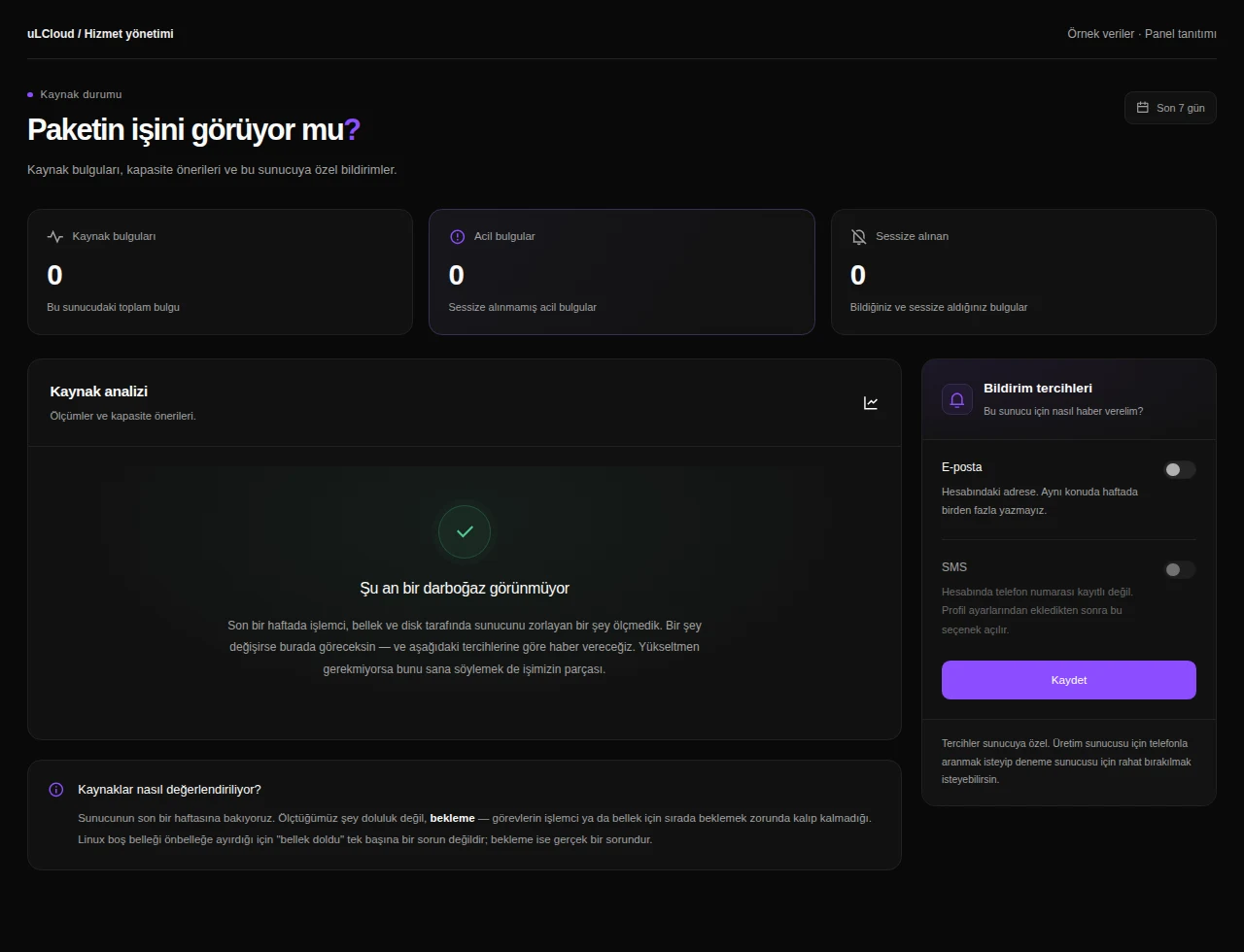
Inspect resource findings and capacity recommendations. Assess CPU, memory and storage needs and configure the available notification preferences.

Server information

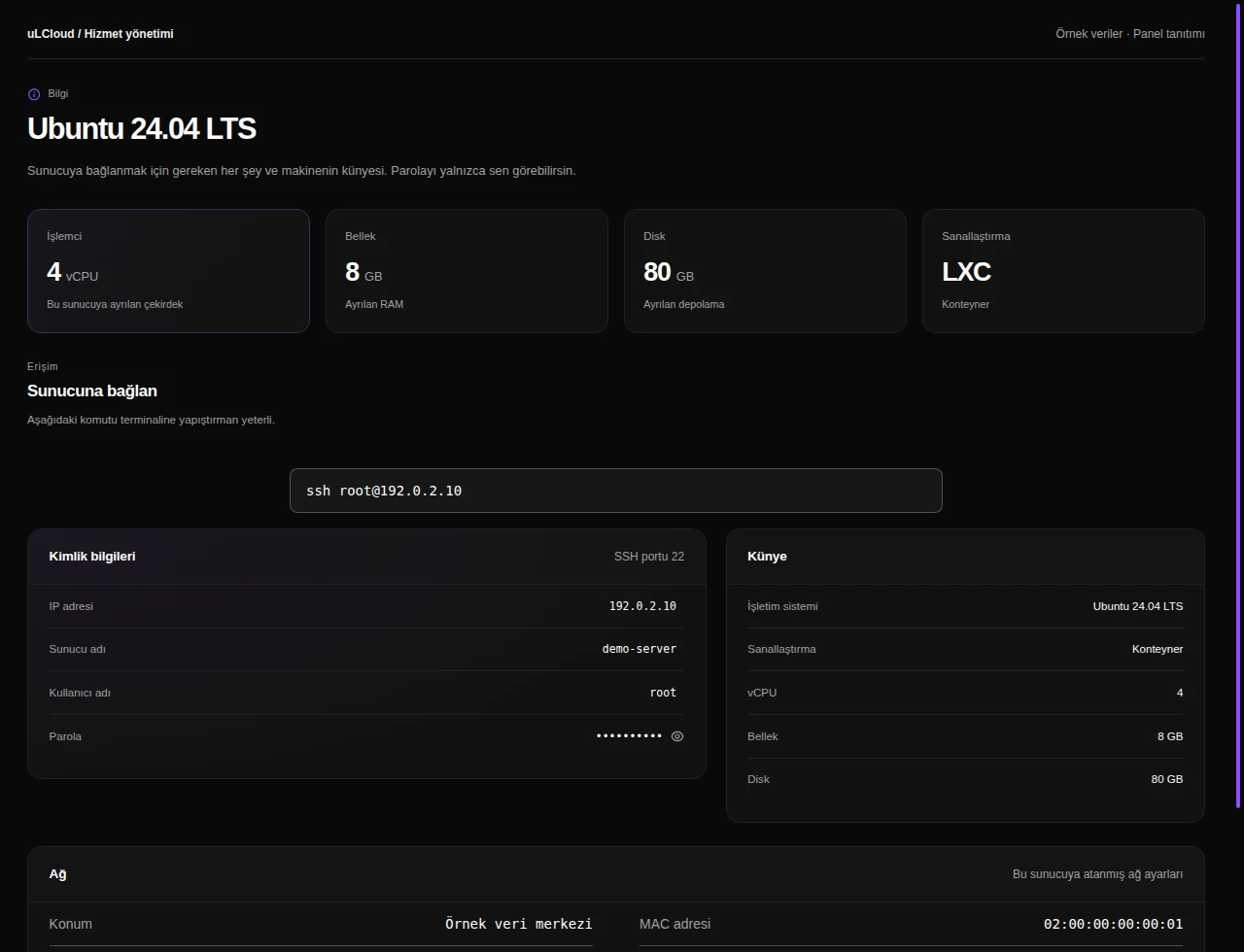
Find hostname, addresses, OS, allocated resources and network settings, with protected controls for access information.

Networking

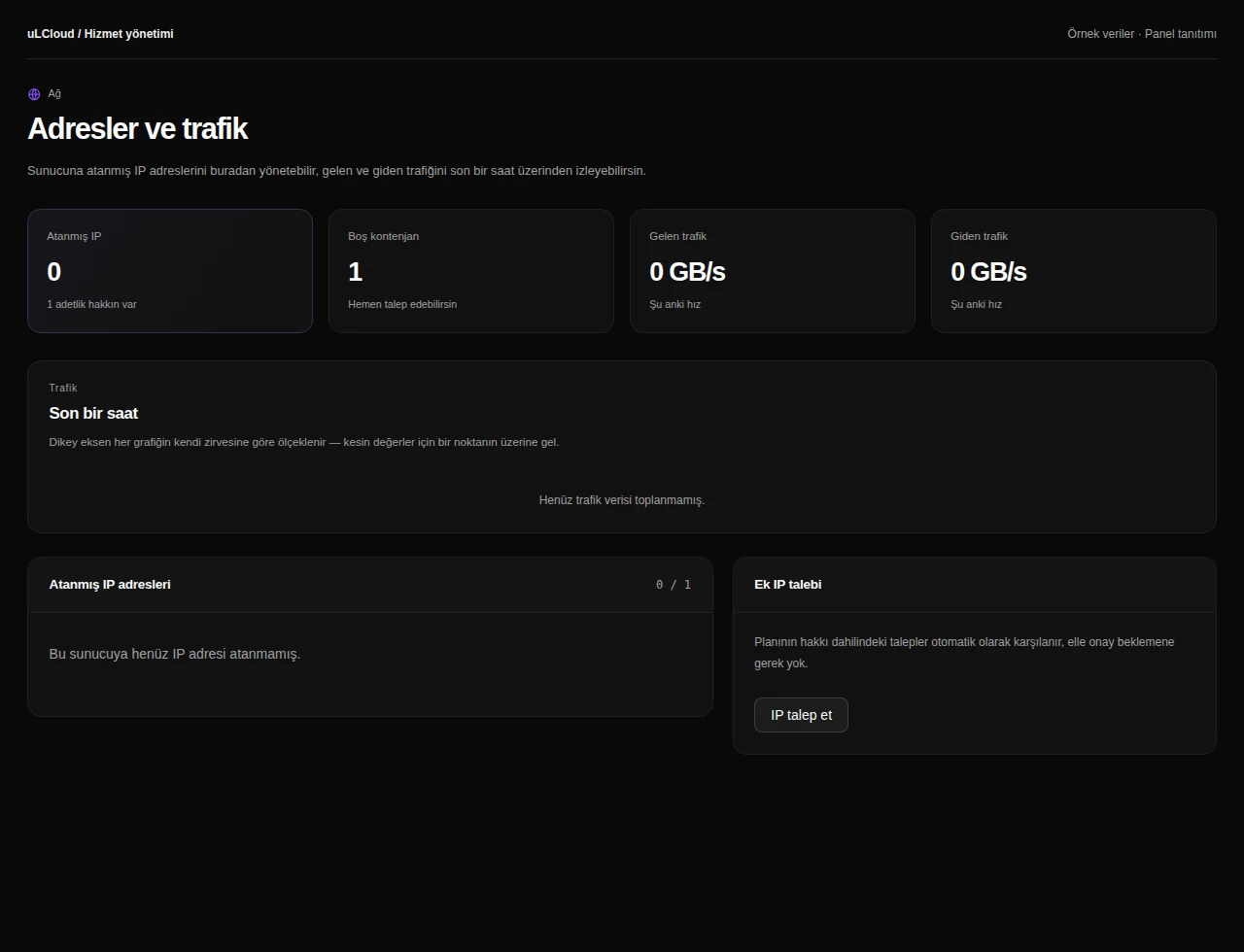
Review assigned addresses, IP entitlement and traffic. Private networking controls depend on service support.

Firewall

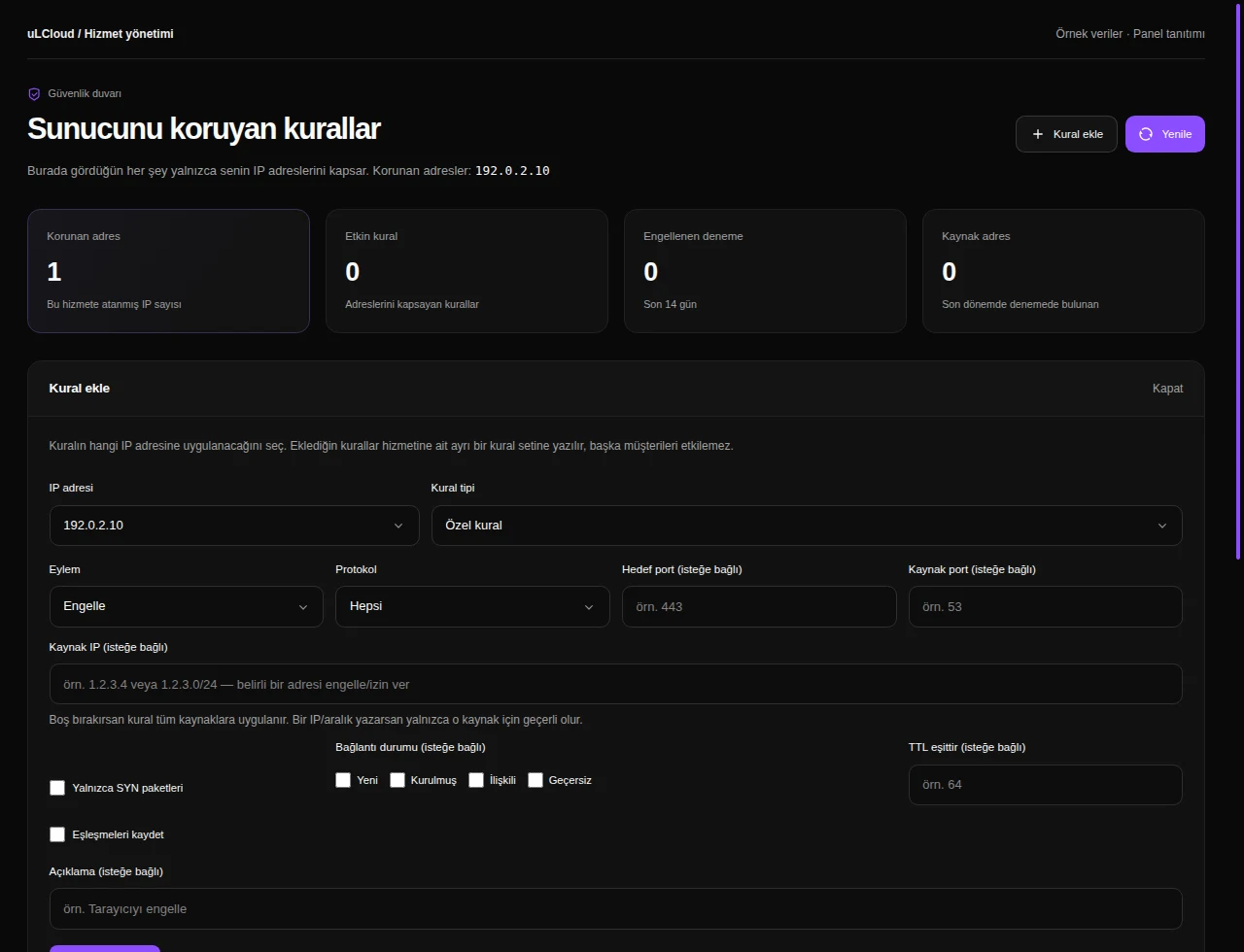
Manage protocol, port and protection rules, and inspect blocked attempts scoped to your service addresses.

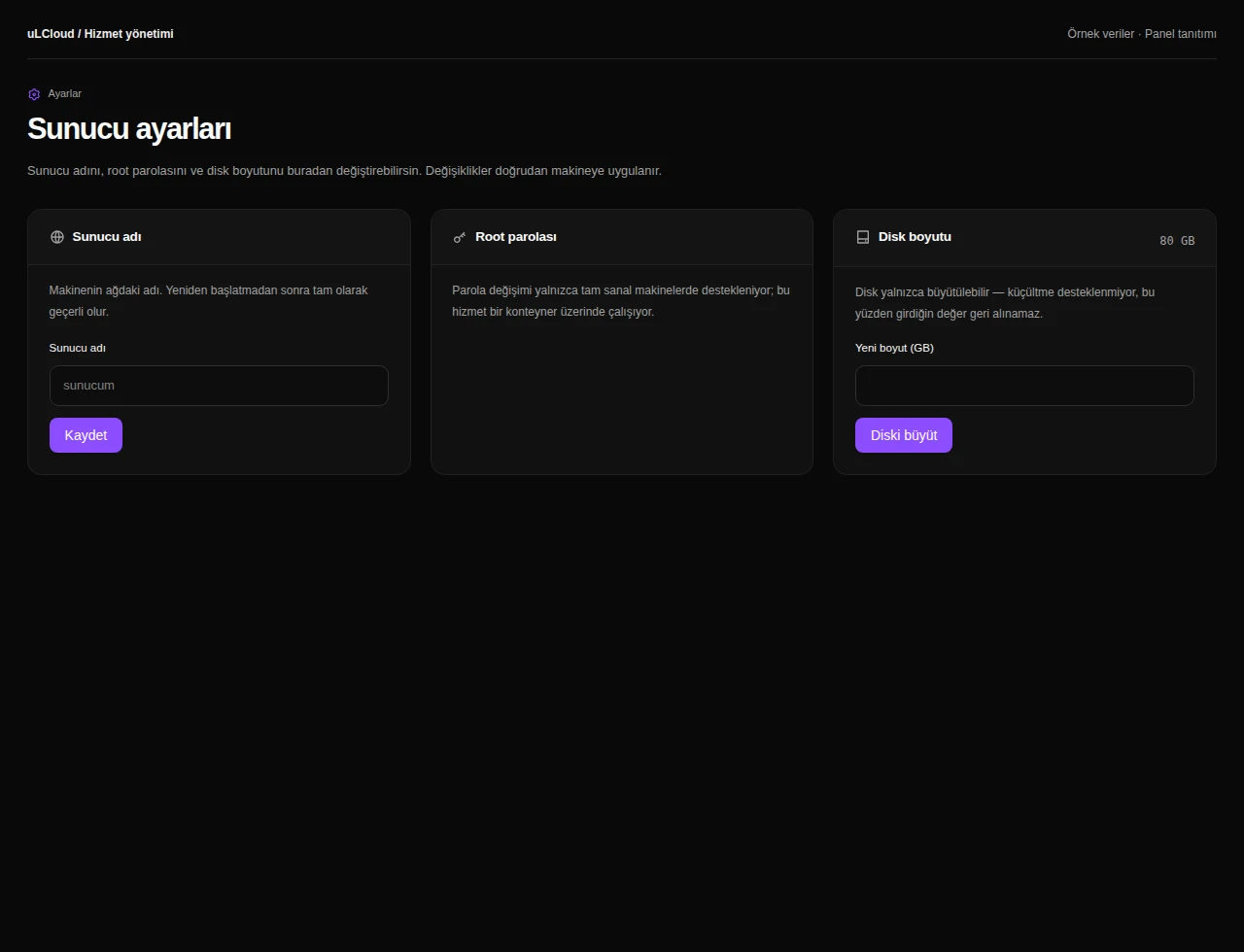
Server settings

Review available system and resource settings, with explanations of any required restart or operating-system steps.

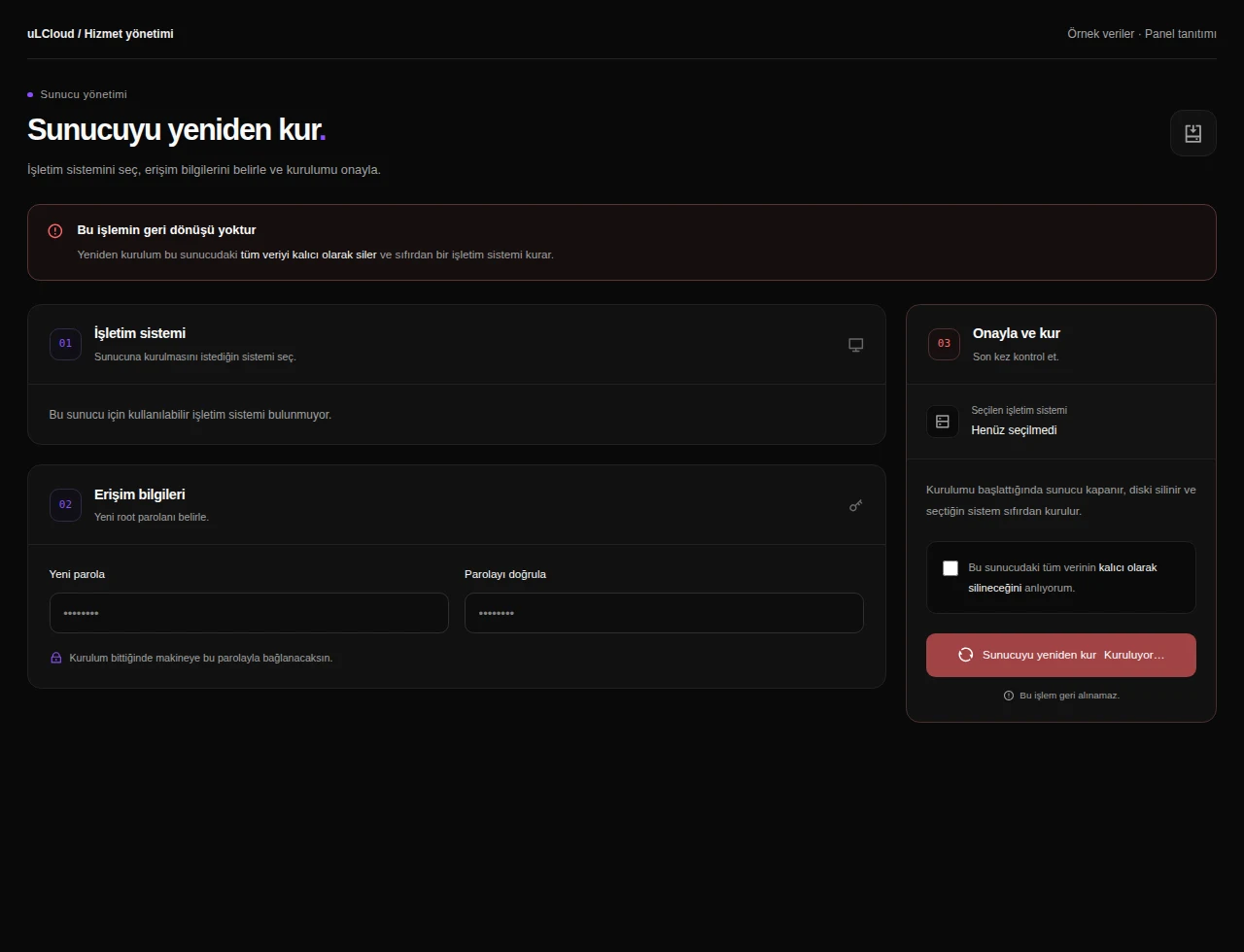
Reinstallation

Choose an available operating system and installation settings. Data-affecting reinstallation requires the panel’s confirmation steps.

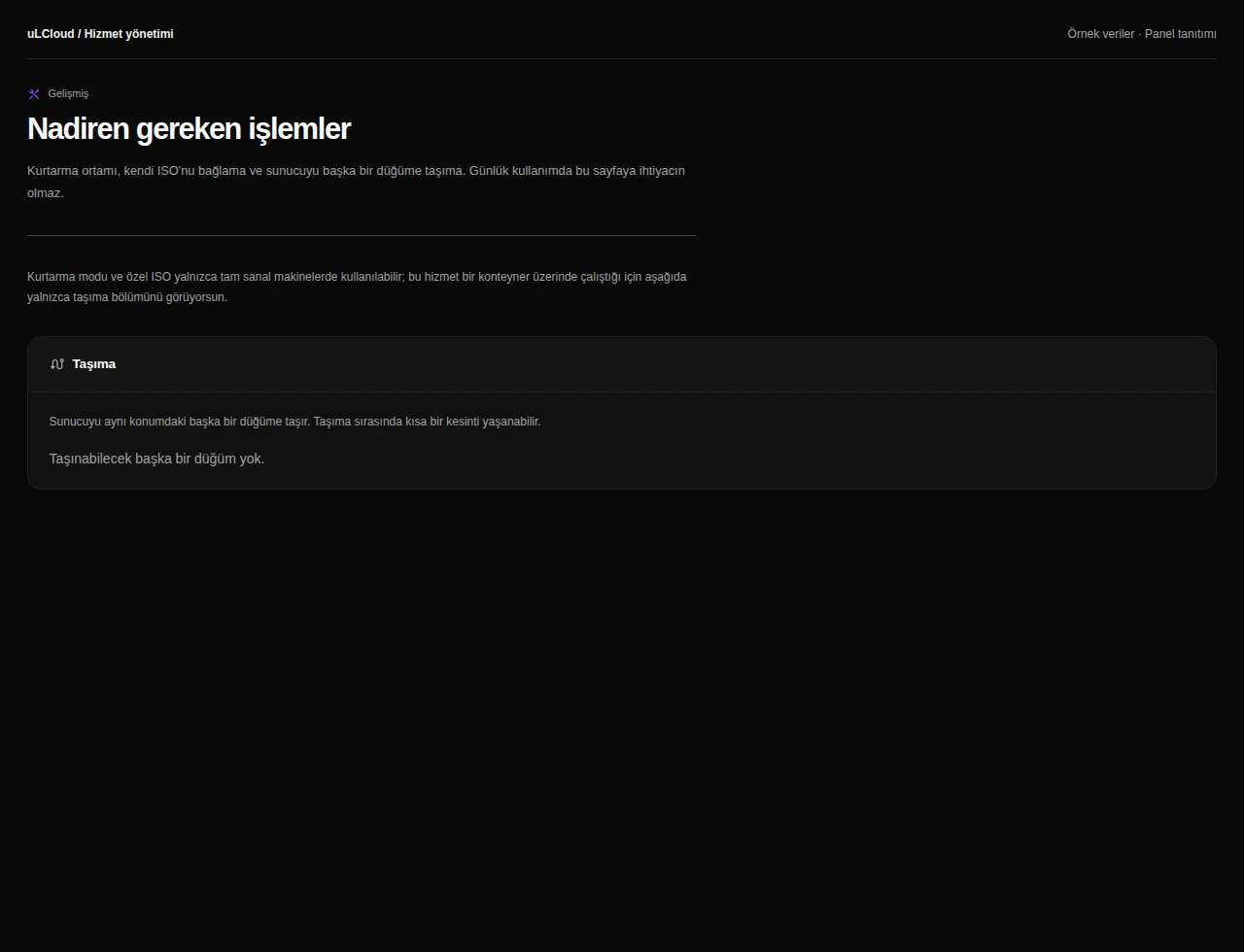
Advanced tools

Review recovery, ISO and node options where supported by the server type and infrastructure.

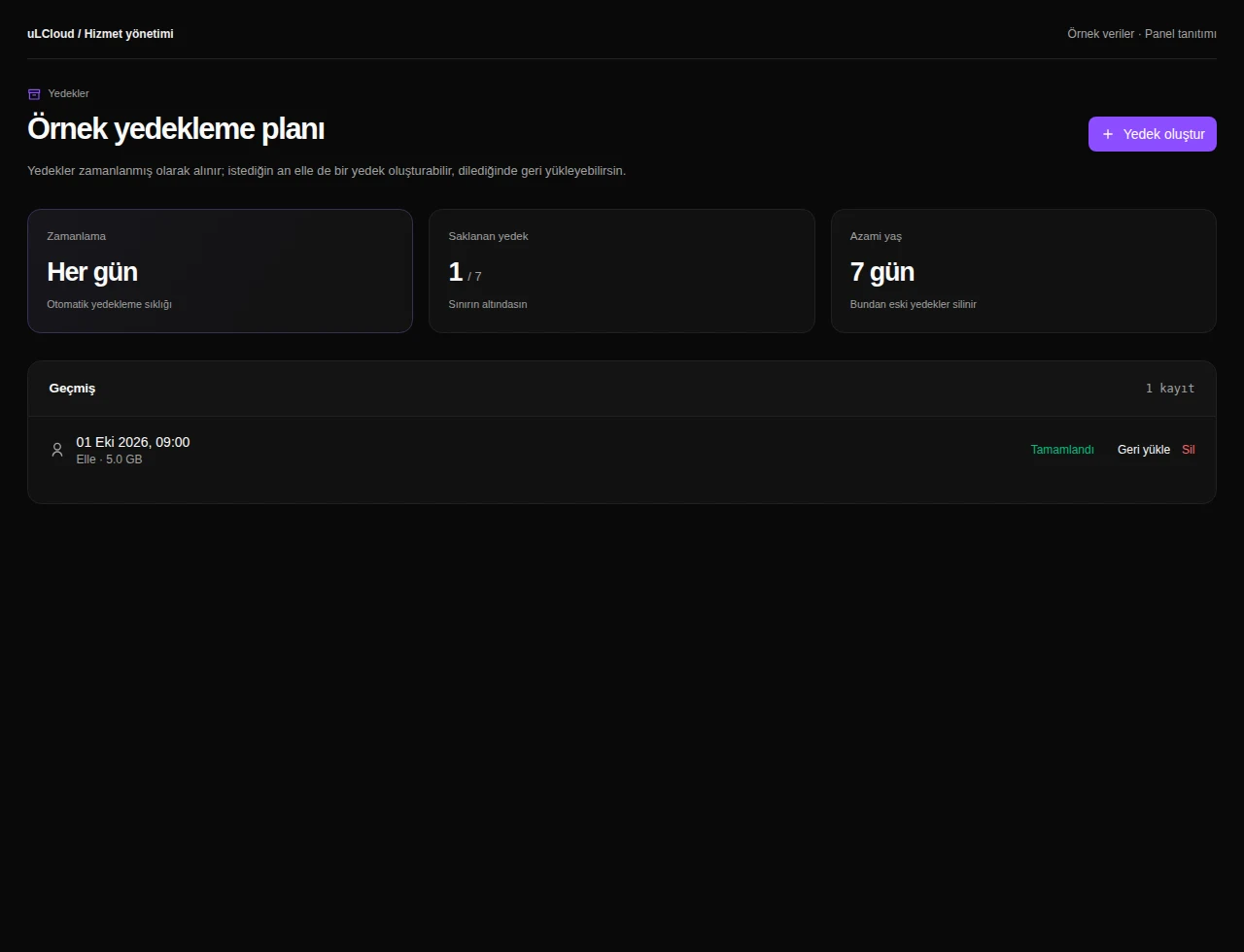
Backup management

Review the backup plan, retention limits and saved backups available for your service. Where supported, create a backup, track progress or select a restore point.

Application packages

Explore available application packages and follow provisioning through installation records.

Server notes

Keep maintenance reminders and configuration notes alongside your service without executing server commands.

Sorularınızmı var ? Bizim ile iletişime geçin.