5 mailboxes, for small teams.
EMAIL HOSTING
Mail 5: five mailboxes on your own domain
Mail 5 is the entry plan in uLCloud email hosting — five mailboxes for a small team, with no setup fee and no commitment.
₺49,00
/ Aylık
Card instalments available
- Mailboxes
- 5 mailboxes
- Disk
- 10 GB mail storage
- Filtering
- Spam filter
- Webmail
- Webmail included
Email Hosting
Plan features
Disk
10 GB mail storage
5 mailboxes
Filtering
Spam filter
Webmail
Webmail included
You can customise these options during checkout.
Who Mail 5 is for
Five mailboxes cover a founder and a couple of colleagues, or one person who also needs info@, sales@ and billing@ kept separate from personal mail.
Everything runs on your own domain rather than a free mail address, which is the part your customers actually see on every message you send.
What to weigh before you order
The count is mailboxes, not people. Each one is a separate login with its own password, so decide up front which addresses are real mailboxes and which can be simple aliases or forwards — that usually decides whether five is enough.
Billing period and configuration options are chosen during checkout. There is no setup fee, and you have a 7-day unconditional refund if the plan is not the right fit.
Room to grow
If the team outgrows five addresses, the same email hosting range continues with Mail 25 for growing businesses and Mail Unlimited for enterprise use. Your domain and existing addresses stay as they are; only the plan changes.
-
Mail 5 includes five mailboxes. Each is a full account with its own address on your domain and its own password.
-
Yes. Mail 5 is designed to run on your own domain, so you can create addresses such as info@yourdomain.com or your name at your domain.
-
No. uLCloud charges no setup fee and asks for no commitment on Mail 5, and every order comes with a 7-day unconditional refund.
-
You can move up to Mail 25 or Mail Unlimited within the same email hosting range. Your domain and existing addresses carry over.
EXPLORE YOUR PANEL BEFORE BUYING
Email Hosting, in your own panel.
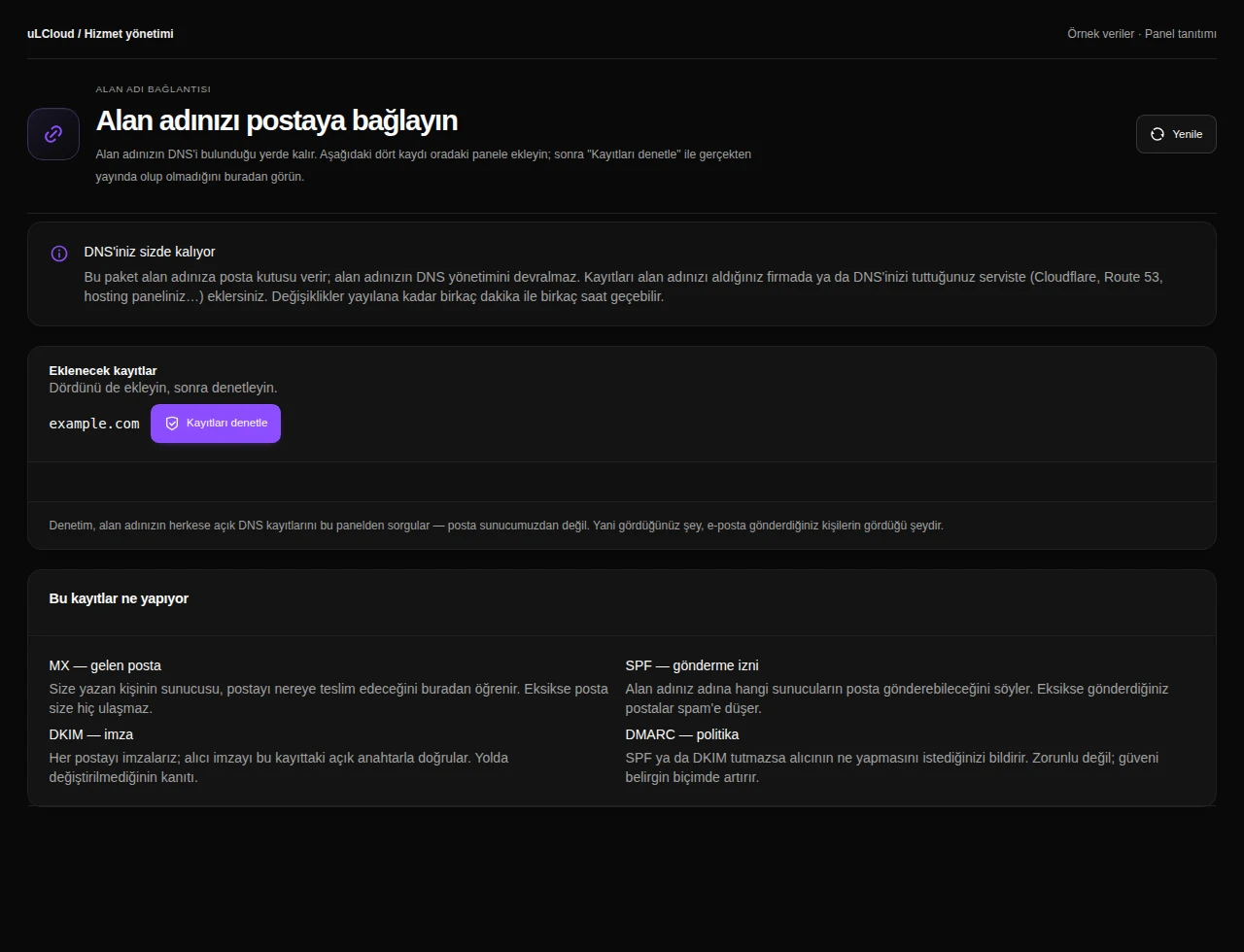
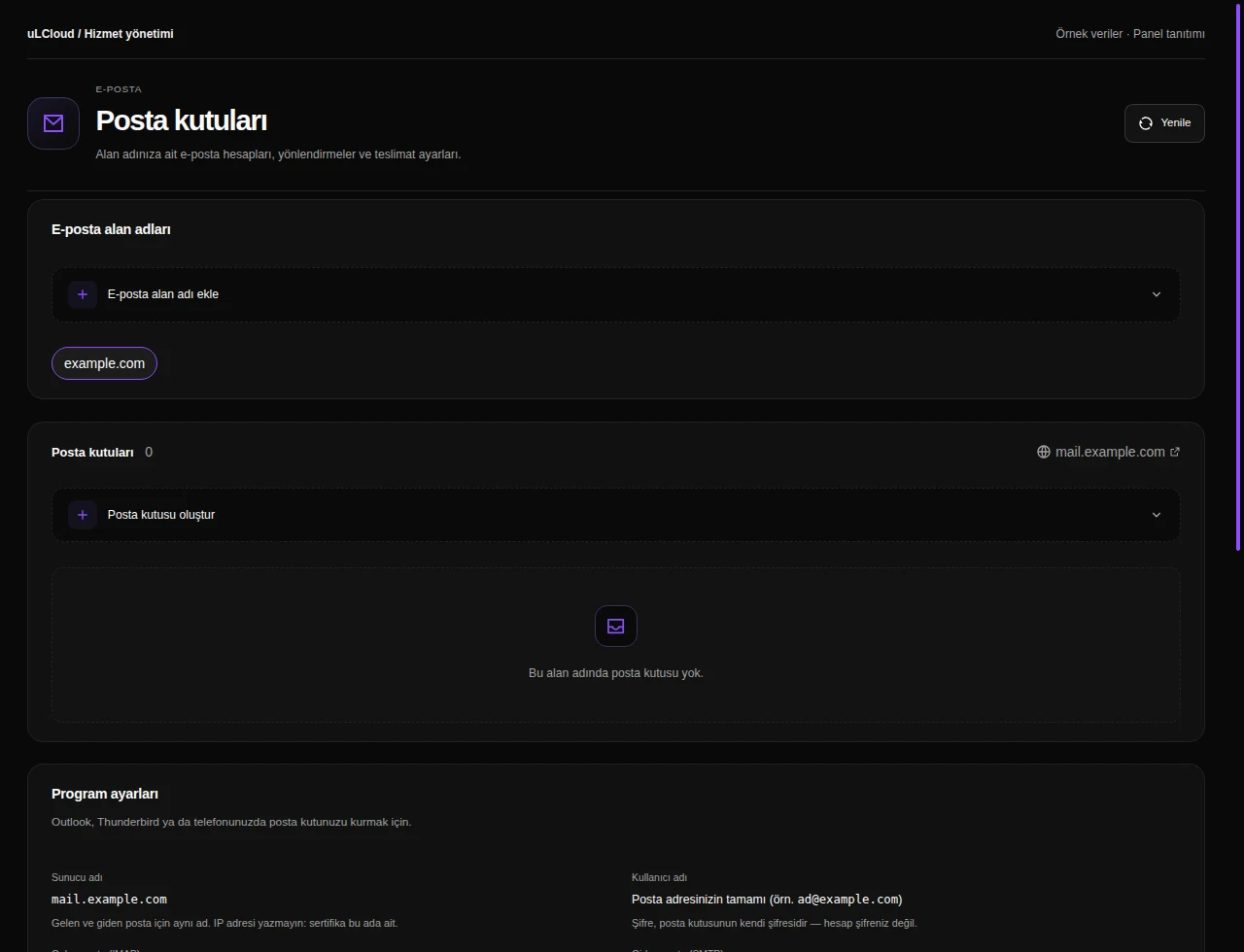
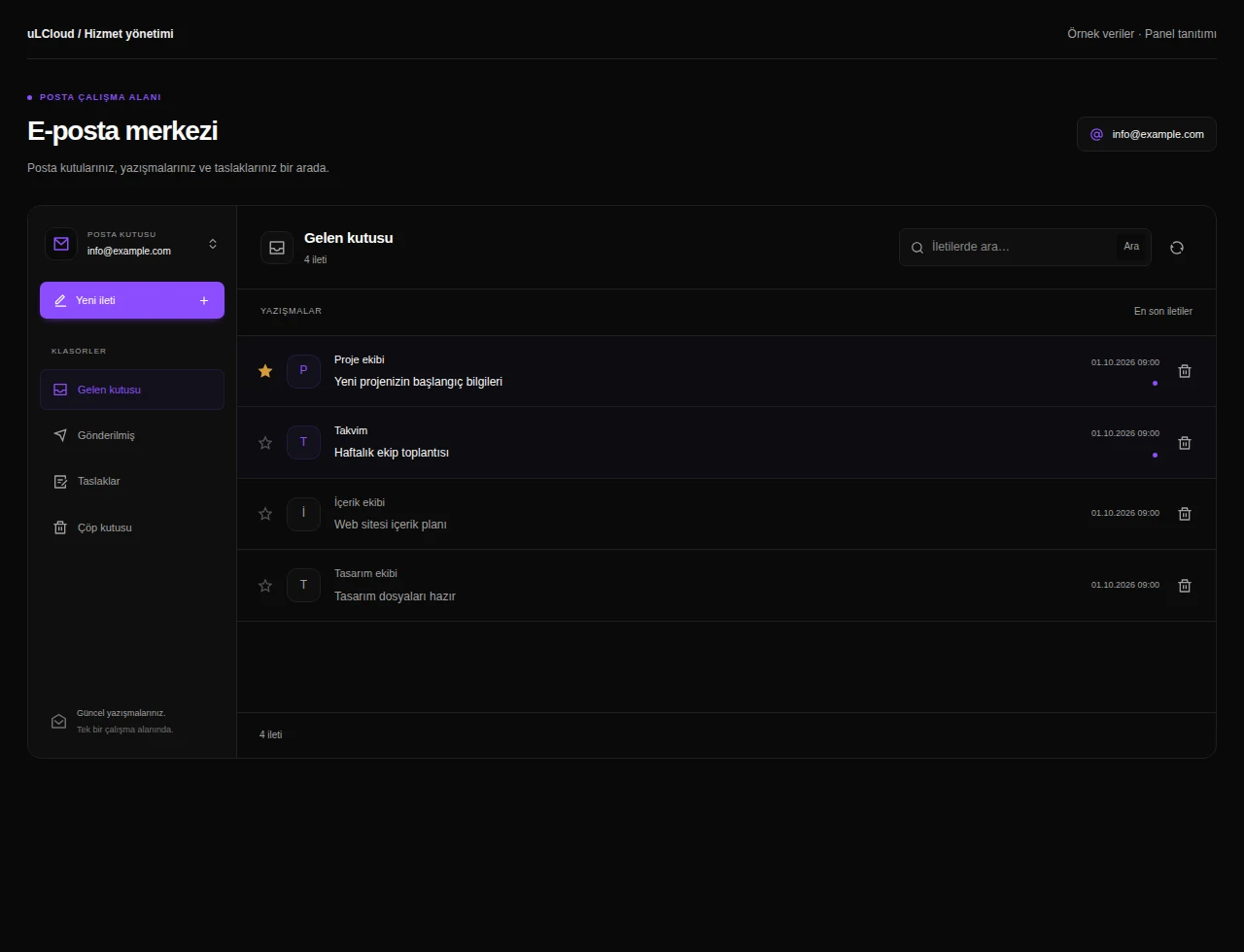
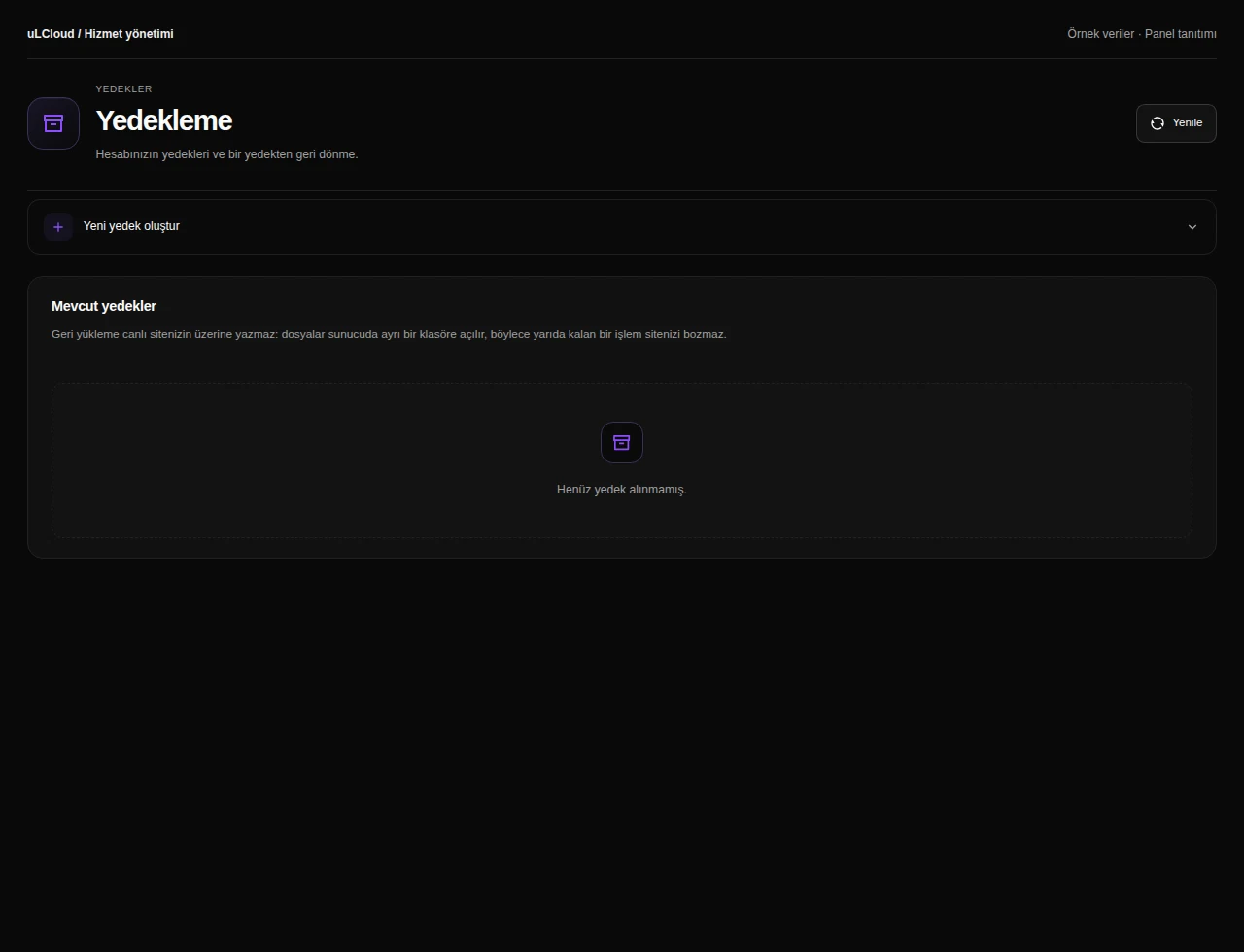
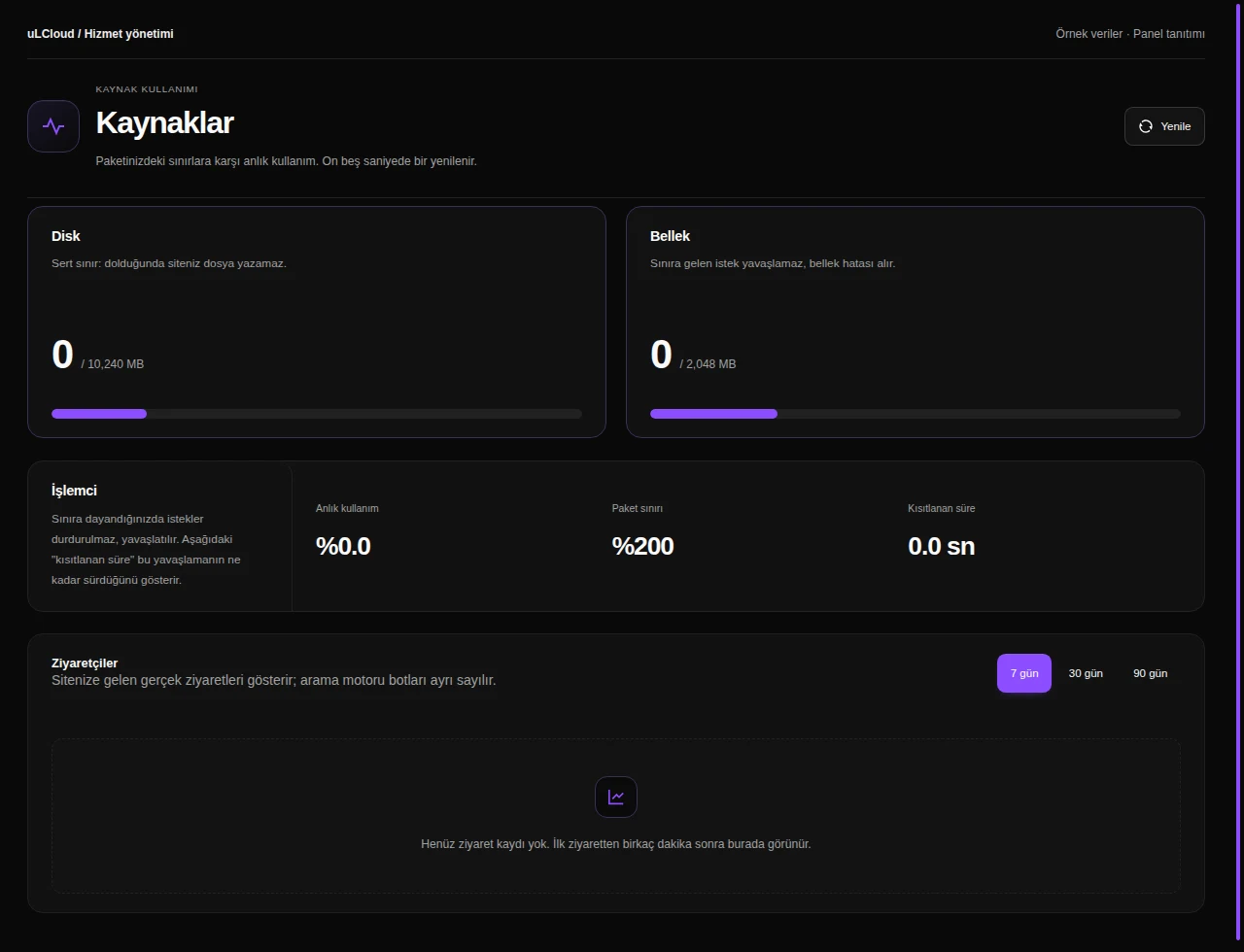
Take a closer look at the management screens you will use. These images were rendered from our existing customer panel templates.
All panel screens 6
What can you do on this screen?
Email account
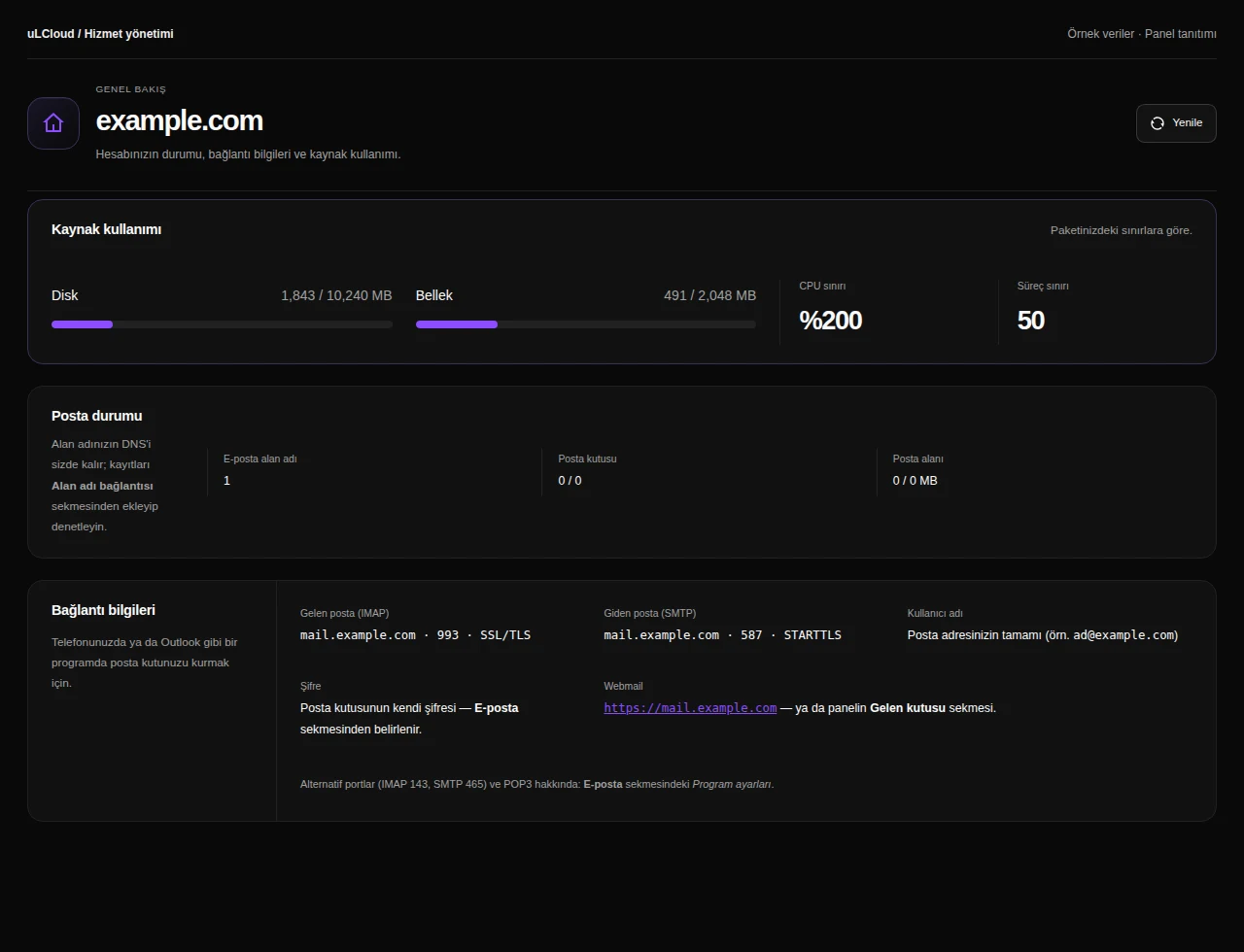
Review mail service status, domain and usage. Use the IMAP and SMTP connection information to configure your desktop or mobile email application.
Actual panel design · Sample data · Available features depend on your plan.
