Unlimited mailboxes, for enterprise use.
EMAIL HOSTING
500 mailboxes for your domain
Create up to 500 mailboxes under your own domain and share 200 GB of mail storage across the team. No per-user fee, all managed from one panel.
₺249,00
/ Aylık
Card instalments available
- Mailboxes
- 500 mailboxes
- Disk
- 200 GB mail storage
- Filtering
- Spam filter
- Webmail
- Webmail included
Email Hosting
Plan features
Disk
200 GB mail storage
500 mailboxes
Filtering
Spam filter
Webmail
Webmail included
You can customise these options during checkout.
Who unlimited mailboxes suit
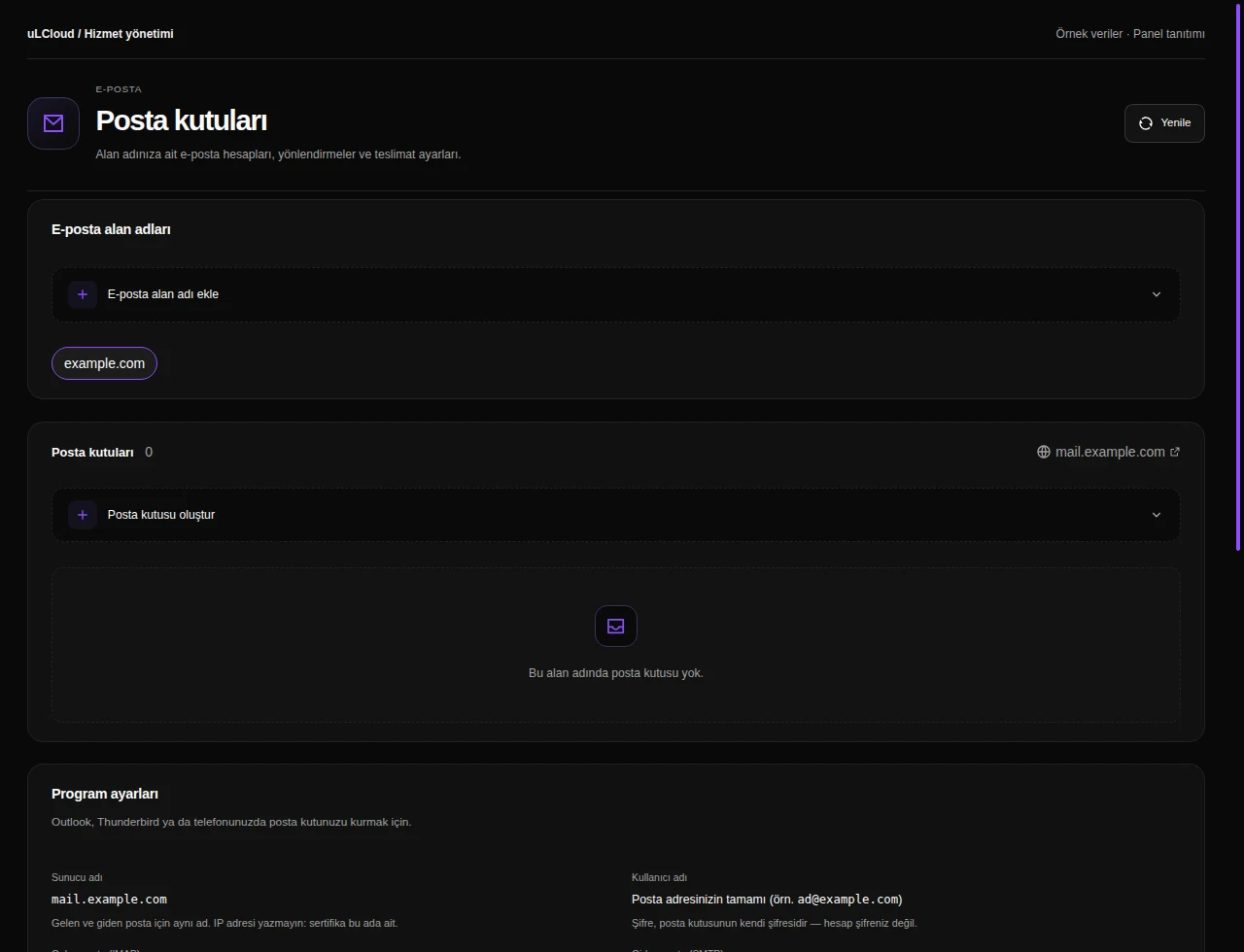
Per-mailbox pricing gets expensive the moment you start adding role addresses. Mail Unlimited lets you create as many accounts as you like under your domain — info@, billing@, support@, plus aliases and forwarders — without recalculating your bill each time someone joins or leaves.
That makes it a fit for agencies handling several client domains, and for businesses with seasonal or rotating staff who need addresses created and closed often.
How you connect and what is filtered
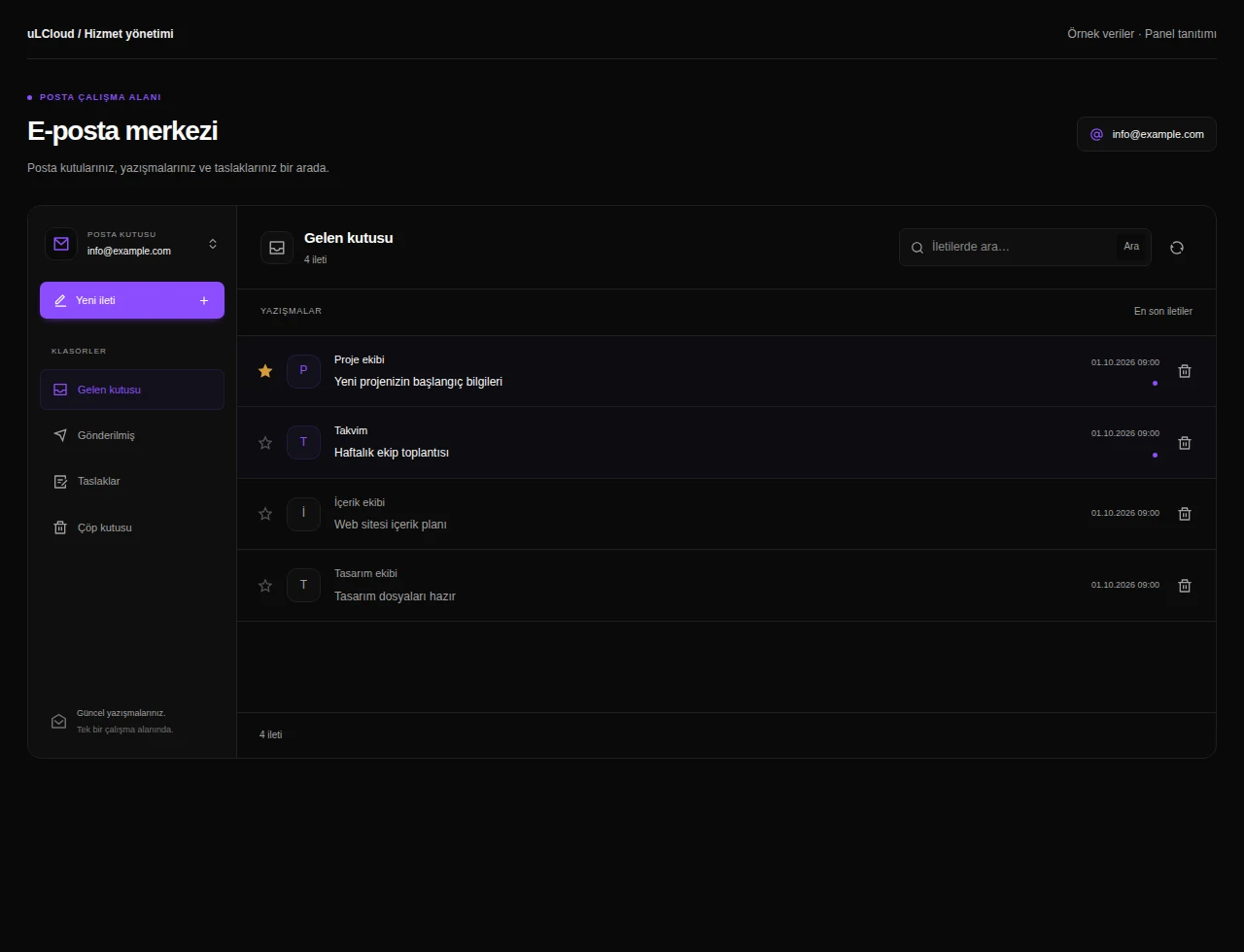
Read your mail in the browser over webmail, or set up any client with IMAP or POP3; outgoing mail goes through authenticated SMTP. Outlook, Apple Mail, Thunderbird and the stock iOS and Android apps all work with standard settings.
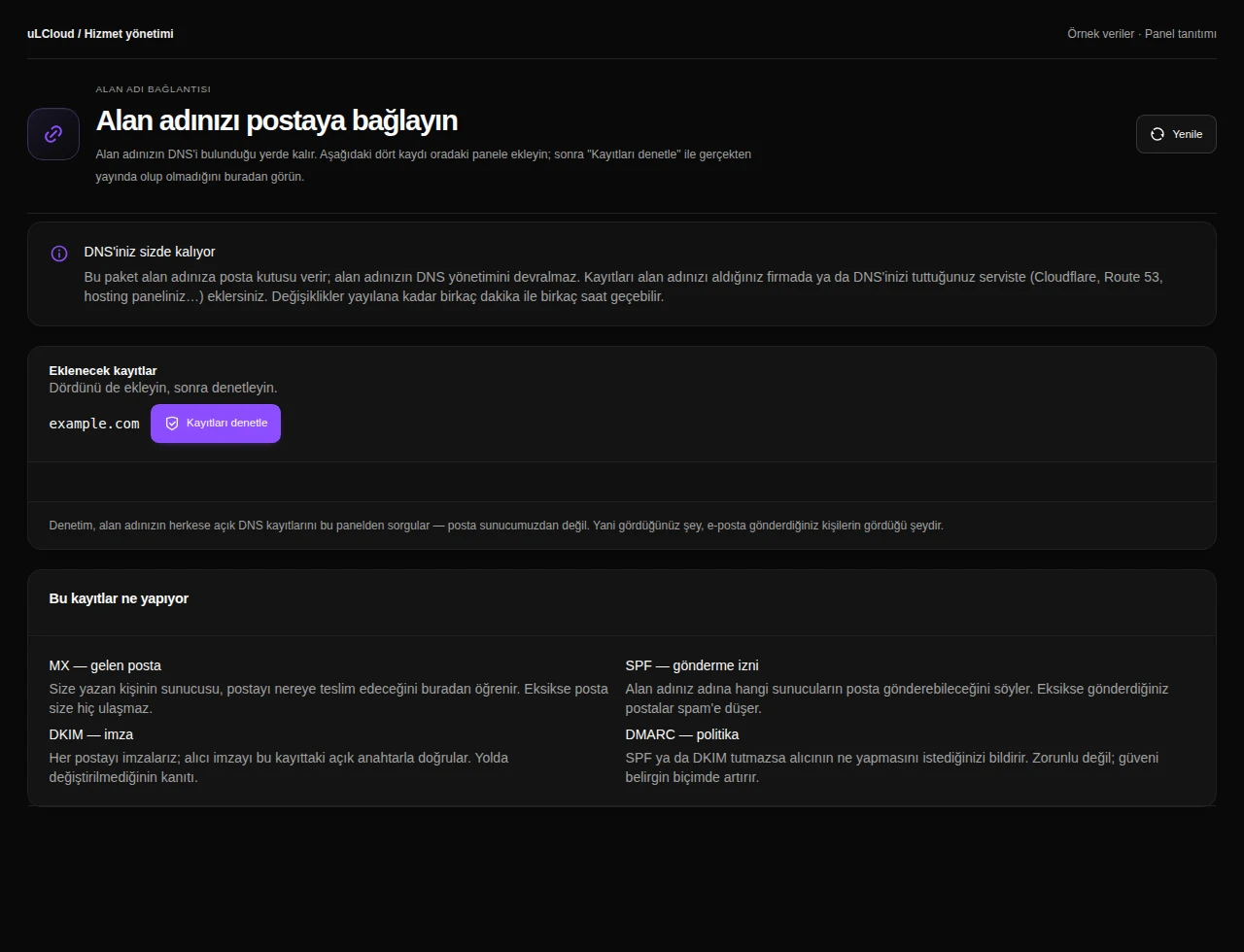
Spam and virus filtering runs server-side, so most unwanted mail never reaches the mailbox. Publishing SPF, DKIM and DMARC records for your domain is the single most useful step for making sure the mail you send is accepted rather than filtered at the other end.
Moving from another provider
Existing mailboxes can be copied across over IMAP before you cut over. Migrate first, change the MX record second — that order means nothing is delivered to a mailbox that does not exist yet.
There is no setup fee and no contract term, and the first seven days are covered by an unconditional refund.
-
There is no cap on the number of mailboxes you can create under your domain, and no per-mailbox charge. Usage is bounded by the plan's total storage and normal fair-use terms.
-
Yes. Point your domain's MX record at the uLCloud mail servers and you can create any number of addresses in the form name@yourdomain.com. Adding SPF and DKIM records is recommended for deliverability.
-
Yes. Mailboxes support IMAP and POP3 for receiving and authenticated SMTP for sending, so Outlook, Apple Mail, Thunderbird and the built-in iOS and Android mail apps all connect with standard settings.
-
Yes, existing mailboxes can be transferred over IMAP. Copy the mail first and switch the MX record afterwards so no messages are lost during the changeover.
-
Yes, server-side spam and virus filtering is part of the plan at no extra cost. Most unwanted mail is rejected before it reaches your mailbox.
EXPLORE YOUR PANEL BEFORE BUYING
Email Hosting, in your own panel.
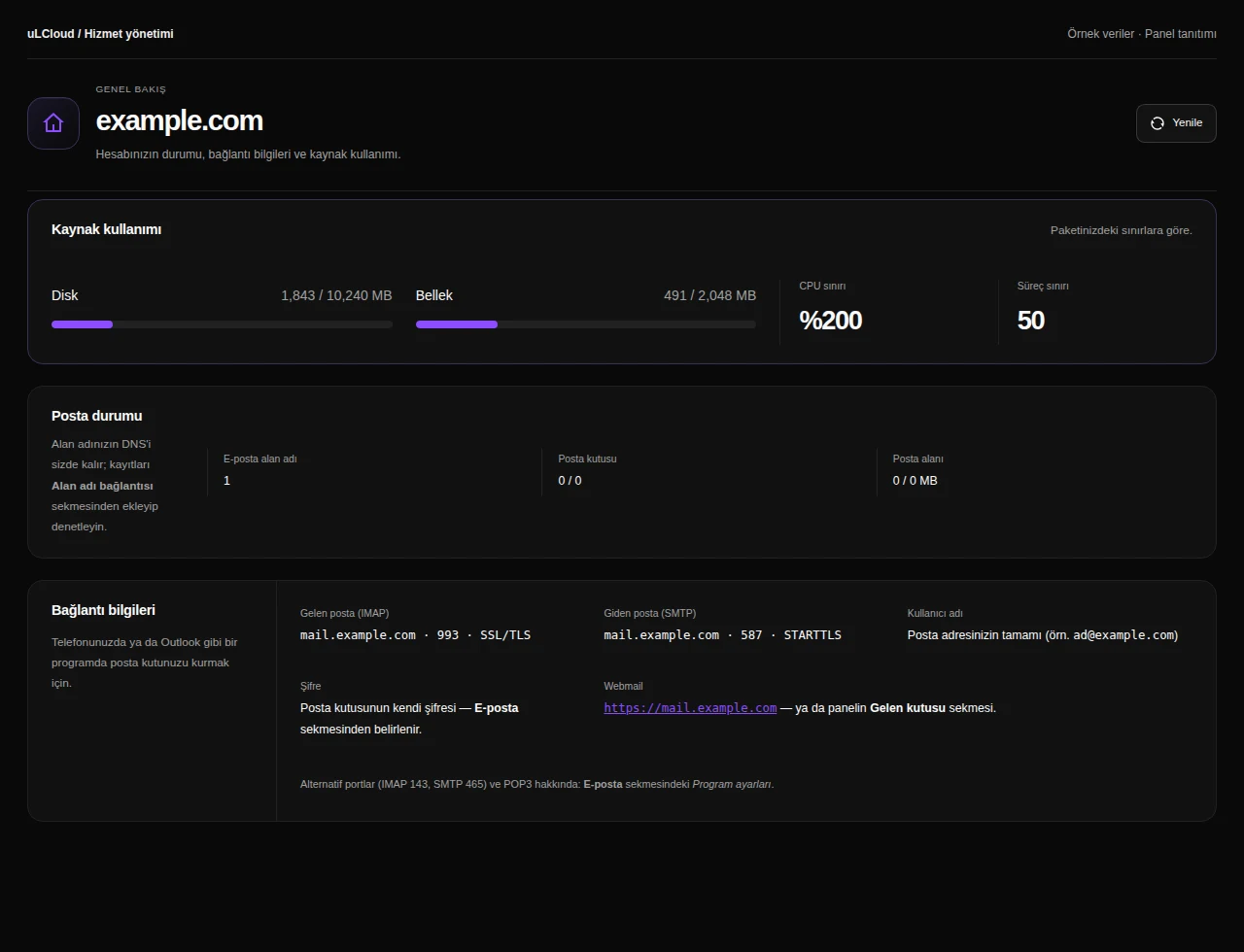
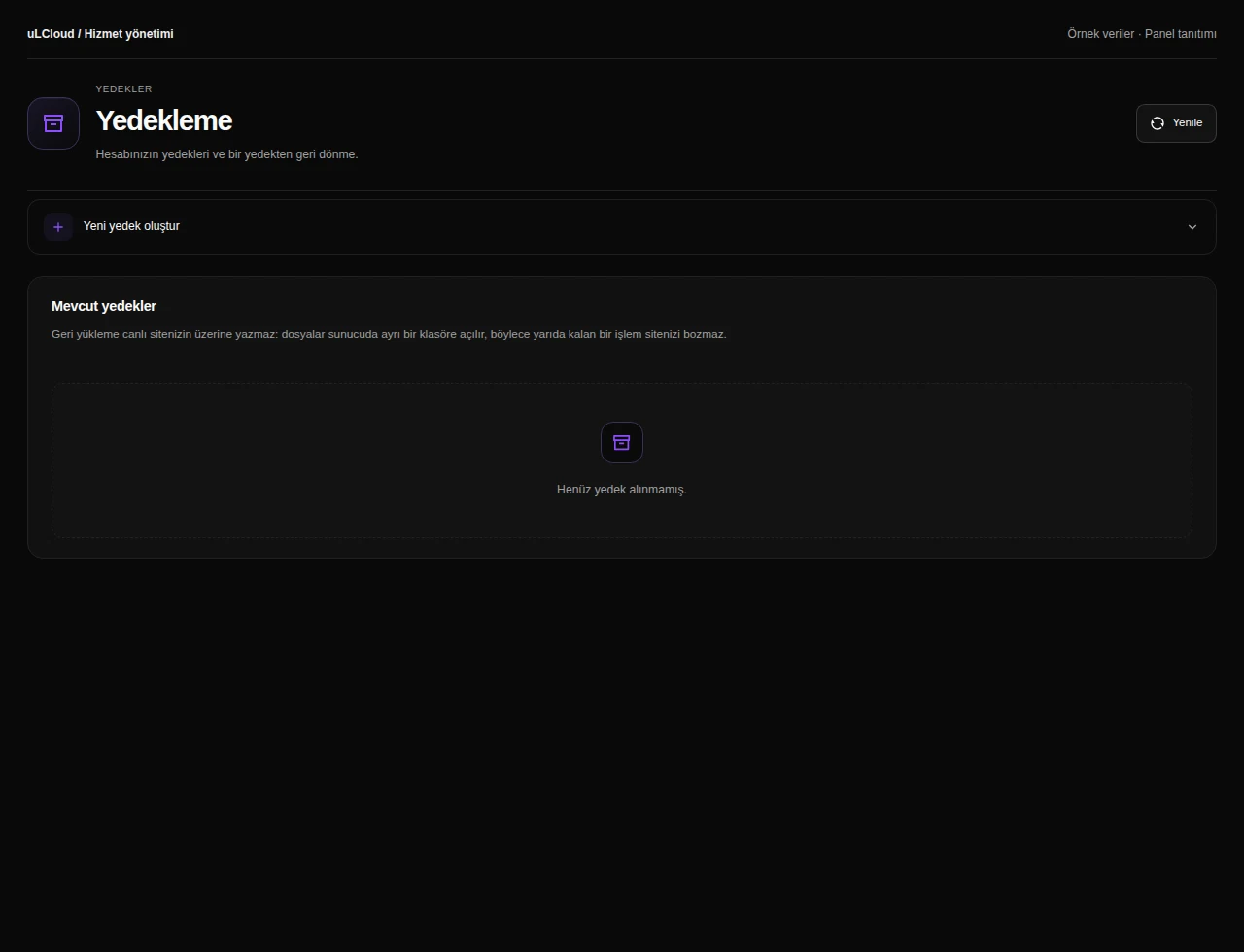
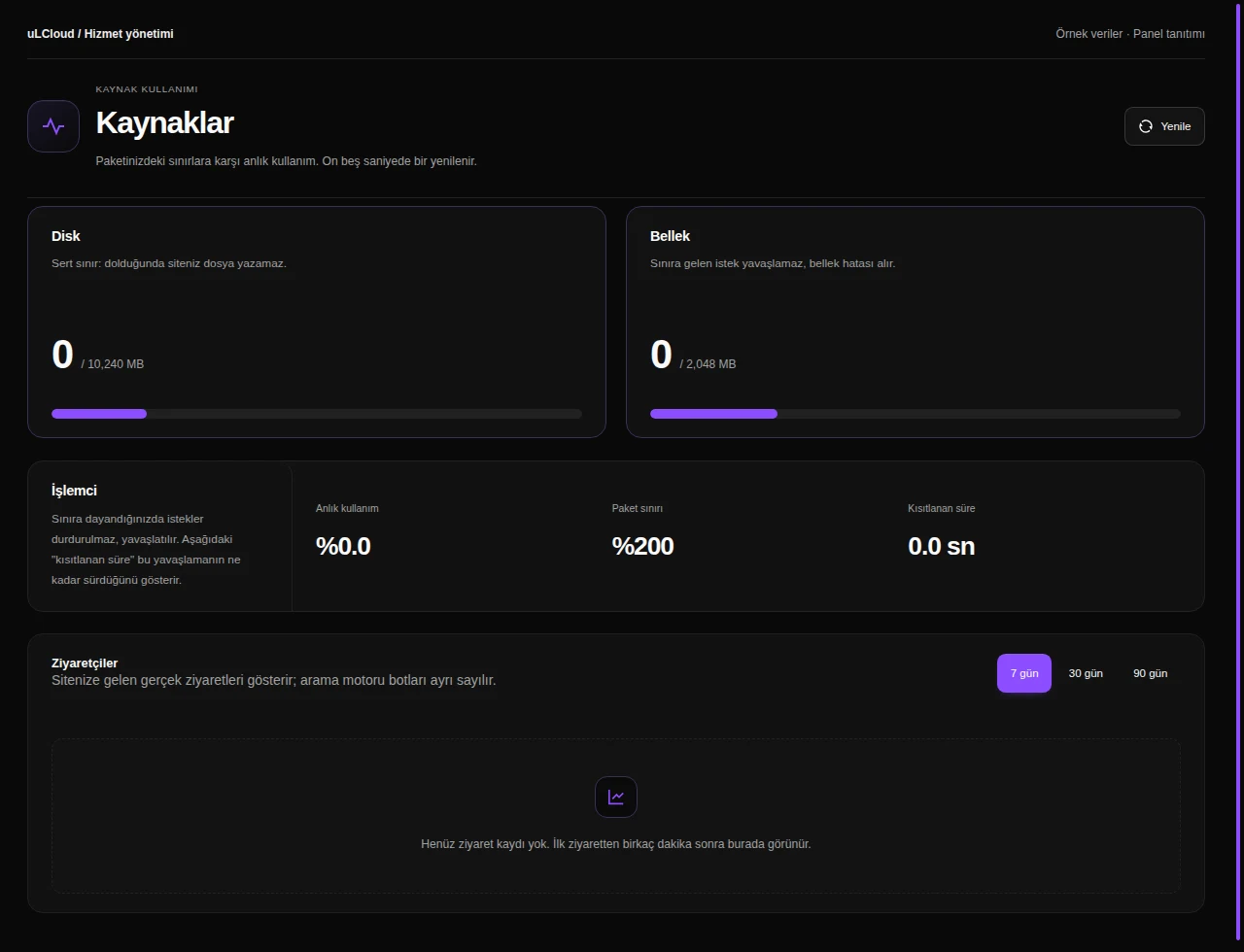
Take a closer look at the management screens you will use. These images were rendered from our existing customer panel templates.
All panel screens 6
What can you do on this screen?
Email account
Review mail service status, domain and usage. Use the IMAP and SMTP connection information to configure your desktop or mobile email application.
Actual panel design · Sample data · Available features depend on your plan.
