12 GB memory, 6 vCore CPU and 75 GB NVMe disk. Console, file manager and all game settings from your panel.
GAME SERVERS
Minecraft server with 12 GB of memory
12 GB of memory, 6 vCore CPU and 75 GB of NVMe disk — enough headroom for large modpacks and a community that all logs in at the same time.
₺699,00
/ Aylık
Card instalments available
- Processor
- 6 vCore
- Memory
- 12 GB memory
- Disk
- 75 GB NVMe
- Backup plan
- Choose at checkout
Minecraft
Plan features
Yedekleme paketi
Yedekleme yok
Günlük Yedek — 7 kopya
You can customise these options during checkout.
Who the 12 GB plan suits
12 GB is the step most servers take when vanilla stops being the plan: heavy modpacks, several loaded worlds, or a plugin stack running world management, economy and minigames at once. Generating new chunks at a wider view distance also stays smooth at this size.
The 6 vCore matter where memory alone does not help. Redstone, mob farms and mod logic run on the main tick loop, so single-core speed decides whether the server holds 20 TPS. If you are playing vanilla with a handful of friends, a smaller plan is the better value and you can move up later.
What 75 GB of NVMe means day to day
Modpacks, world folders and backups take more room than people expect — a world explored over several months can reach several gigabytes on its own. 75 GB leaves space for a mature modded server plus a few world snapshots.
NVMe matters more than raw capacity here. Chunk loading, world saves and restart times all depend on how quickly the disk answers, which is why the plan does not use spinning disks.
Running it from the panel
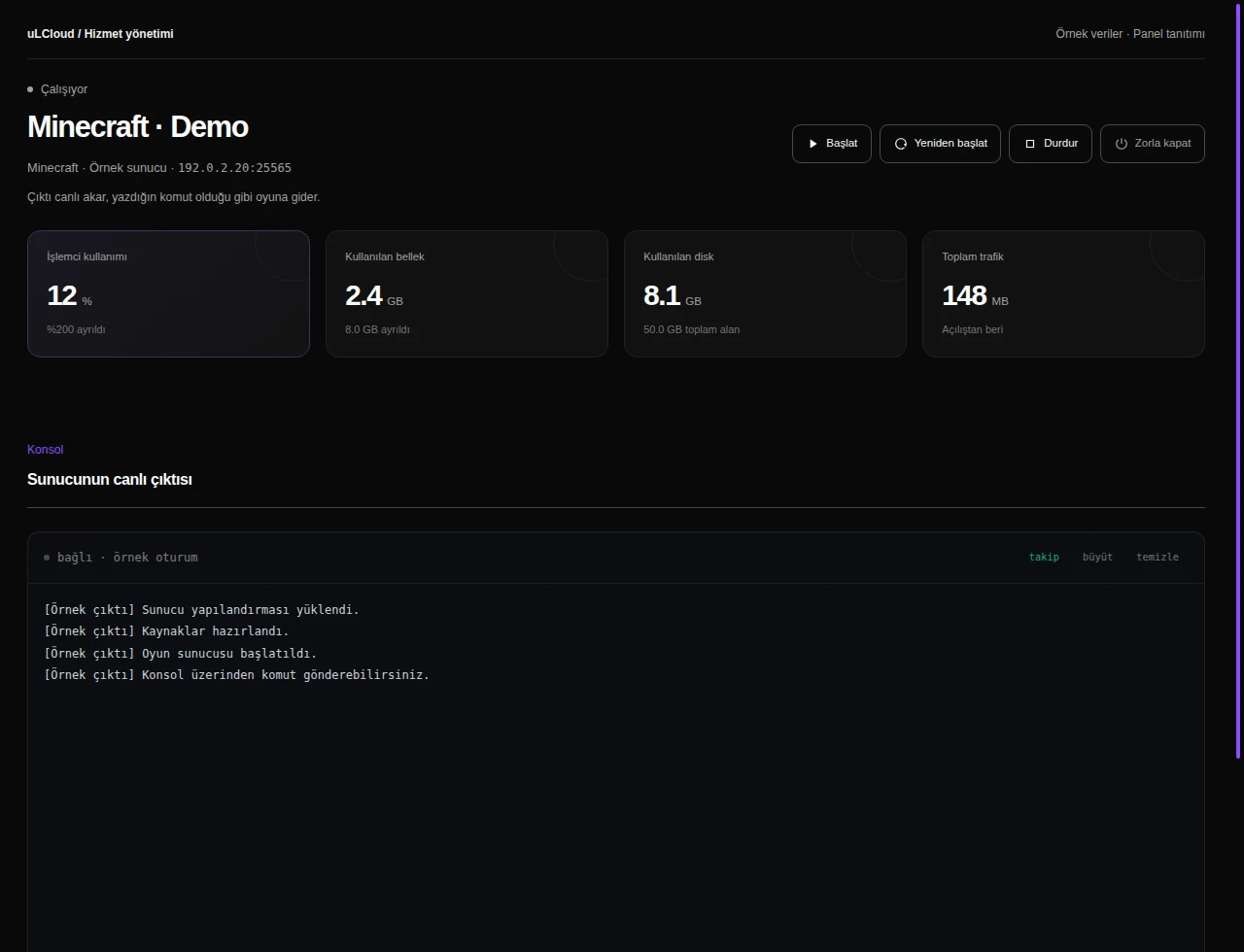
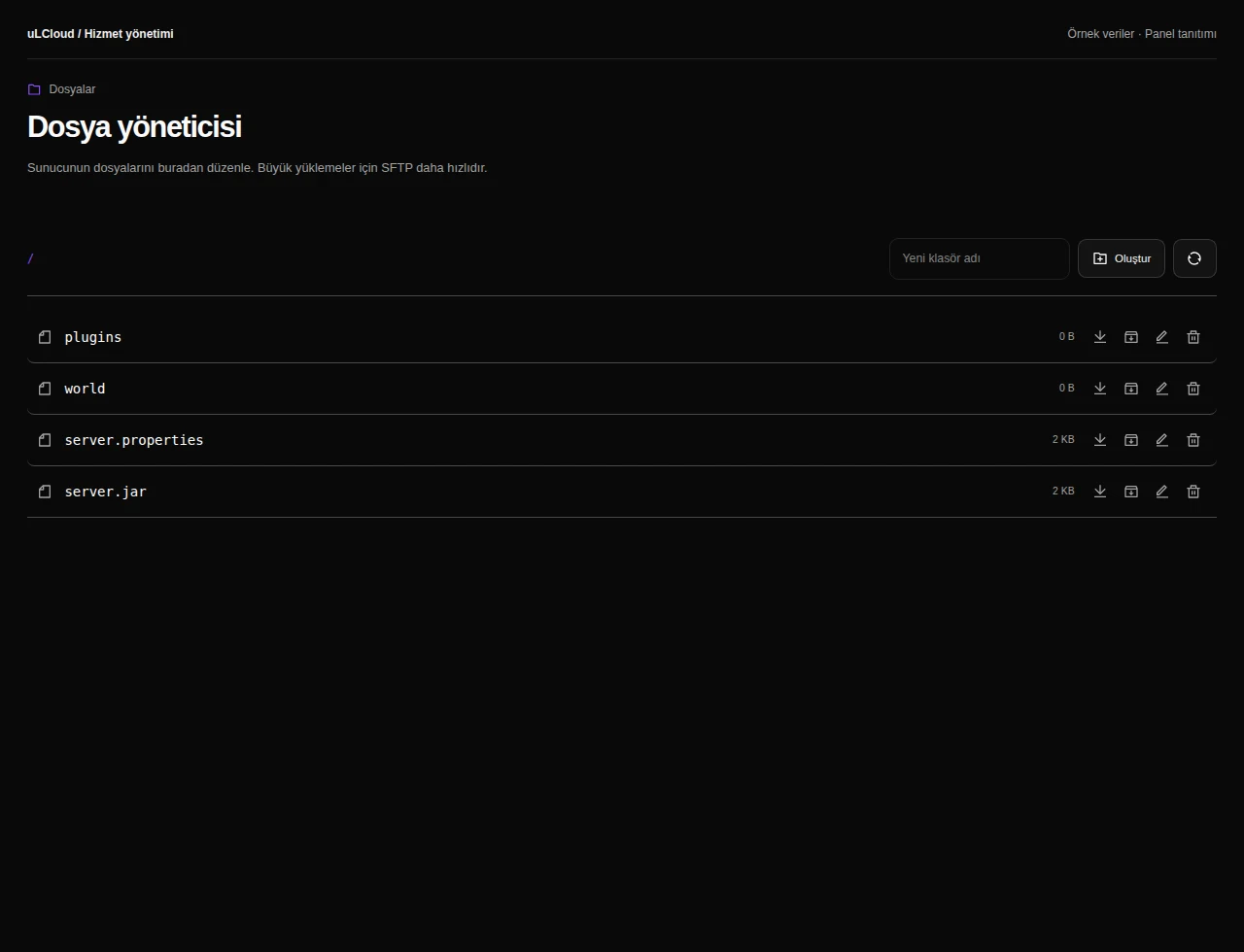
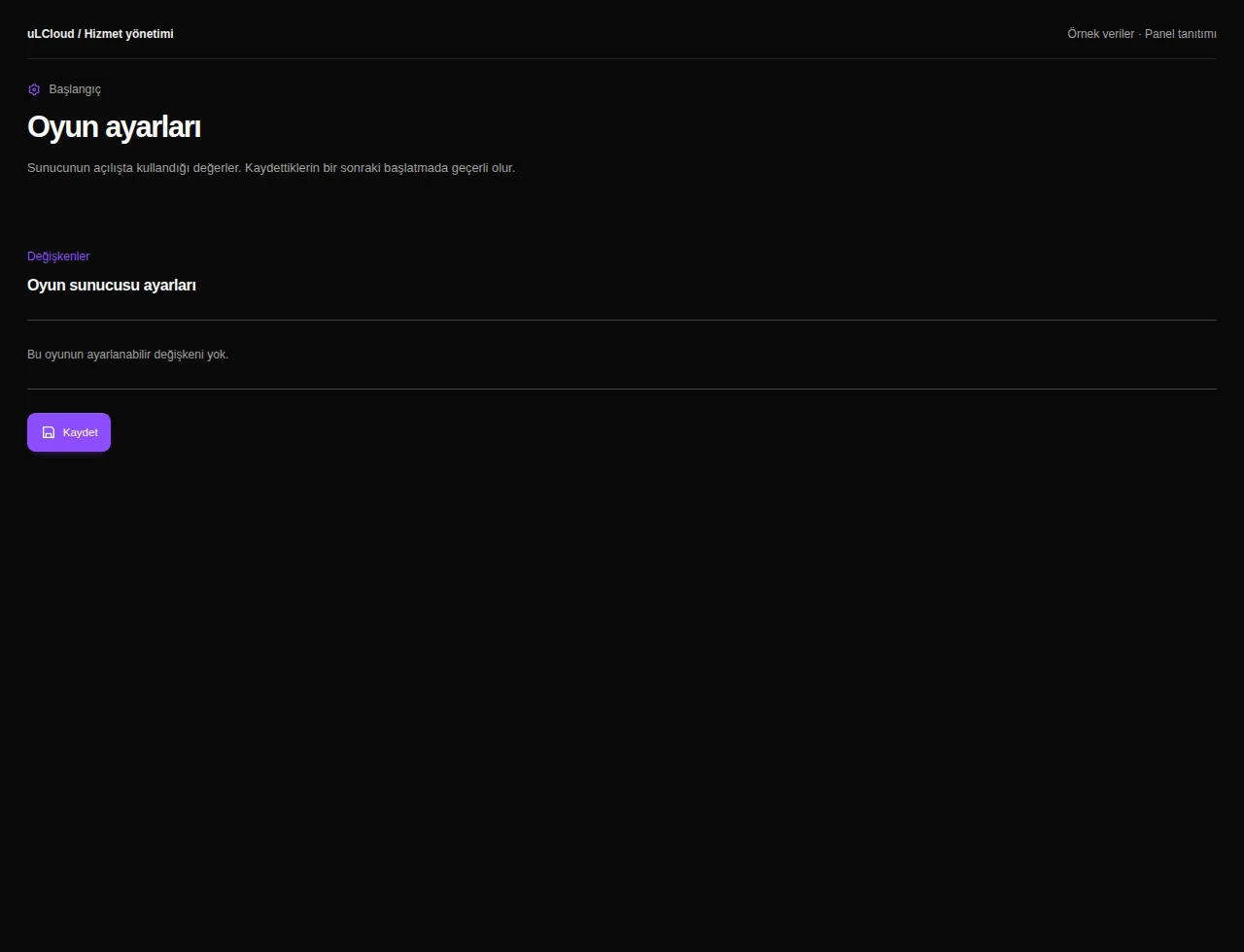
The console, file manager and all game settings live in your panel. You start, stop and restart the server yourself, edit configuration files in the browser and watch the log live while the server boots.
Your first server deploys in under 60 seconds. There is no setup fee and no commitment, and you have a 7-day unconditional refund if the plan turns out to be the wrong fit.
-
On vanilla or a light plugin set, 12 GB comfortably carries a mid-sized community. With a heavy modpack the number drops sharply, because every mod and every loaded chunk claims memory — treat 12 GB as a solid base for a modded friend group rather than a public network.
-
Yes. You upload mods, plugins or a full modpack through the file manager in the panel, and the live console shows you whether everything loaded correctly on startup.
-
Yes, you can move to a larger Minecraft plan when memory or disk gets tight, and your world and configuration stay in place.
-
Provisioning is automatic and normally finishes in under 60 seconds. After that you sign in to the panel and start the server yourself.
Minecraft
Other plans in Minecraft
Minecraft 2 GB
₺149,00
/ Aylık
- Processor
- 1 vCore
- Memory
- 2 GB memory
- Disk
- 15 GB NVMe
- Backup plan
- Choose at checkout
Minecraft Ücretsiz
Free
/ Ücretsiz
- Memory
- 1 GB bellek
- Backup plan
- Choose at checkout
Minecraft 4 GB
₺269,00
/ Aylık
- Processor
- 2 vCore
- Memory
- 4 GB memory
- Disk
- 25 GB NVMe
- Backup plan
- Choose at checkout
EXPLORE YOUR PANEL BEFORE BUYING
Minecraft, in your own panel.
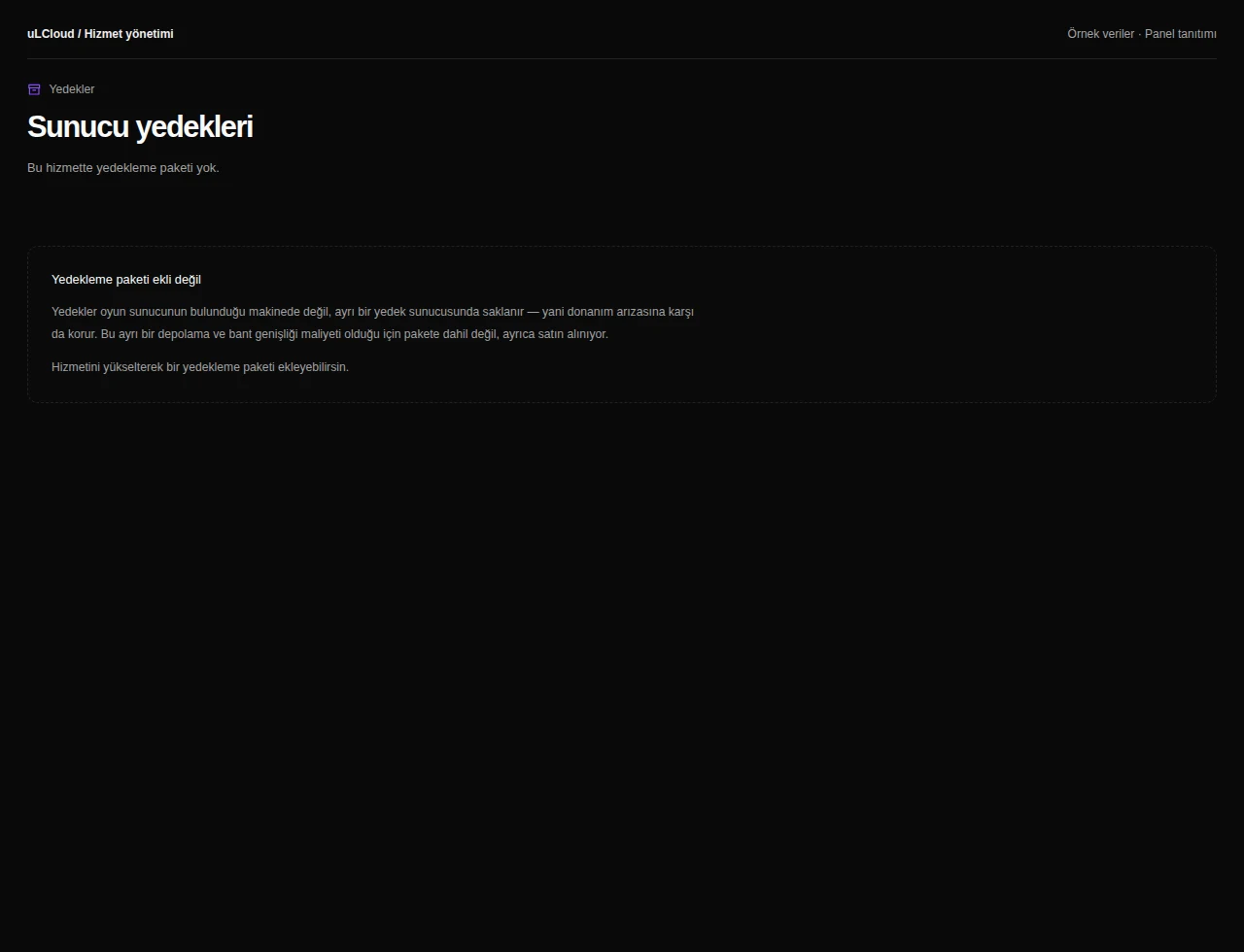
Take a closer look at the management screens you will use. These images were rendered from our existing customer panel templates.
All panel screens 9
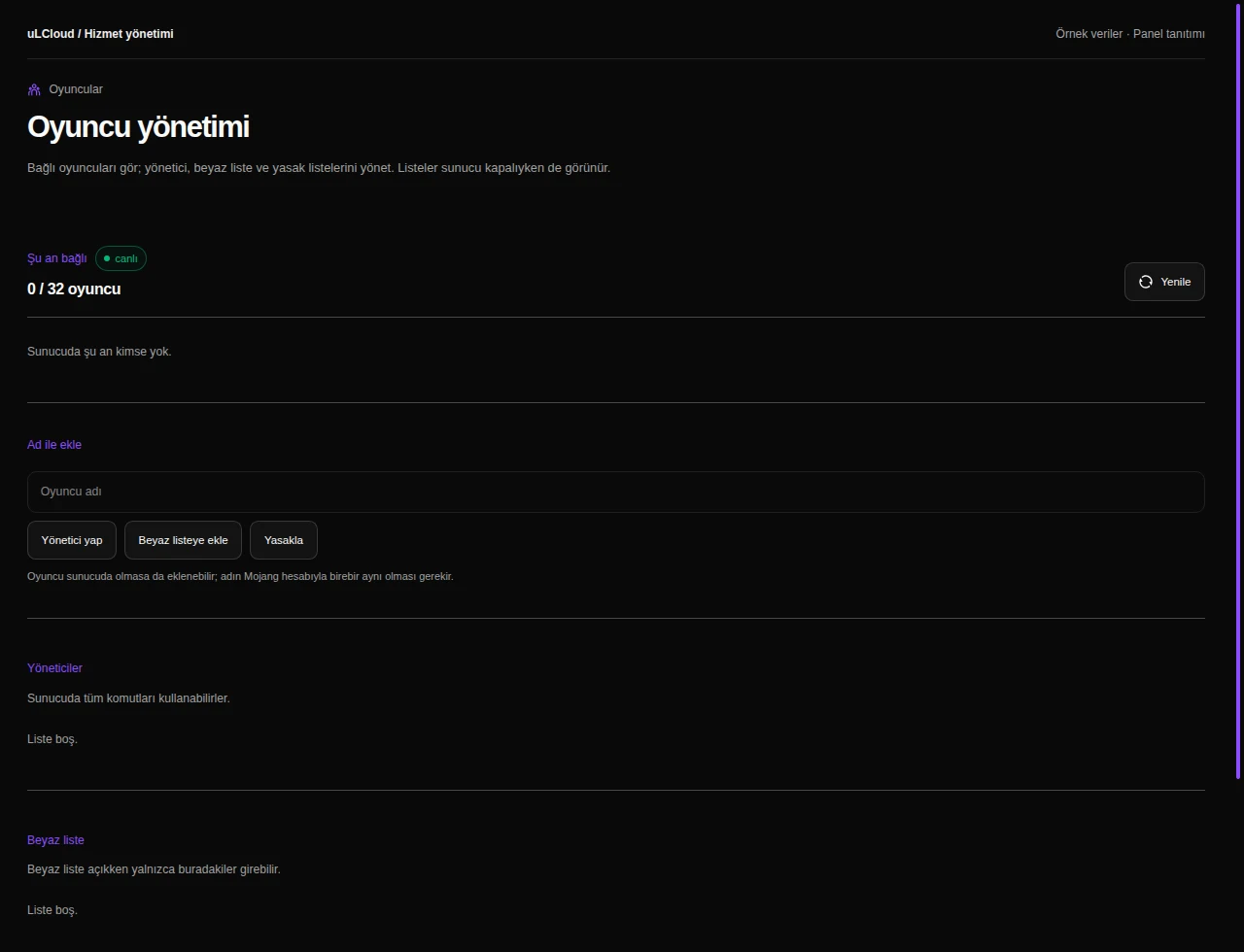
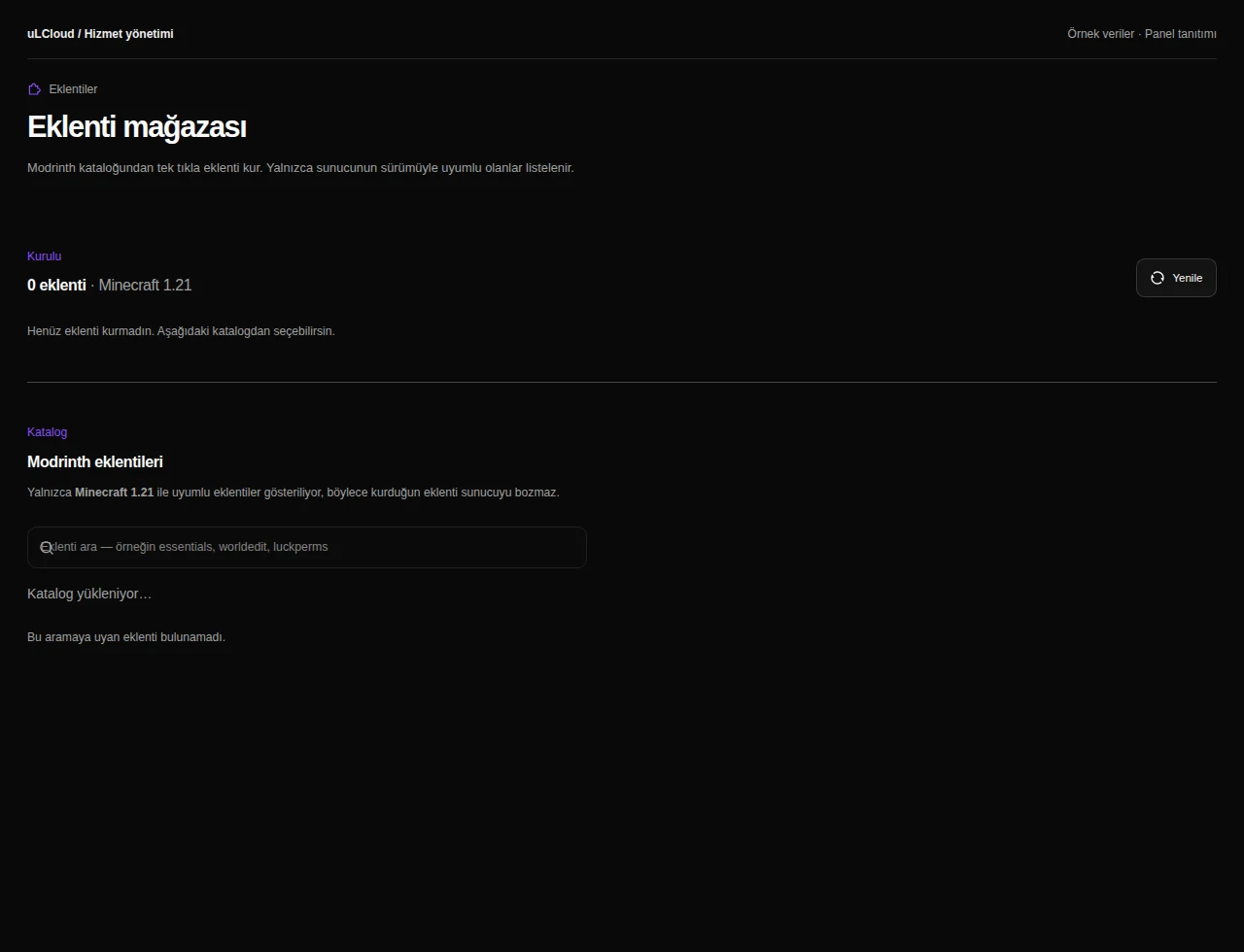
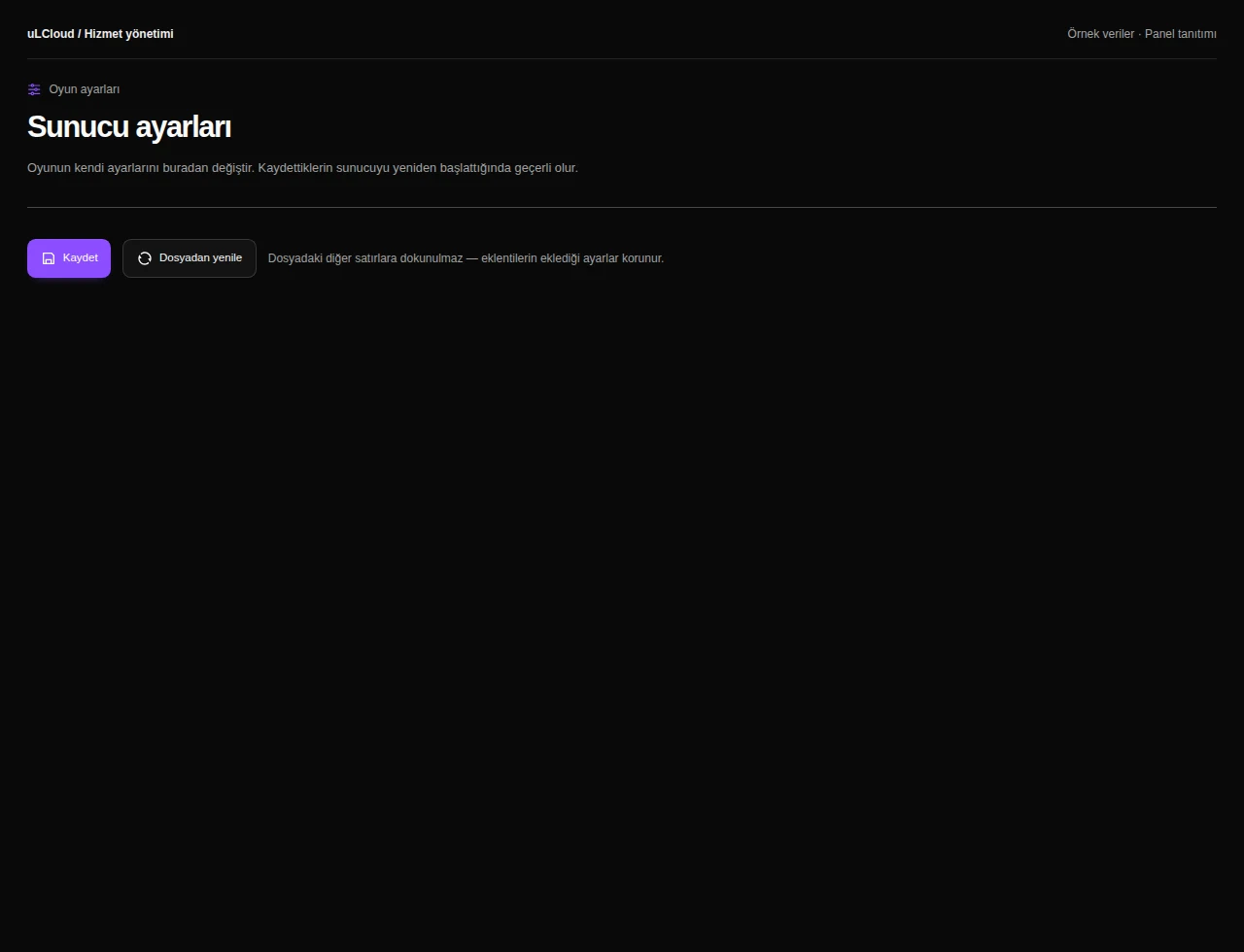
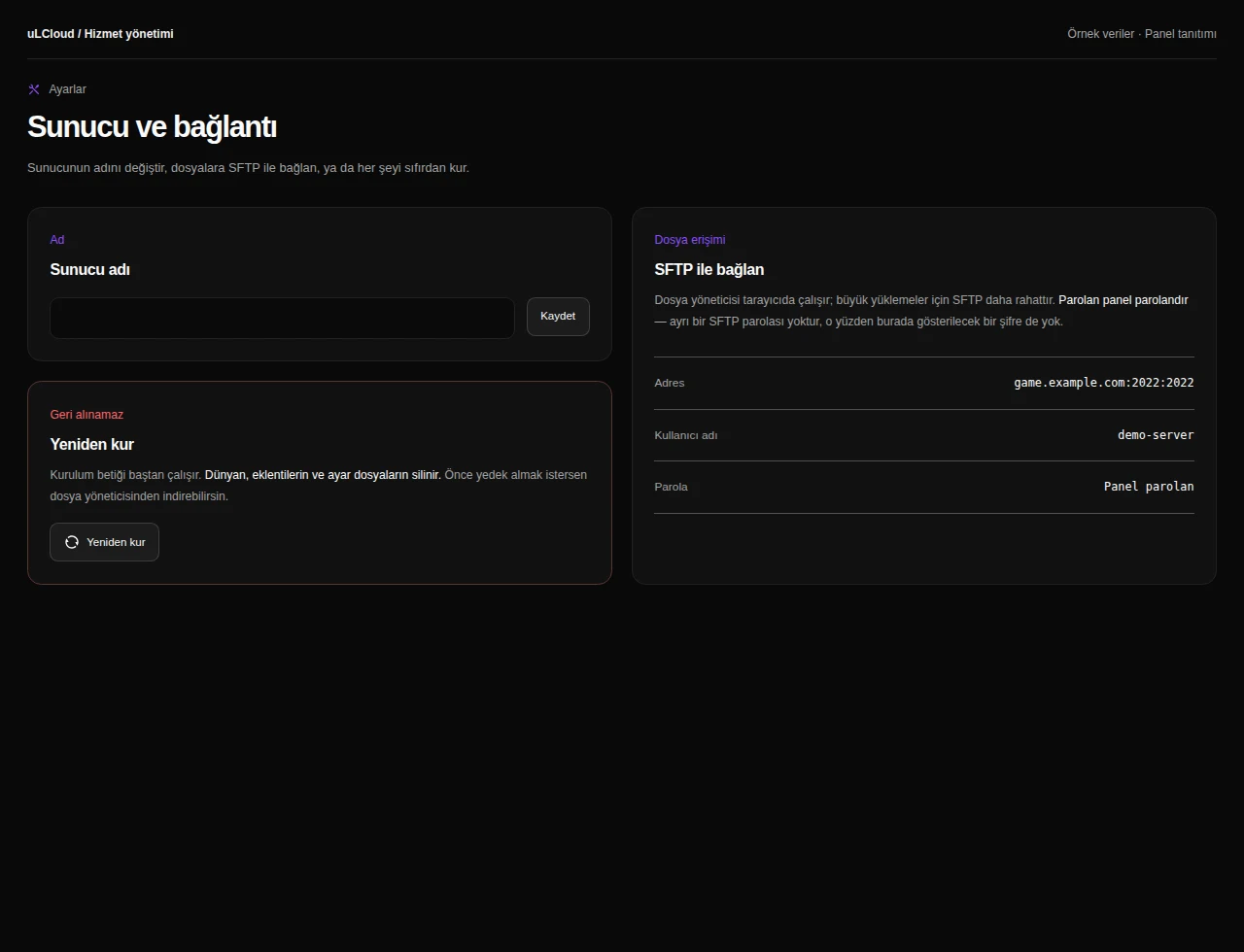
What can you do on this screen?
Console and power
Read live output, send supported commands and access start, stop and restart controls alongside CPU, memory and disk measurements.
Actual panel design · Sample data · Available features depend on your plan.
