2 GB memory, 1 vCore CPU and 15 GB NVMe disk. Console, file manager and all game settings from your panel.
GAME SERVERS
Minecraft server with 2 GB RAM
A small, fast Minecraft server for you and a few friends: 2 GB memory, 1 vCore and 15 GB of NVMe storage, ready in under a minute.
₺149,00
/ Aylık
Card instalments available
- Processor
- 1 vCore
- Memory
- 2 GB memory
- Disk
- 15 GB NVMe
- Backup plan
- Choose at checkout
Minecraft
Plan features
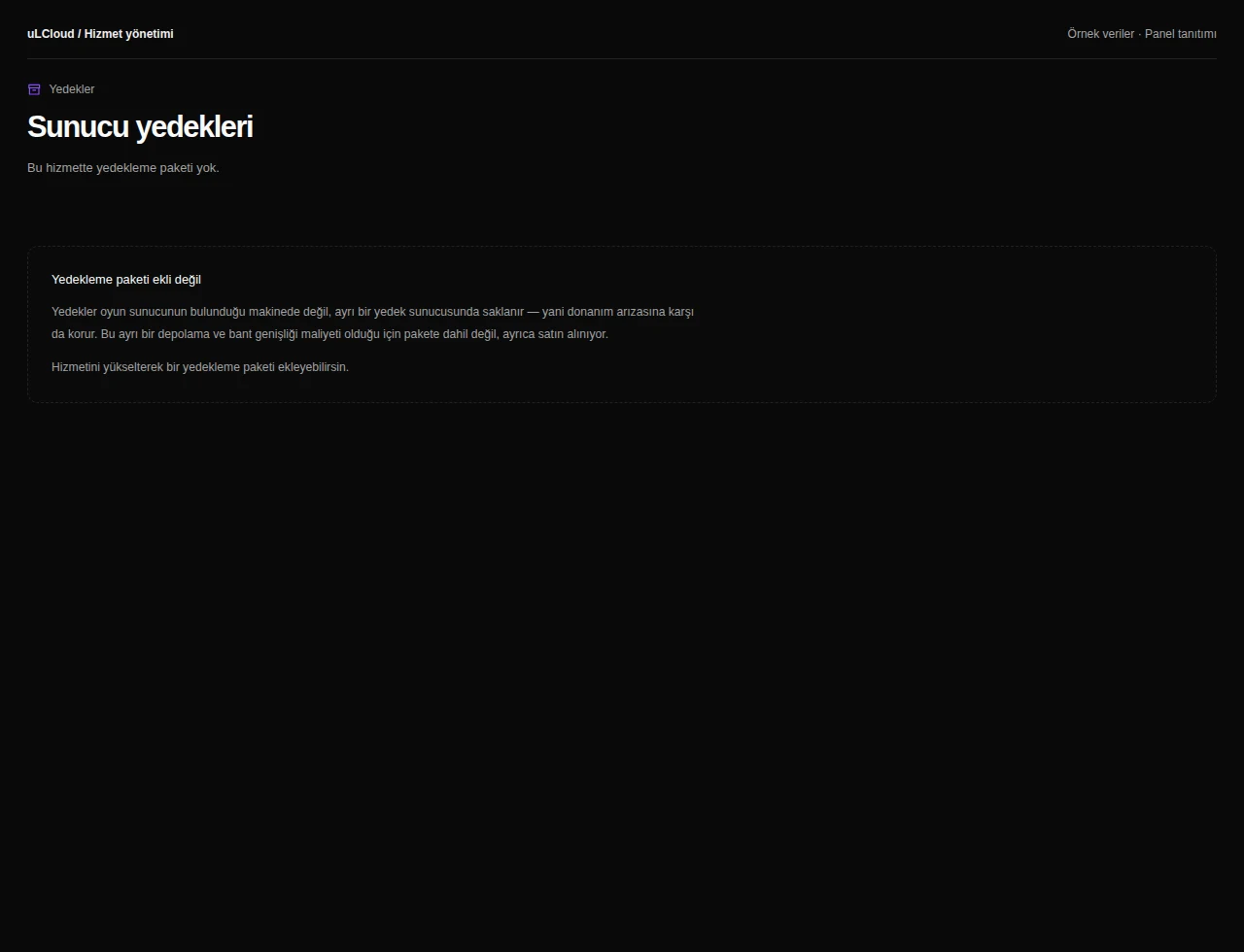
Yedekleme paketi
Yedekleme yok
Günlük Yedek — 7 kopya
You can customise these options during checkout.
Who a 2 GB server suits
2 GB of memory comfortably runs a vanilla or lightly plugged server for roughly two to five players at a sensible view distance. It is the right size for a survival world with friends, a creative build, or a staging server where you test plugins before touching your main one.
Heavy modpacks and larger communities want more headroom — if you expect more than five people online at once, start at 4 GB or above. Moving up a plan later keeps your world and configuration intact.
What you control from the panel
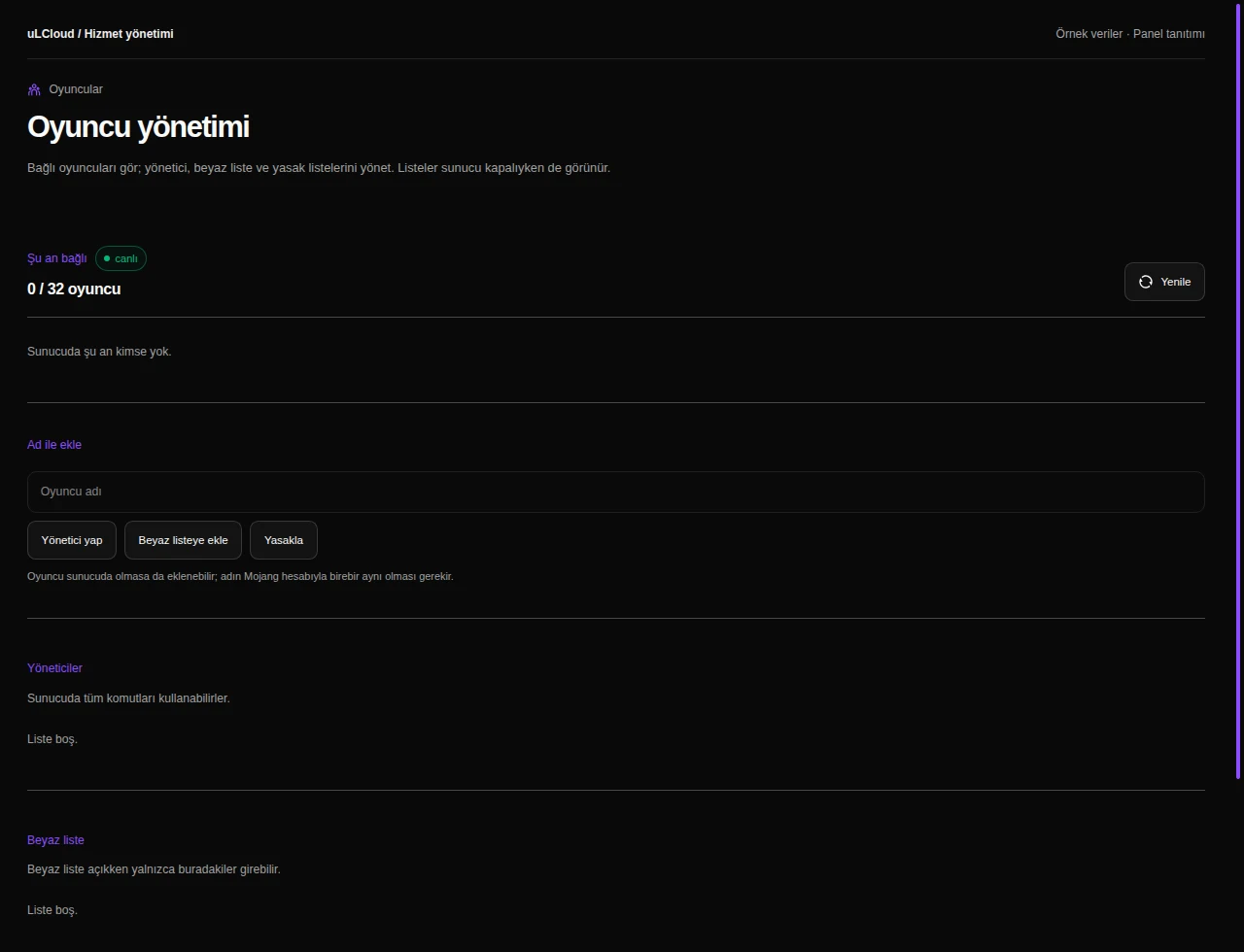
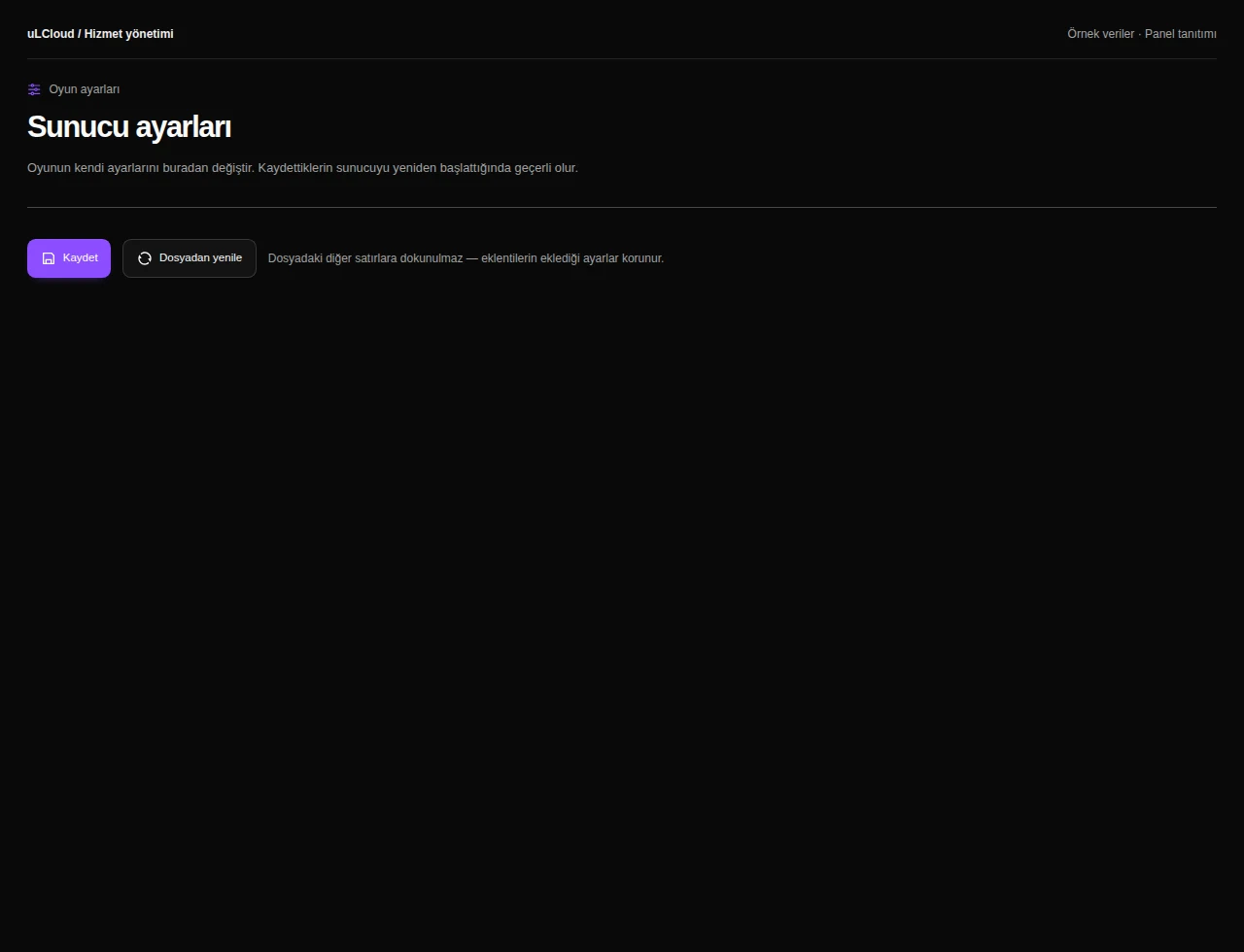
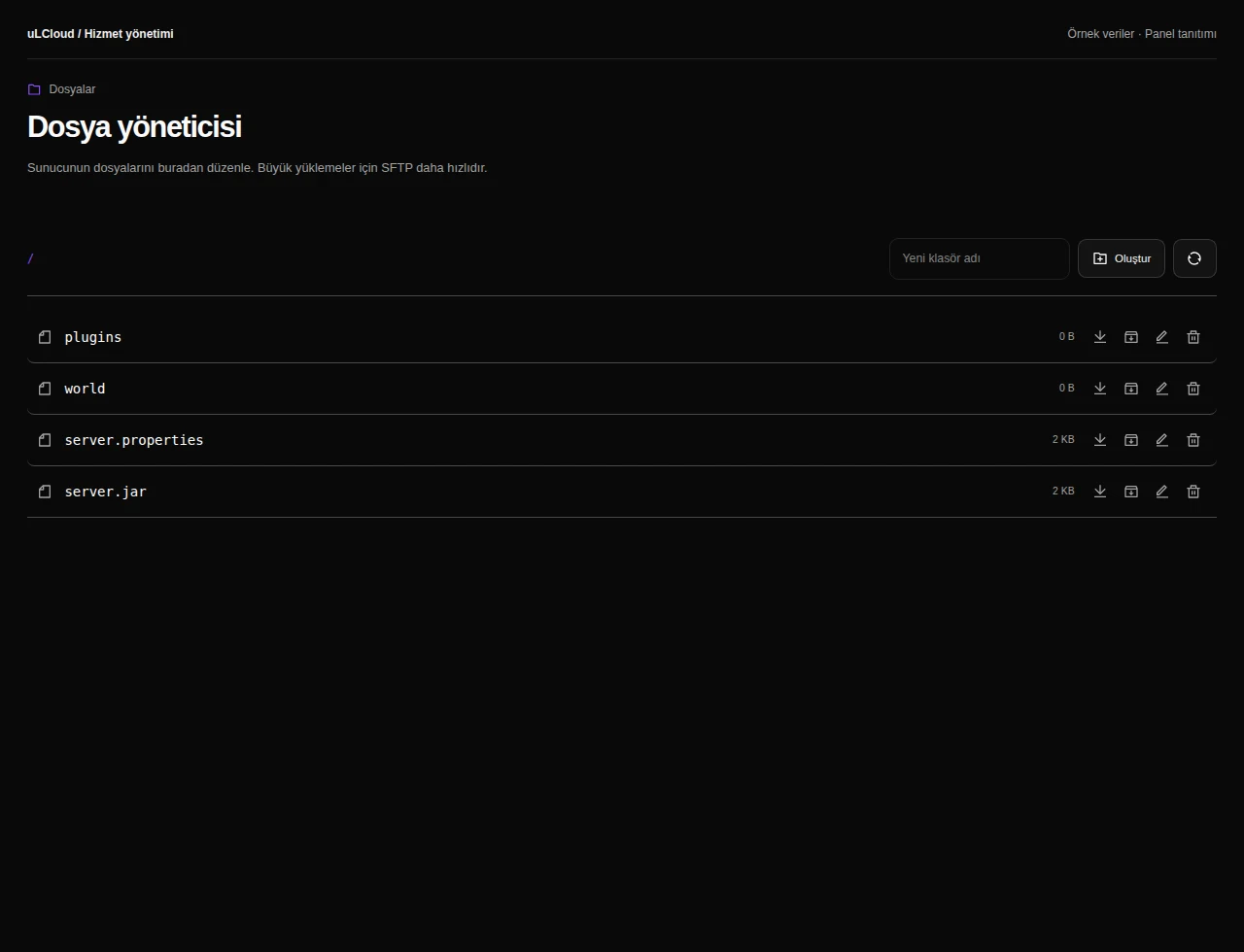
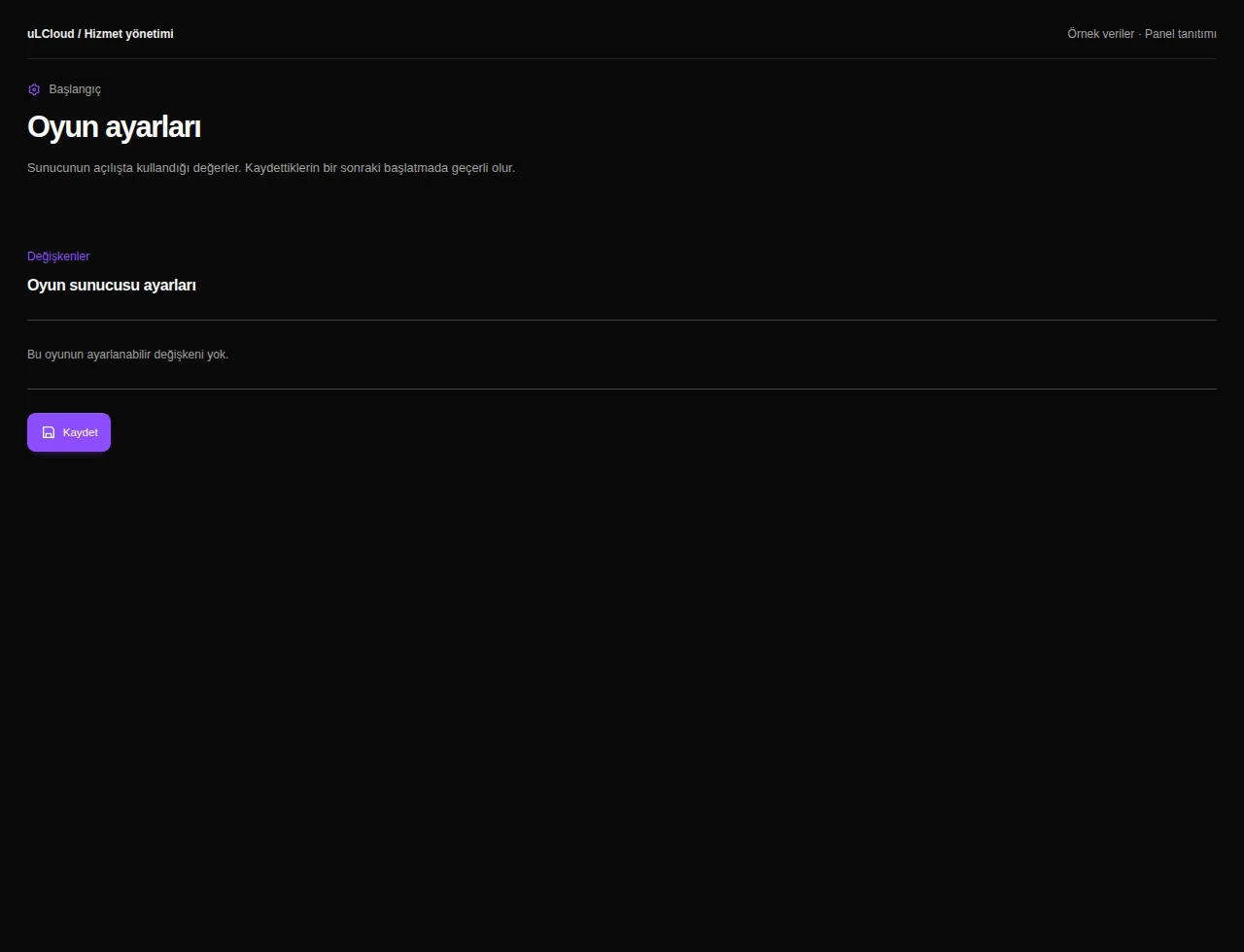
The world runs on NVMe storage, so chunk generation and world loading stay quick even while several players explore in different directions. The panel gives you a live console, a file manager, player management and every game setting without opening a ticket.
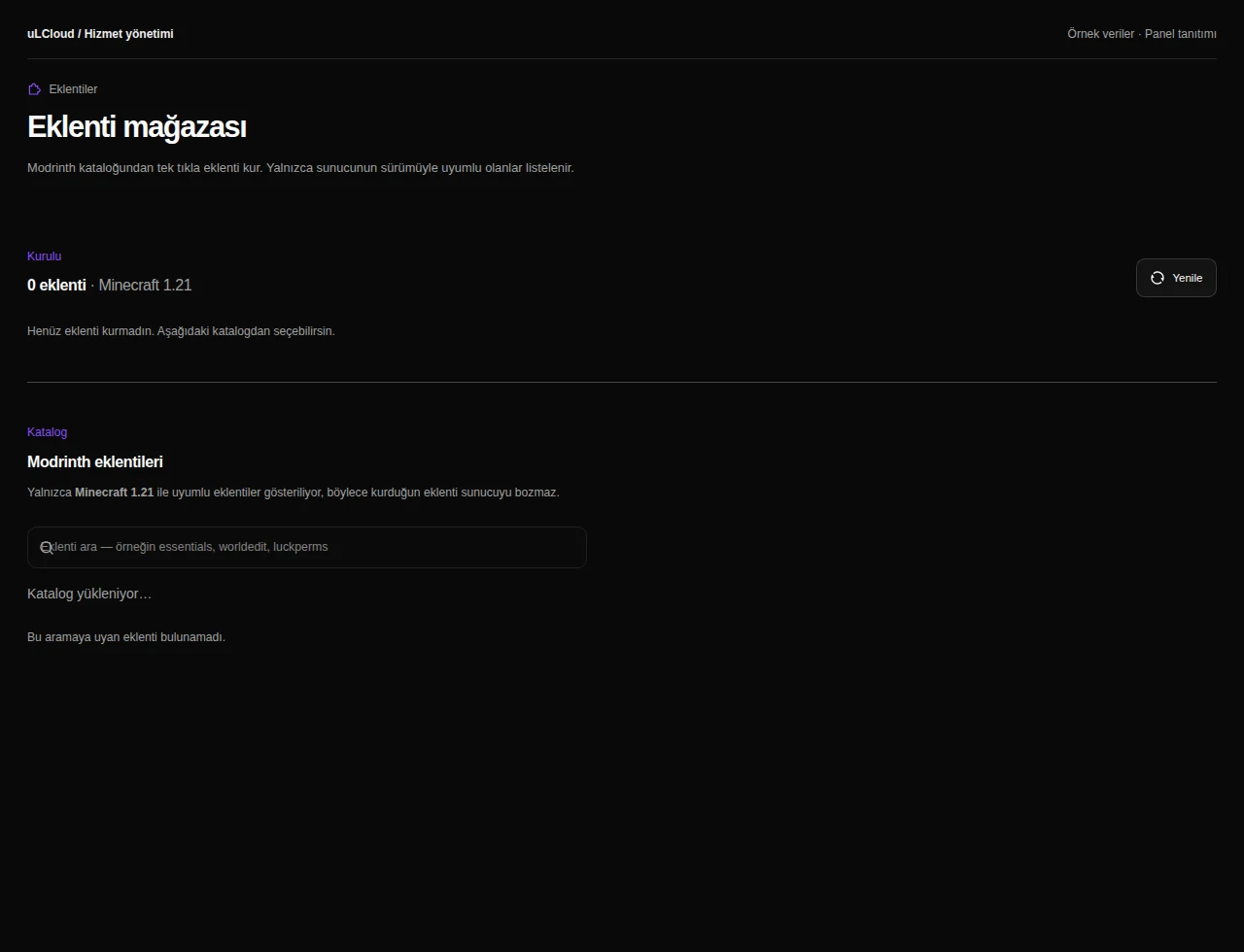
Plugins and mods can be installed from the built-in catalogue or uploaded straight into the plugins folder. Restarts, backups of your files and config edits are all yours to run whenever you want.
-
On vanilla or with a handful of light plugins, expect two to five concurrent players to run smoothly. Modpacks and larger groups need more memory, so consider a 4 GB plan or higher.
-
Yes. You get a plugin catalogue, a full file manager and a live console in the panel, so you can install, upload and configure anything the server supports yourself.
-
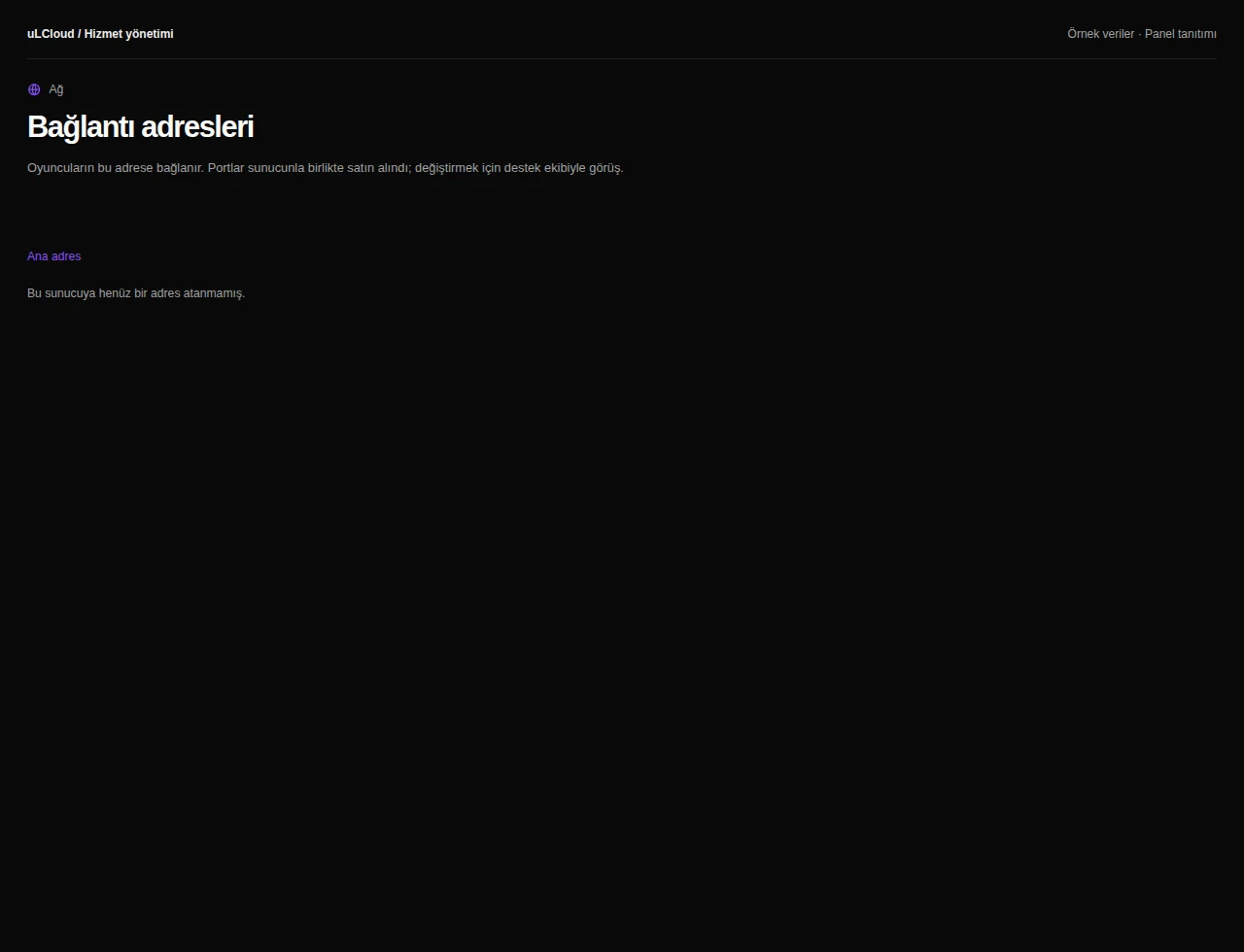
Deployment normally completes in under 60 seconds. You then receive your panel login and server address and can connect right away.
-
Yes, you can move to a larger Minecraft plan at any time and your world files and settings carry over.
-
No. There is no setup fee and no commitment, and orders are covered by a 7-day unconditional refund.
Minecraft
Other plans in Minecraft
Minecraft Ücretsiz
Free
/ Ücretsiz
- Memory
- 1 GB bellek
- Backup plan
- Choose at checkout
Minecraft 4 GB
₺269,00
/ Aylık
- Processor
- 2 vCore
- Memory
- 4 GB memory
- Disk
- 25 GB NVMe
- Backup plan
- Choose at checkout
Minecraft 6 GB
₺379,00
/ Aylık
- Processor
- 3 vCore
- Memory
- 6 GB memory
- Disk
- 35 GB NVMe
- Backup plan
- Choose at checkout
EXPLORE YOUR PANEL BEFORE BUYING
Minecraft, in your own panel.
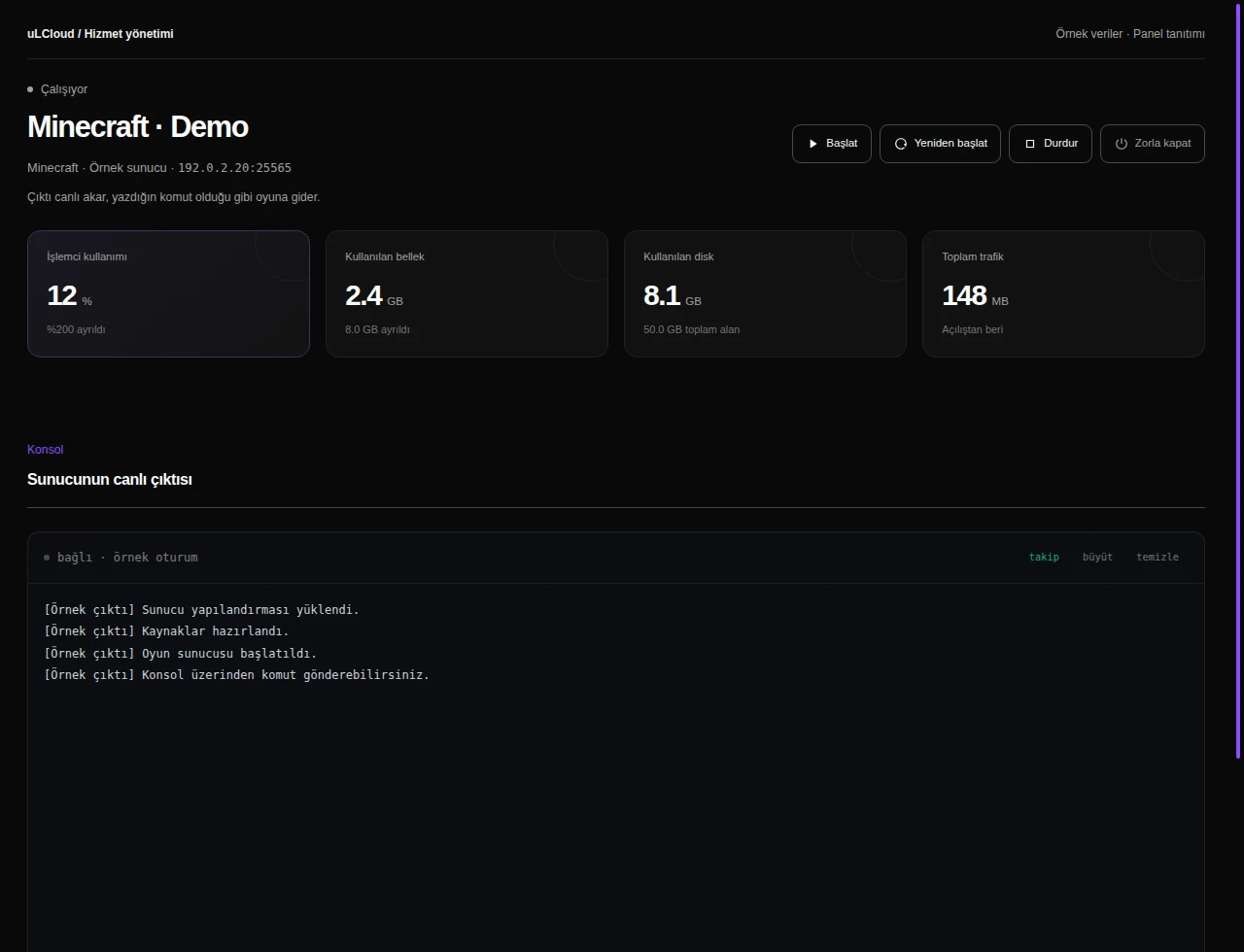
Take a closer look at the management screens you will use. These images were rendered from our existing customer panel templates.
All panel screens 9
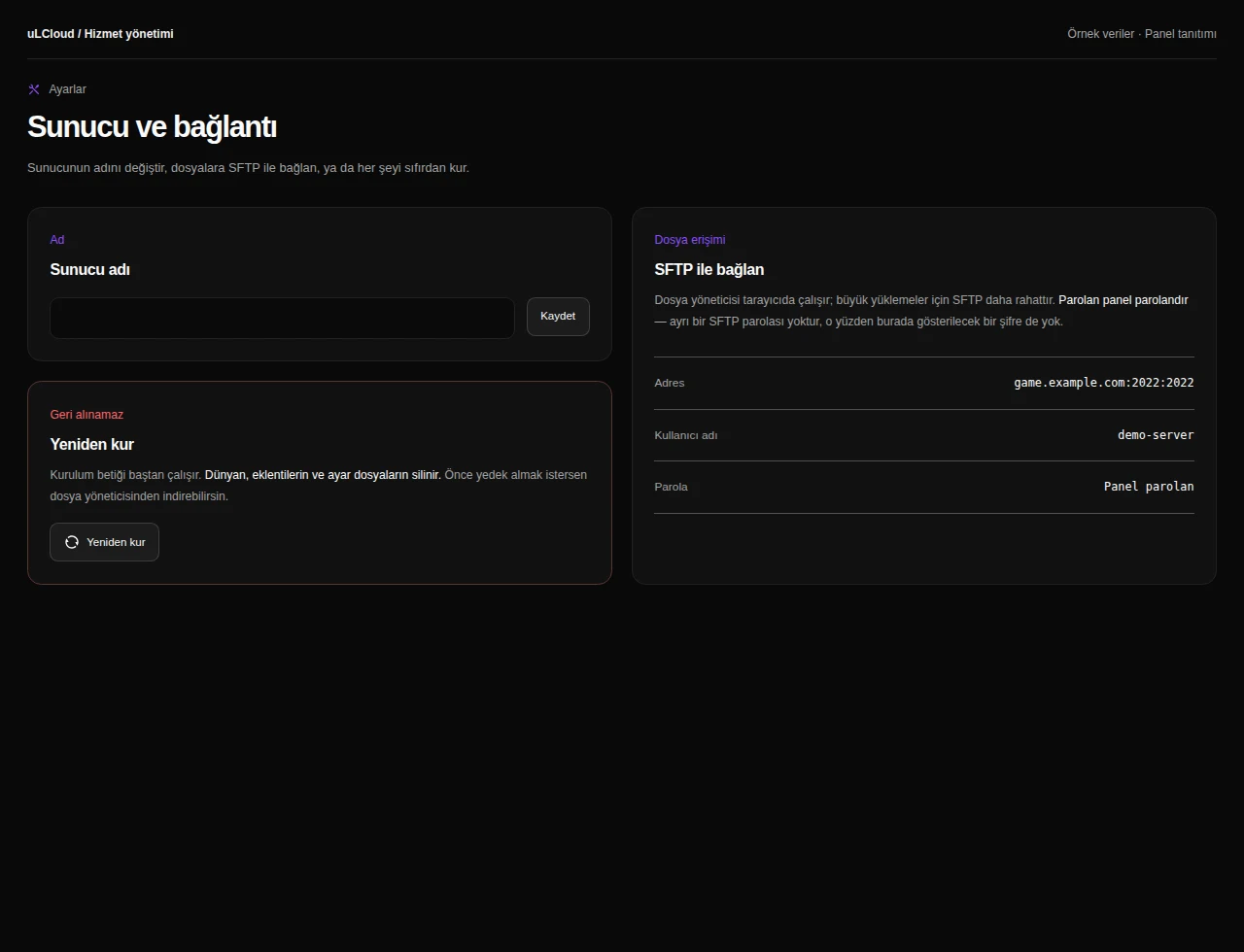
What can you do on this screen?
Console and power
Read live output, send supported commands and access start, stop and restart controls alongside CPU, memory and disk measurements.
Actual panel design · Sample data · Available features depend on your plan.
