6 GB memory, 3 vCore CPU and 35 GB NVMe disk. Console, file manager and all game settings from your panel.
GAME SERVERS
Minecraft server with 6 GB of memory
6 GB of RAM, 3 vCore CPU and 35 GB of NVMe disk — enough for a mid-sized survival community with plugins or a light modpack. Console, file manager and every game setting sit in your panel.
₺379,00
/ Aylık
Card instalments available
- Processor
- 3 vCore
- Memory
- 6 GB memory
- Disk
- 35 GB NVMe
- Backup plan
- Choose at checkout
Minecraft
Plan features
Yedekleme paketi
Yedekleme yok
Günlük Yedek — 7 kopya
You can customise these options during checkout.
Who the 6 GB plan is for
Six gigabytes is where a Minecraft server stops being a two-player world and starts being a small community. It carries a regular group of players across a growing map, plus the usual plugin stack: permissions, claims, economy, a couple of minigames.
A lean modpack runs here too, as long as it is not a several-hundred-mod kitchen sink. If you are planning heavy modded play, multiple worlds or large redstone builds, start on a larger plan instead.
What the specifications mean in play
Memory decides how many chunks and entities the server can hold loaded before tick times start to slip, so 6 GB is what keeps the world responsive when several players explore in different directions. The 3 vCores handle world generation and mob logic — the spikes you feel when someone walks into unloaded terrain.
35 GB of NVMe is room for the world, plugins, logs and several of your own backups. NVMe matters on autosave: chunk writes finish quickly instead of causing the short stalls you get on spinning disks.
Running it from the panel
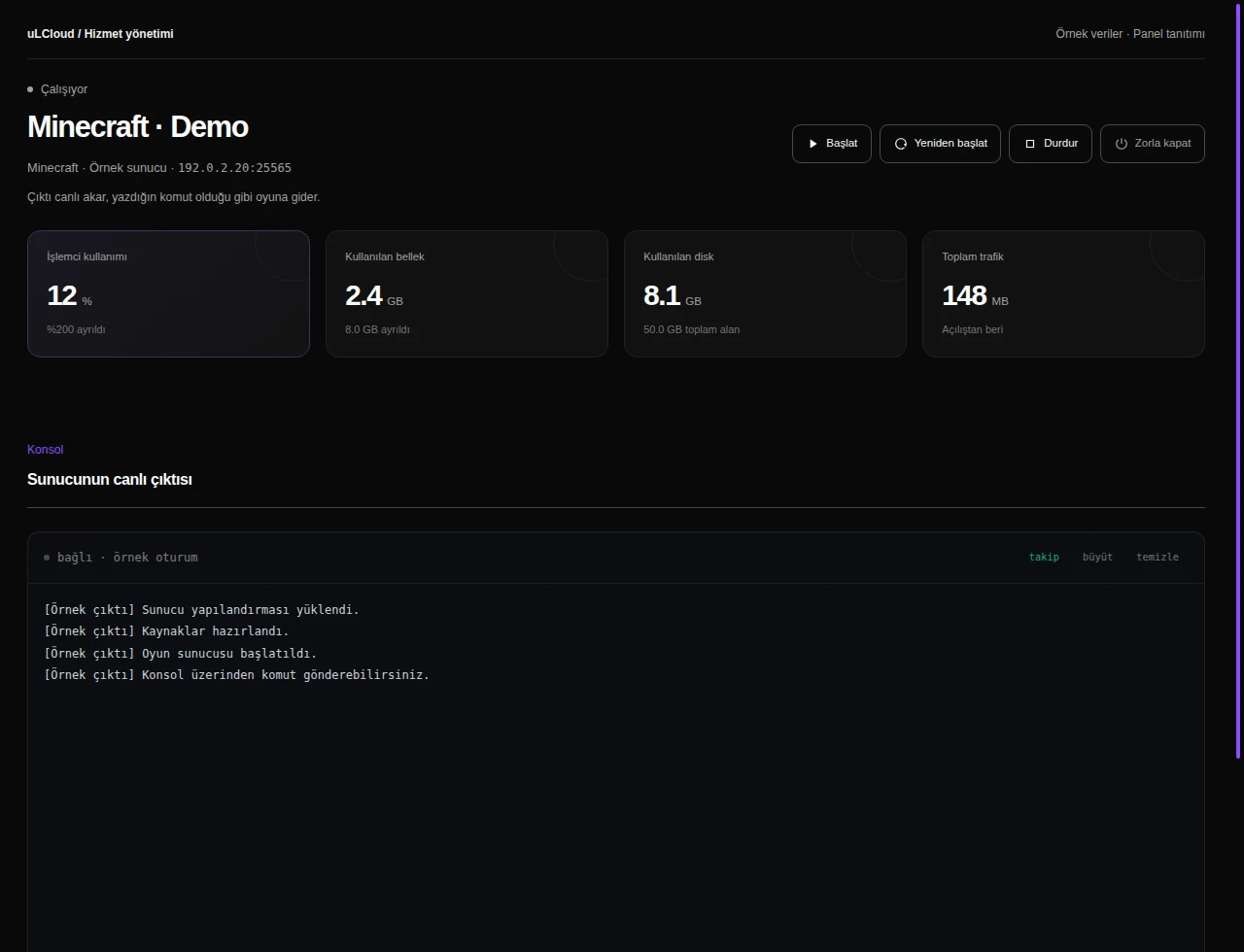
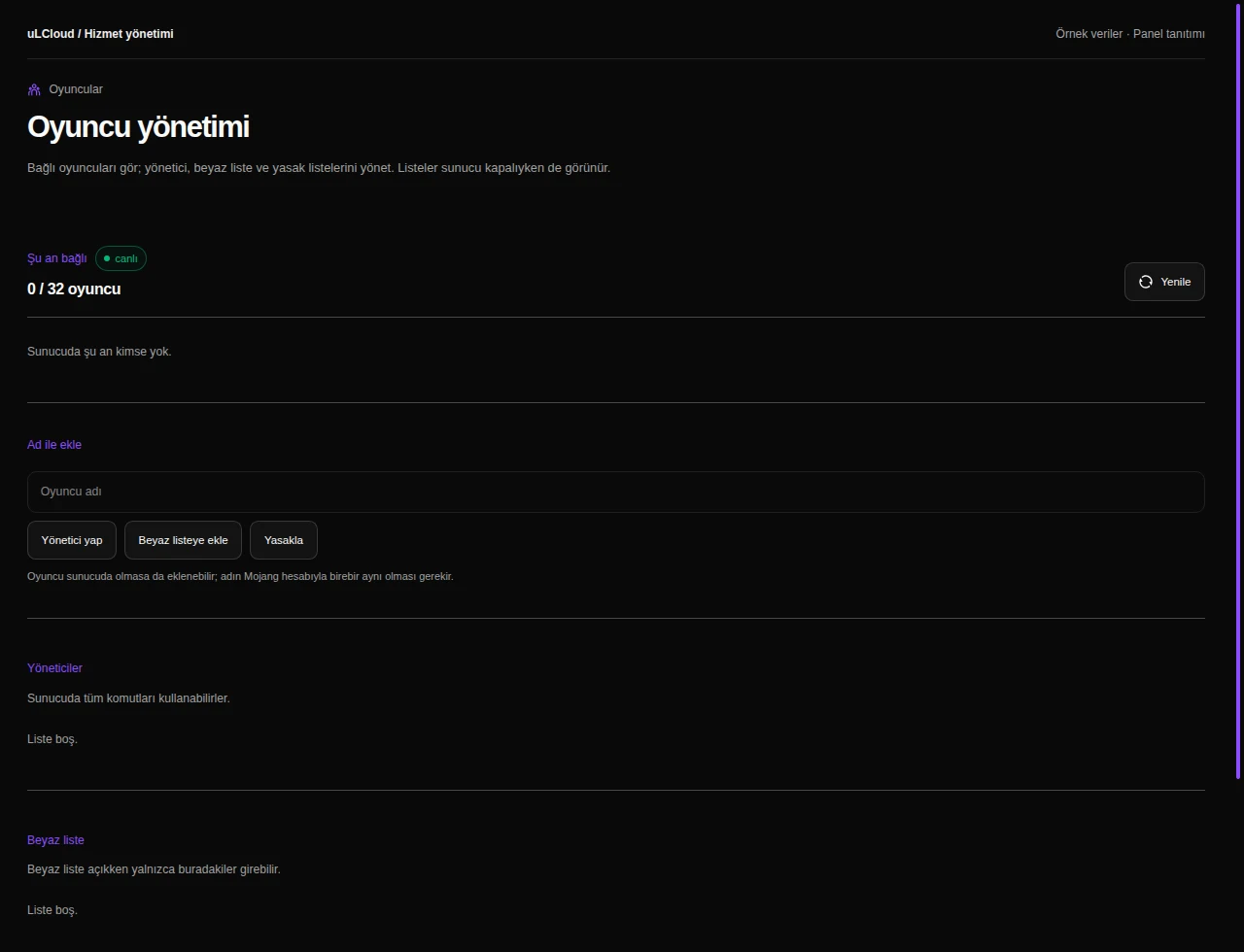
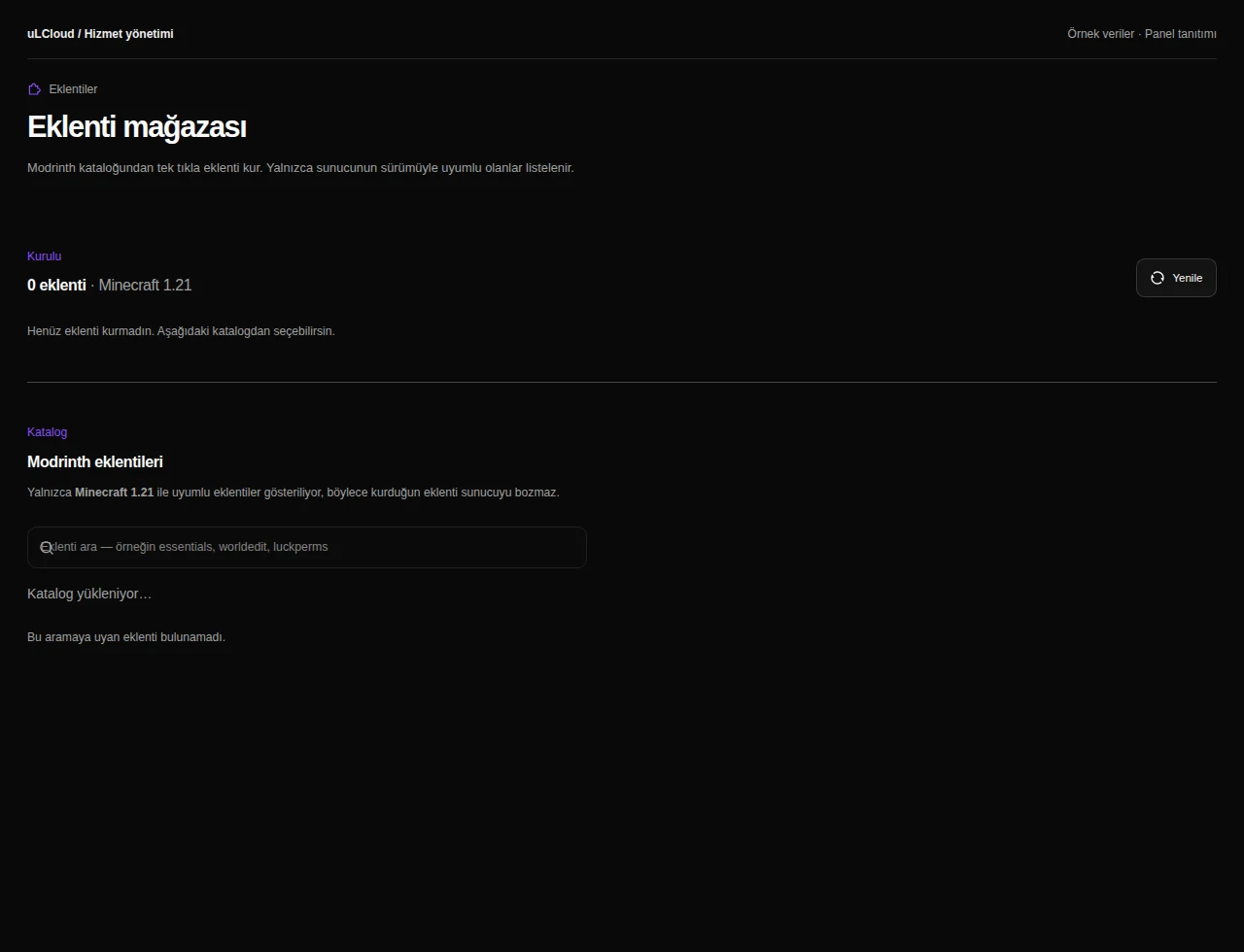
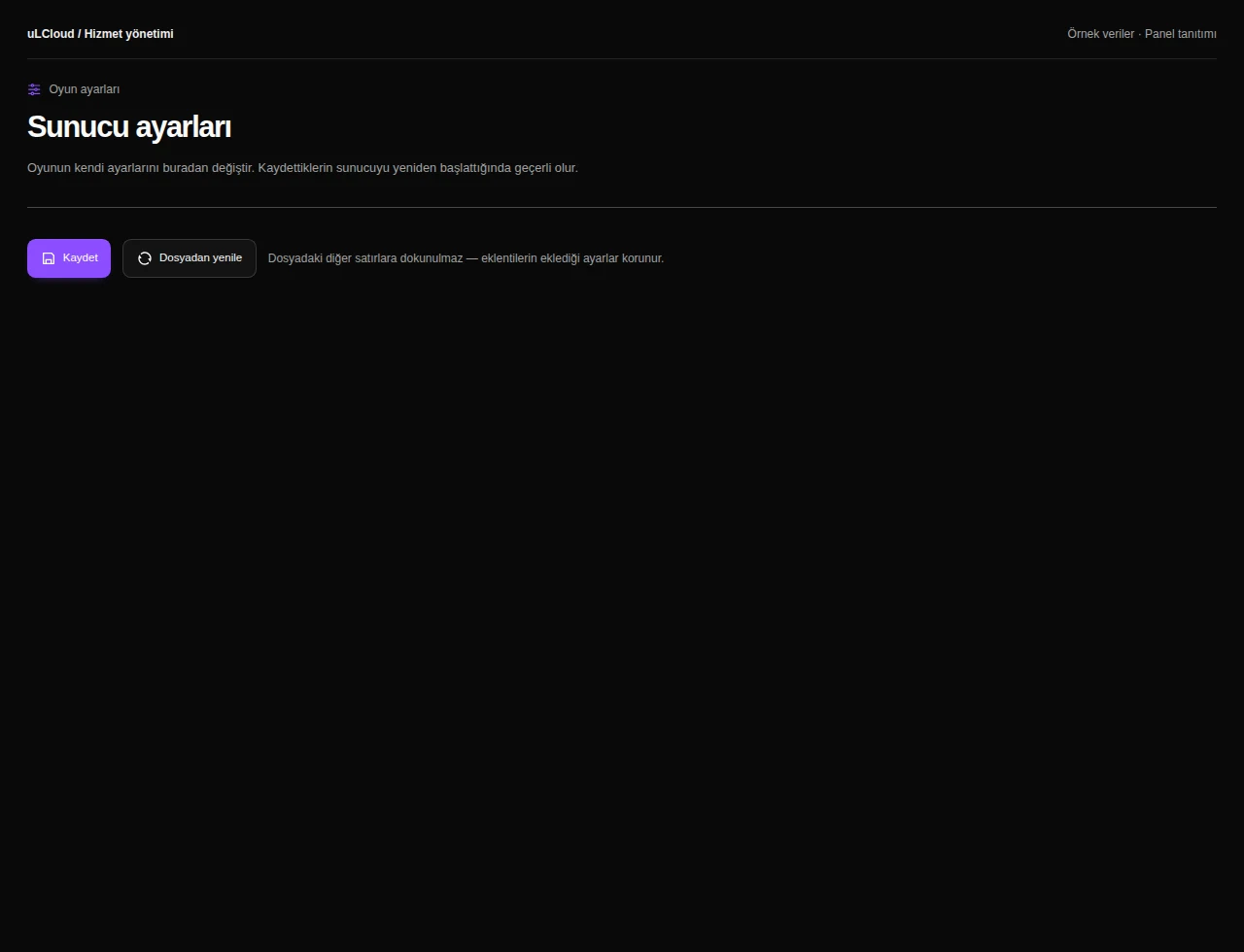
Once the server is deployed you manage everything in the browser: live console, file manager, startup and game settings, player management and a plugin catalogue through Modrinth.
Server type, game version and mods are yours to change without opening a ticket, and a restart after a config edit takes seconds.
-
With 6 GB of memory and 3 vCores, a mid-sized group of roughly a dozen concurrent players runs comfortably. The real number depends on view distance, plugin count and whether you are running mods, since modded play uses far more memory per player.
-
Yes. The panel gives you a plugin catalogue (Modrinth), a file manager and a live console, so you can add plugins or mods, switch server type and edit configuration files yourself.
-
Deployment is automatic and normally completes in under 60 seconds. You then start the server from the panel; there is no setup fee and no contract term.
-
Yes — you can move up to the 8, 12, 16, 24 or 32 GB Minecraft plans as your world and player count grow. There is no commitment, and new orders come with a 7-day unconditional refund.
Minecraft
Other plans in Minecraft
Minecraft 2 GB
₺149,00
/ Aylık
- Processor
- 1 vCore
- Memory
- 2 GB memory
- Disk
- 15 GB NVMe
- Backup plan
- Choose at checkout
Minecraft Ücretsiz
Free
/ Ücretsiz
- Memory
- 1 GB bellek
- Backup plan
- Choose at checkout
Minecraft 4 GB
₺269,00
/ Aylık
- Processor
- 2 vCore
- Memory
- 4 GB memory
- Disk
- 25 GB NVMe
- Backup plan
- Choose at checkout
EXPLORE YOUR PANEL BEFORE BUYING
Minecraft, in your own panel.
Take a closer look at the management screens you will use. These images were rendered from our existing customer panel templates.
All panel screens 9
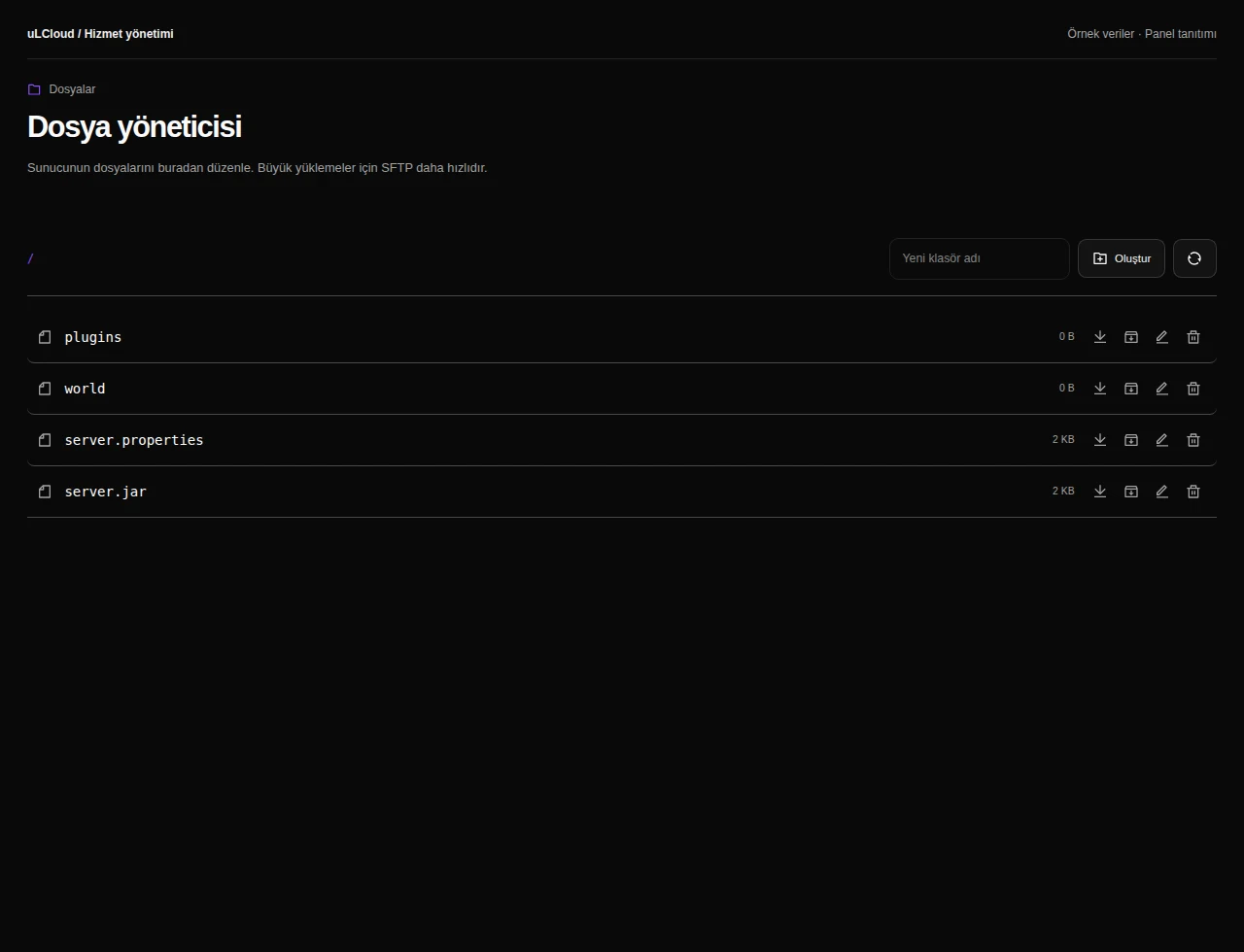
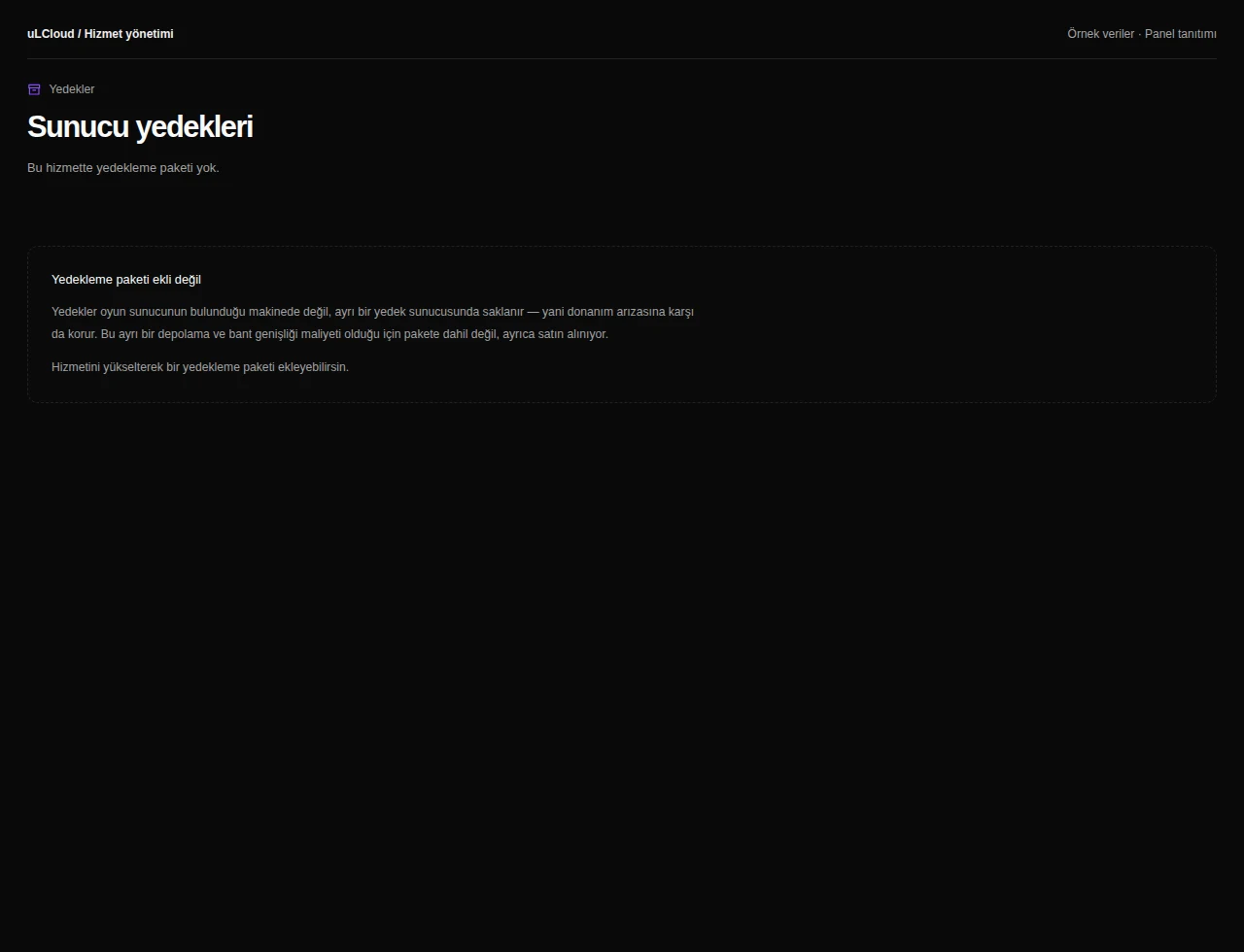
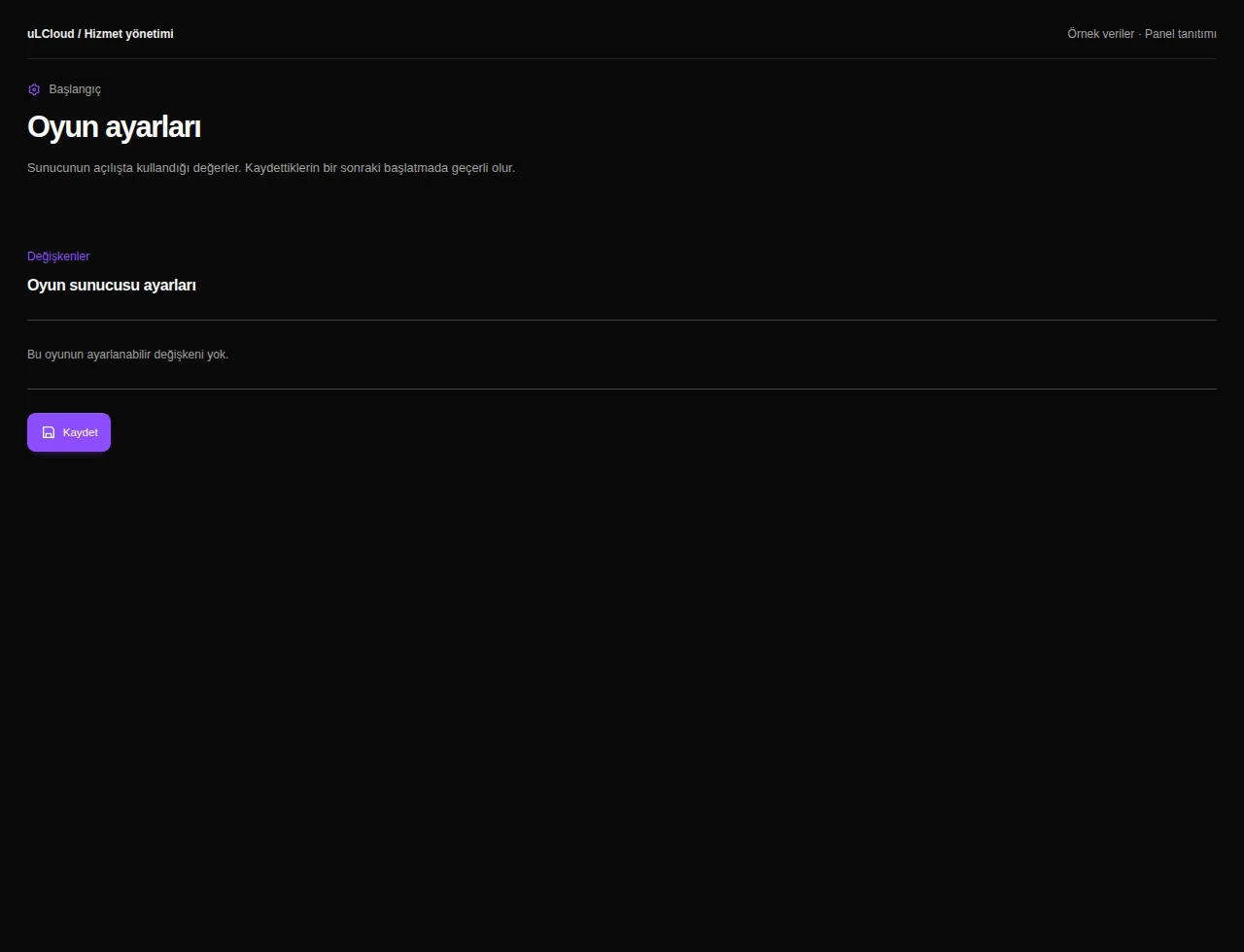
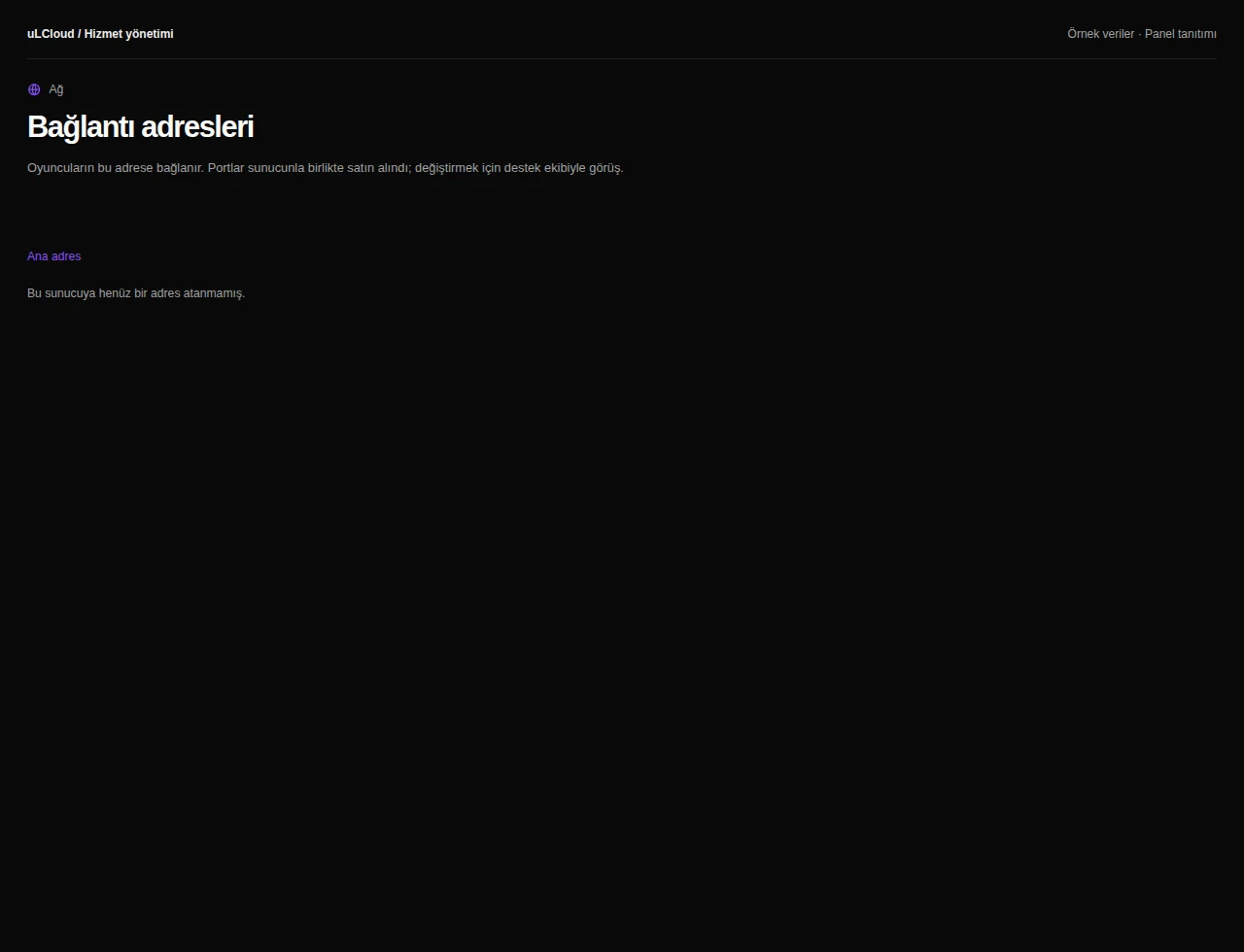
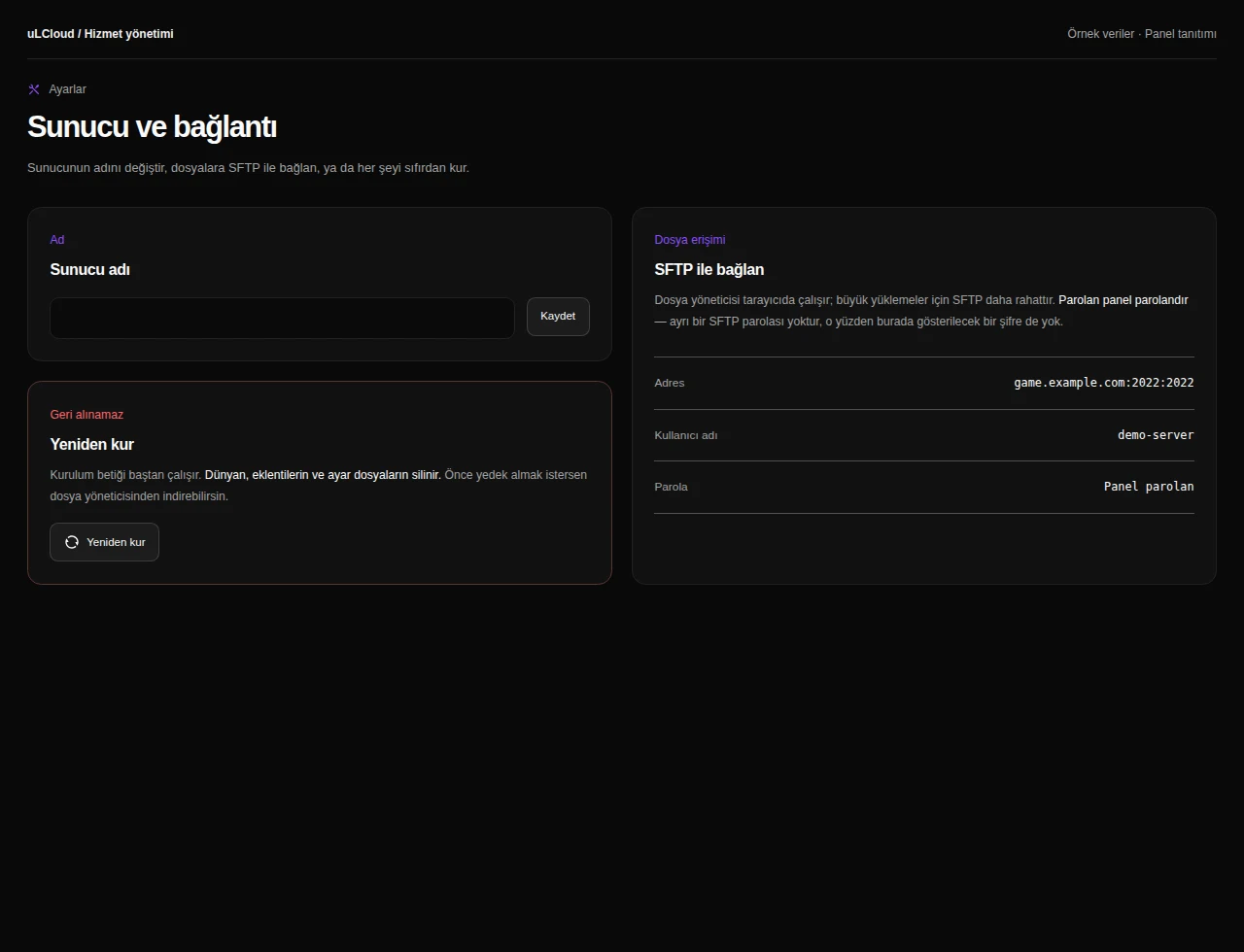
What can you do on this screen?
Console and power
Read live output, send supported commands and access start, stop and restart controls alongside CPU, memory and disk measurements.
Actual panel design · Sample data · Available features depend on your plan.
