16 GB memory, 8 vCore CPU and 100 GB NVMe disk. Console, file manager and all game settings from your panel.
GAME SERVERS
Minecraft server hosting with 16 GB of RAM
16 GB of memory, 8 vCore and 100 GB of NVMe storage — headroom for heavy modpacks and a busy community server at the same time.
₺899,00
/ Aylık
Card instalments available
- Processor
- 8 vCore
- Memory
- 16 GB memory
- Disk
- 100 GB NVMe
- Backup plan
- Choose at checkout
Minecraft
Plan features
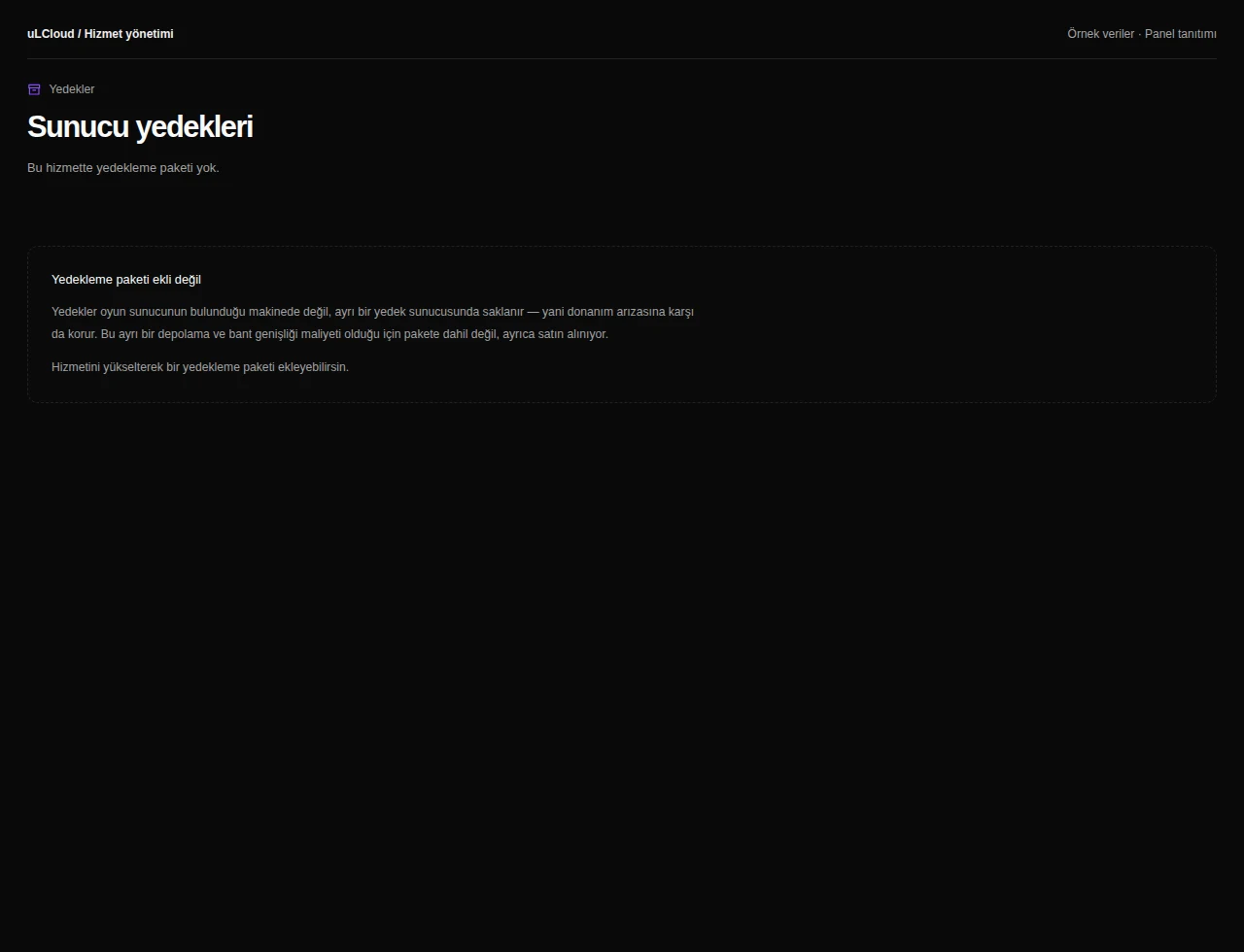
Yedekleme paketi
Yedekleme yok
Günlük Yedek — 7 kopya
You can customise these options during checkout.
Who this plan is for
Plain vanilla worlds rarely need this much memory. 16 GB starts to make sense once you run a large modpack, keep several worlds loaded, or host a server whose player count stays in double figures through the evening.
If smaller plans have been stuttering when players explore new terrain or when a big base loads in, memory and CPU headroom is usually what is missing rather than the game itself.
What the specifications mean in practice
The 8 vCore allocation is what protects your tick rate. Redstone contraptions, mob farms and large numbers of active entities are CPU work, not memory work, so cores matter as much as RAM on a busy world.
100 GB of NVMe holds several worlds plus backups, and because it is NVMe rather than a mechanical disk, chunk loading and world saves finish quickly instead of pausing the server.
Running the server day to day
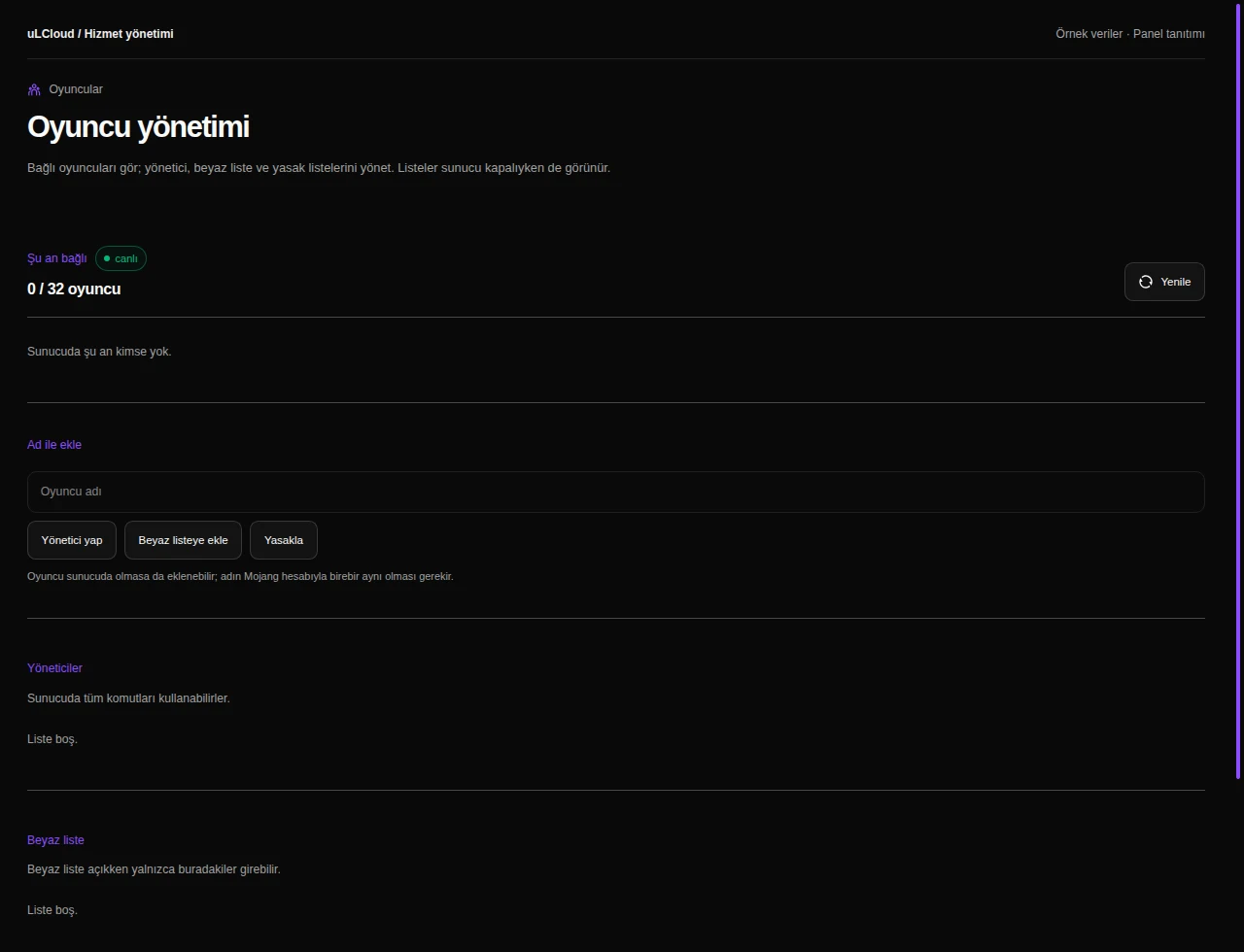
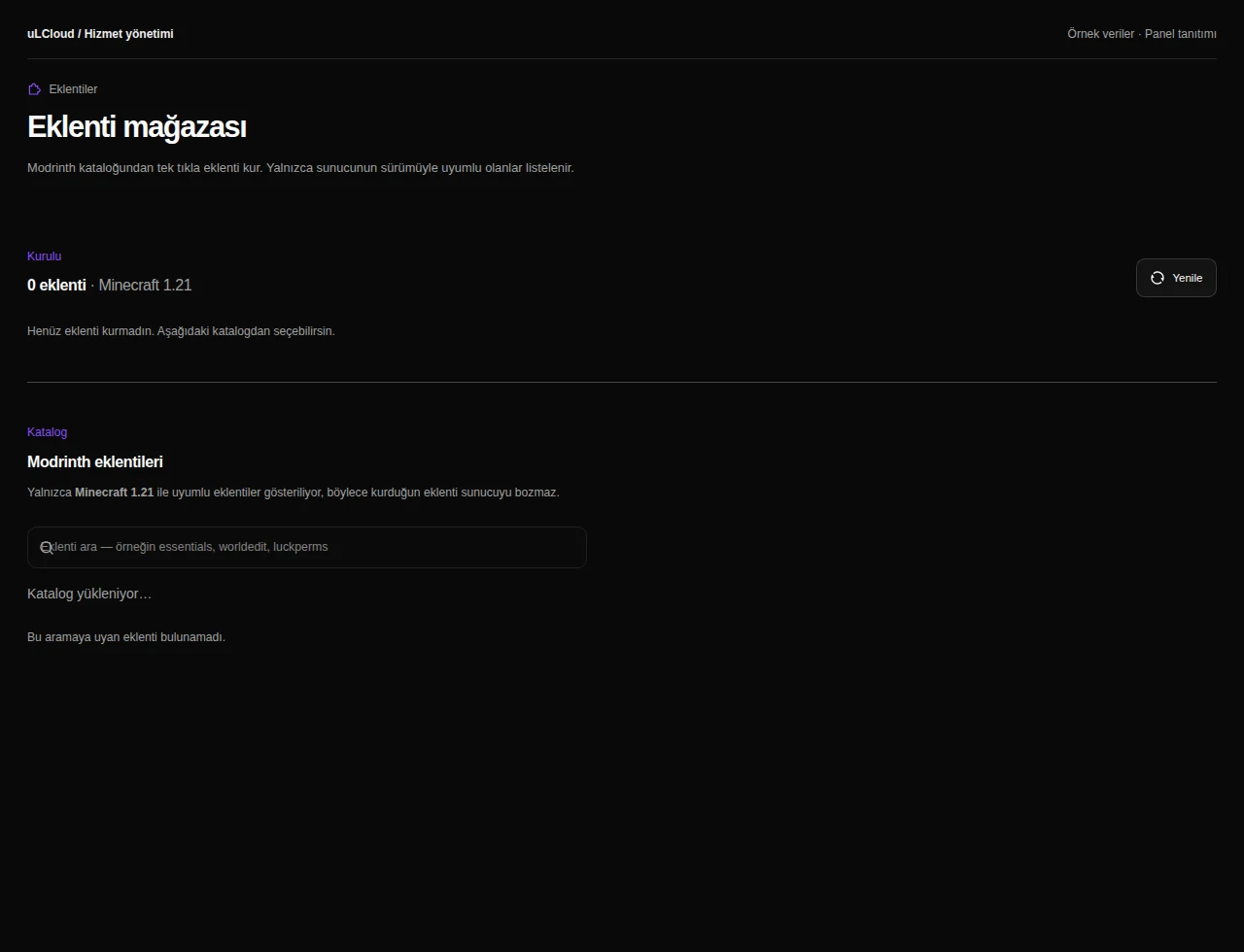
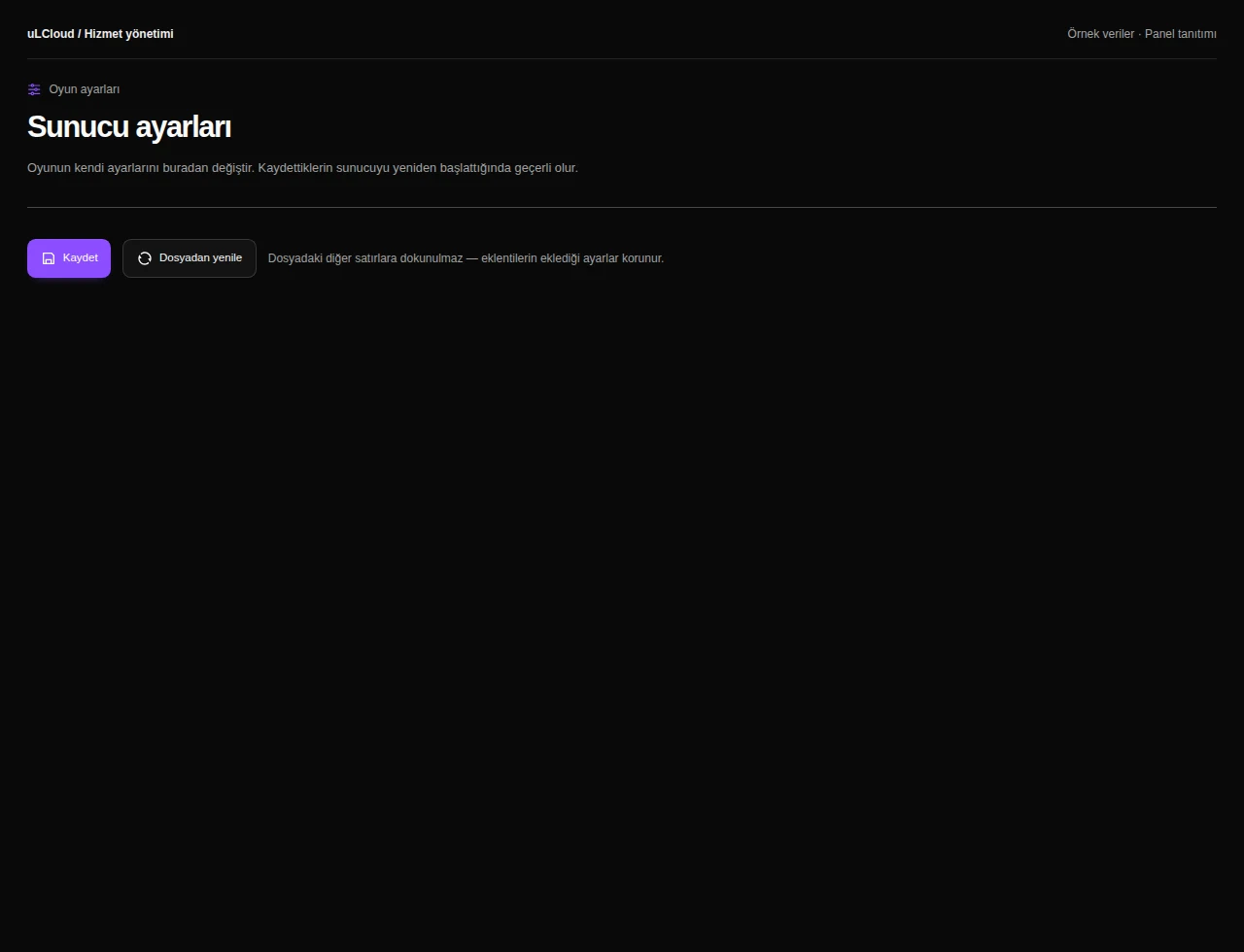
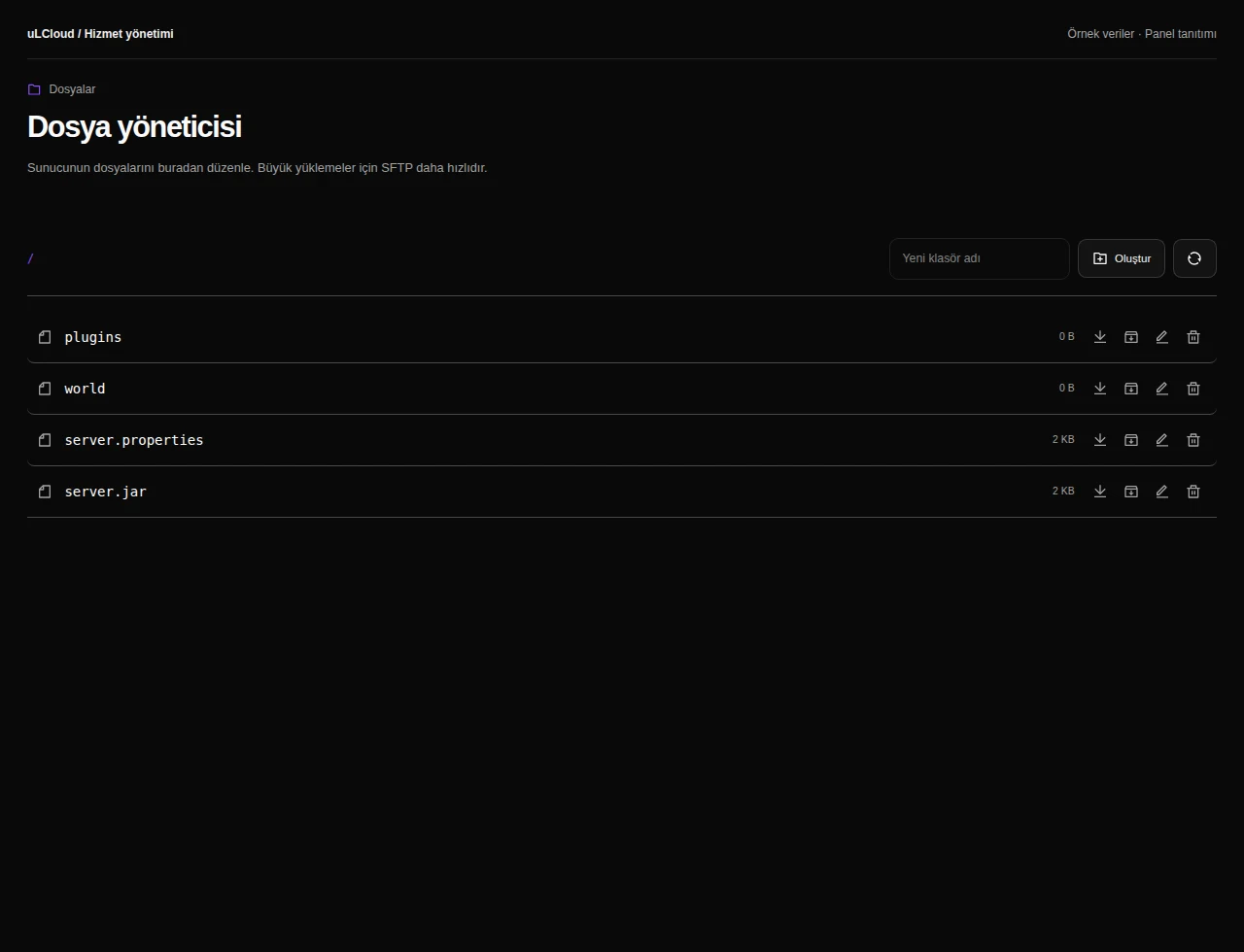
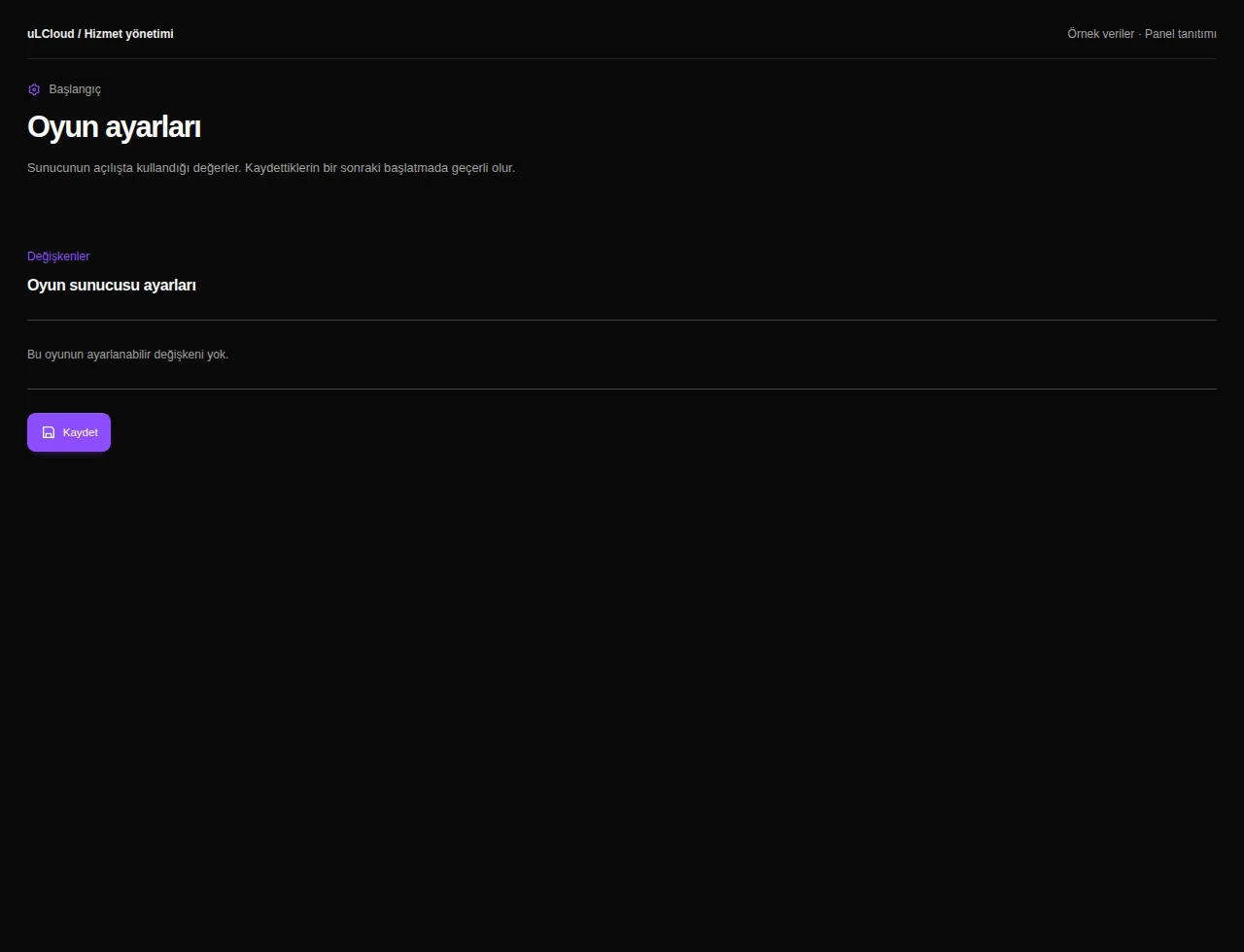
Everything is managed from the panel: live console, file manager, player management, game settings and plugin or mod installation. No SSH and no manual Java setup.
Deployment is automatic and usually done in under a minute. There is no setup fee, no commitment, and a 7-day unconditional refund if the plan turns out to be the wrong size.
-
On vanilla or Paper, several dozen concurrent players is realistic. With a large modpack the figure drops well below that, because each player consumes more memory and CPU time — around 10 to 20 is a sensible planning number.
-
Yes. You choose the server type and version in the panel — Paper, Purpur, Fabric, Forge or a prepared modpack — and install plugins from the store or upload them through the file manager.
-
The server is provisioned automatically, normally in under 60 seconds. Console, file manager and all game settings are available in the panel straight away.
-
Yes. You can move up to the 24 GB or 32 GB Minecraft plan and keep your world and configuration.
Minecraft
Other plans in Minecraft
Minecraft 2 GB
₺149,00
/ Aylık
- Processor
- 1 vCore
- Memory
- 2 GB memory
- Disk
- 15 GB NVMe
- Backup plan
- Choose at checkout
Minecraft Ücretsiz
Free
/ Ücretsiz
- Memory
- 1 GB bellek
- Backup plan
- Choose at checkout
Minecraft 4 GB
₺269,00
/ Aylık
- Processor
- 2 vCore
- Memory
- 4 GB memory
- Disk
- 25 GB NVMe
- Backup plan
- Choose at checkout
EXPLORE YOUR PANEL BEFORE BUYING
Minecraft, in your own panel.
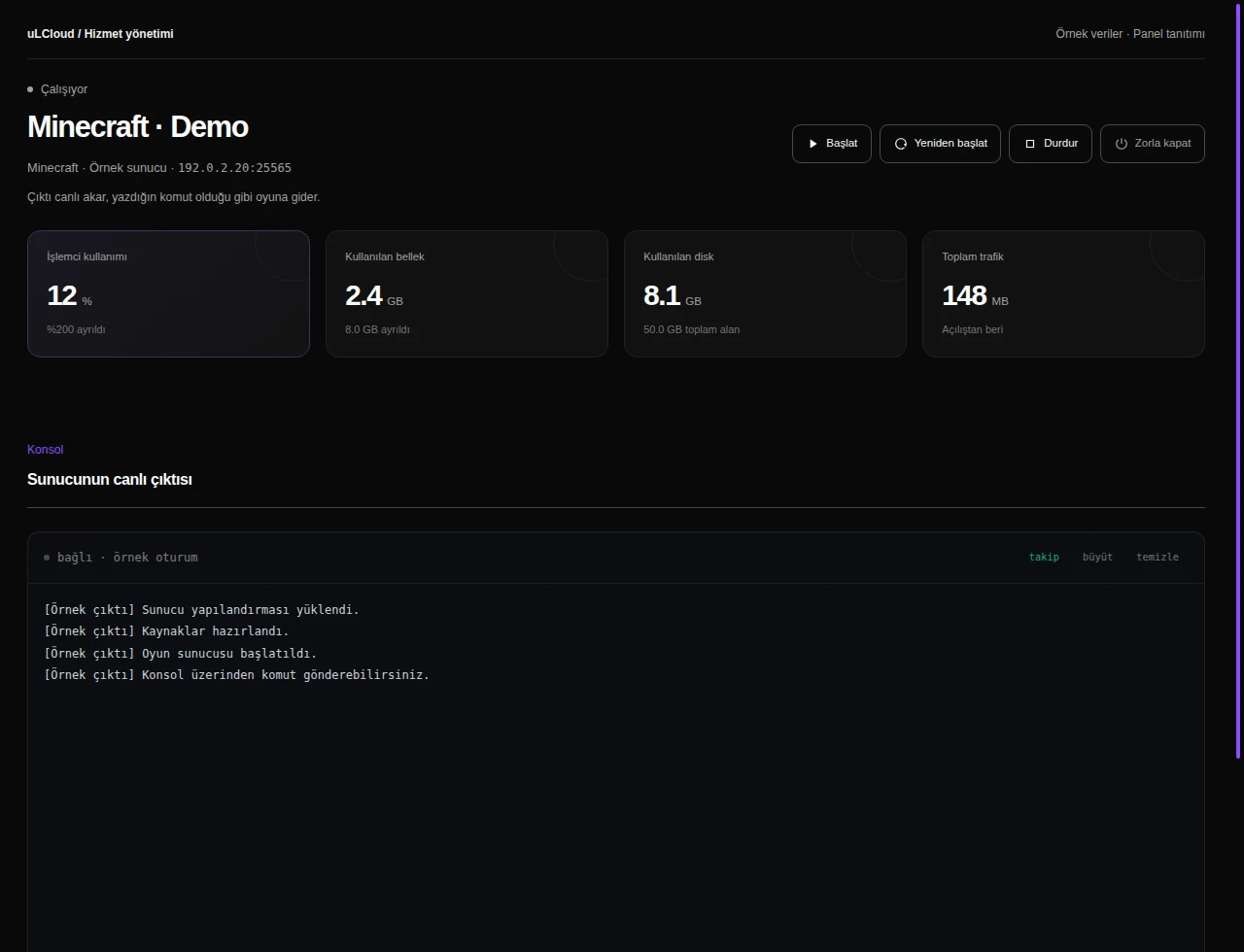
Take a closer look at the management screens you will use. These images were rendered from our existing customer panel templates.
All panel screens 9
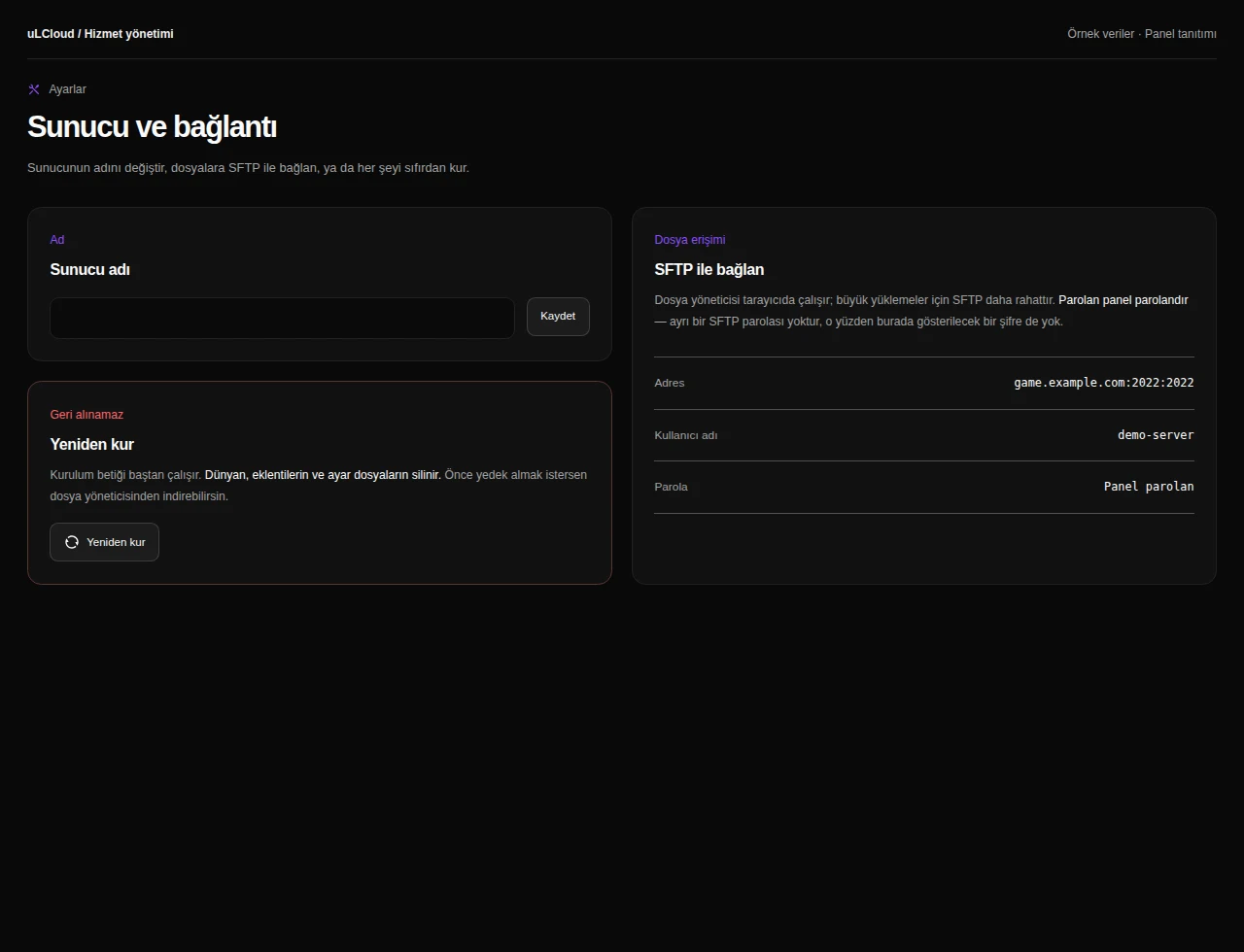
What can you do on this screen?
Console and power
Read live output, send supported commands and access start, stop and restart controls alongside CPU, memory and disk measurements.
Actual panel design · Sample data · Available features depend on your plan.
