24 GB memory, 10 vCore CPU and 150 GB NVMe disk. Console, file manager and all game settings from your panel.
GAME SERVERS
Minecraft server with 24 GB of memory
24 GB of memory, 10 vCore and 150 GB of NVMe storage — sized for heavy modpacks and busy servers. Console, file manager and every game setting stay in your panel.
₺1.290,00
/ Aylık
Card instalments available
- Processor
- 10 vCore
- Memory
- 24 GB memory
- Disk
- 150 GB NVMe
- Backup plan
- Choose at checkout
Minecraft
Plan features
Yedekleme paketi
Yedekleme yok
Günlük Yedek — 7 kopya
You can customise these options during checkout.
Who this plan is for
24 GB is the size you move to when a smaller plan stops coping: large modpacks with hundreds of mods, wide world borders, multi-world networks, or a community that keeps dozens of players online at once.
If you are running 8 or 12 GB today and seeing TPS drops whenever players spread out and load new chunks, this plan gives both the modpack and the player count room to breathe.
What the specifications mean in practice
The 10 vCore matter as much as the memory. Minecraft ticks the world on a single thread, but chunk generation, world saving and plugin work run alongside it — that is where the extra cores are used.
150 GB of NVMe storage holds a world that has grown for months, plus backups and modpack files. NVMe rather than spinning disk is most noticeable when the server saves regions and when it restarts.
Running the server day to day
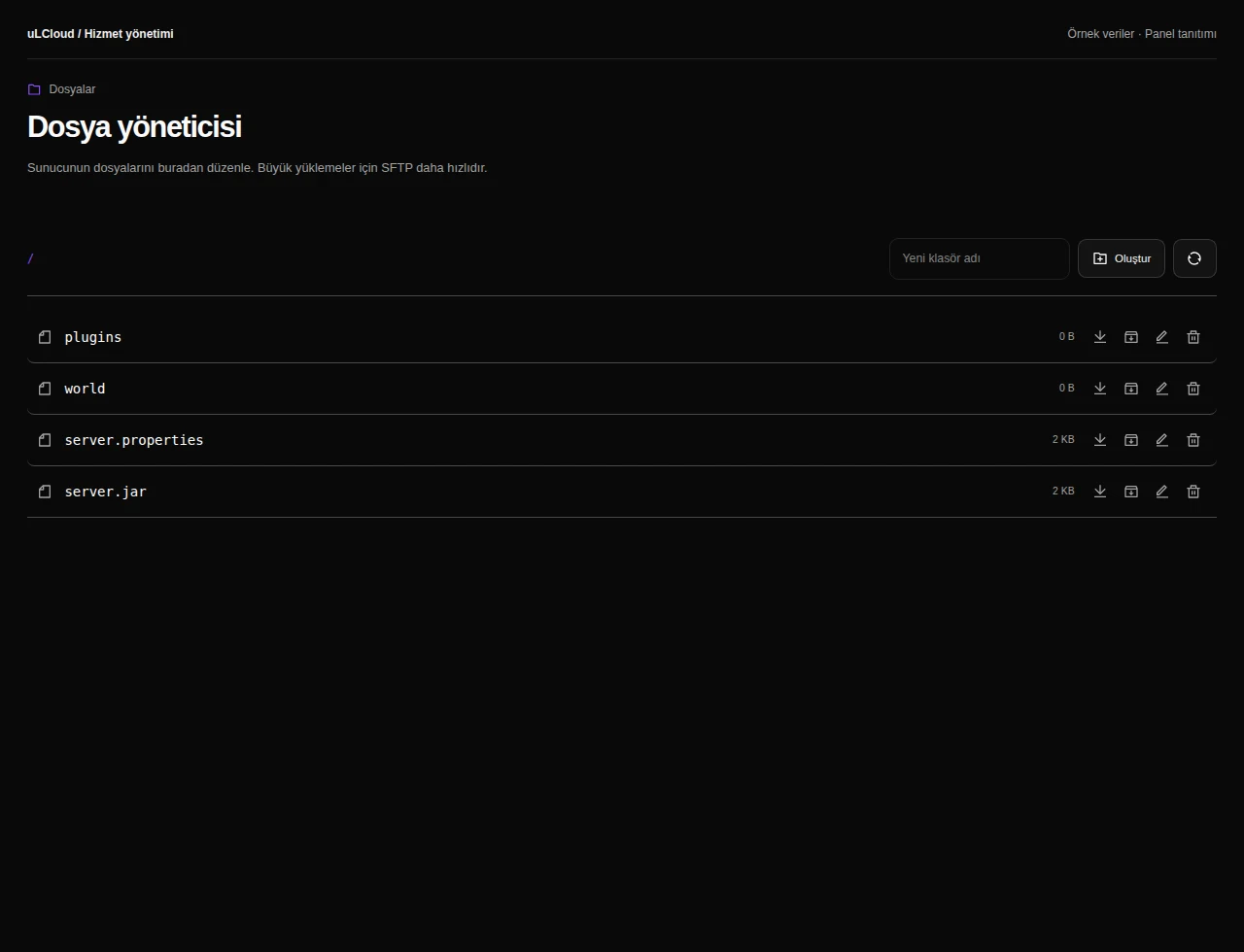
You get a live console, a file manager, player and game settings, and plugin or modpack installation from the panel. Config files, logs and restarts are all reachable without touching SSH.
There is no setup fee and no commitment, and the first 7 days carry an unconditional refund, so you can load your pack and see how it performs before you settle in.
-
With 24 GB of memory and 10 vCore you can comfortably run a large community — anywhere from several dozen to well over a hundred concurrent players on vanilla or plugin setups, depending on view distance and world size. With heavy modpacks the mod count matters more than the player count.
-
Yes. This plan is sized for big Forge, Fabric or NeoForge packs that will not stay stable on 8 GB. You can install mods and plugins from the panel or upload them with the file manager.
-
Yes. uLCloud offers Minecraft plans from 2 GB up to 32 GB, so you can move up or down as your server grows or quietens down.
-
Deployment takes under 60 seconds. After that you start the server from the console in your panel — no setup fee and no contract to sign.
Minecraft
Other plans in Minecraft
Minecraft 2 GB
₺149,00
/ Aylık
- Processor
- 1 vCore
- Memory
- 2 GB memory
- Disk
- 15 GB NVMe
- Backup plan
- Choose at checkout
Minecraft Ücretsiz
Free
/ Ücretsiz
- Memory
- 1 GB bellek
- Backup plan
- Choose at checkout
Minecraft 4 GB
₺269,00
/ Aylık
- Processor
- 2 vCore
- Memory
- 4 GB memory
- Disk
- 25 GB NVMe
- Backup plan
- Choose at checkout
EXPLORE YOUR PANEL BEFORE BUYING
Minecraft, in your own panel.
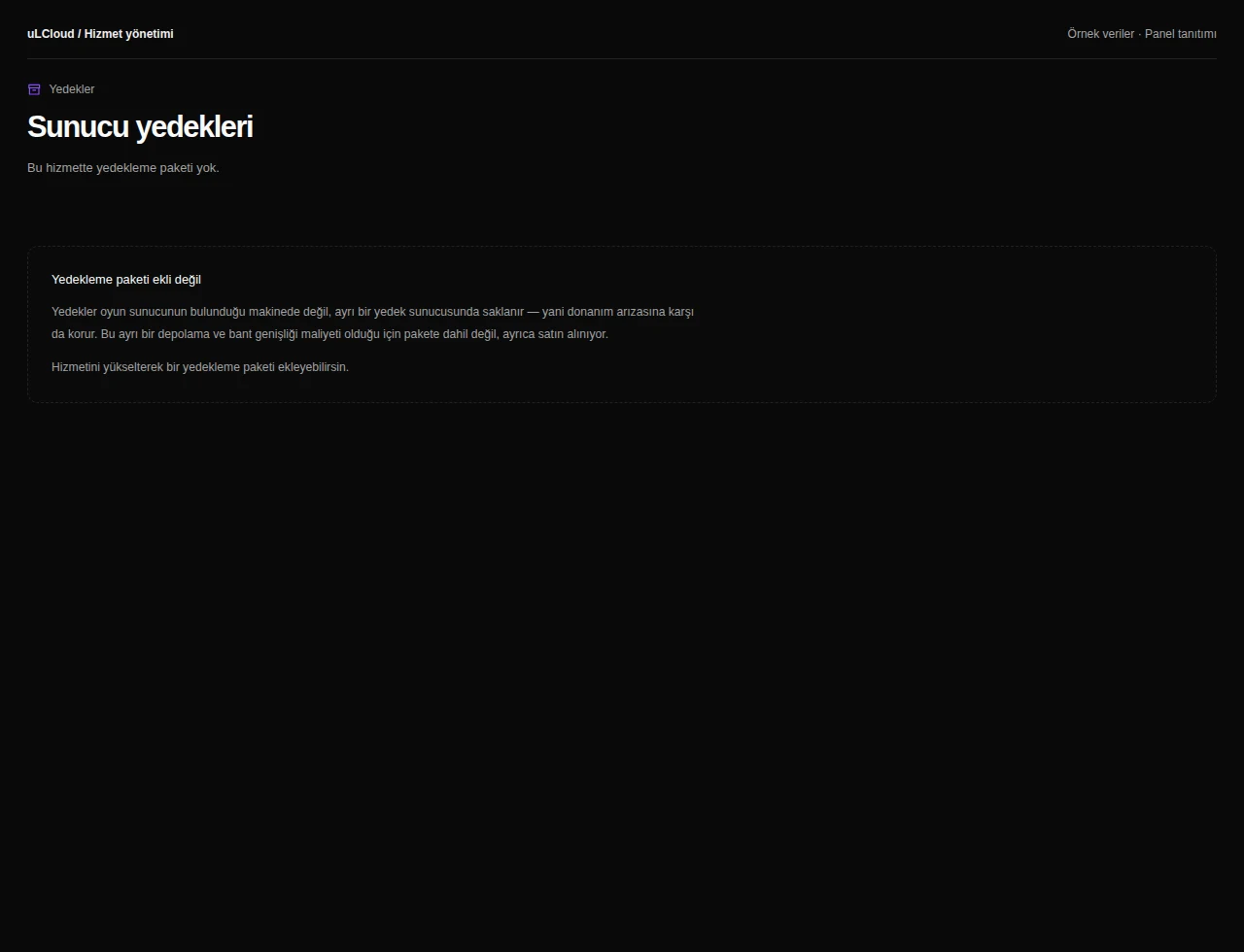
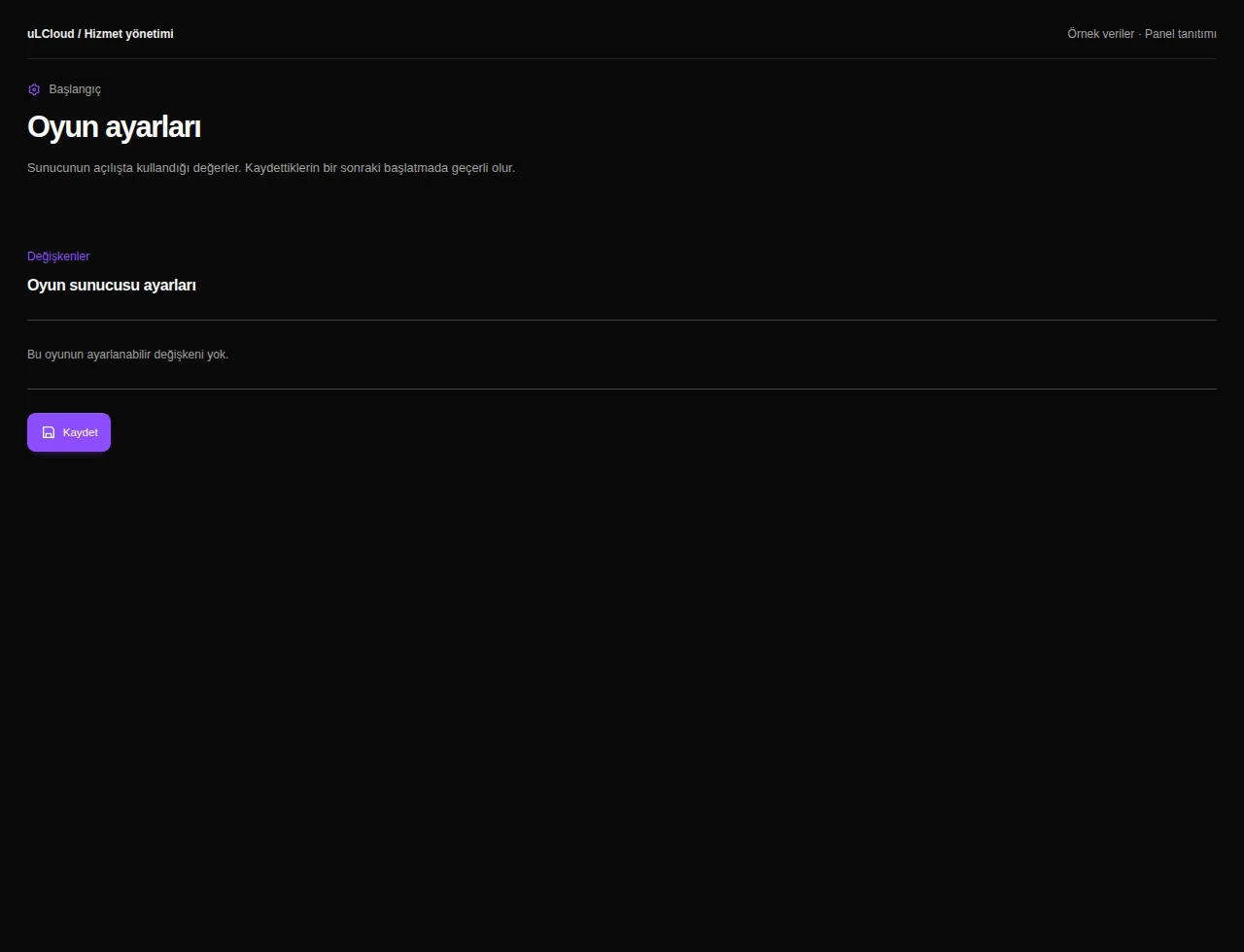
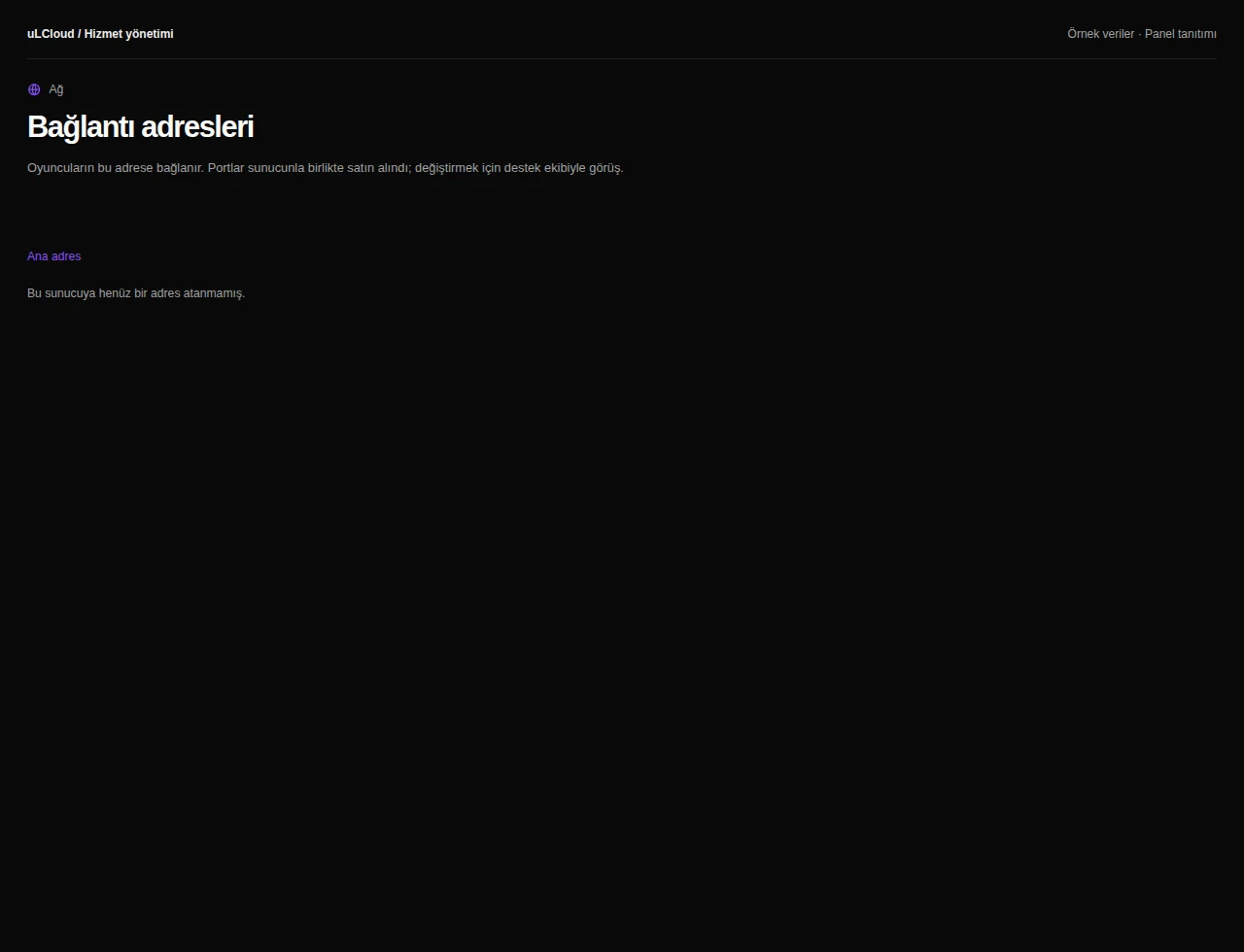
Take a closer look at the management screens you will use. These images were rendered from our existing customer panel templates.
All panel screens 9
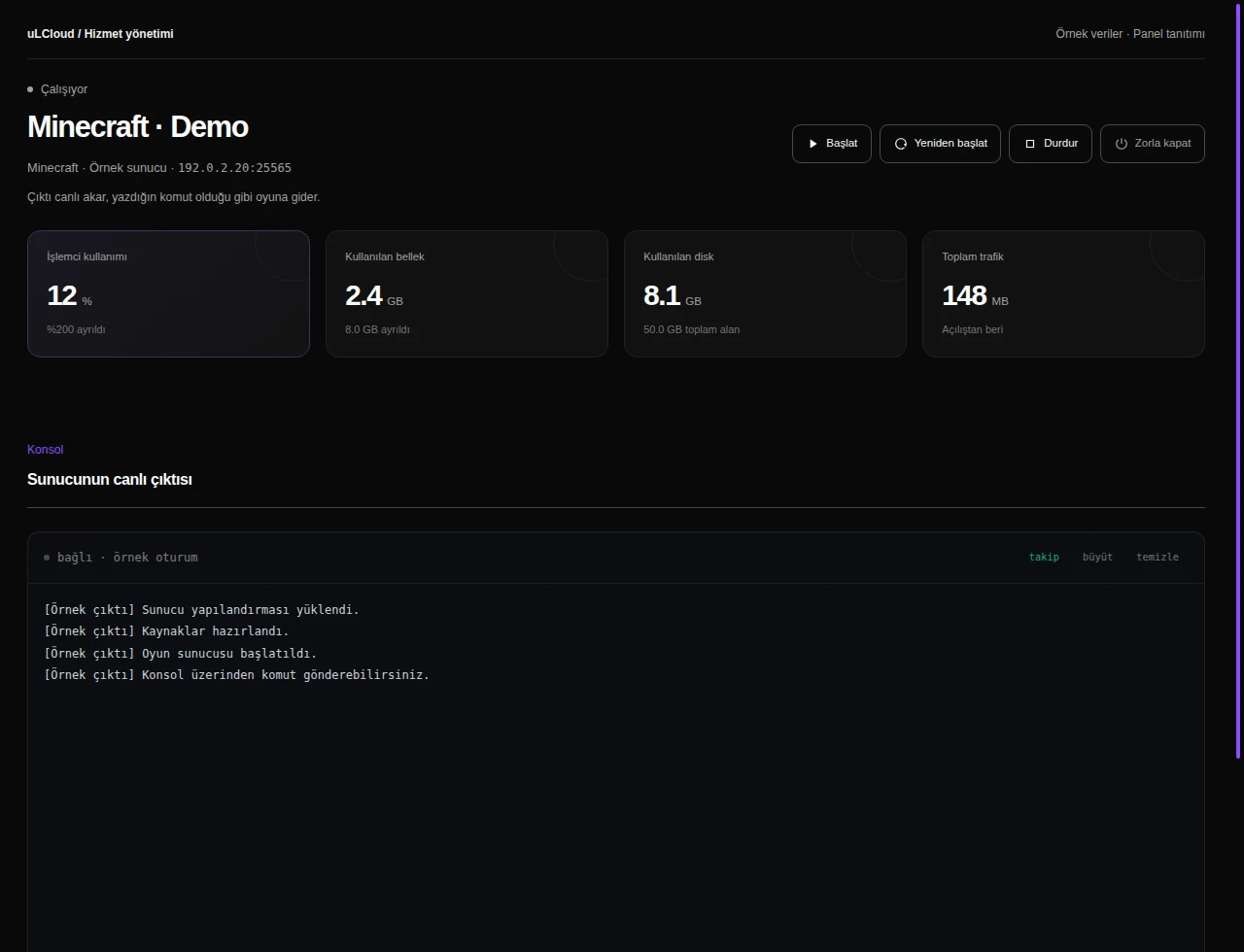
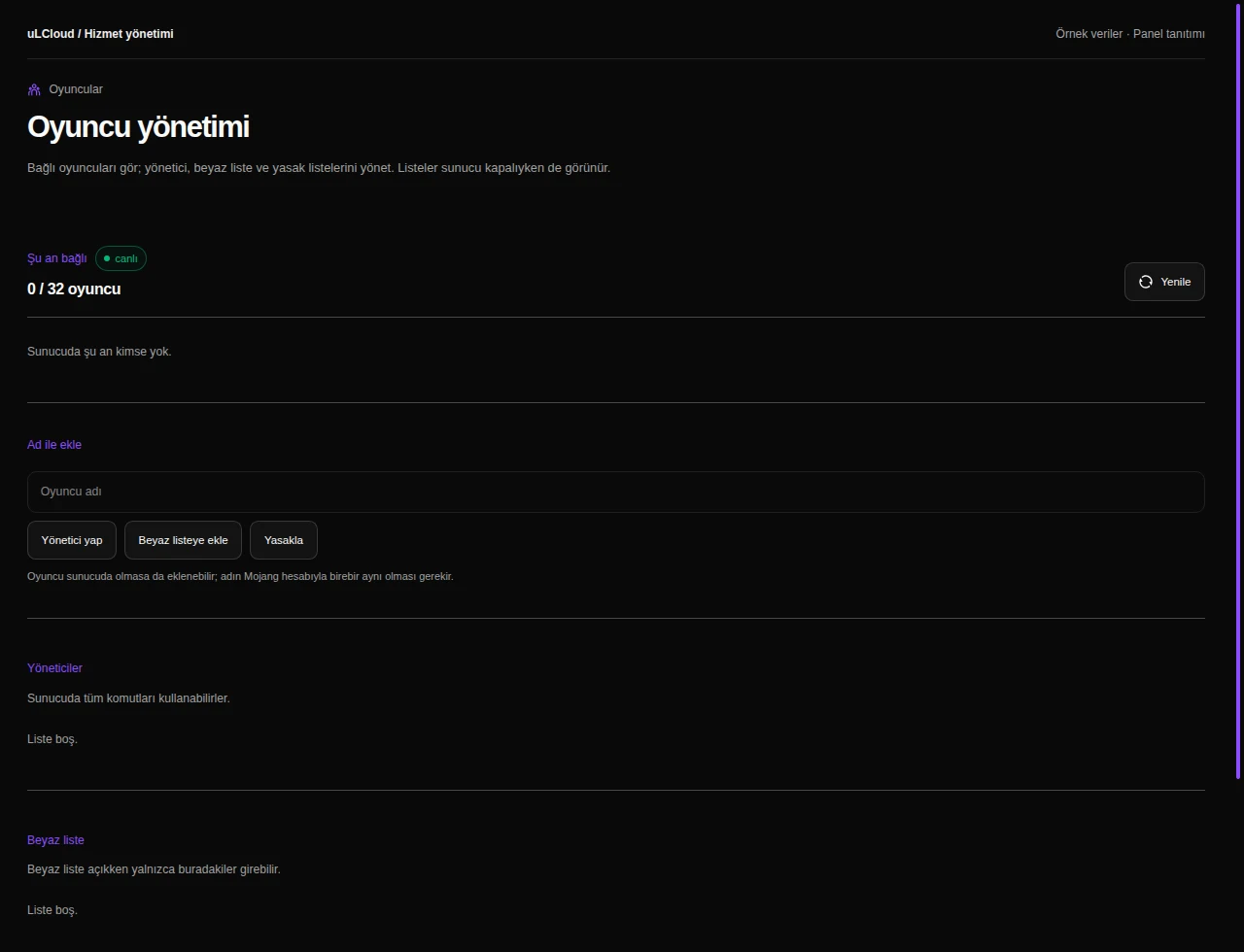
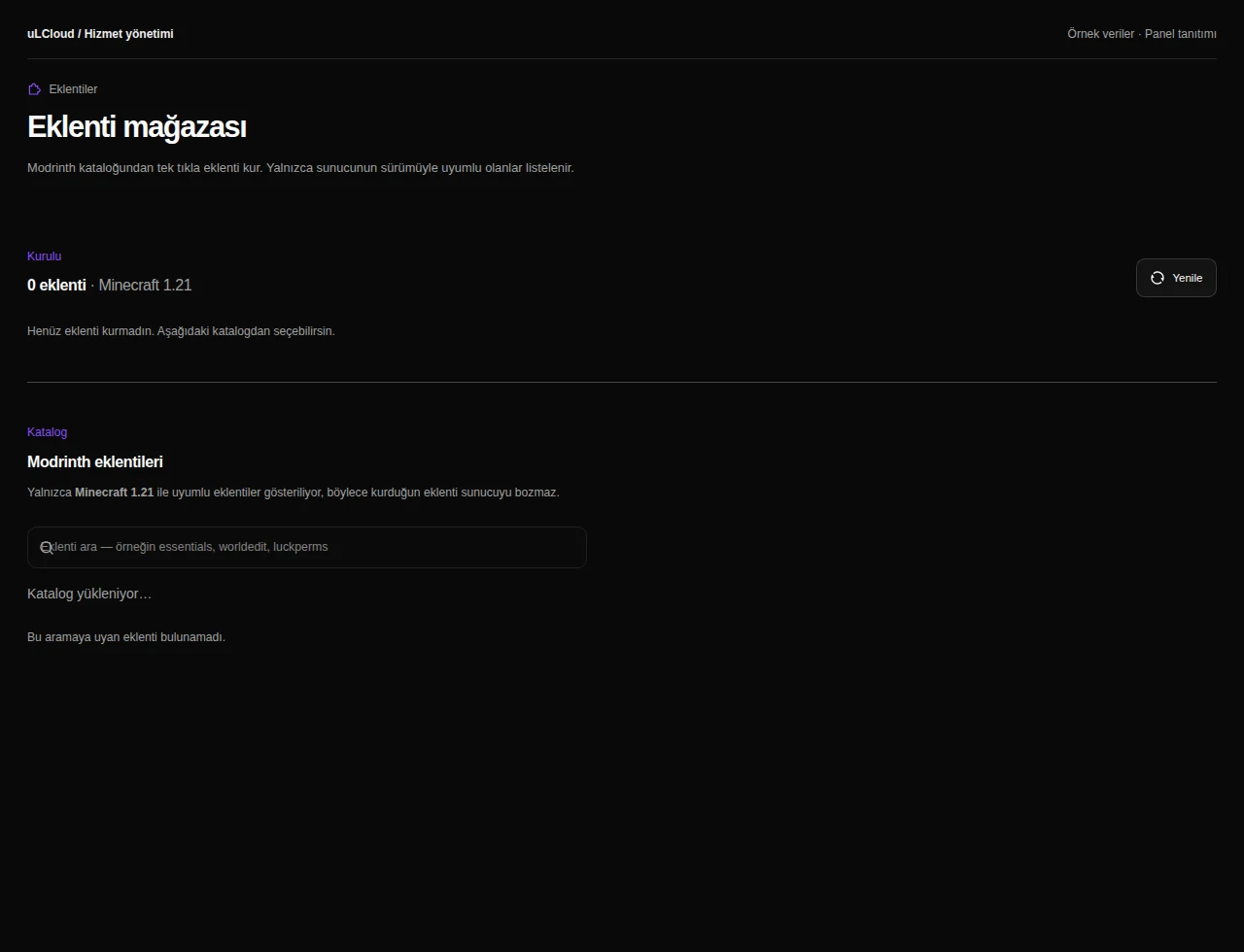
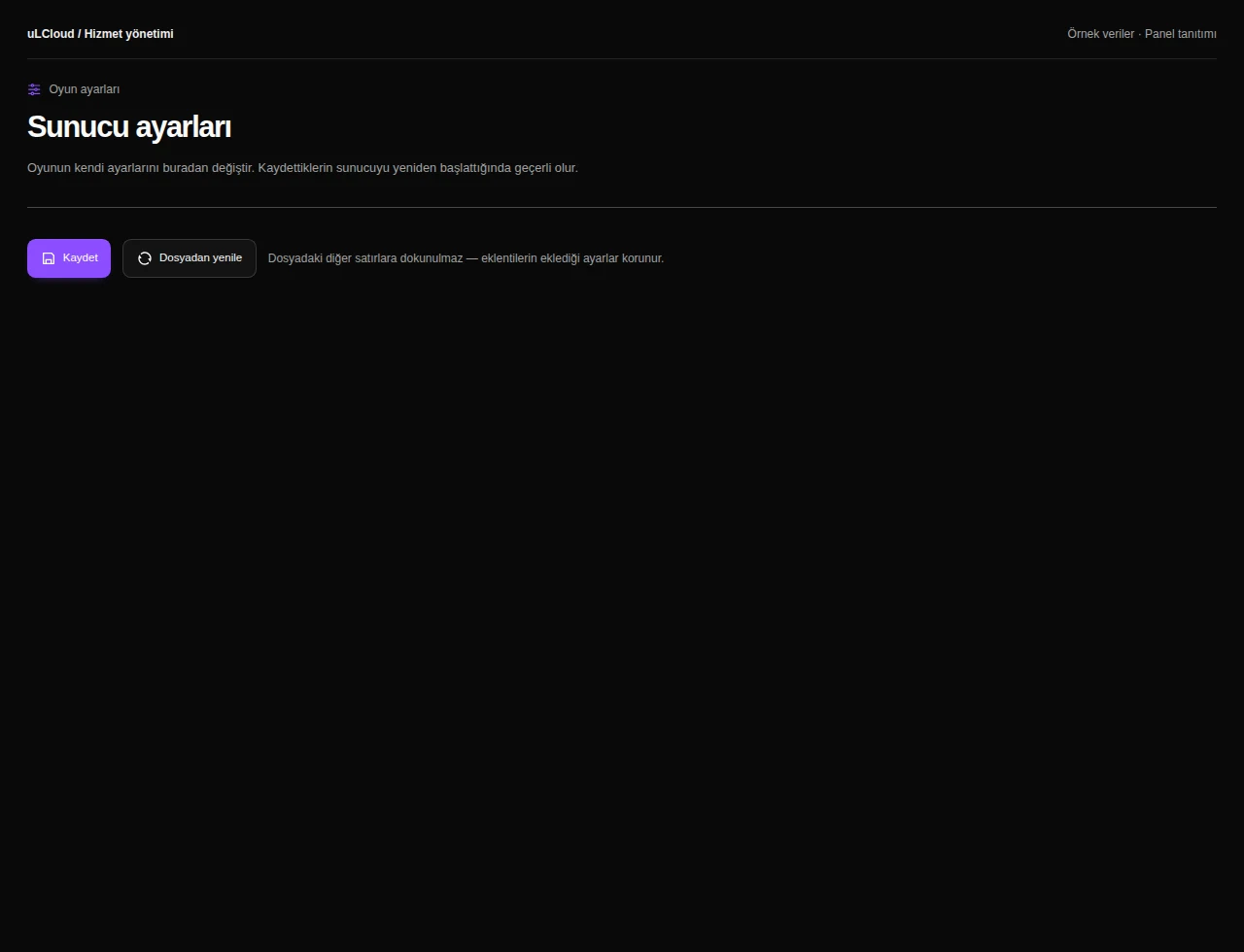
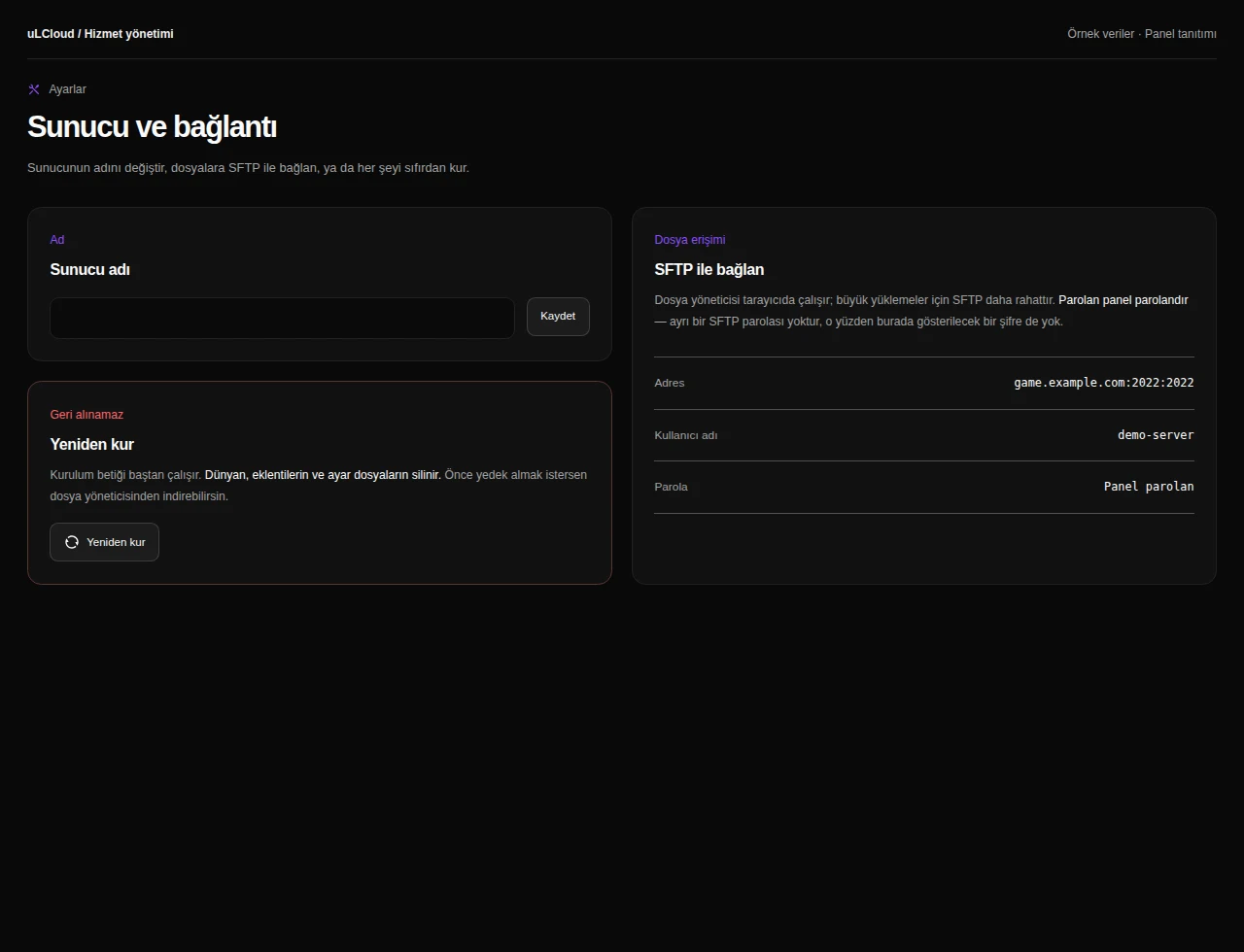
What can you do on this screen?
Console and power
Read live output, send supported commands and access start, stop and restart controls alongside CPU, memory and disk measurements.
Actual panel design · Sample data · Available features depend on your plan.
