32 GB memory, 12 vCore CPU and 200 GB NVMe disk. Console, file manager and all game settings from your panel.
GAME SERVERS
Minecraft server with 32 GB of RAM
32 GB of memory, 12 vCore and 200 GB of NVMe storage — the plan for heavy modpacks and busy public servers.
₺1.650,00
/ Aylık
Card instalments available
- Processor
- 12 vCore
- Memory
- 32 GB memory
- Disk
- 200 GB NVMe
Minecraft
Plan features
Who needs 32 GB
This is the largest Minecraft plan at uLCloud. It is built for servers that carry real load: heavy modpacks, multi-world networks, and public servers with a large number of players online at the same time.
If you run vanilla survival with a few friends, a smaller plan will serve you better and cost less. Once you are loading hundreds of mods, or a large world border keeps generating fresh terrain, memory becomes the thing standing between you and lag spikes.
What the specification means in play
Minecraft simulates the world largely on one thread, so single-core speed matters most for tick rate. The 12 vCore allocation gives the rest of the work — chunk generation, world pre-generation, background plugins — somewhere to run without stealing time from the main loop.
200 GB of NVMe leaves room for large worlds, several modpack installs and your own backups. NVMe rather than spinning disk shows up in chunk loading and in how quickly the world saves.
Managing it from the panel
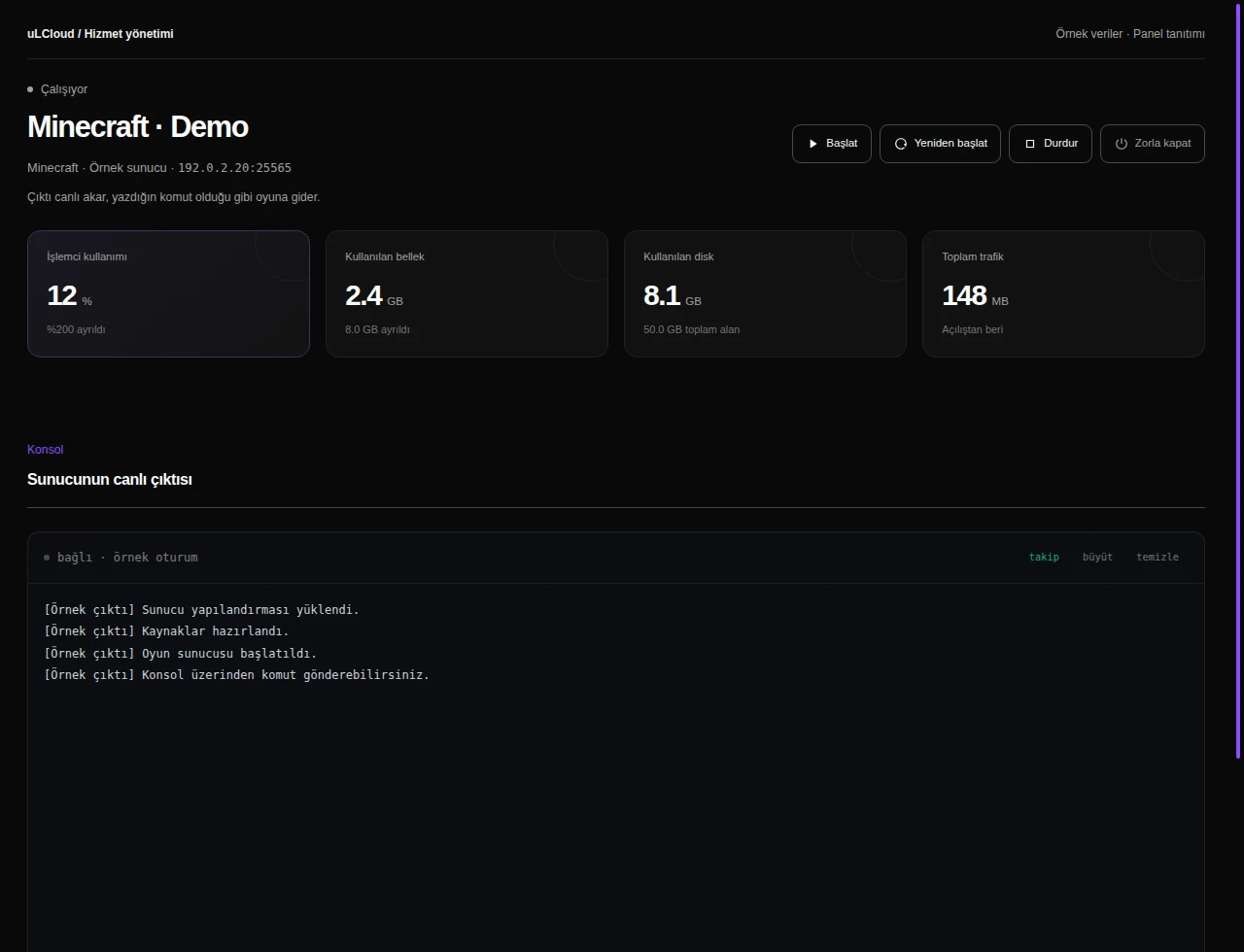
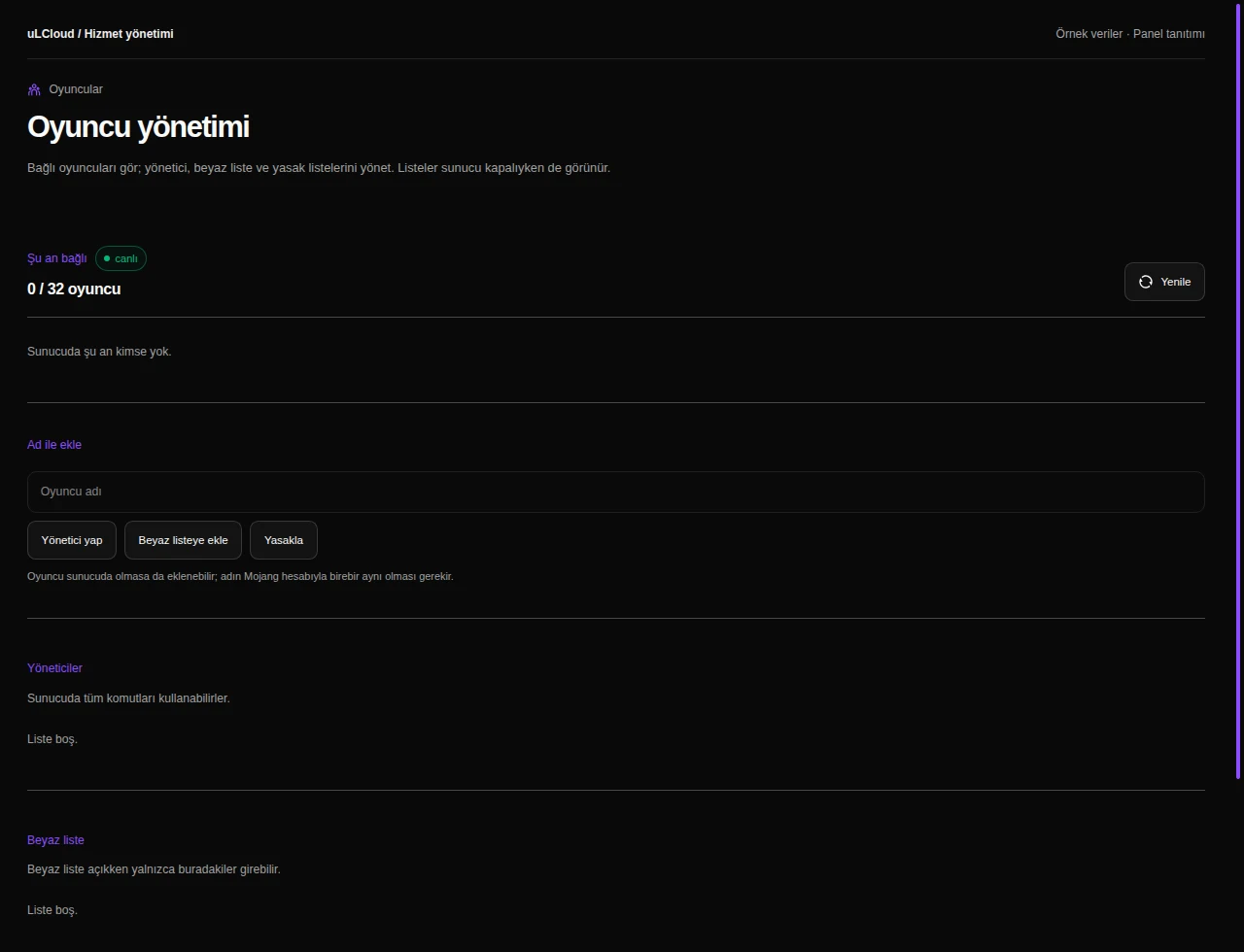
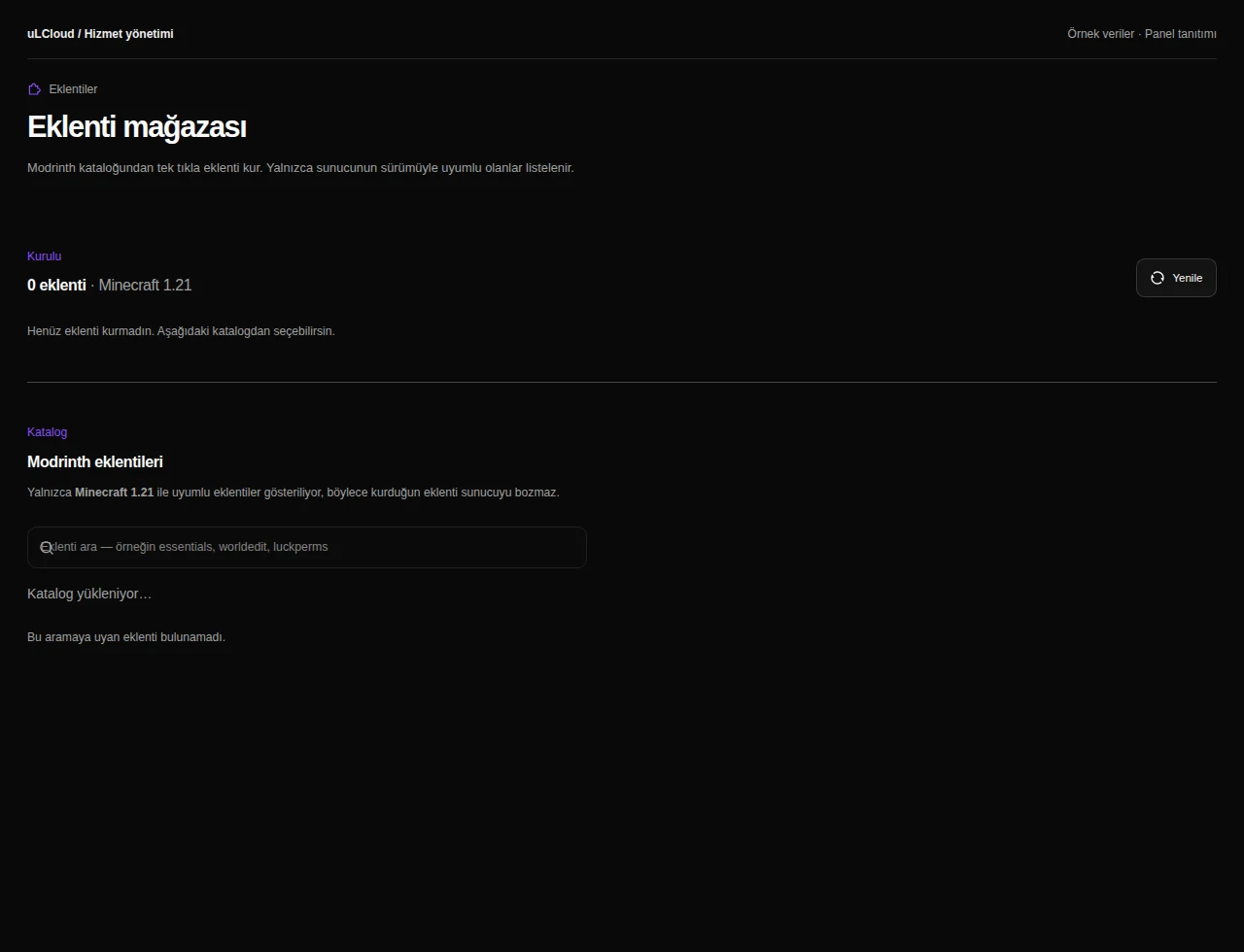
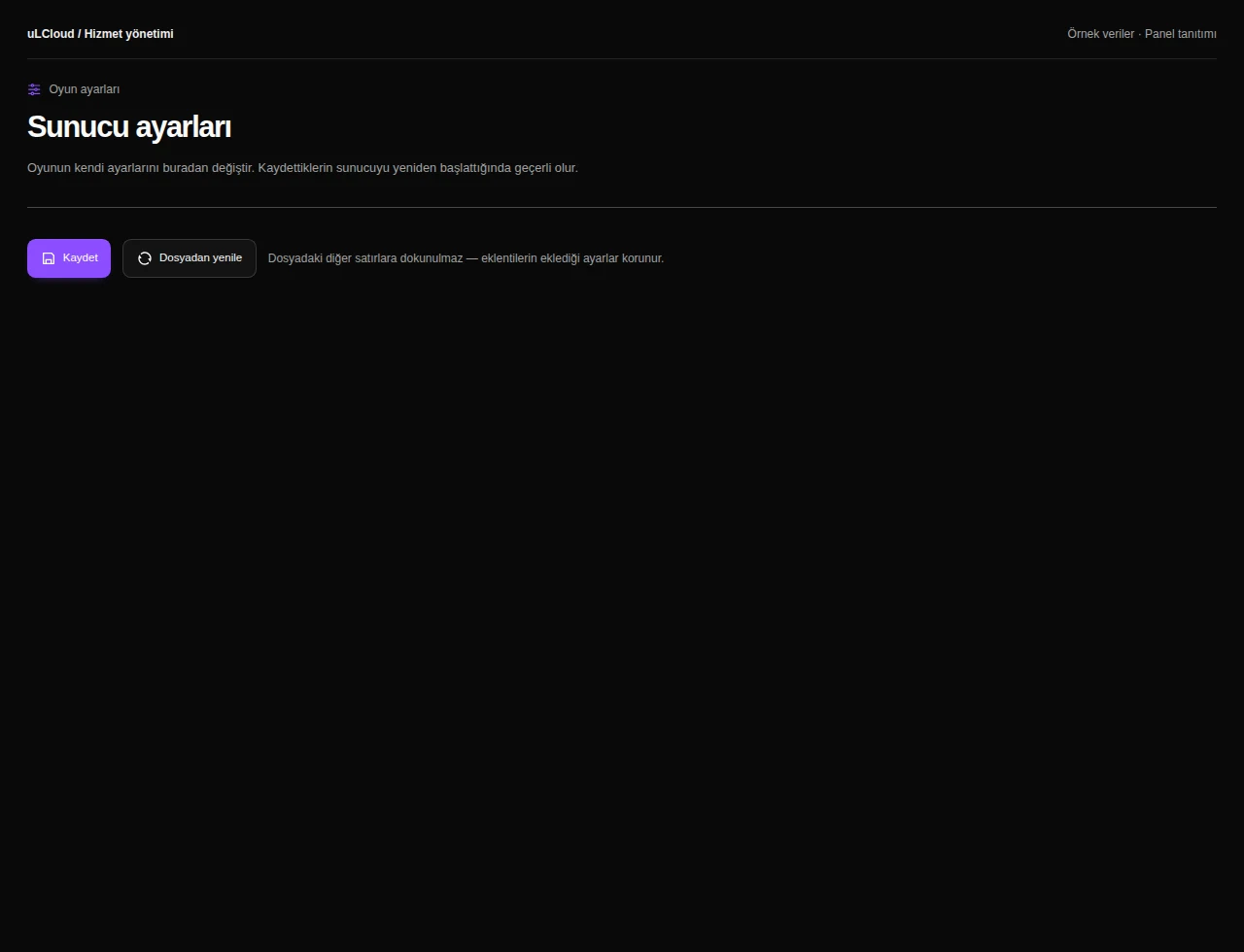
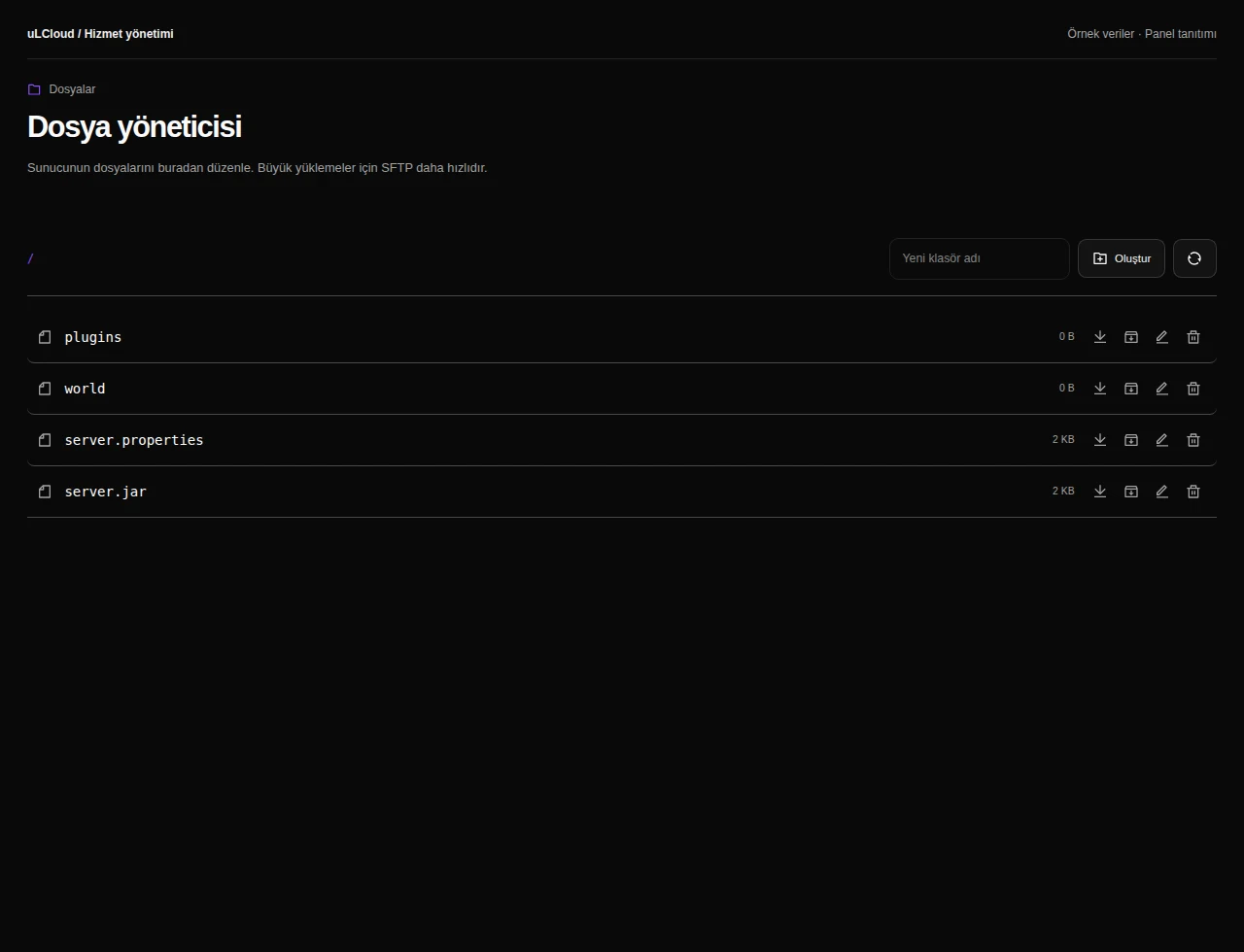
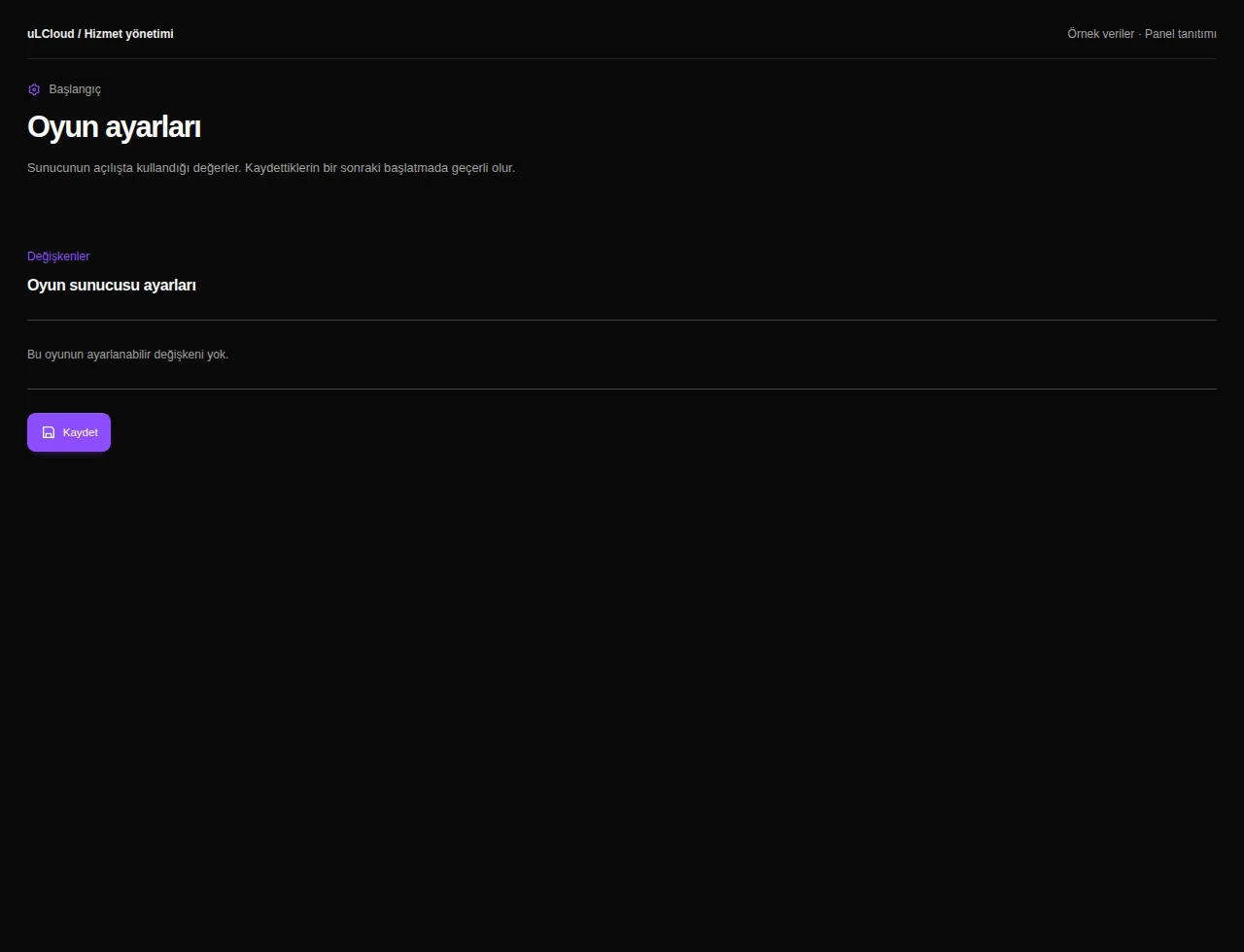
Console, file manager, game settings, player management and plugin installs are all in the panel. You can upload a world, change start-up flags or restart the server without touching a terminal.
Deployment takes under 60 seconds. There is no setup fee, no commitment, and a 7-day unconditional refund if the plan turns out to be the wrong fit.
-
With 32 GB of memory, 12 vCore and 200 GB of NVMe, this plan is sized for large community servers with many concurrent players. The real number depends on your modpack, plugins and view distance — a heavy modded server uses far more per player than vanilla.
-
Yes. The panel gives you a file manager, live console and plugin installer, so you can set up Paper, Forge, Fabric or a full modpack and upload an existing world.
-
Yes, you can move between Minecraft plans as your server grows or quietens down. There is no commitment, and no setup fee when you switch.
-
The server is provisioned automatically in under 60 seconds after payment, then you start it from the panel. If it does not suit you, there is a 7-day unconditional refund.
Minecraft
Other plans in Minecraft
Minecraft 2 GB
₺149,00
/ Aylık
- Processor
- 1 vCore
- Memory
- 2 GB memory
- Disk
- 15 GB NVMe
- Backup plan
- Choose at checkout
Minecraft Ücretsiz
Free
/ Ücretsiz
- Memory
- 1 GB bellek
- Backup plan
- Choose at checkout
Minecraft 4 GB
₺269,00
/ Aylık
- Processor
- 2 vCore
- Memory
- 4 GB memory
- Disk
- 25 GB NVMe
- Backup plan
- Choose at checkout
EXPLORE YOUR PANEL BEFORE BUYING
Minecraft, in your own panel.
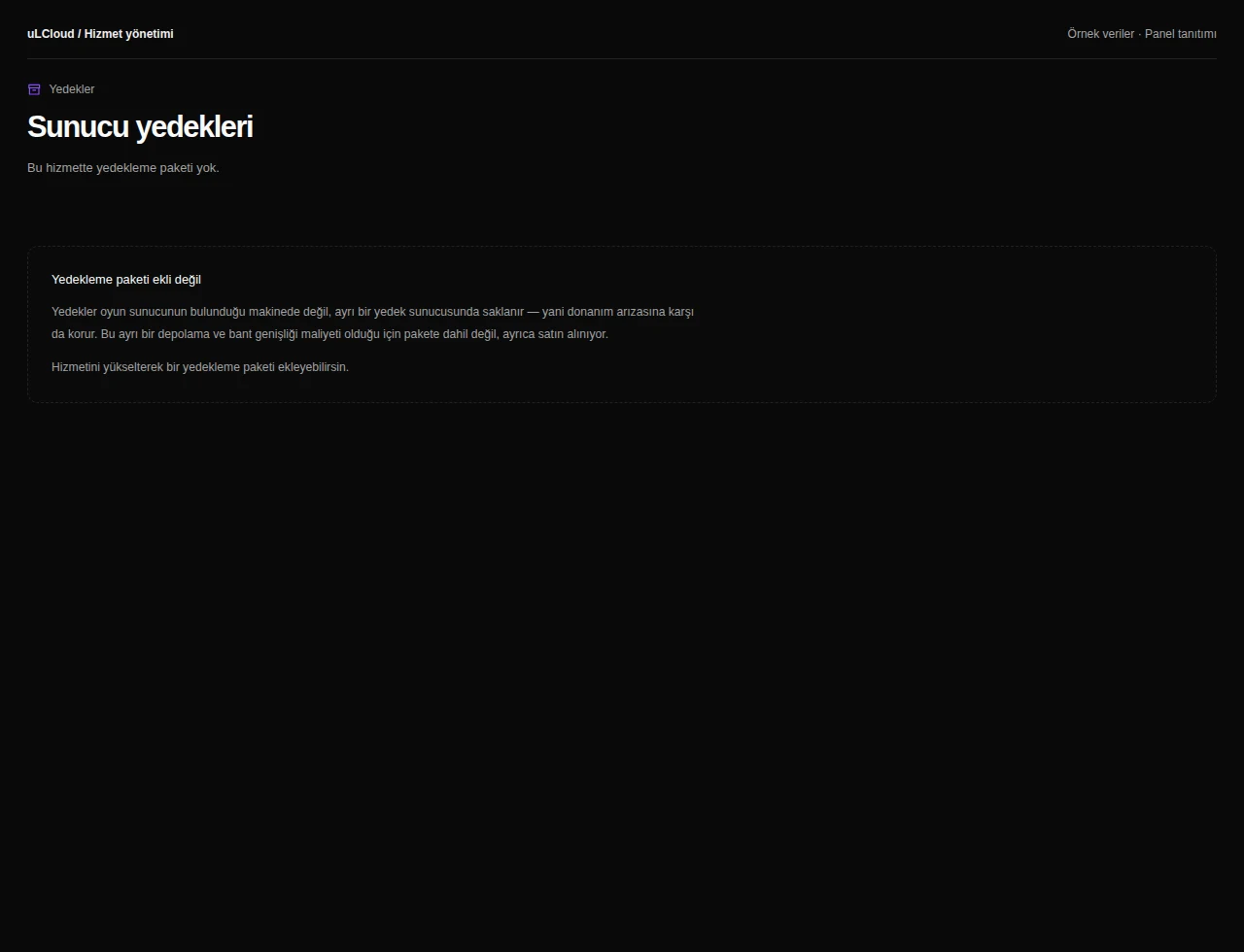
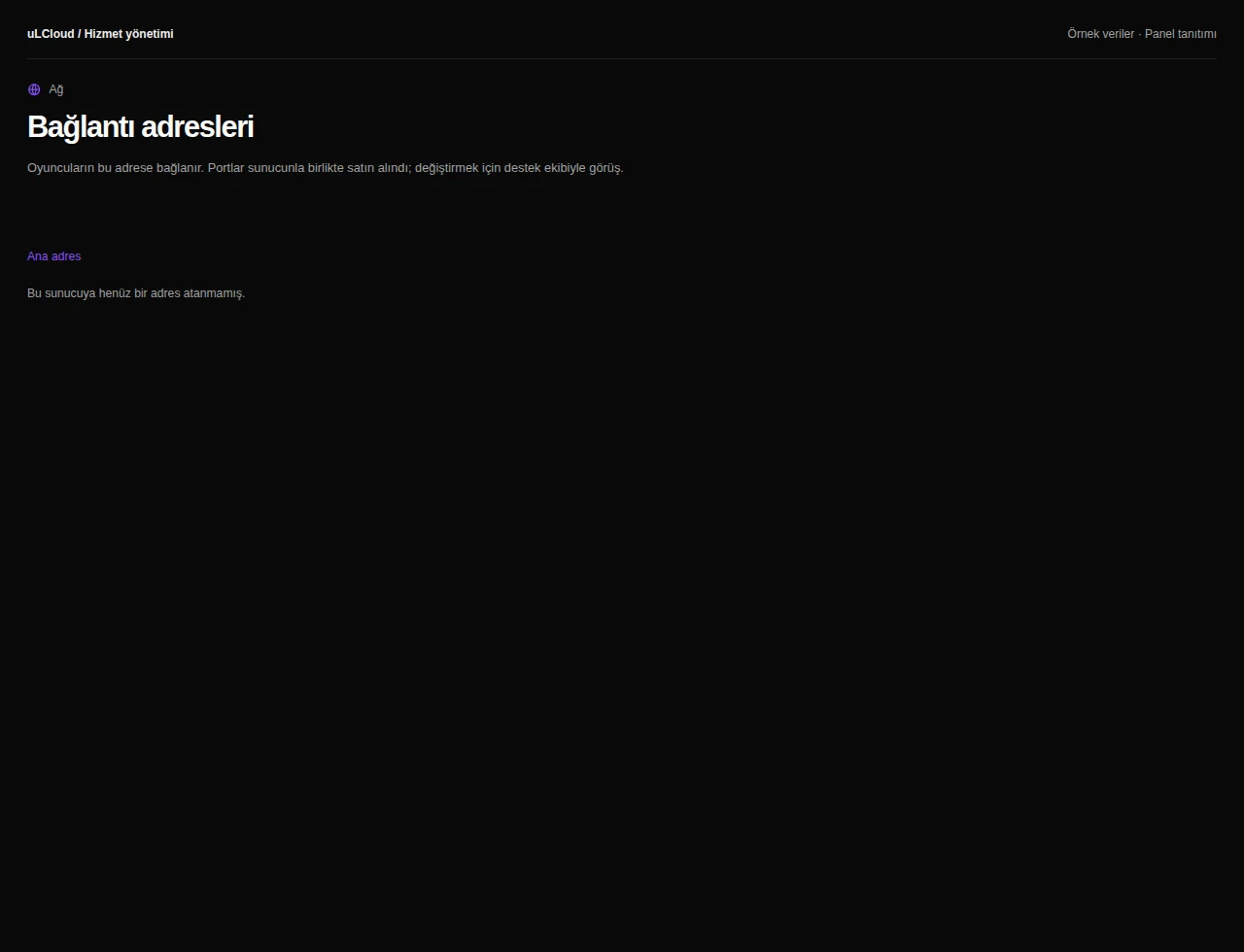
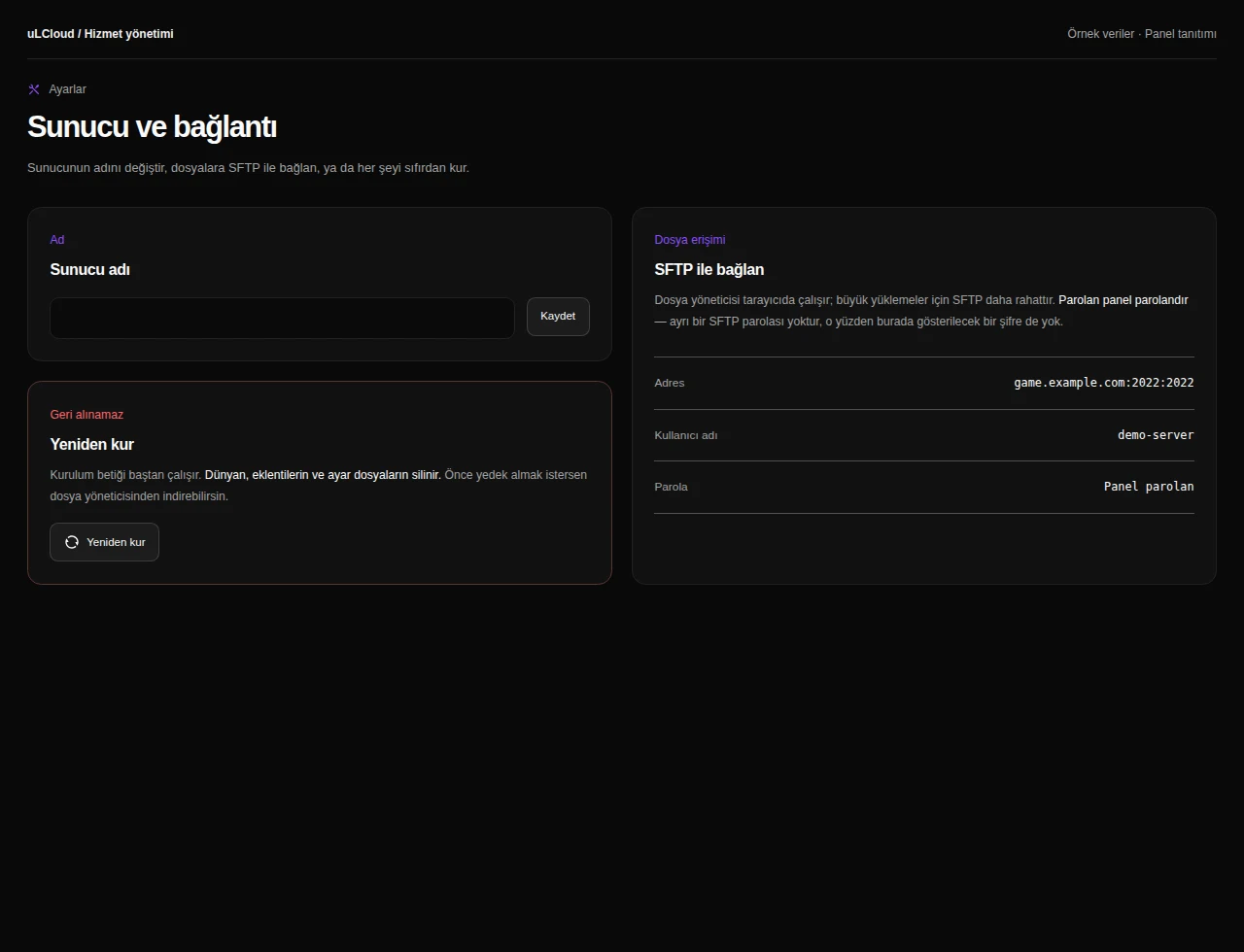
Take a closer look at the management screens you will use. These images were rendered from our existing customer panel templates.
All panel screens 9
What can you do on this screen?
Console and power
Read live output, send supported commands and access start, stop and restart controls alongside CPU, memory and disk measurements.
Actual panel design · Sample data · Available features depend on your plan.
