8 GB memory, 4 vCore CPU and 50 GB NVMe disk. Console, file manager and all game settings from your panel.
GAME SERVERS
Minecraft server with 8 GB of RAM
8 GB of memory, 4 vCores and 50 GB of NVMe storage — enough headroom for a modpack or a busy plugin server with 20 to 40 players online.
₺489,00
/ Aylık
Card instalments available
- Processor
- 4 vCore
- Memory
- 8 GB memory
- Disk
- 50 GB NVMe
- Backup plan
- Choose at checkout
Minecraft
Plan features
Yedekleme paketi
Yedekleme yok
Günlük Yedek — 7 kopya
You can customise these options during checkout.
Who 8 GB is the right size for
8 GB is the point where a Minecraft server stops being a small vanilla world. It comfortably runs mid-sized modpacks, a Paper server with a long plugin list, or a survival map where 20 to 40 players are exploring and generating new chunks at once.
The four vCores matter as much as the memory. Minecraft leans heavily on a single tick thread, so world generation, redstone and mob AI show up as lag long before RAM runs out. The 50 GB NVMe disk holds several worlds plus backups, even after months of growth.
What you control from the panel
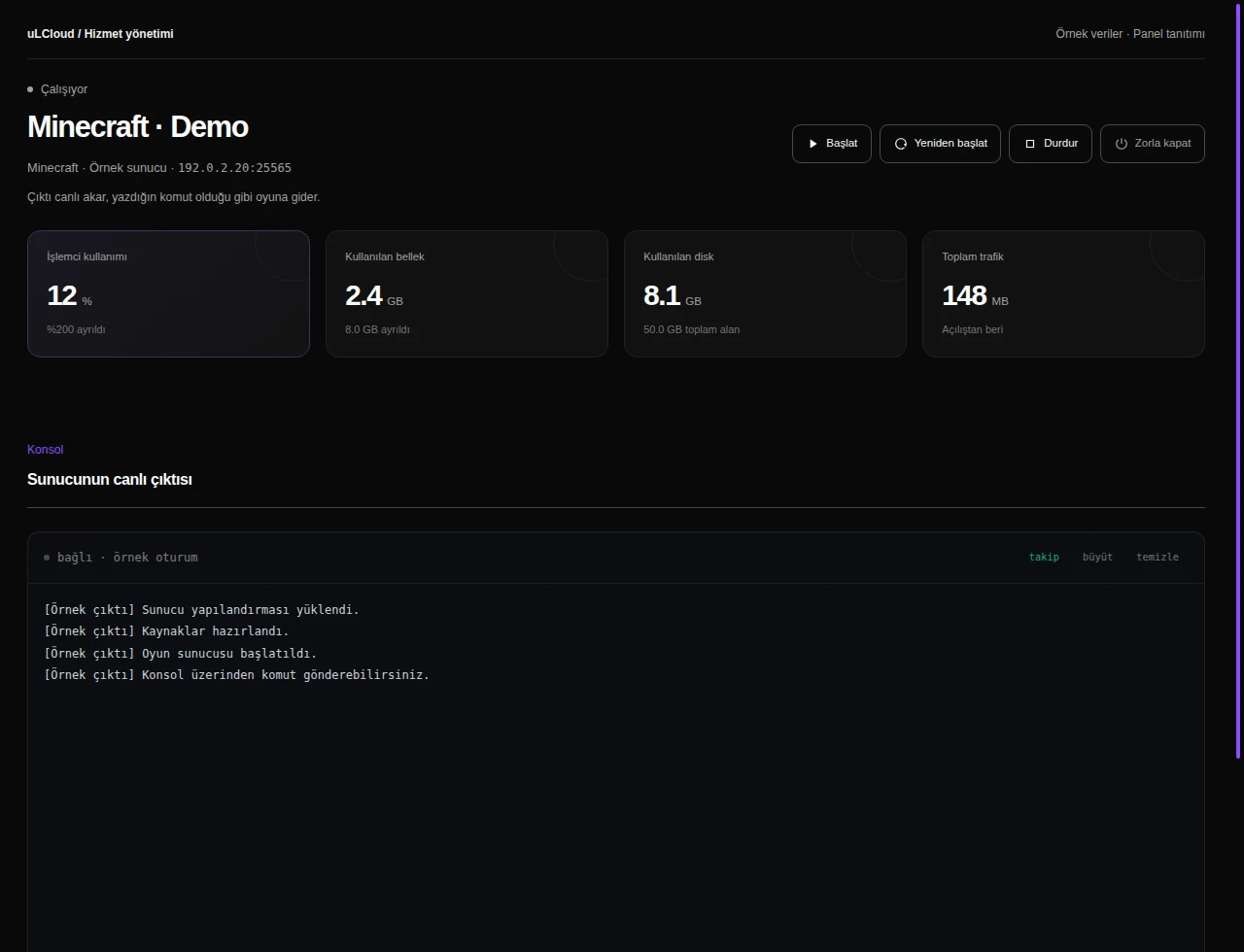
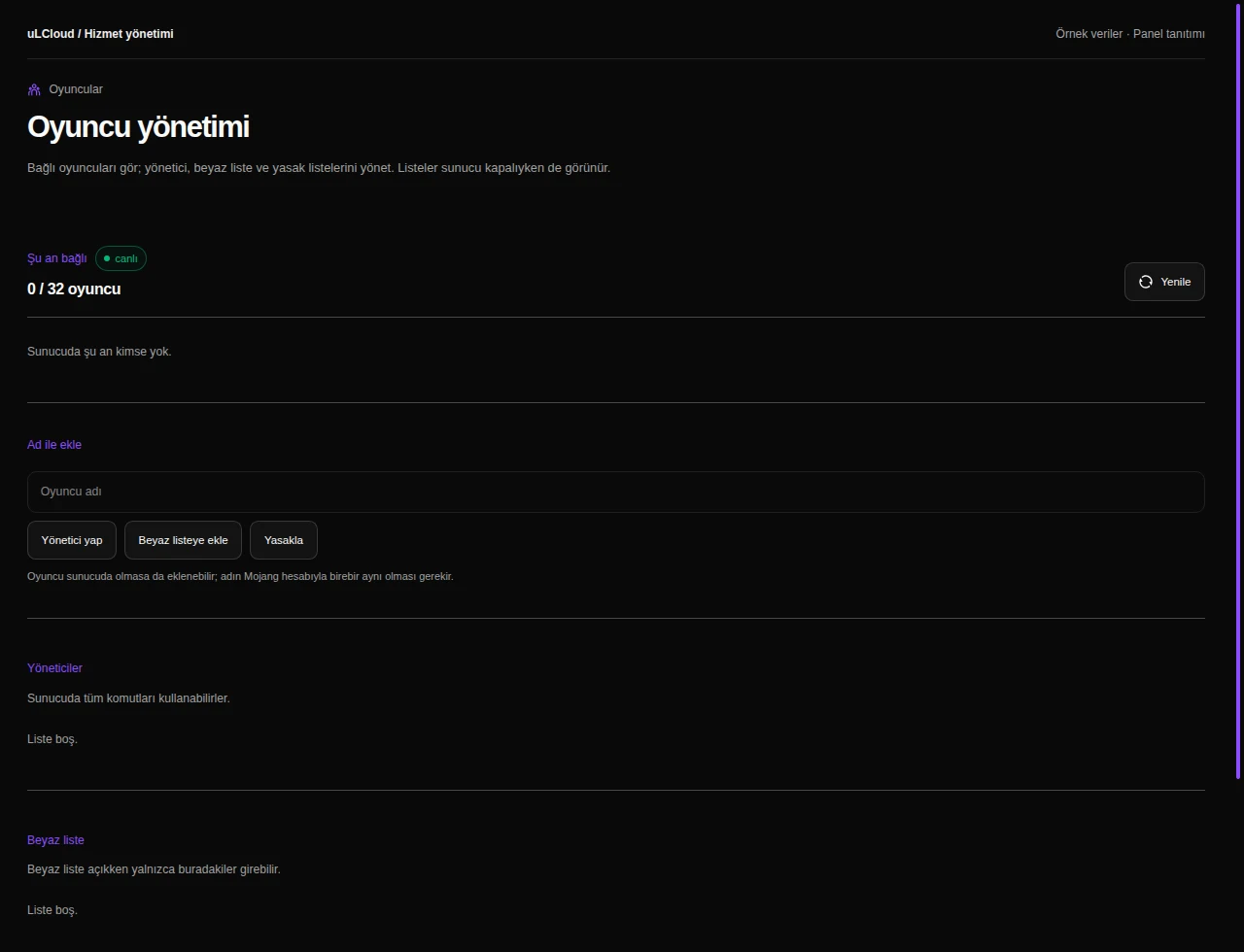
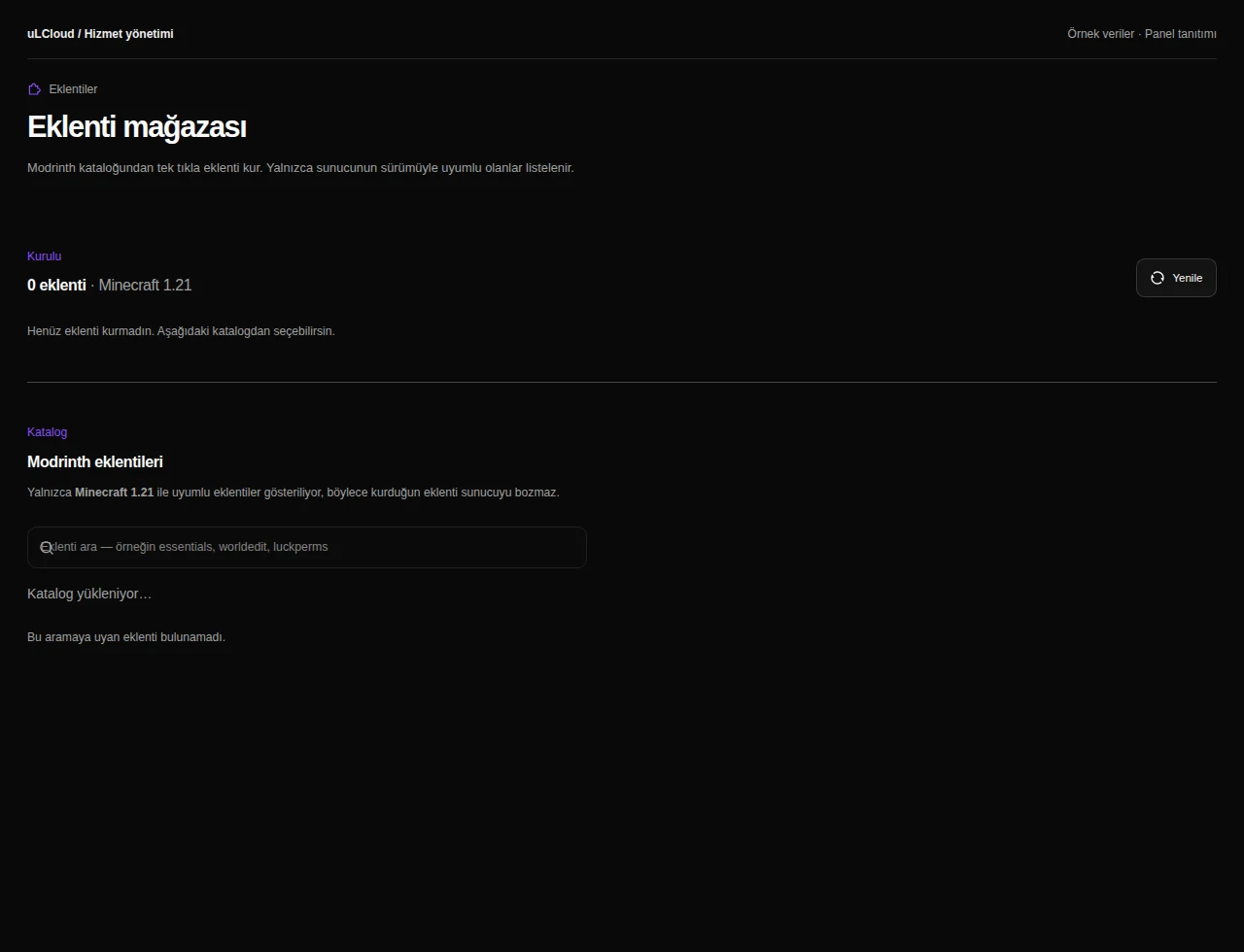
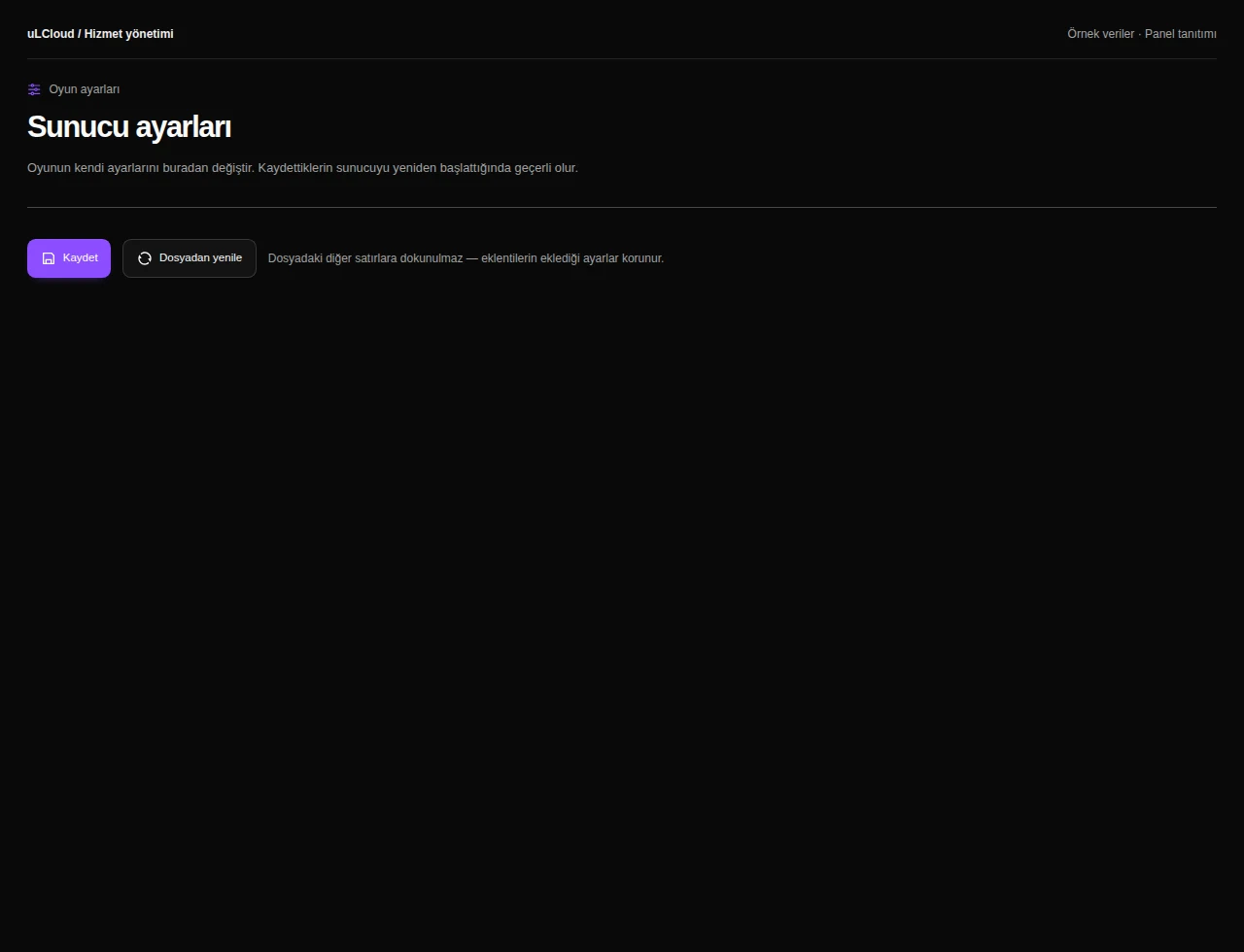
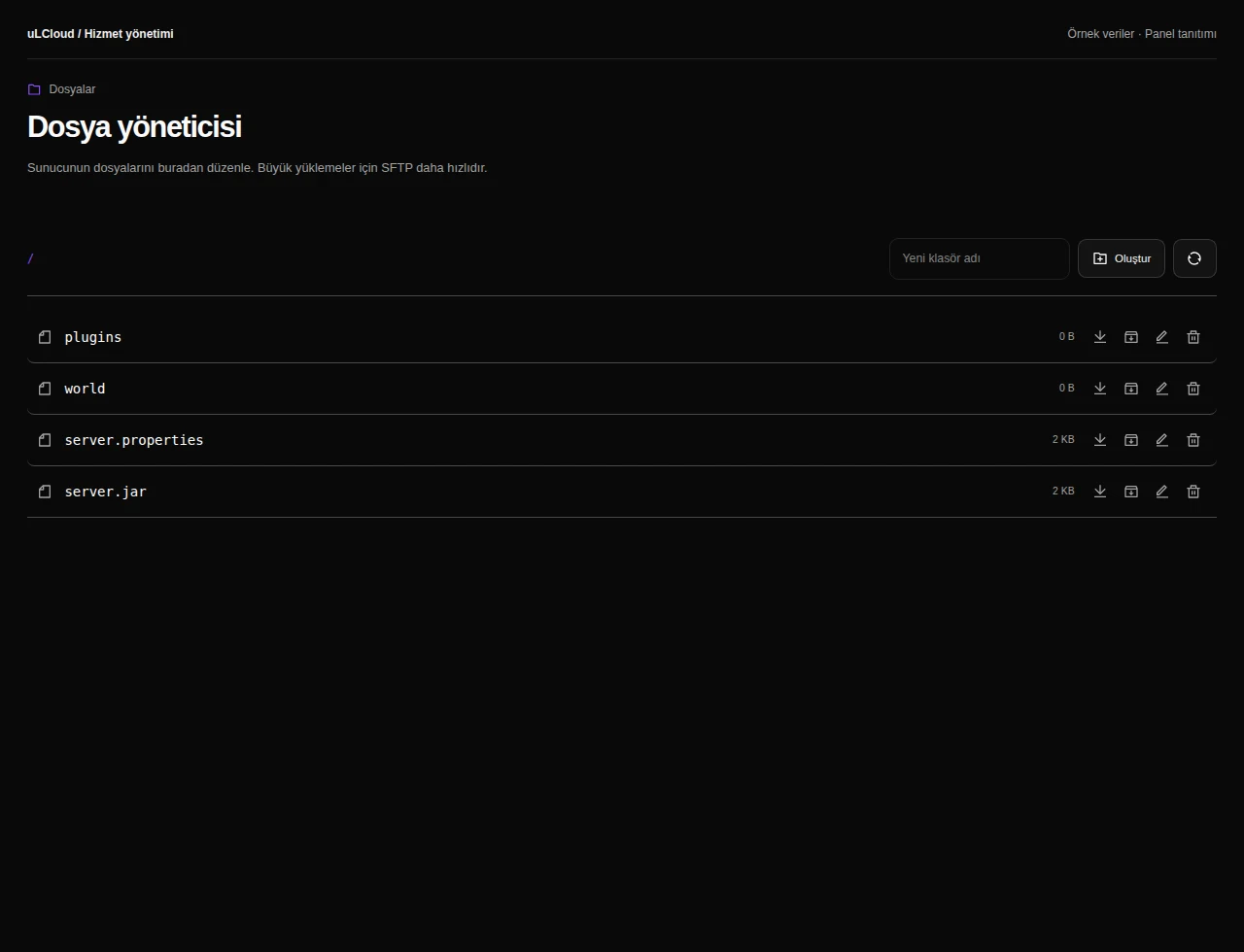
You get the live console, a file manager, startup flags, game rules, whitelist and player management. Plugins and mods install straight from the built-in store, or you upload your own JAR files.
Switching server software is your call too — Paper, Fabric, Forge or a prepacked modpack — without opening a ticket. If the server outgrows 8 GB, you move up to a larger Minecraft plan and keep your world.
Deployment and billing
The server is provisioned automatically and is usually reachable in under 60 seconds after checkout. There is no setup fee and no minimum term, and the first 7 days are covered by an unconditional refund.
You pick the billing period at checkout and can cancel at the end of any period.
-
On vanilla or Paper, 20 to 40 concurrent players is a realistic range. With a heavy modpack the number drops, because mods consume more memory and CPU time per player.
-
Yes — 8 GB is the usual starting point for most modpacks and for Paper servers with many plugins. You can install mods and plugins from the panel or upload your own files.
-
Yes. You can move to the 12, 16, 24 or 32 GB Minecraft plans, and your world and configuration carry over.
-
Provisioning is automatic and normally completes in under 60 seconds. Panel access and connection details are available immediately.
Minecraft
Other plans in Minecraft
Minecraft 2 GB
₺149,00
/ Aylık
- Processor
- 1 vCore
- Memory
- 2 GB memory
- Disk
- 15 GB NVMe
- Backup plan
- Choose at checkout
Minecraft Ücretsiz
Free
/ Ücretsiz
- Memory
- 1 GB bellek
- Backup plan
- Choose at checkout
Minecraft 4 GB
₺269,00
/ Aylık
- Processor
- 2 vCore
- Memory
- 4 GB memory
- Disk
- 25 GB NVMe
- Backup plan
- Choose at checkout
EXPLORE YOUR PANEL BEFORE BUYING
Minecraft, in your own panel.
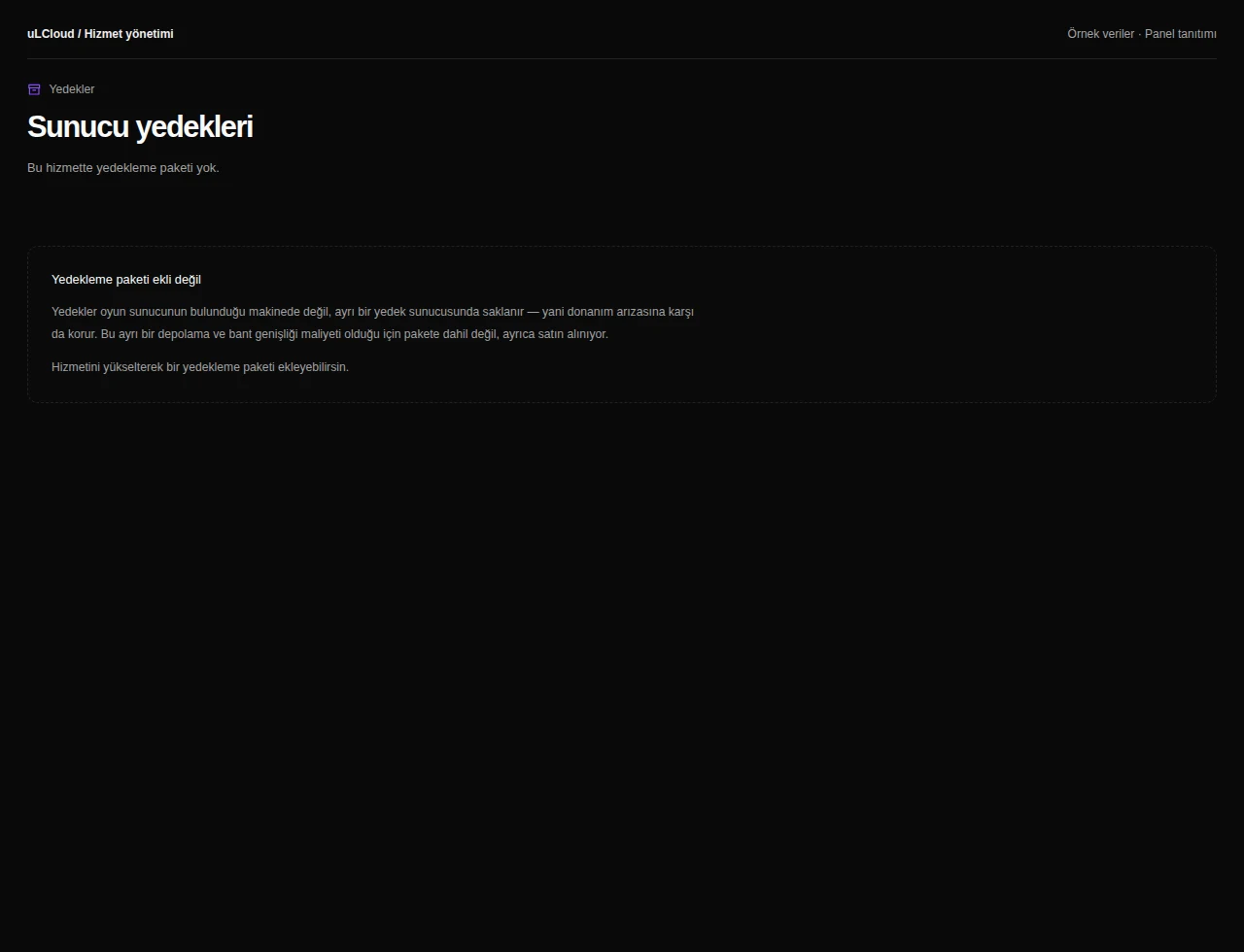
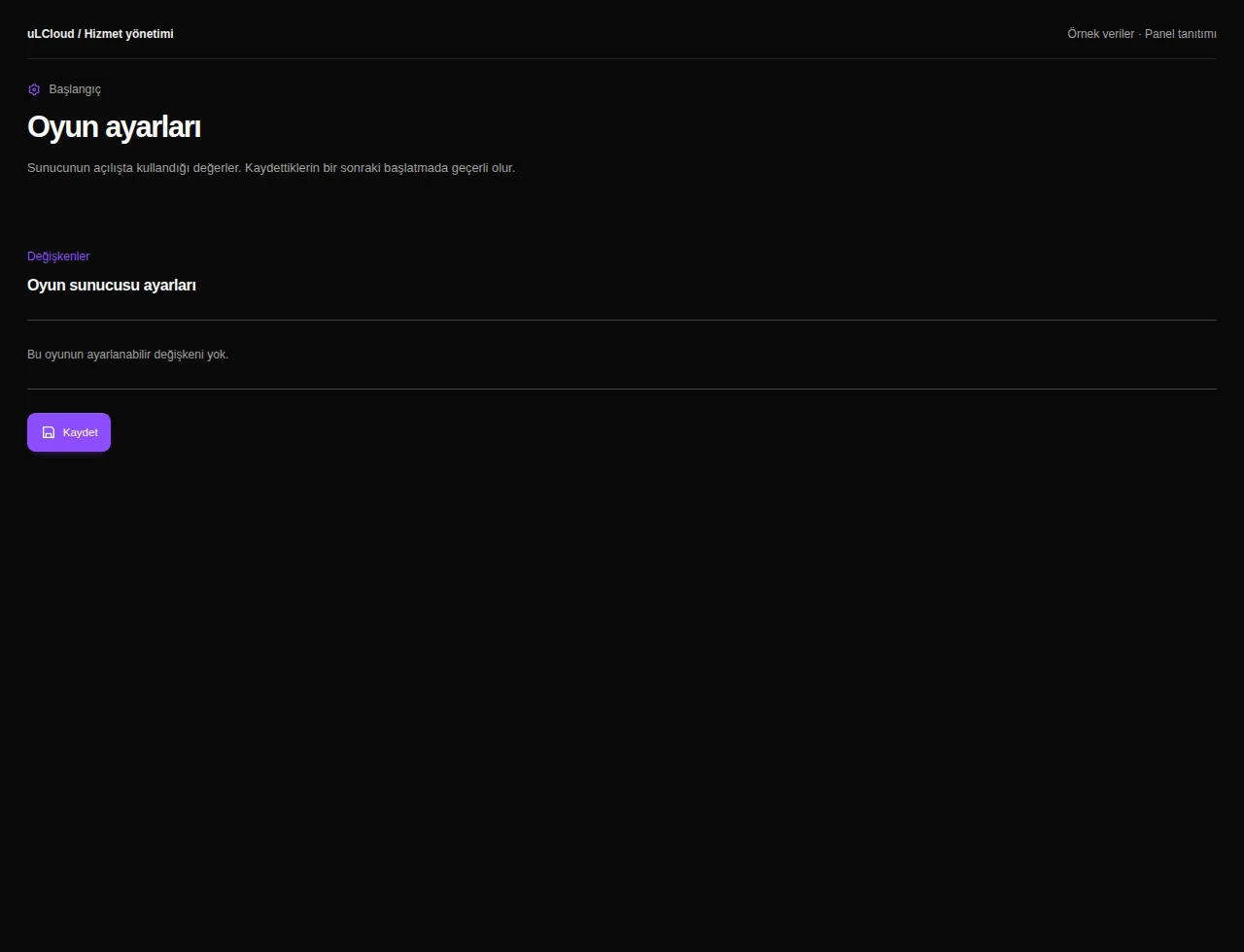
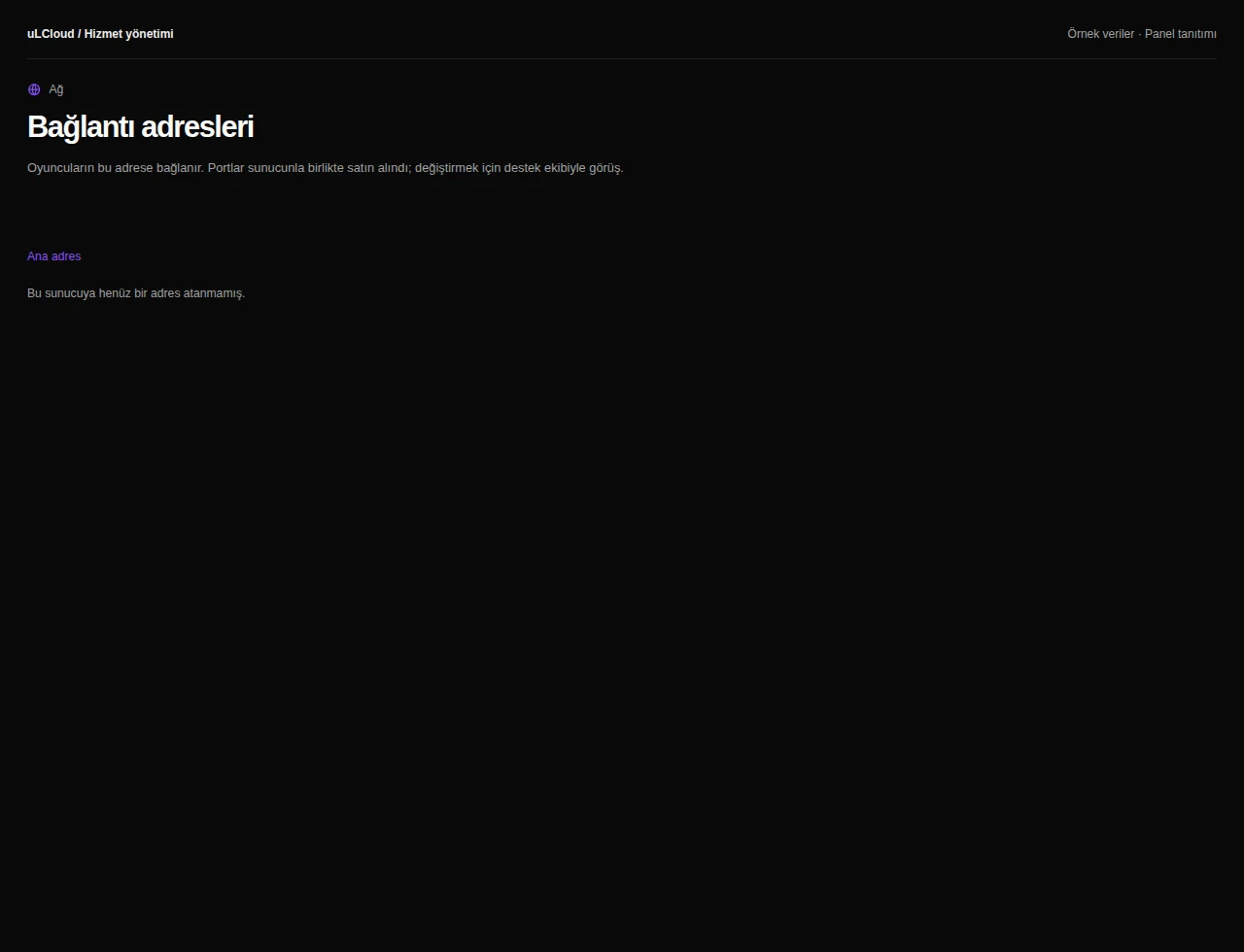
Take a closer look at the management screens you will use. These images were rendered from our existing customer panel templates.
All panel screens 9
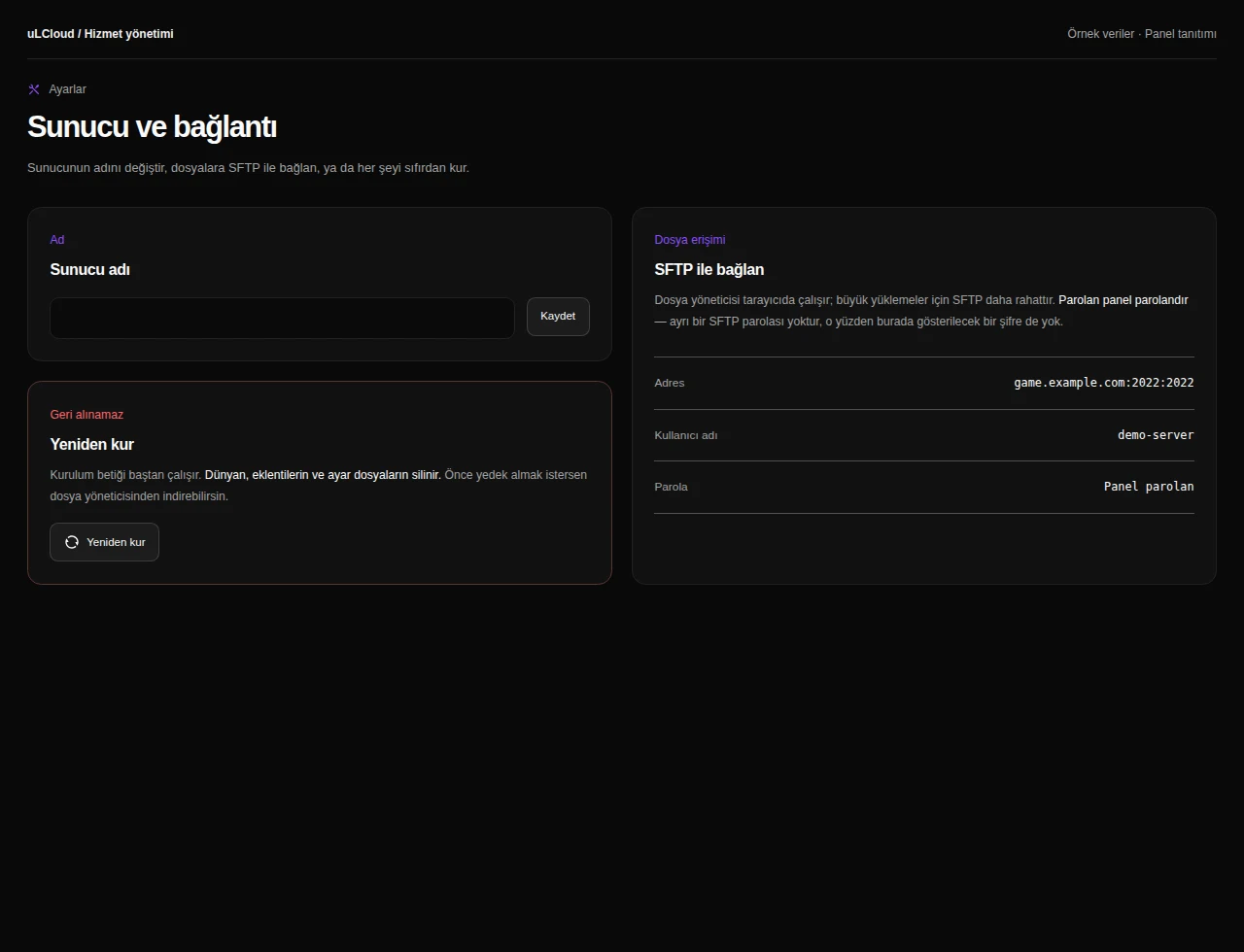
What can you do on this screen?
Console and power
Read live output, send supported commands and access start, stop and restart controls alongside CPU, memory and disk measurements.
Actual panel design · Sample data · Available features depend on your plan.
